Professional portrait prompts
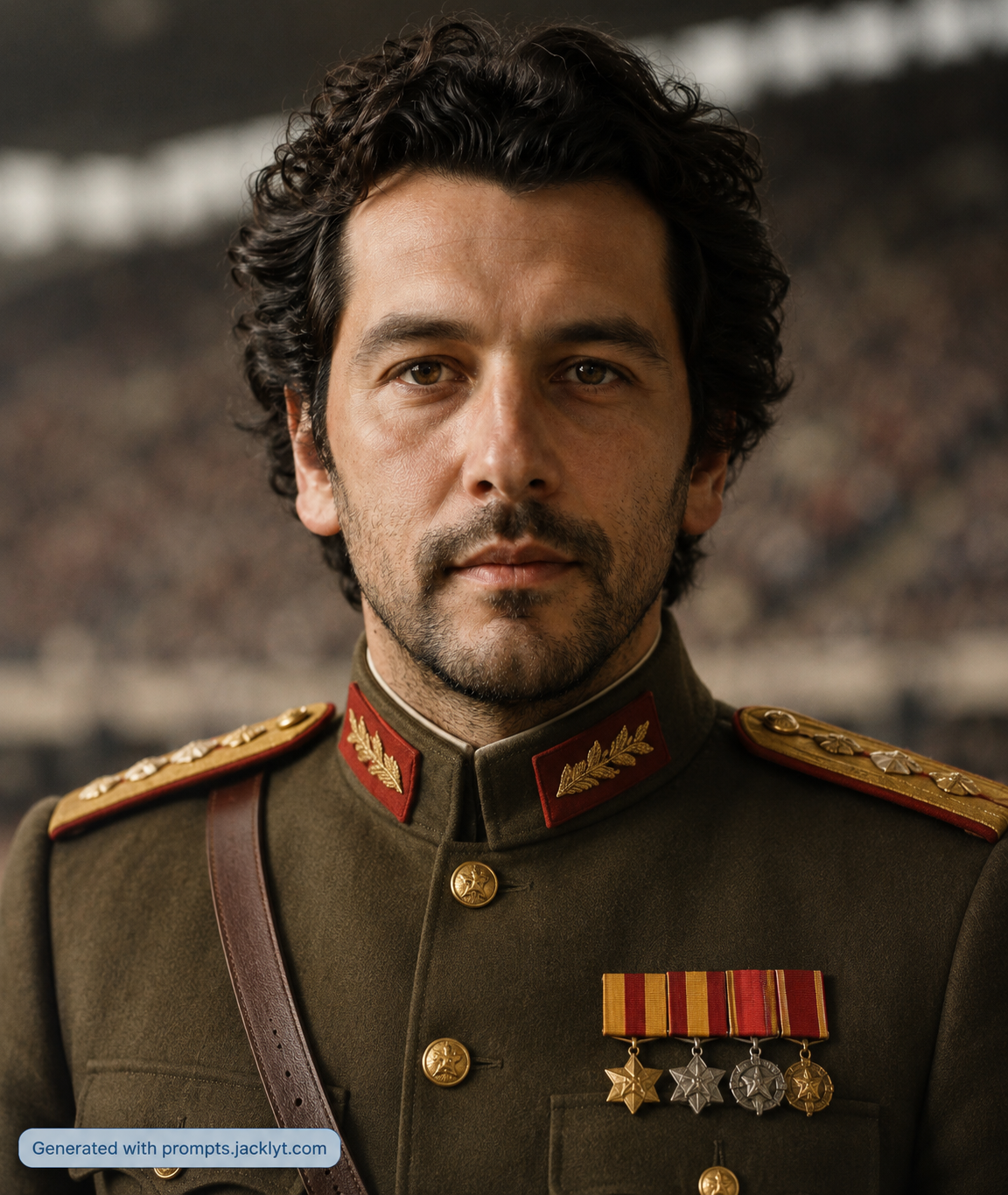
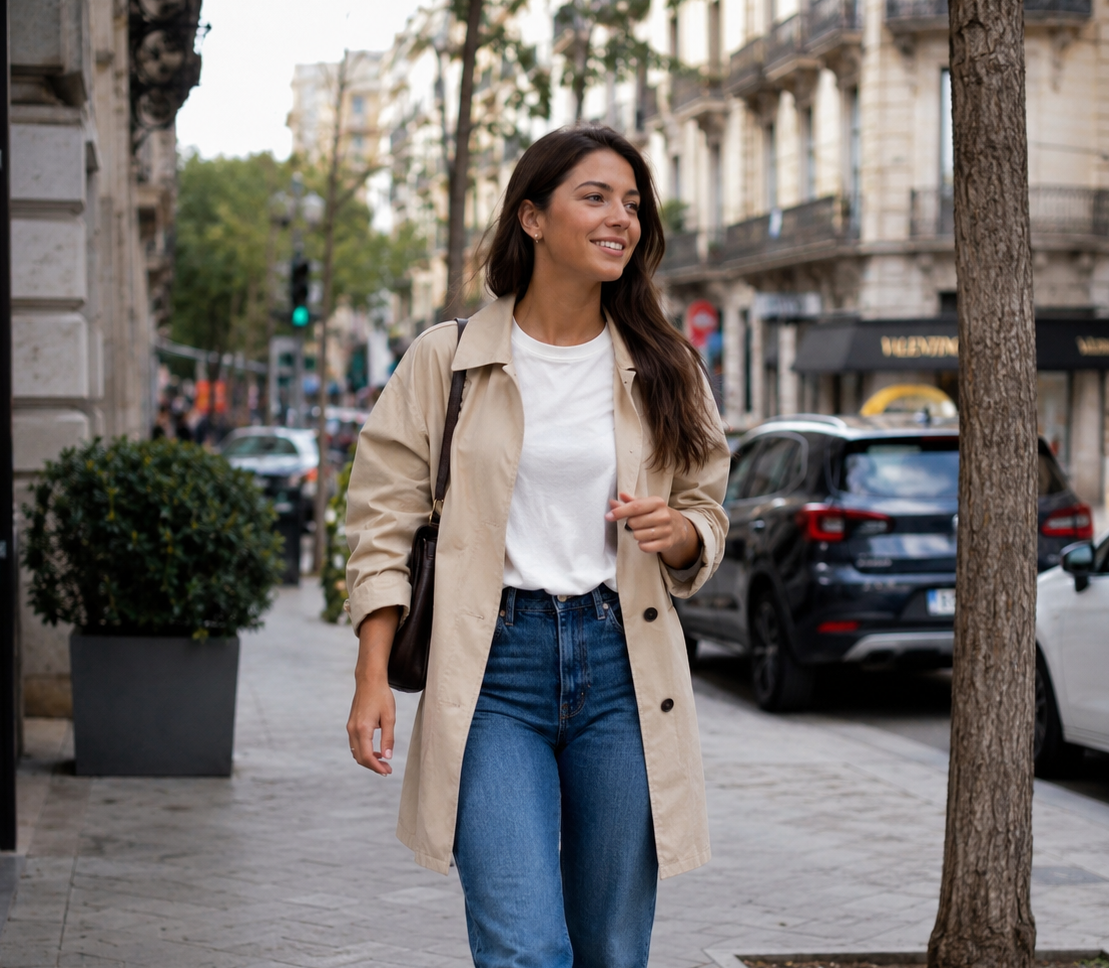
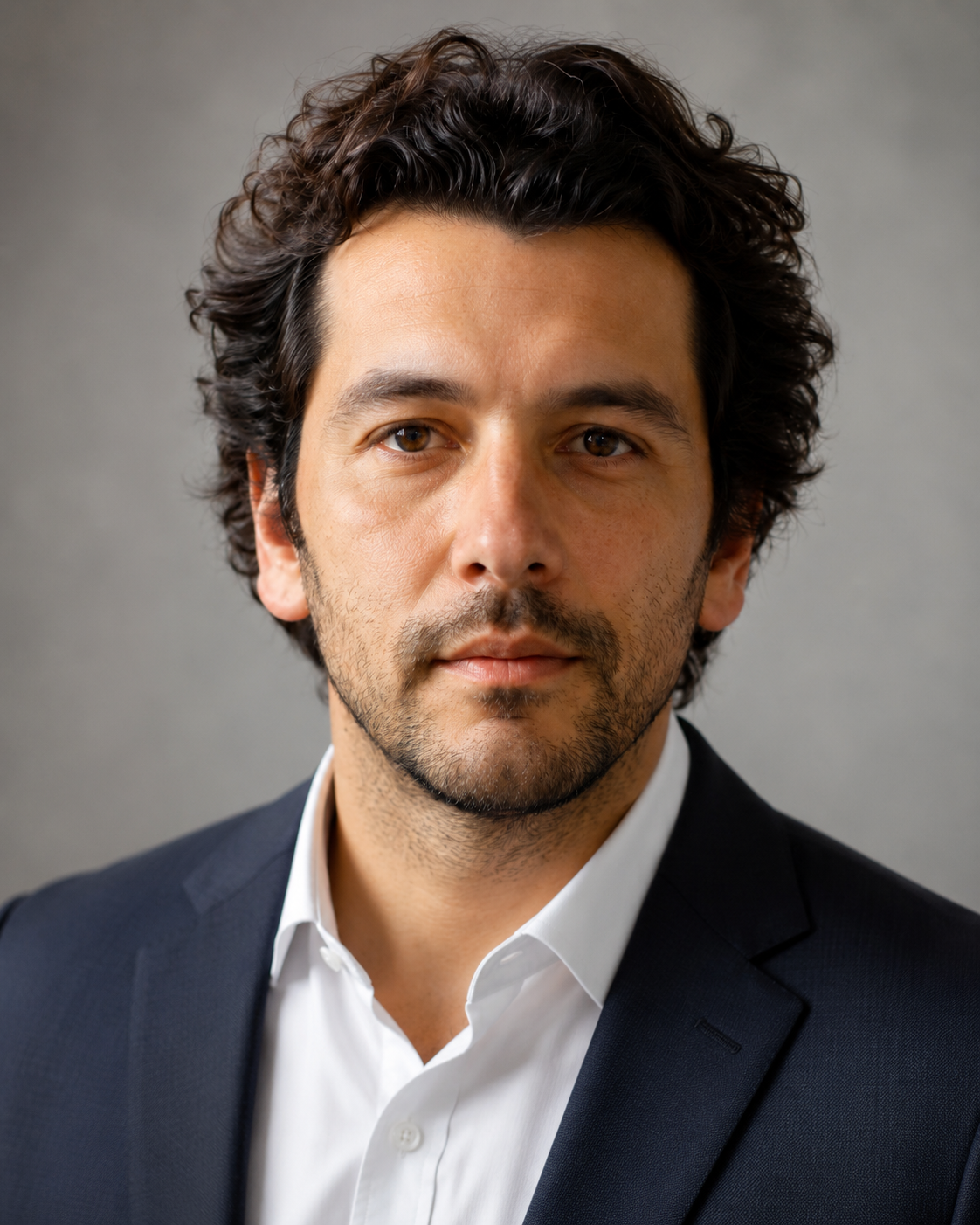
Best for polished headshots, profile images and business-friendly visuals where clean lighting and facial accuracy matter.
Create professional portraits, creative avatars, cinematic characters and stylized image transformations while keeping the person recognizable when using a reference photo.
Prompt library
Each template gives you a structured prompt with customization options, image requirements and clear creative direction, so you can move from idea to generation faster.

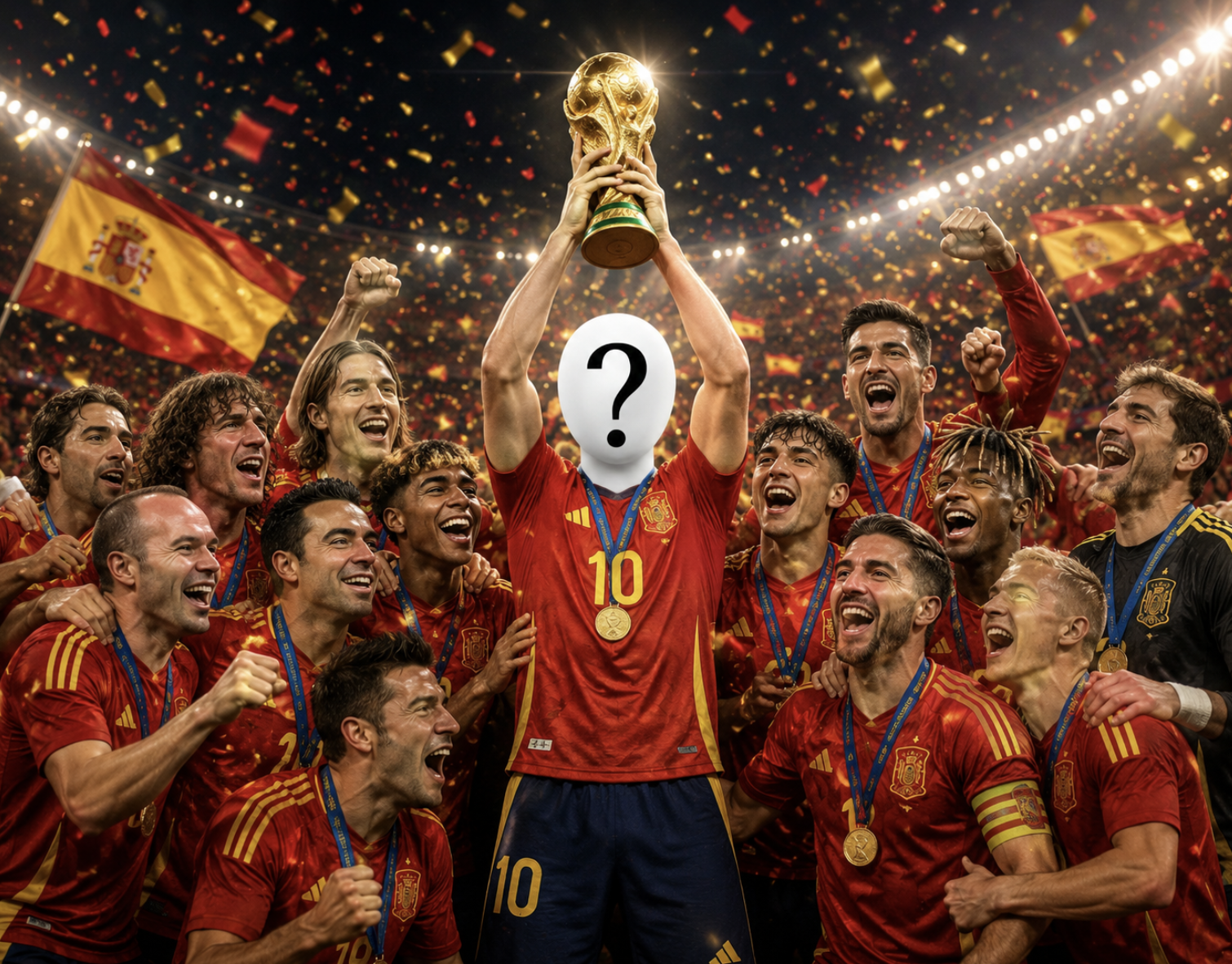
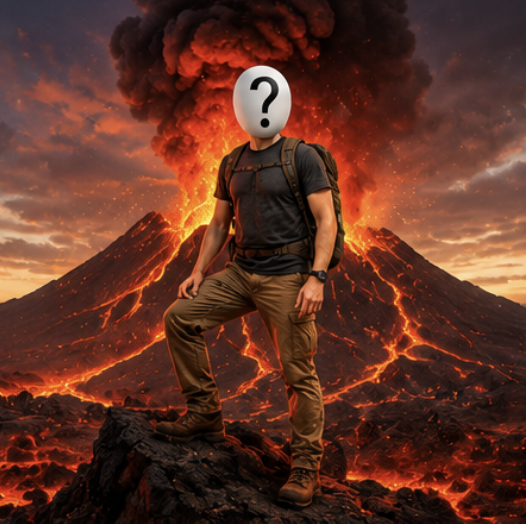
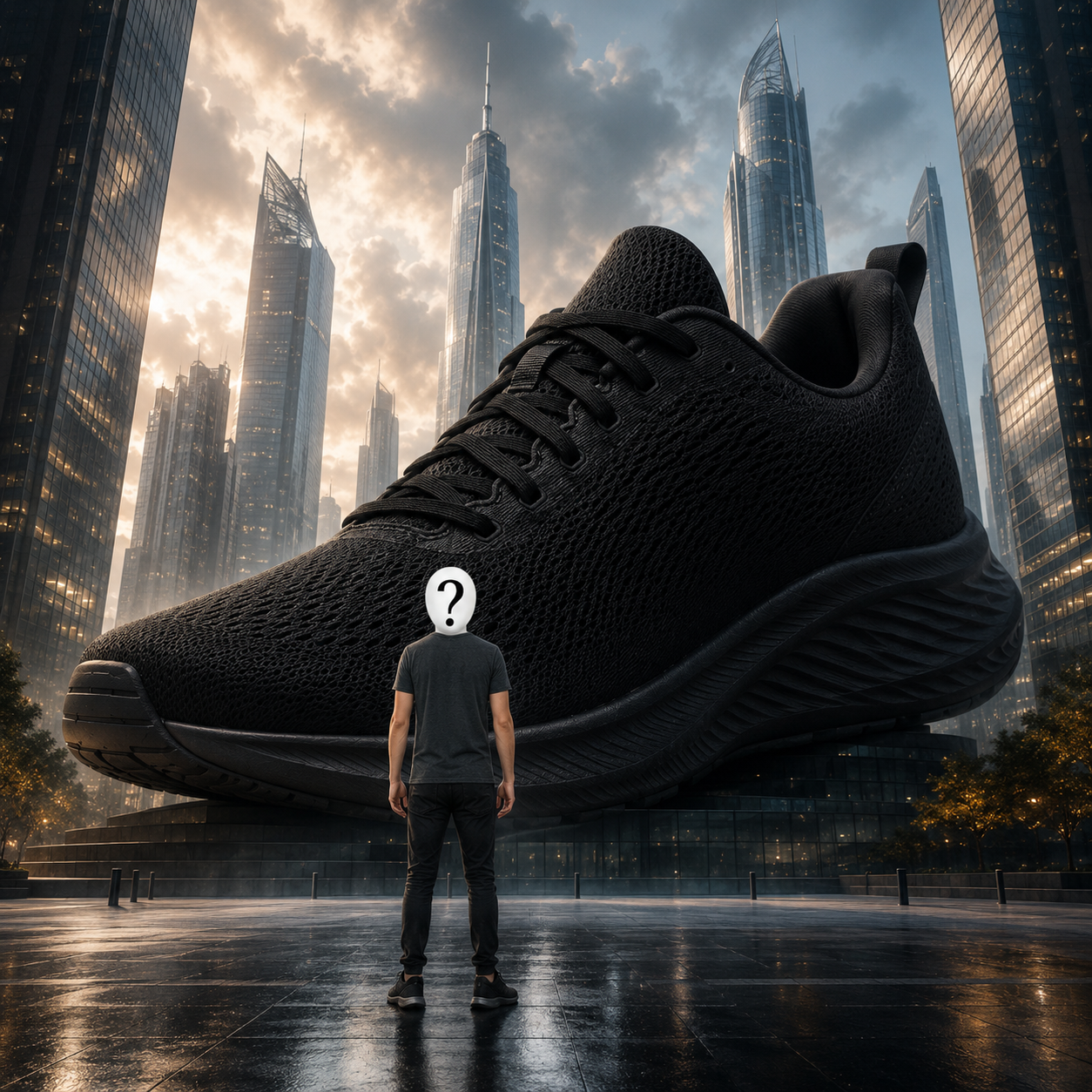
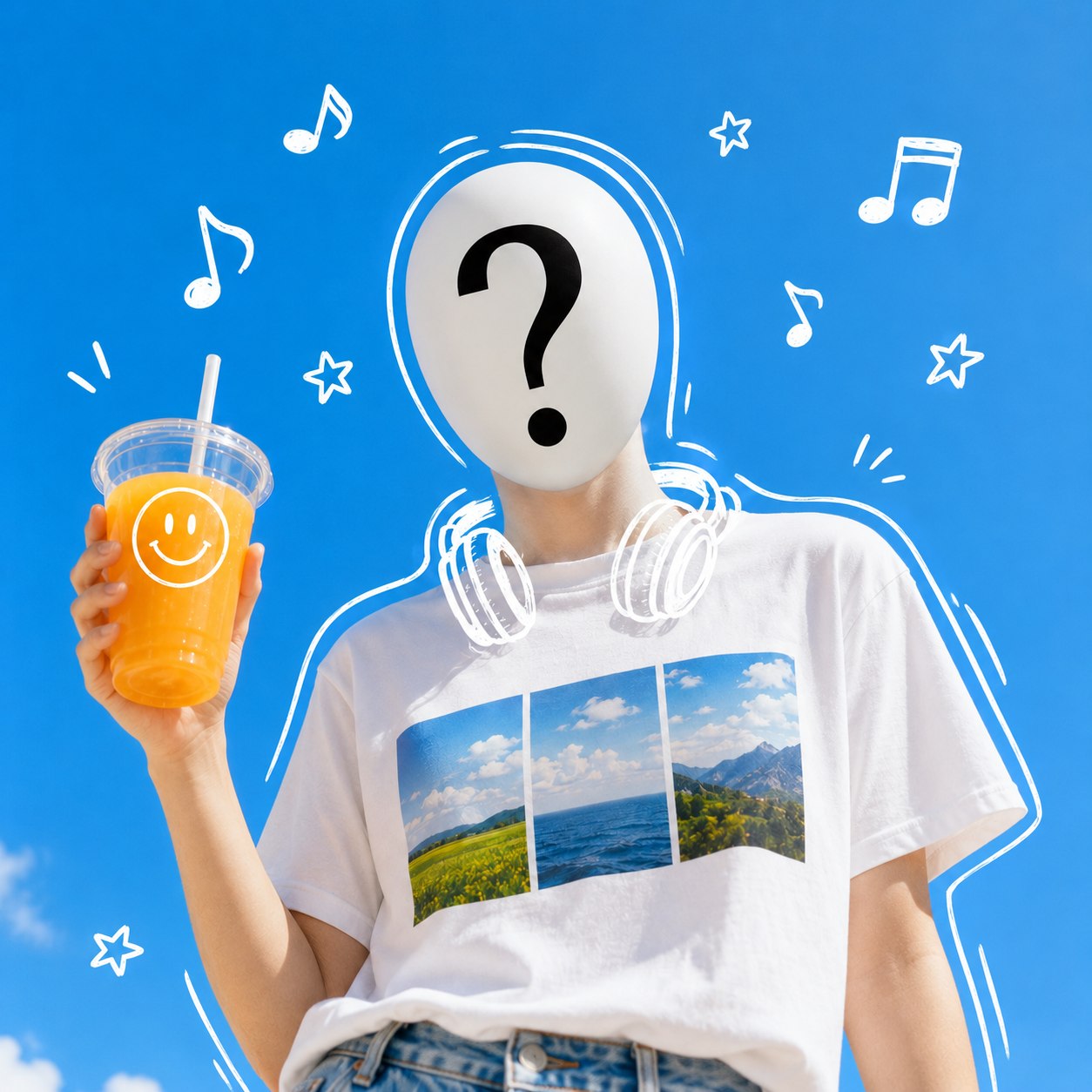
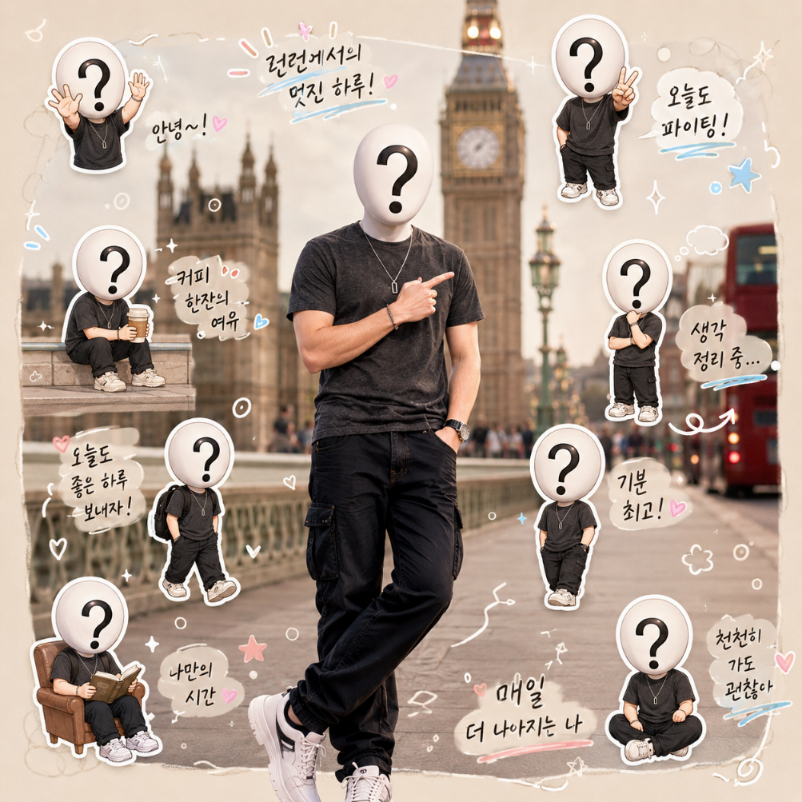
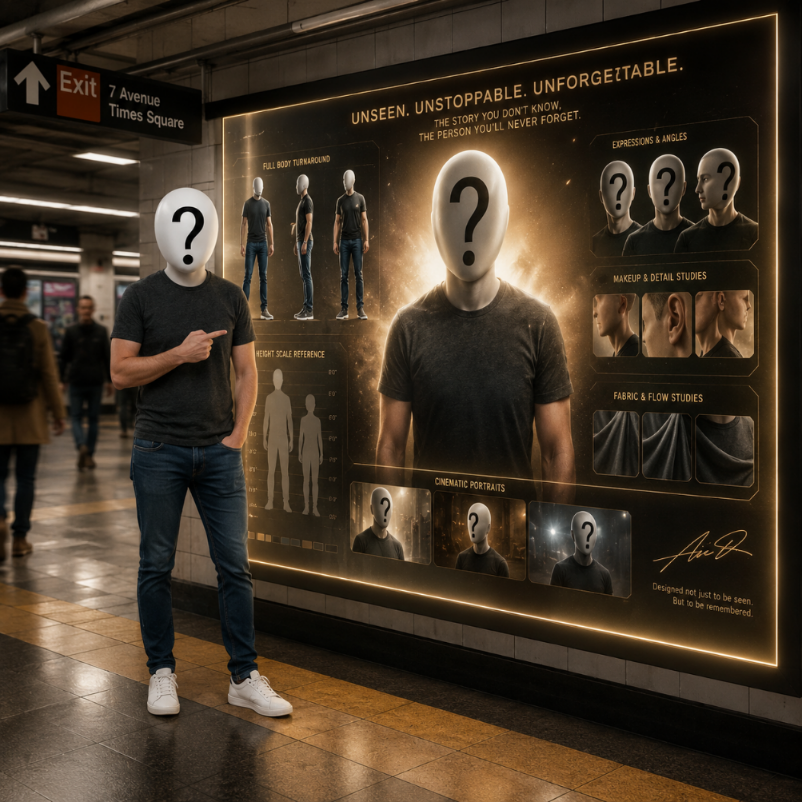
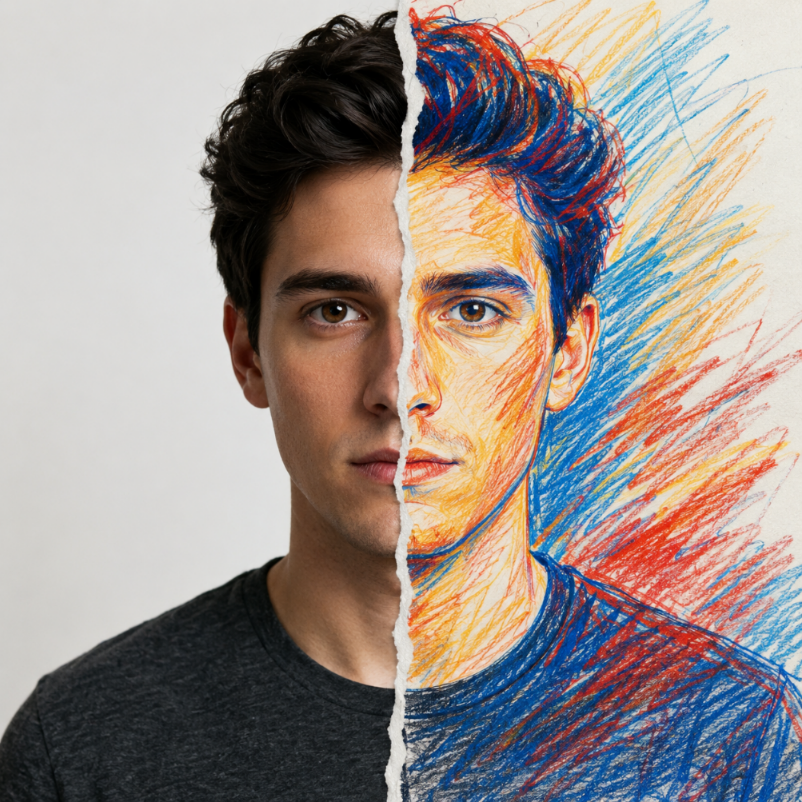
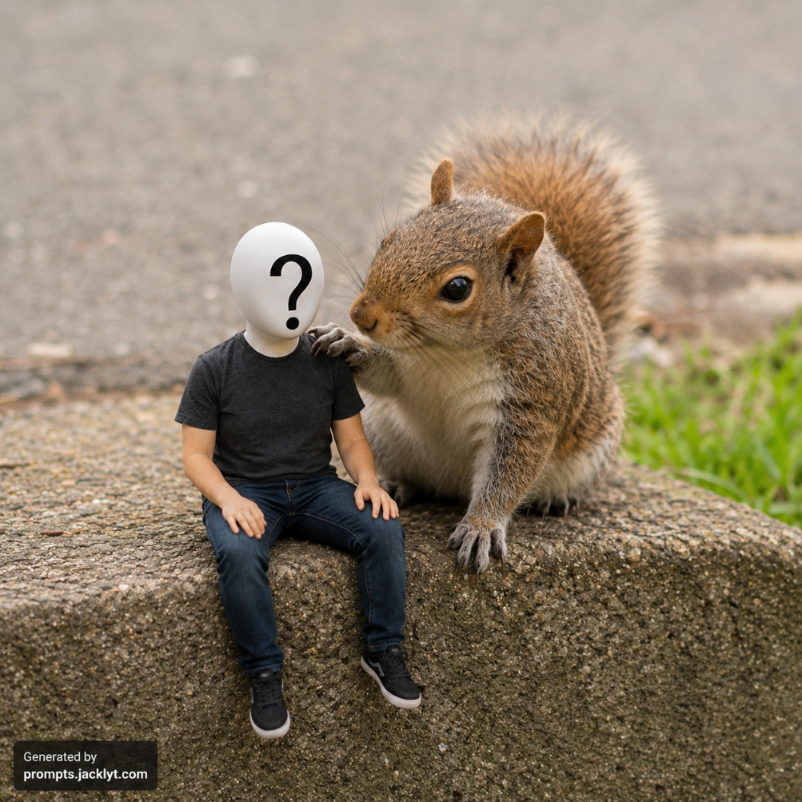
SEO guide
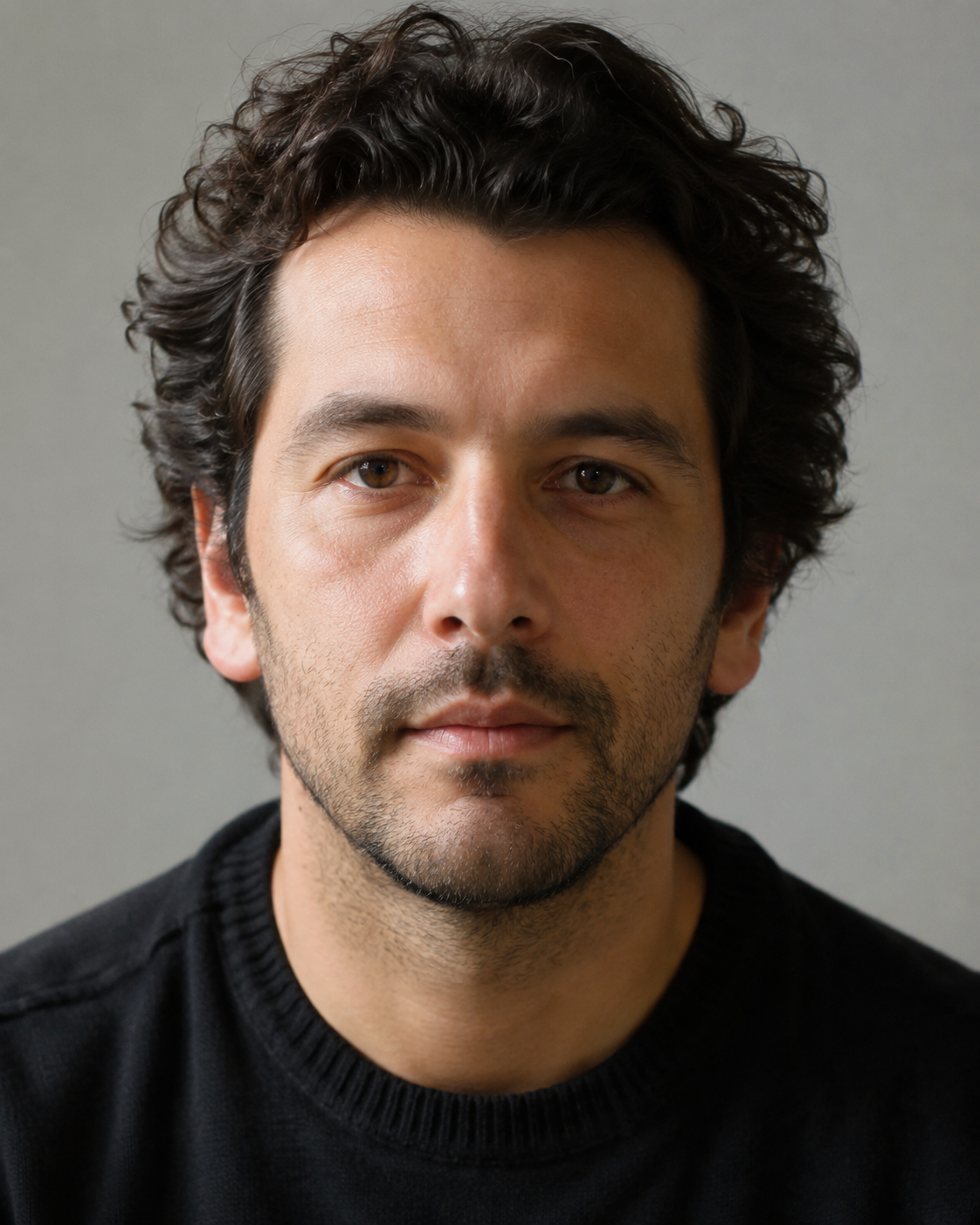
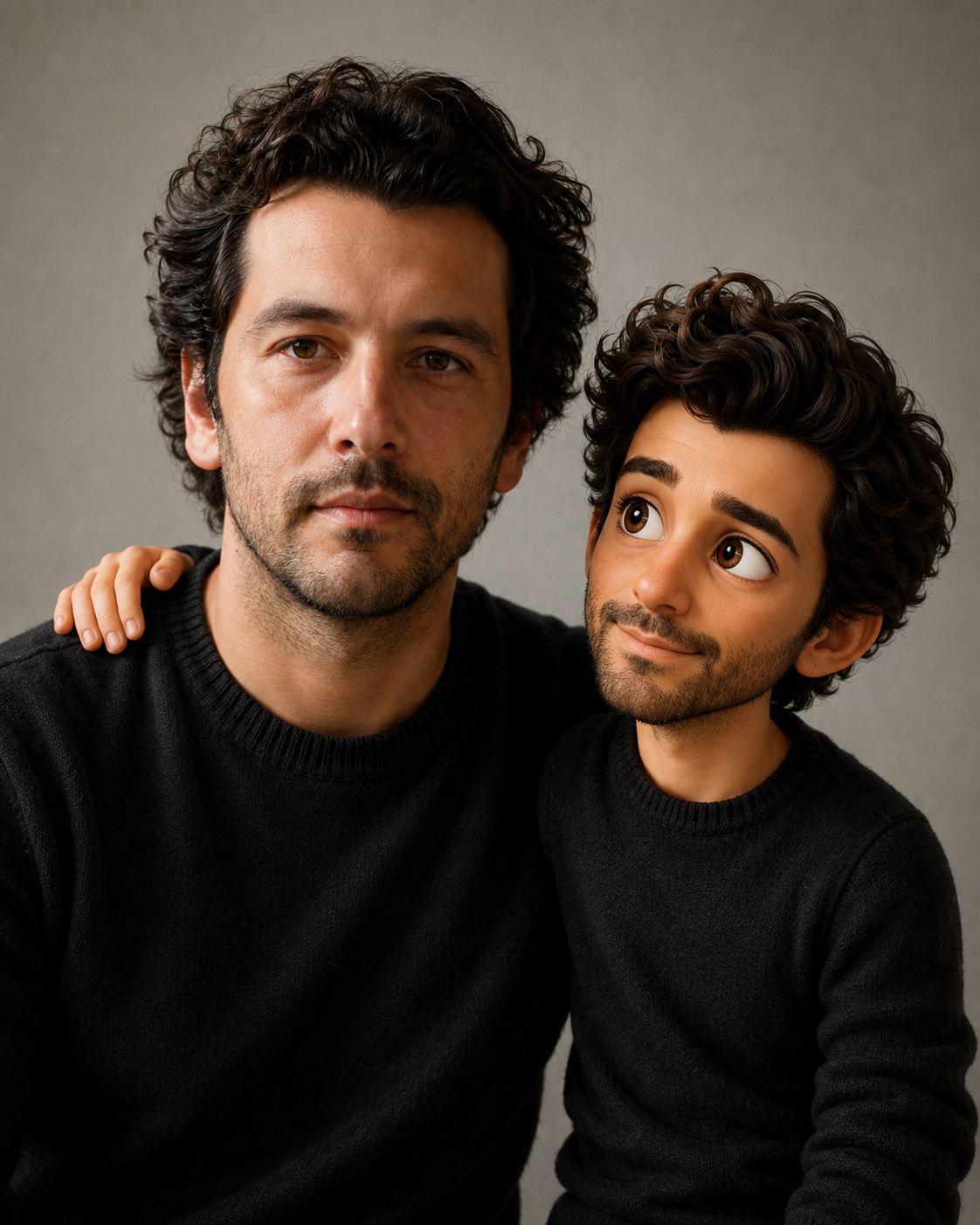
People AI prompt templates are structured instructions for portraits, avatars, characters and human image transformations. They help the AI understand not only the style of the final image, but also what should remain recognizable from the reference photo: face shape, eyes, nose, mouth, age, expression, hairstyle and overall identity.
This is especially important for image-to-image workflows. A short prompt can create an attractive portrait, but it may change the person too much. A stronger template separates identity from style: the face should stay recognizable while clothing, lighting, background, mood and cinematic treatment can change.
These templates can be used for professional profile images, social avatars, creative thumbnails, fantasy characters, sci-fi portraits, editorial concepts and personal branding. They are also useful when you want several images with a consistent style because the prompt structure remains stable across different generations.
The goal is not to replace review or judgment. AI portraits can still produce artifacts, incorrect details or weak likeness, so the final image should always be checked before being used publicly.
Prompt library
People prompts are strongest when they are built around a specific visual outcome. A professional portrait, fantasy character and funny transformation require different priorities for identity, clothing, pose and background.
Best for polished headshots, profile images and business-friendly visuals where clean lighting and facial accuracy matter.
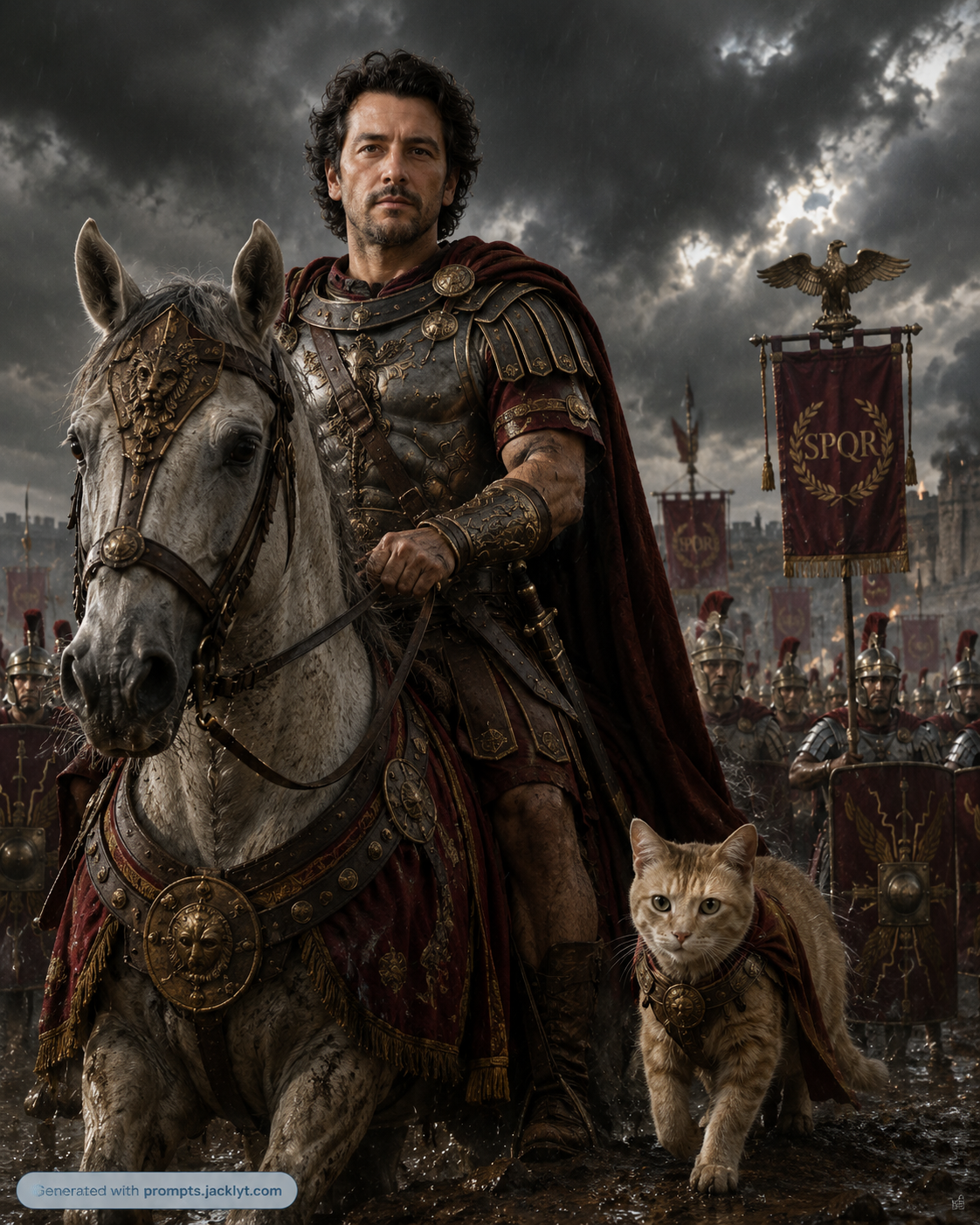
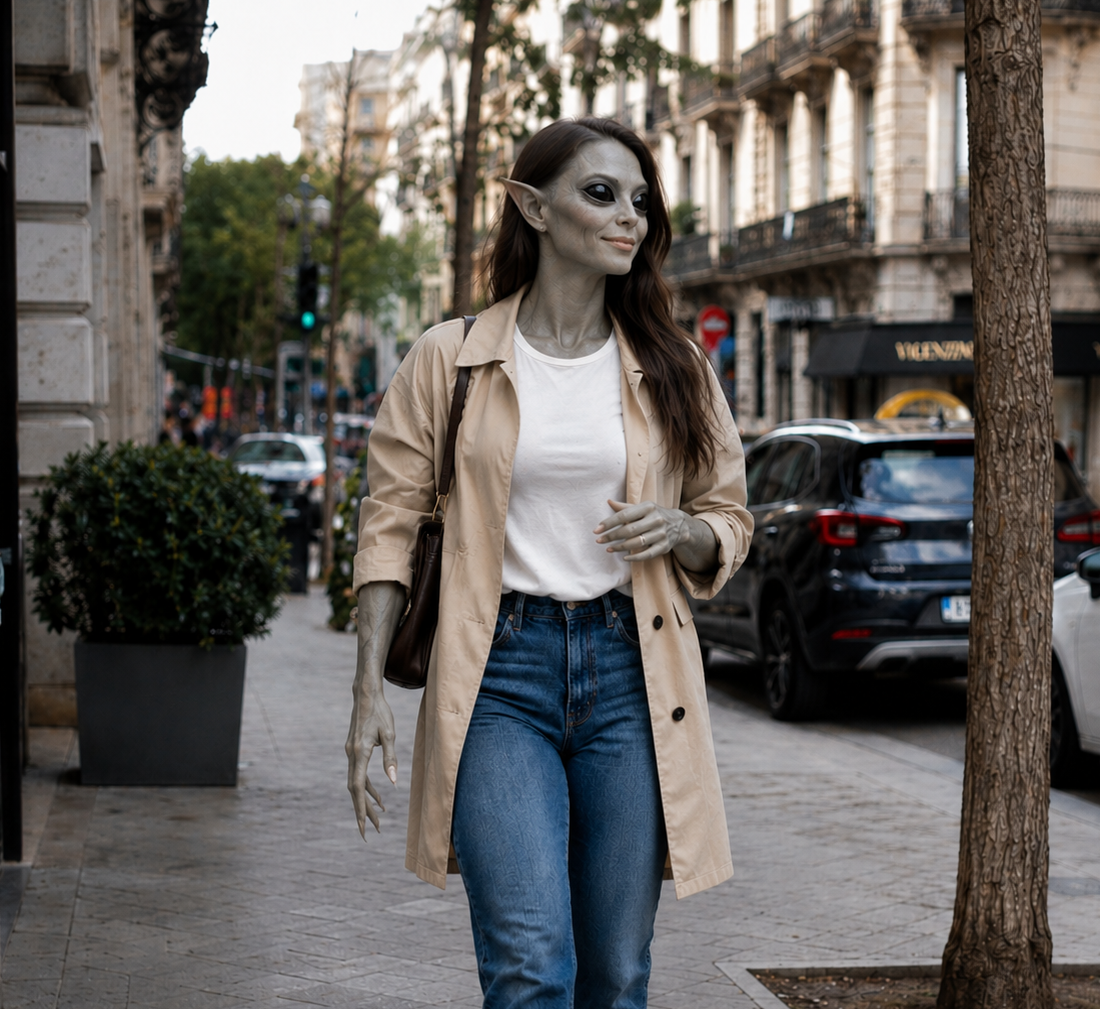
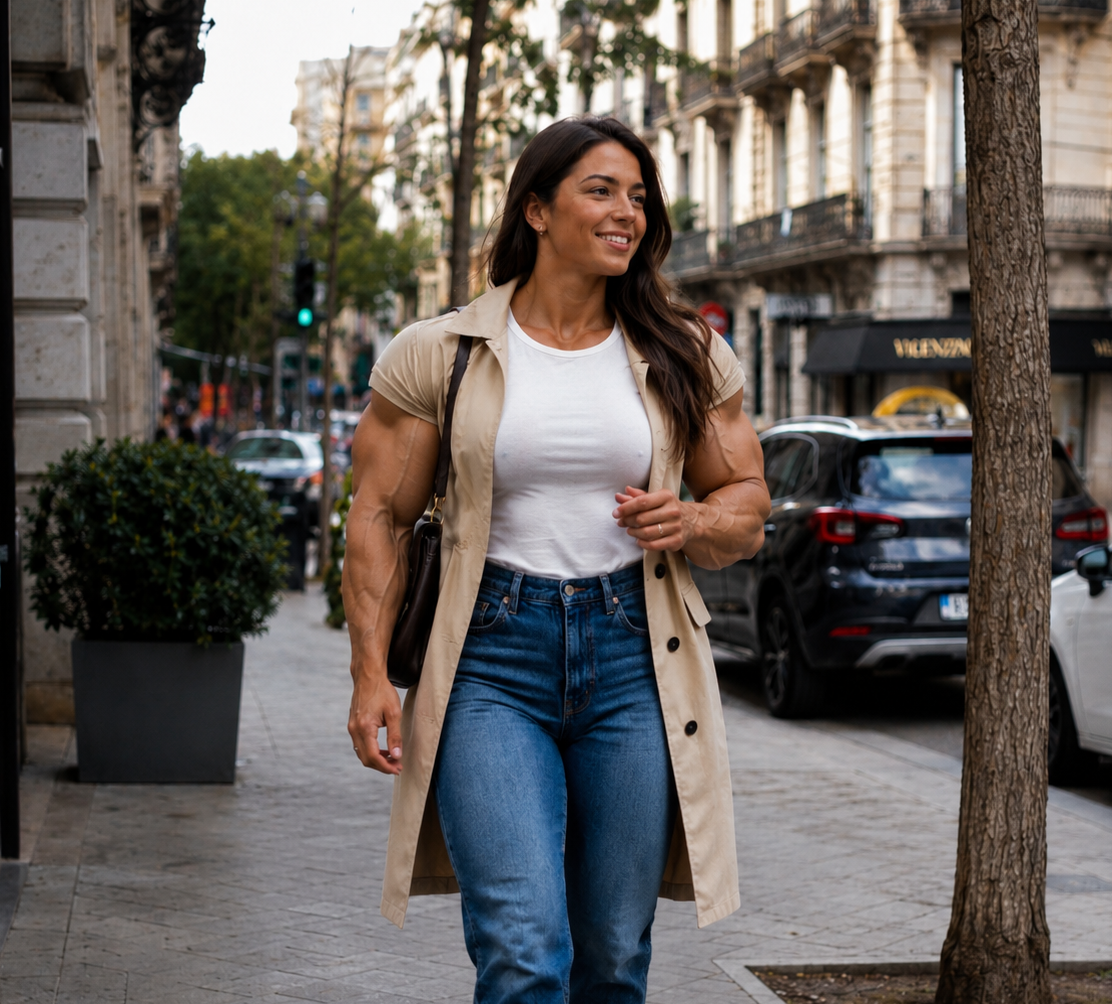
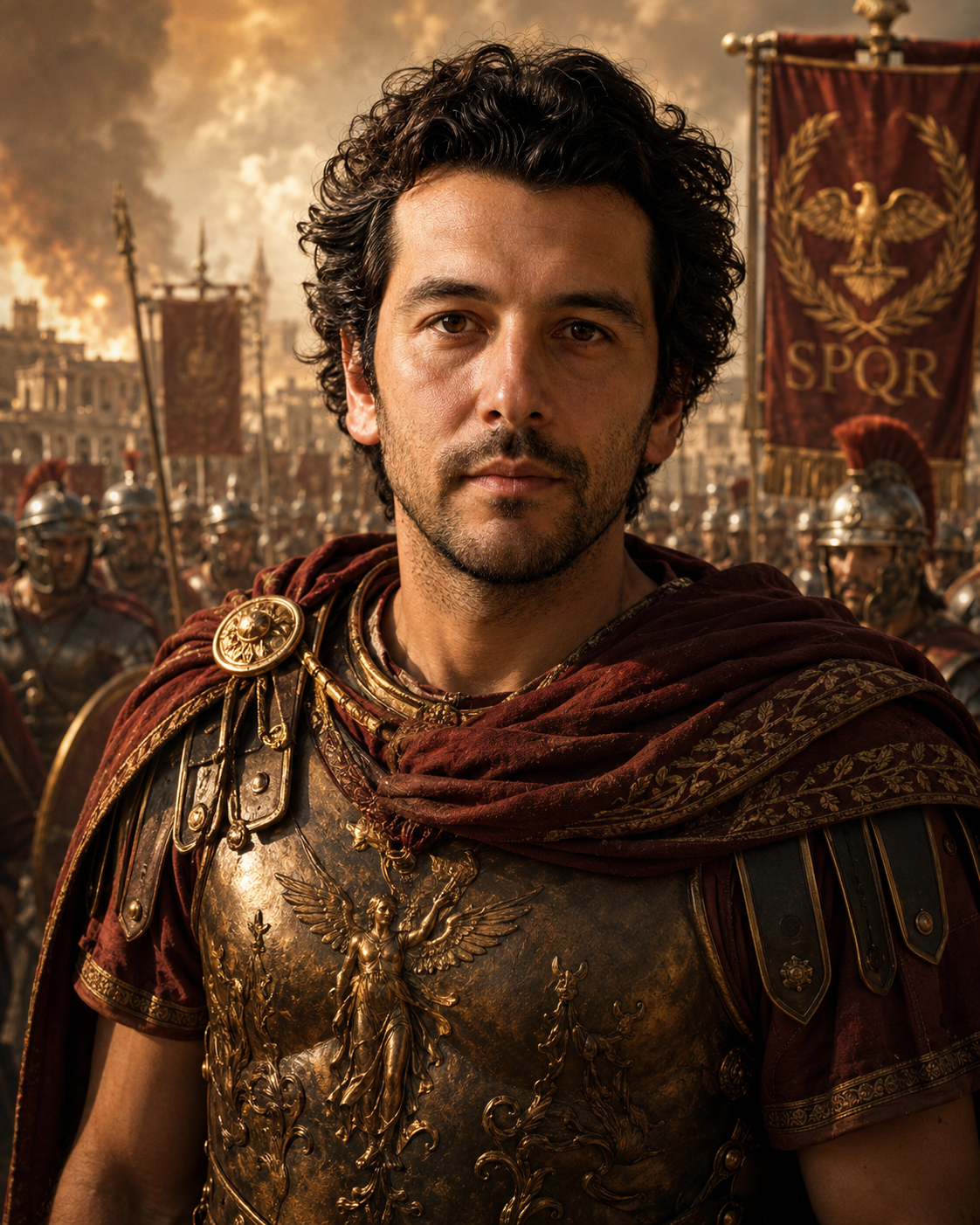
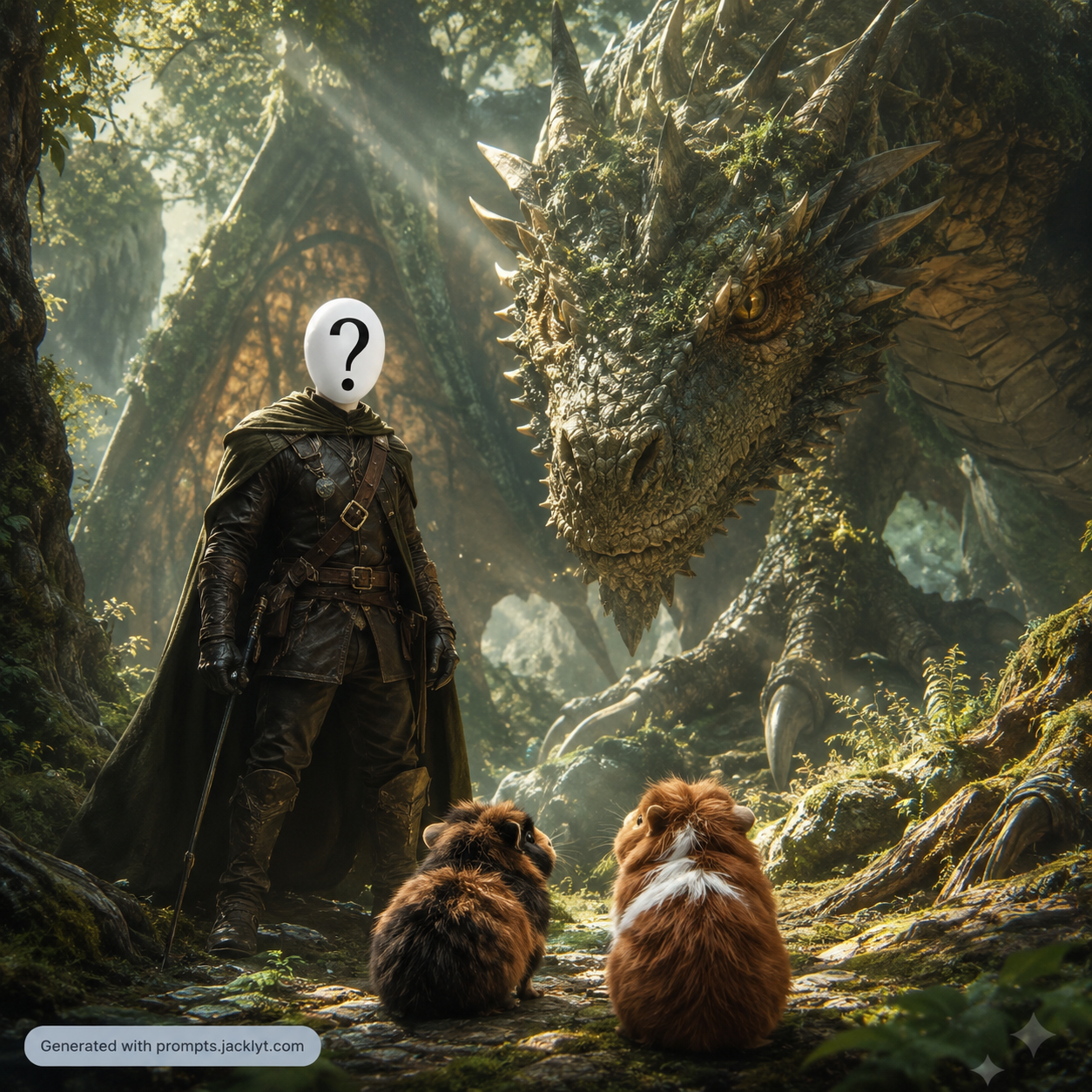
Useful for fantasy, sci-fi, historical, cinematic or superhero concepts where the person becomes a character while staying recognizable.
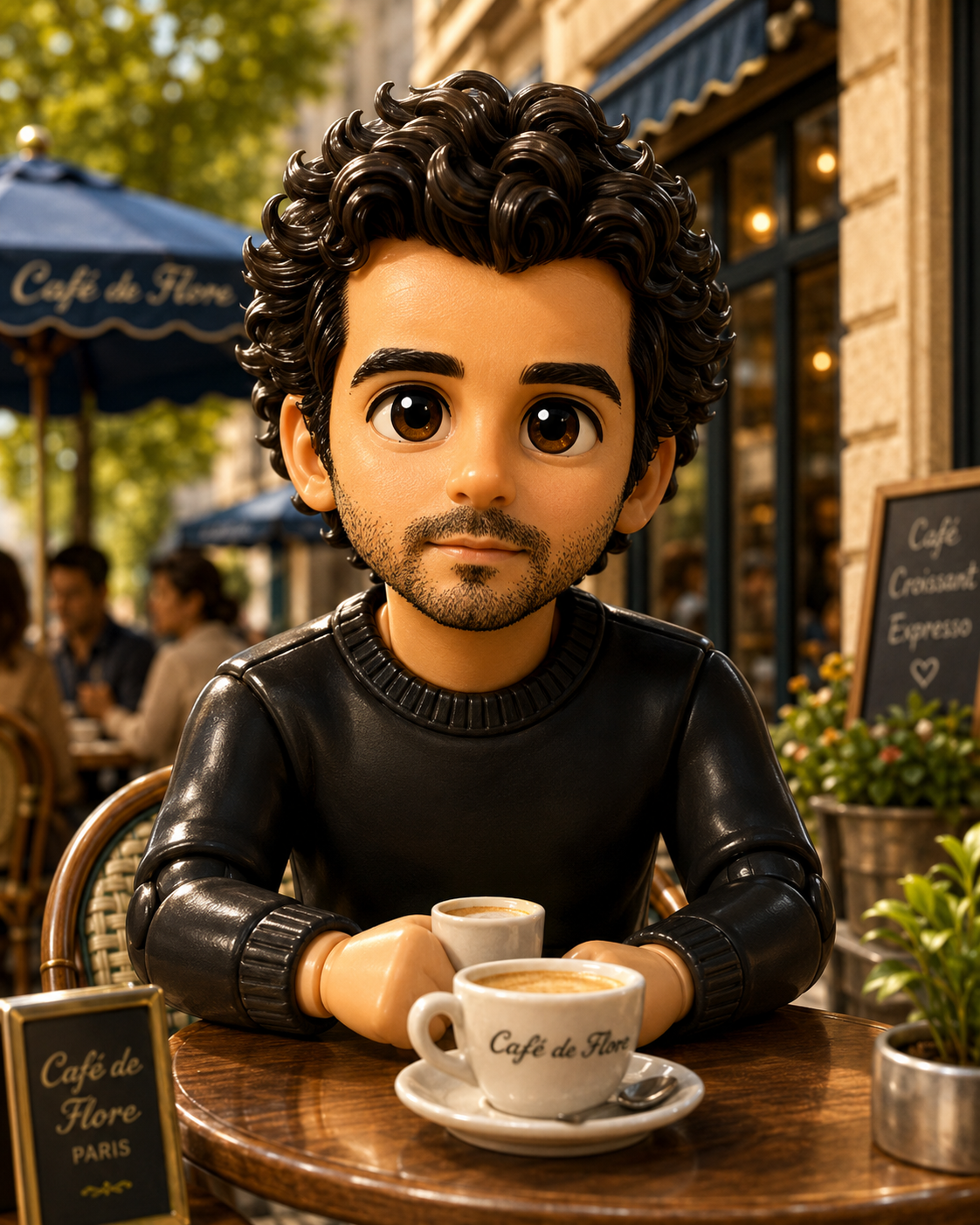
Ideal for social profiles, gaming identities, creator pages and stylized icons that need a clear face and strong silhouette.
Great for exploring outfits, mood, studio lighting and high-end visual direction without needing a full photoshoot.
Start by deciding whether identity or style is more important. For professional portraits and profile photos, likeness should be the priority and the visual style should be subtle. For fantasy or entertainment images, the style can be stronger, but the prompt still needs clear identity-preservation rules.
Match the template to the final platform. A LinkedIn-style portrait should not use the same framing as a poster, meme or cinematic scene. Choosing the right aspect ratio and composition early helps the AI build the image for the correct context.
Create profile pictures, professional portraits and social media avatars from a clear reference photo.
Transform a person into a cinematic character, fantasy hero, sci-fi concept or editorial subject.
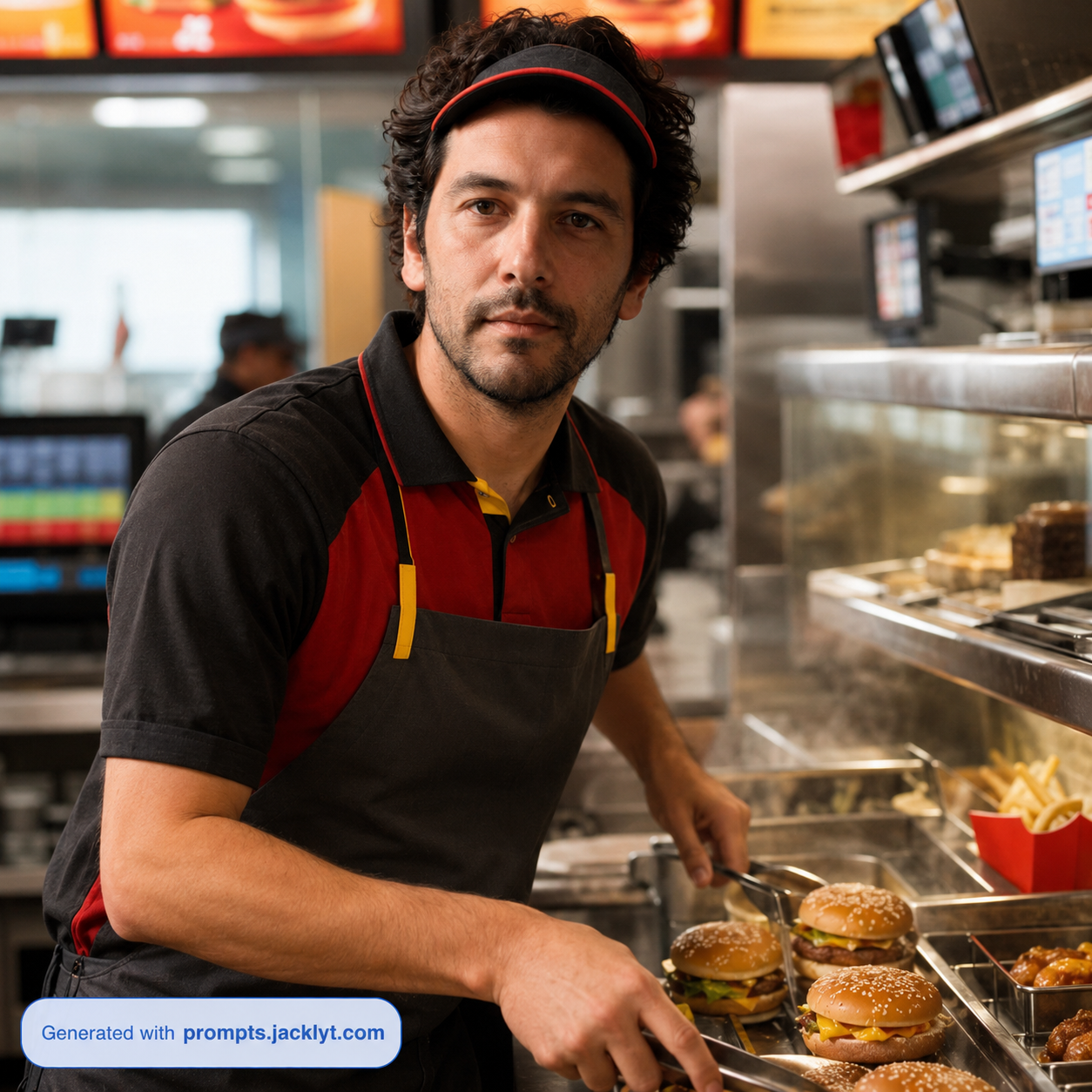
Generate creative visuals for thumbnails, posters, personal branding and entertainment projects.
Explore clothing, mood, lighting, background and style variations without losing facial identity.
Create themed portraits for seasonal campaigns, creative portfolios or storytelling concepts.
Build consistent image directions for a set of portraits, avatars or character variations.
Use a clear photo where the face is visible and not hidden by sunglasses, masks, extreme shadows or heavy blur.
Choose a template that matches the desired transformation instead of combining unrelated ideas in one generation.
Select the aspect ratio based on the final use: square avatar, vertical story, portrait poster, thumbnail or website hero image.
Copy the final prompt and upload the reference image in the same AI chat message so the model receives both identity and direction.
If facial identity becomes weak, try a sharper frontal photo, reduce the intensity of the style or choose a more identity-focused template.
Review the final result carefully, especially eyes, teeth, hands, logos, clothing details and any generated text.
Better results
If the face is covered, blurred or too small, the AI may invent features and weaken the likeness.
Changing age, hairstyle, outfit, background and art style all at once can make the person less recognizable.
Most portrait templates are designed for one person. Group photos can confuse the model and mix facial features.
Portraits need careful checking for distorted eyes, teeth, hands, facial proportions, logos and unwanted artifacts.
Better results
Use photos with natural lighting and a clear view of the eyes, nose, mouth and face shape.
Avoid group photos unless the template specifically supports multiple people.
For professional portraits, choose simple clothing and clean backgrounds in the original image.
For character transformations, keep identity preservation as the main priority and let the style affect clothing and atmosphere.
Avoid extreme face angles if likeness matters more than dramatic composition.
Use less aggressive stylization when you need the person to remain very recognizable.
Choose the final platform before generating so the crop and aspect ratio fit the use case.
Generate several versions and keep the one with the strongest balance between style and likeness.
FAQ
Yes. People prompts are often designed for image-to-image workflows where you upload a reference photo and use the generated prompt to guide the transformation.
The prompts include identity-preservation instructions, but the exact result depends on the AI model, image quality, angle and complexity of the requested transformation.
Only use group photos with templates that explicitly support multiple people. Otherwise, a single clear portrait usually gives better results and stronger identity preservation.
Yes. Professional portrait templates can help create cleaner lighting, stronger composition and more polished profile visuals, but you should review the final image carefully.
Use a sharper reference photo, choose a less extreme style, regenerate several versions or add a correction asking the AI to preserve the original facial structure more strictly.