1
Choose a template
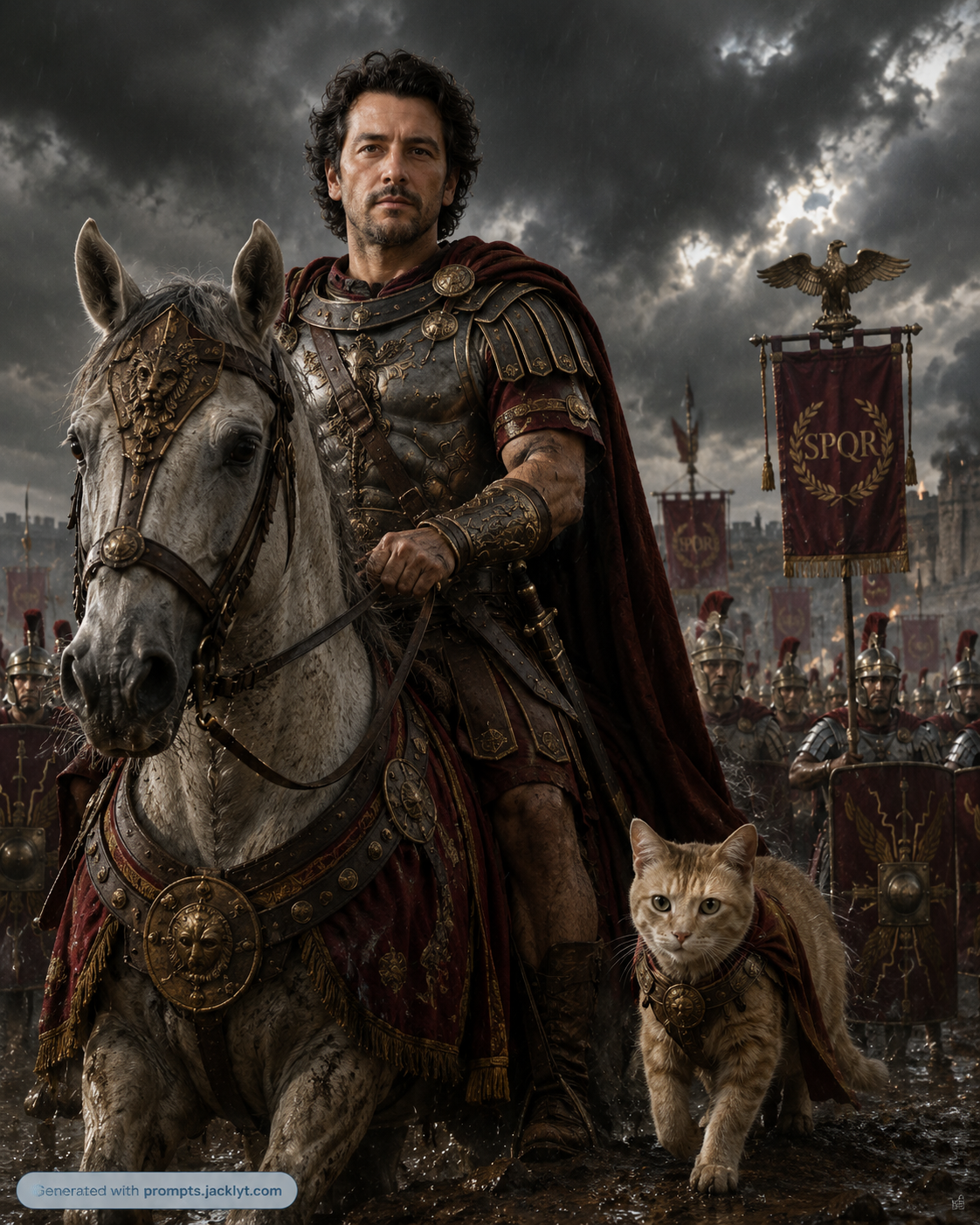
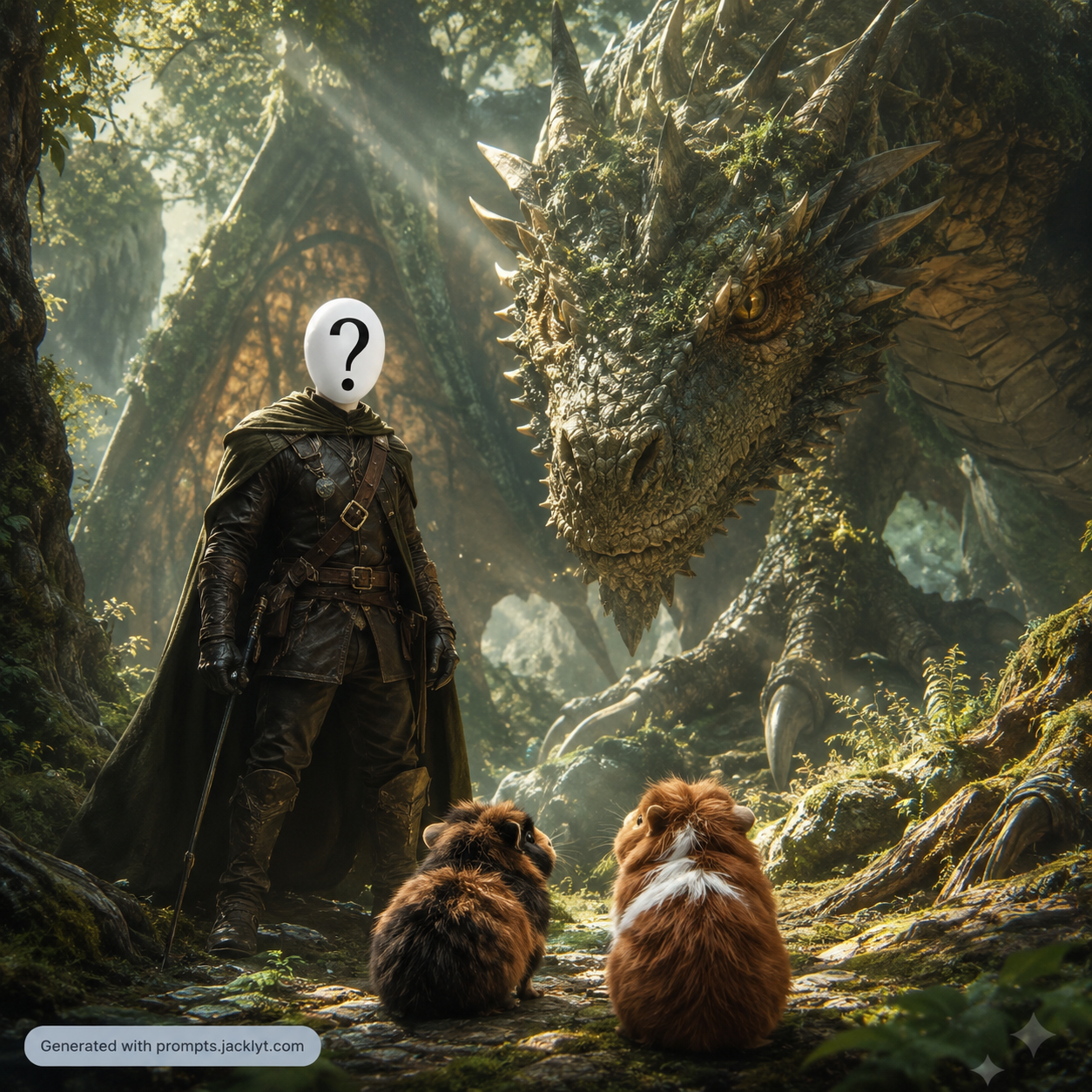
Start with a ready-made prompt for a specific result, such as a pet icon, cinematic portrait, menu redesign, product scene, fantasy character or landscape transformation.
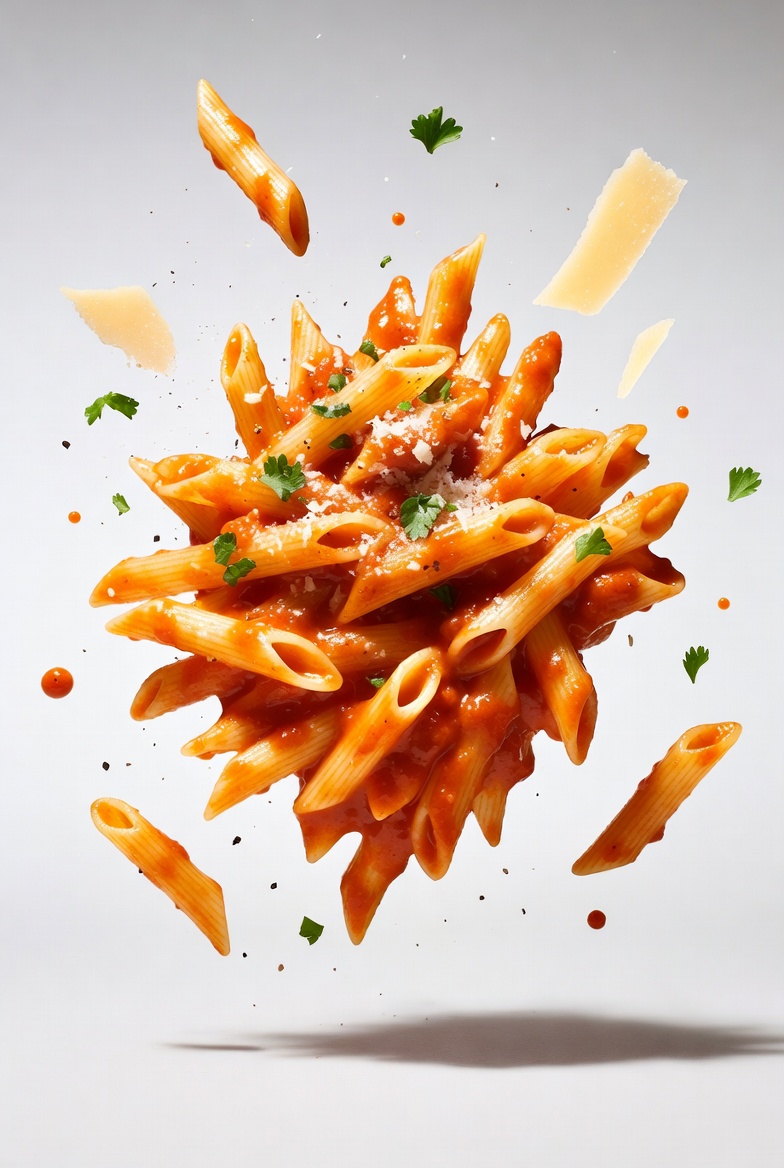
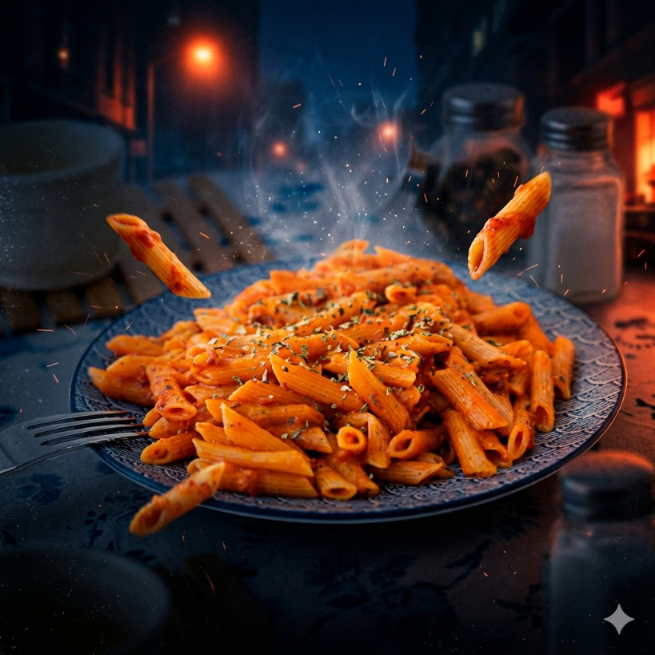
Build detailed prompts for portraits, pets, food, products, landscapes and creative image edits. Choose a template, customize the options, copy the final prompt and use it in your favorite AI chat.
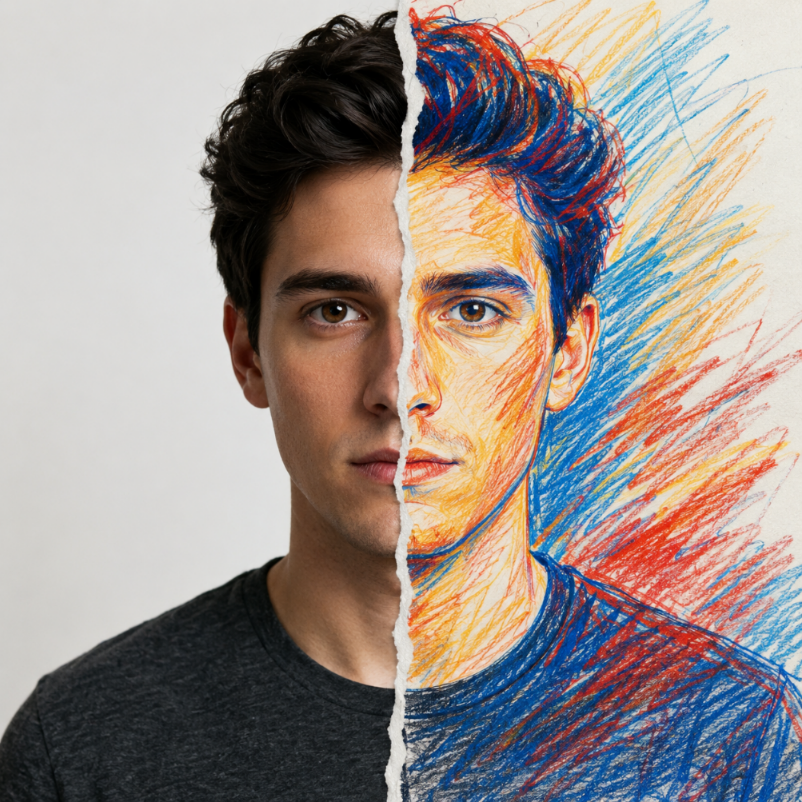
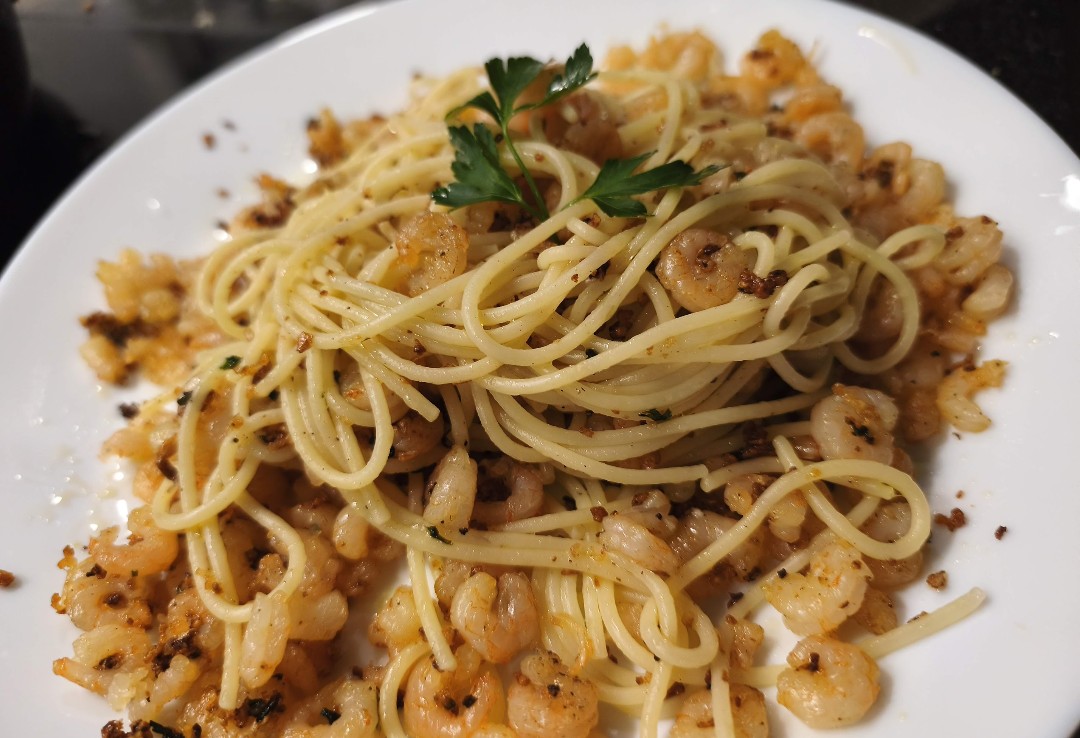
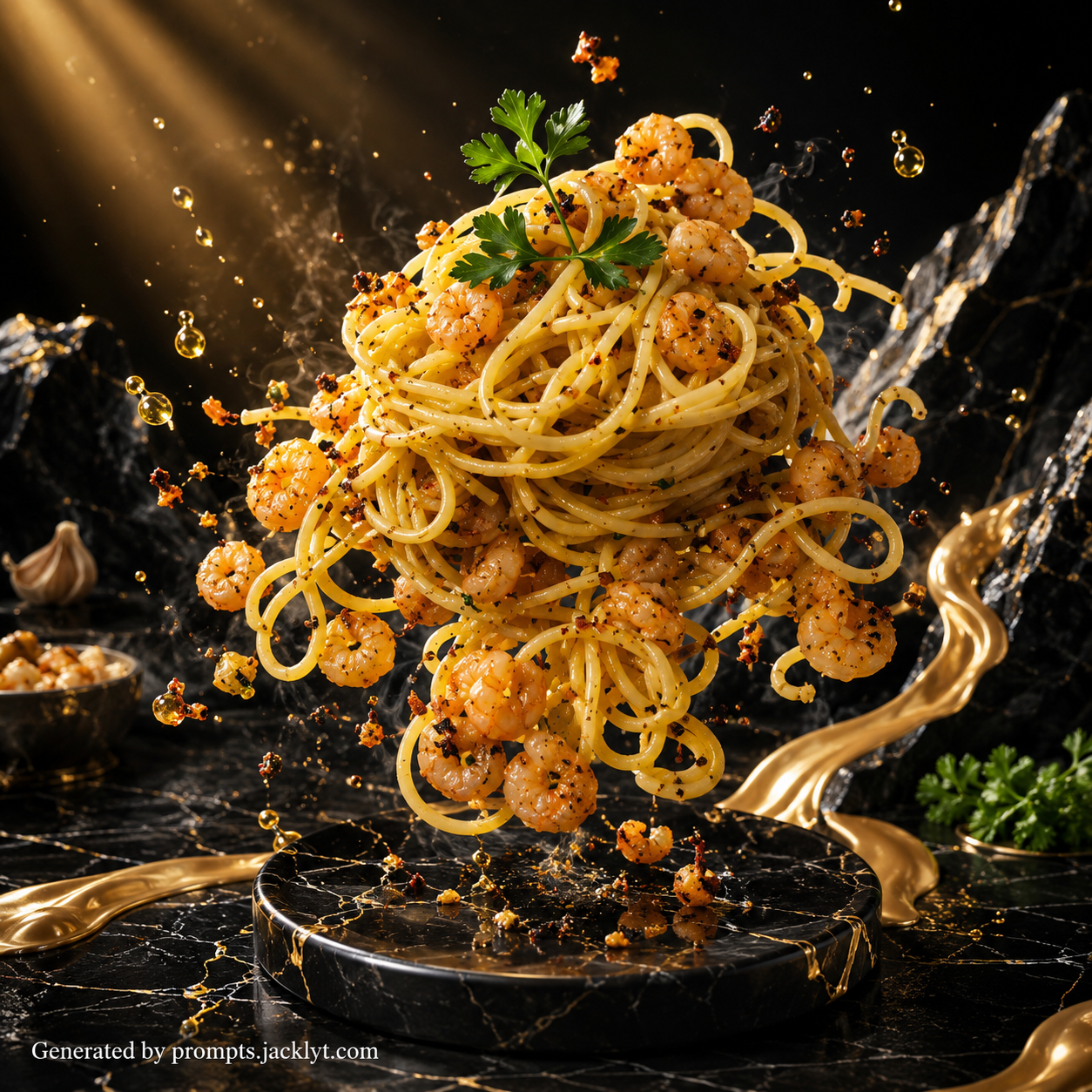
Upload a photo and use structured prompt templates to create portraits, product images, pet artwork, landscape variations, social media assets and creative experiments. Keep the original idea visible while changing the style, mood, environment, lighting and composition with clear instructions.
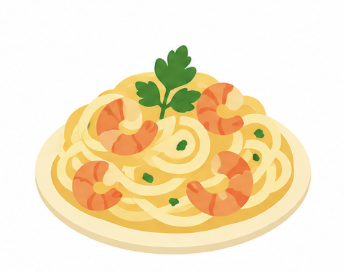
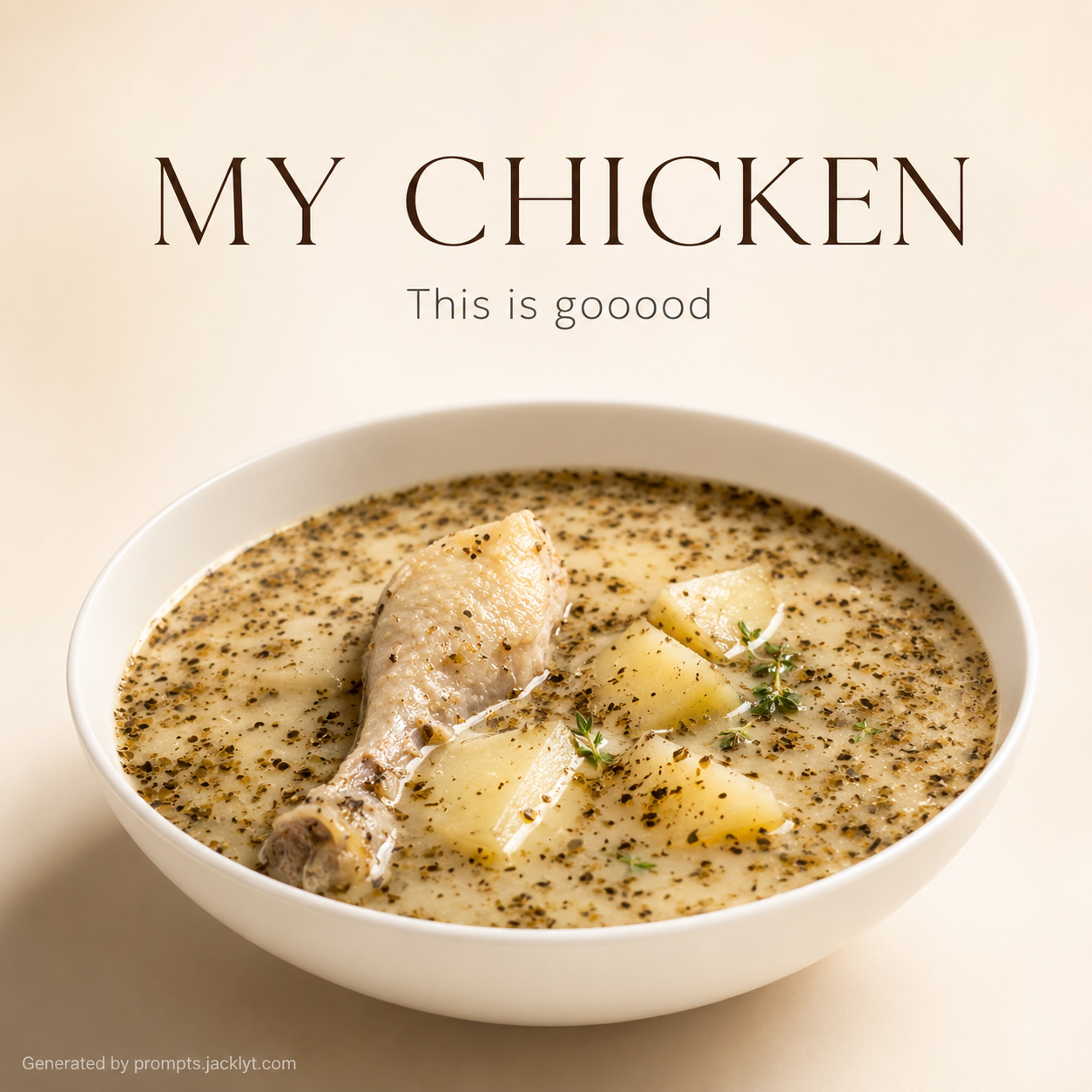
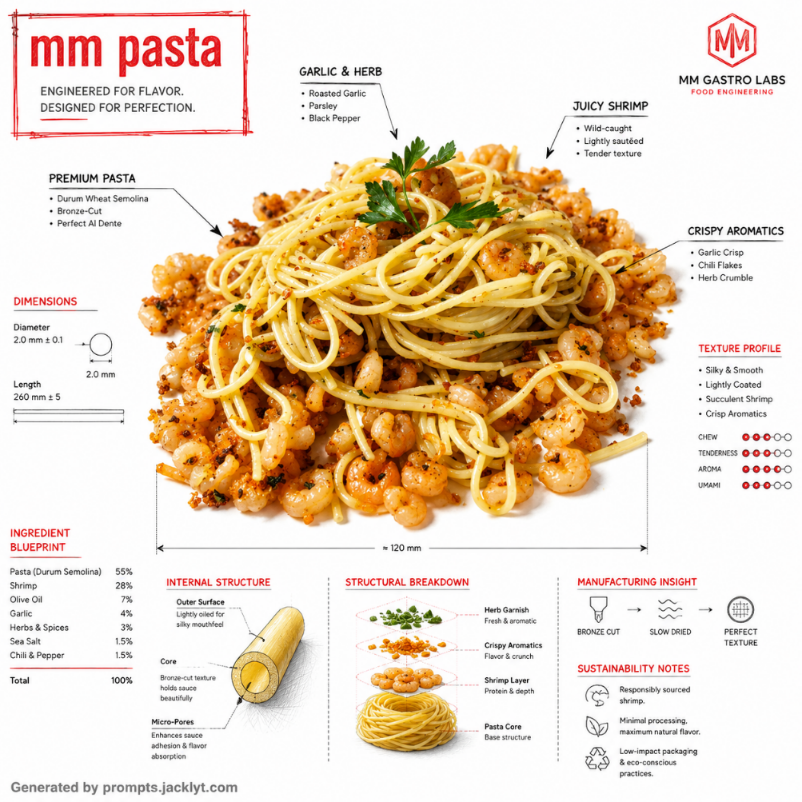
Food & product
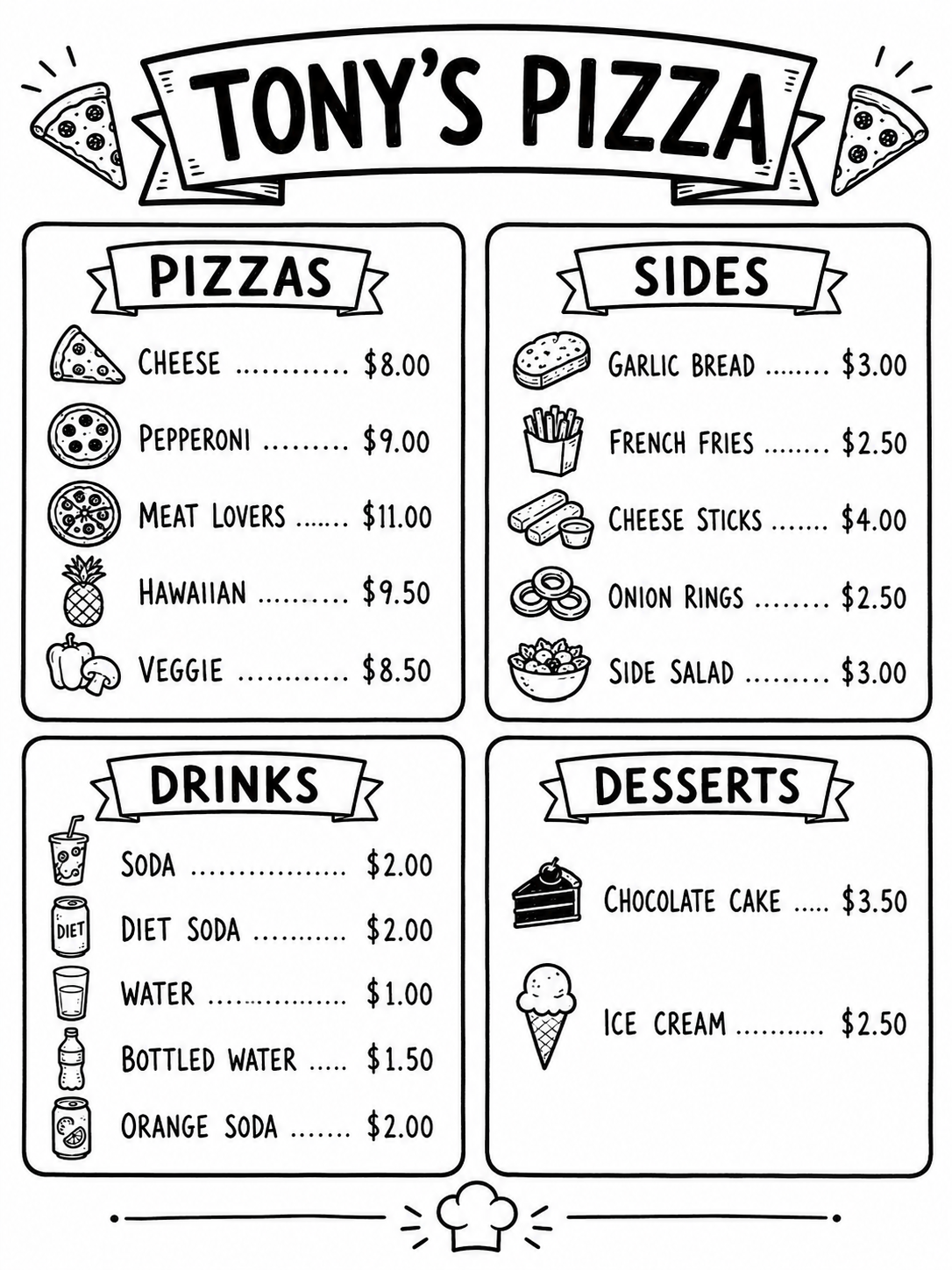
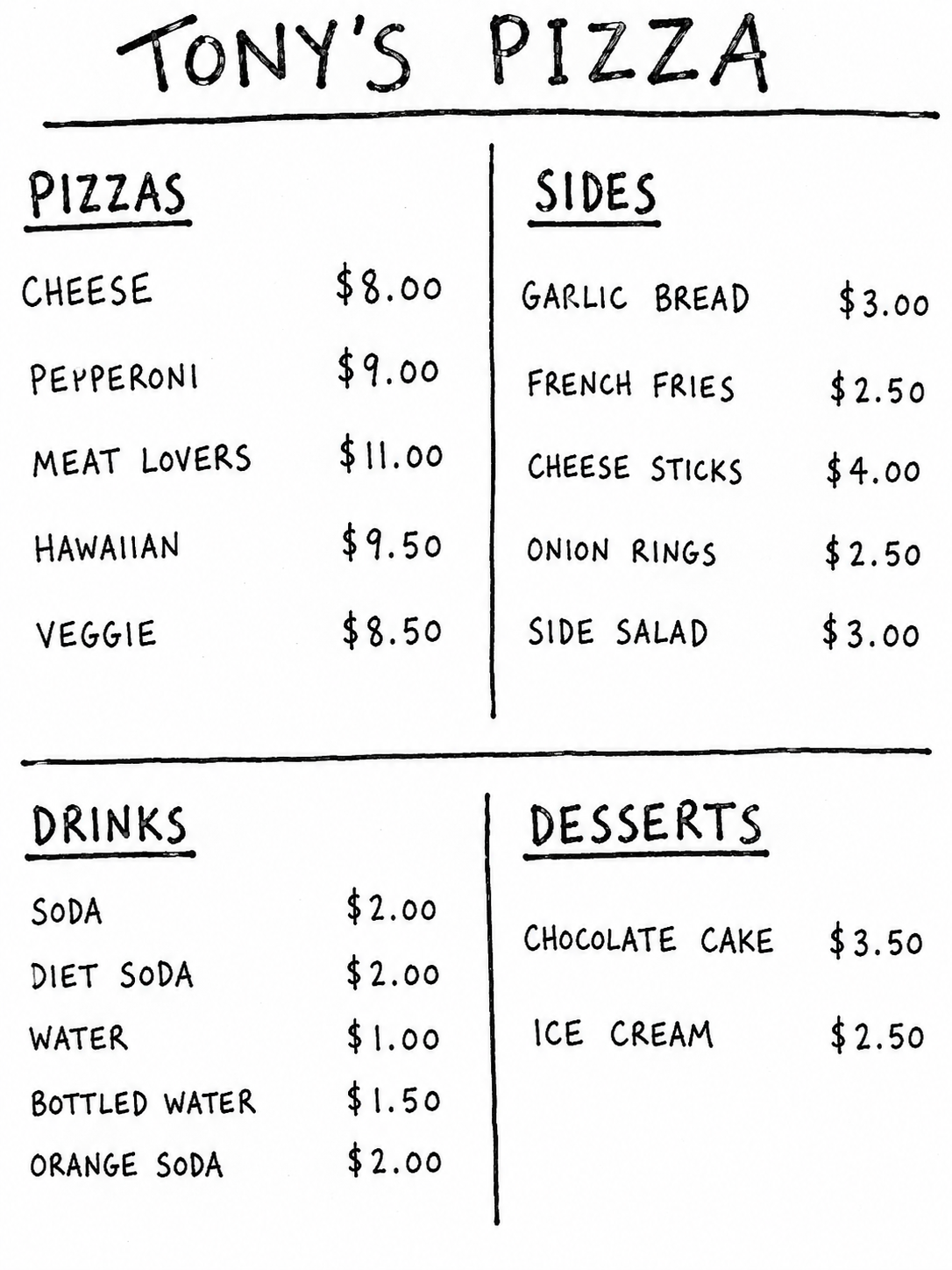
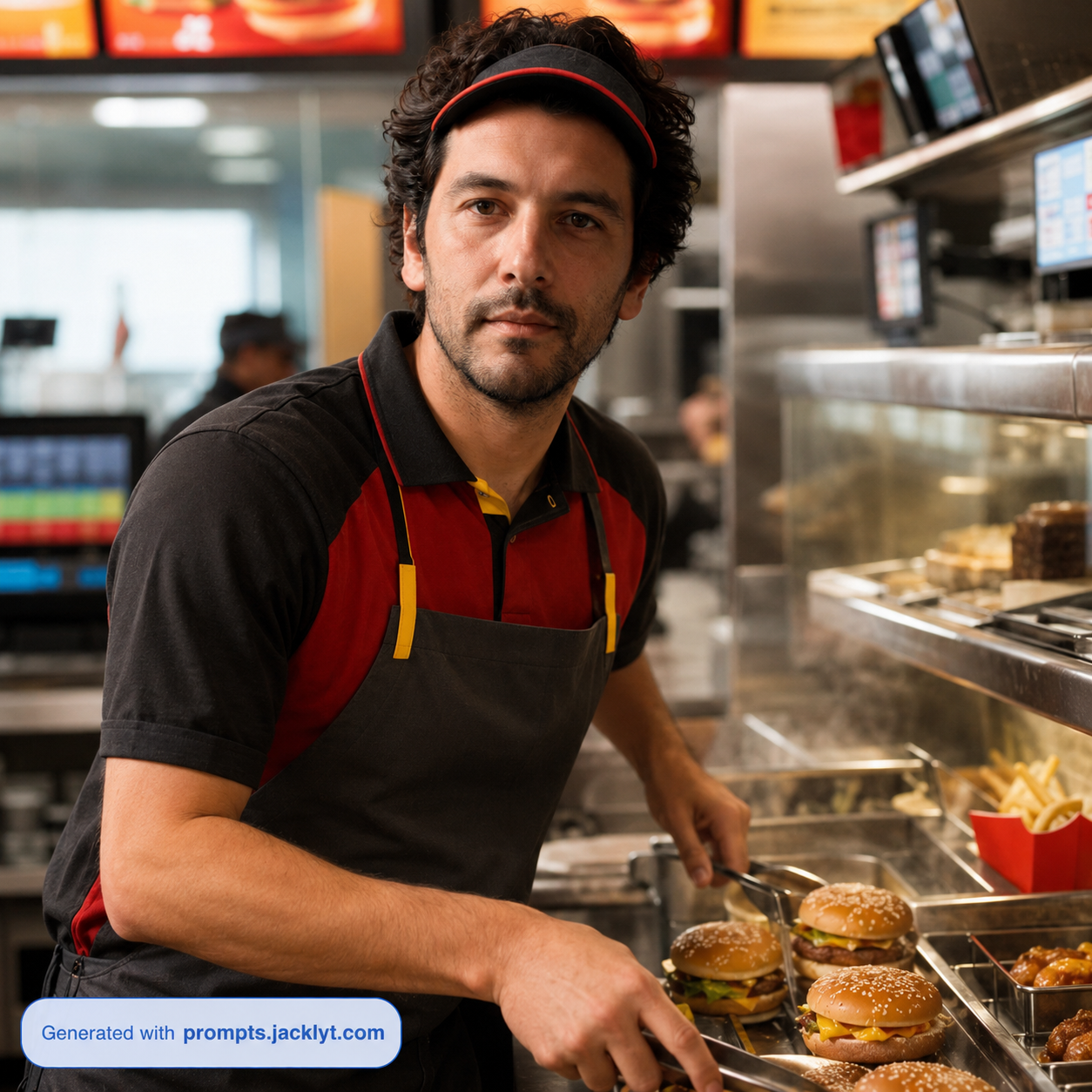
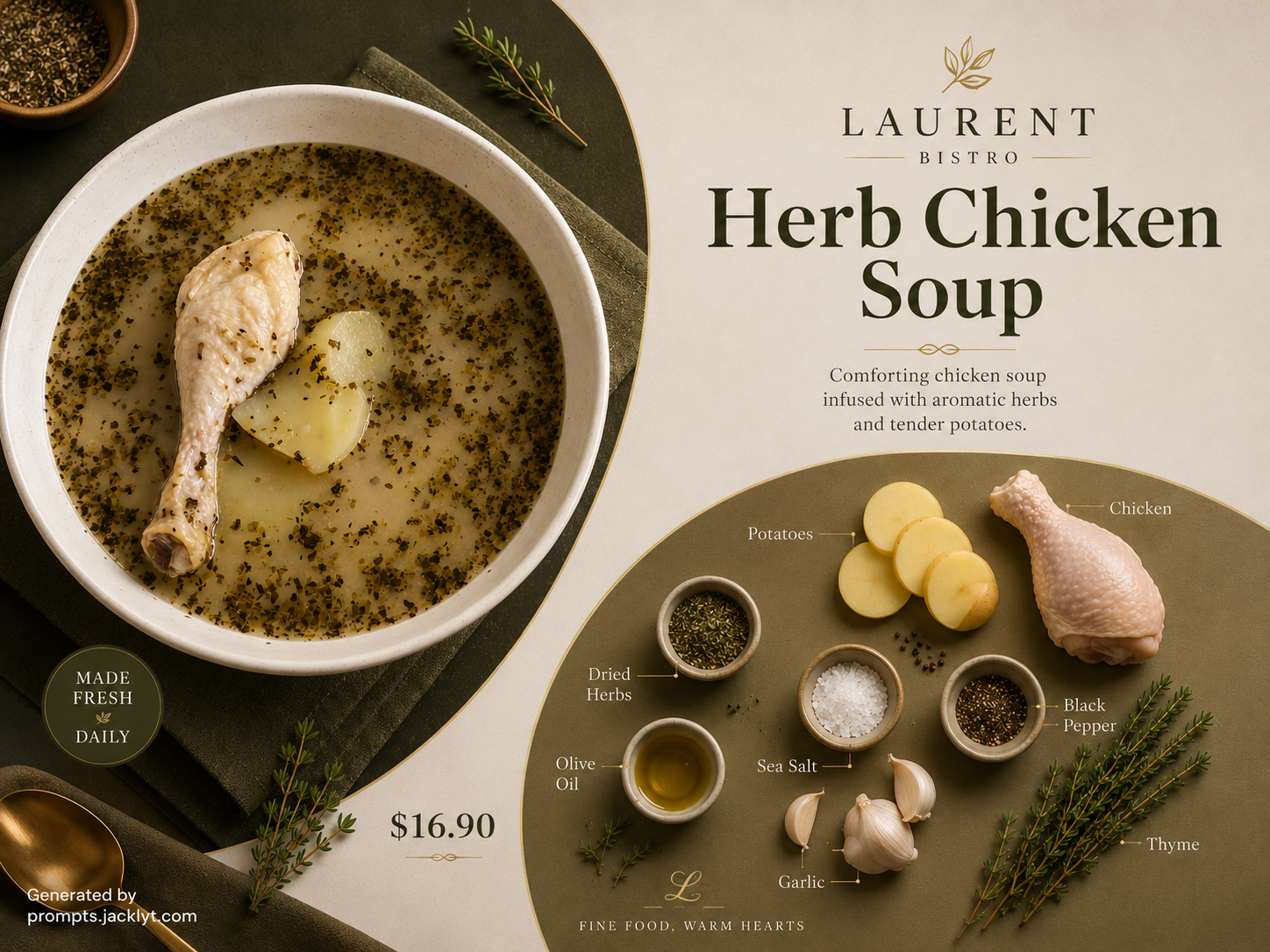
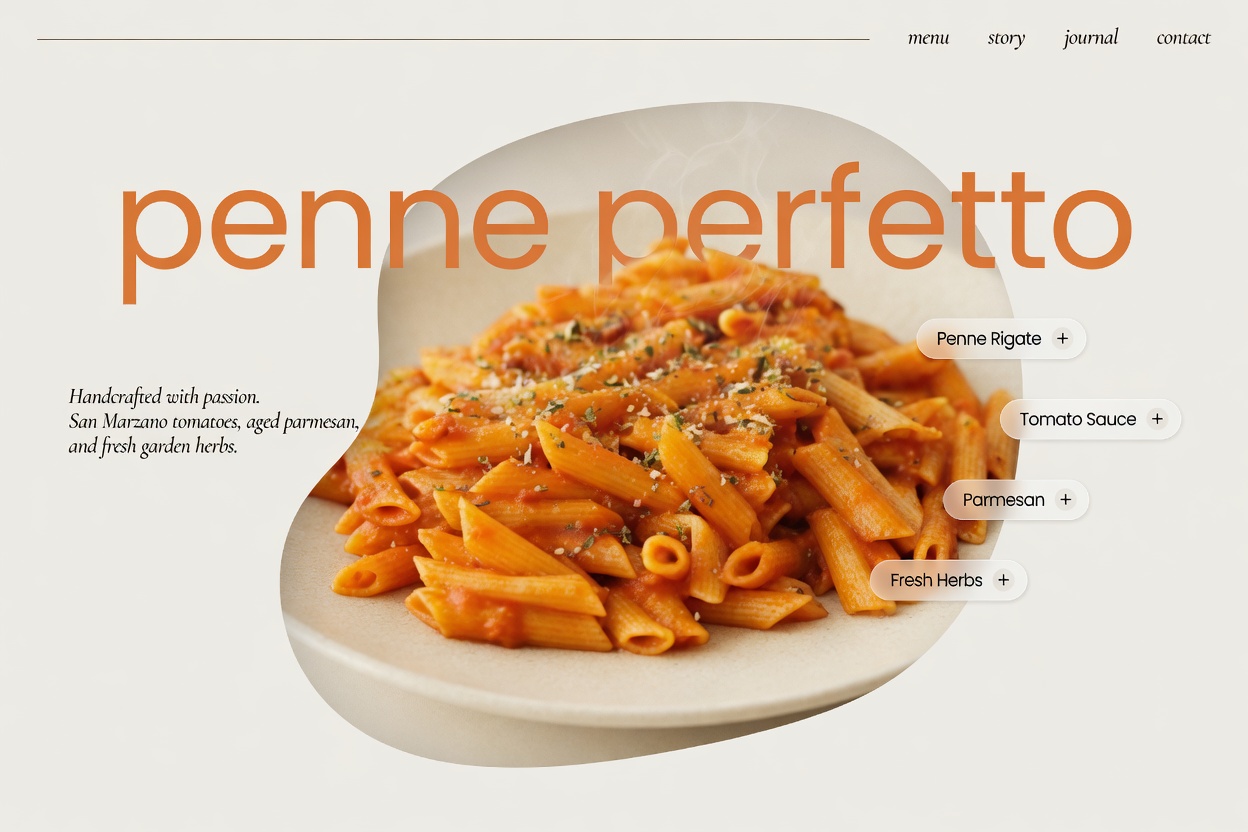
Create polished menu highlights, lifestyle scenes, ecommerce images, restaurant ads and social posts from everyday photos while improving presentation, lighting and composition.
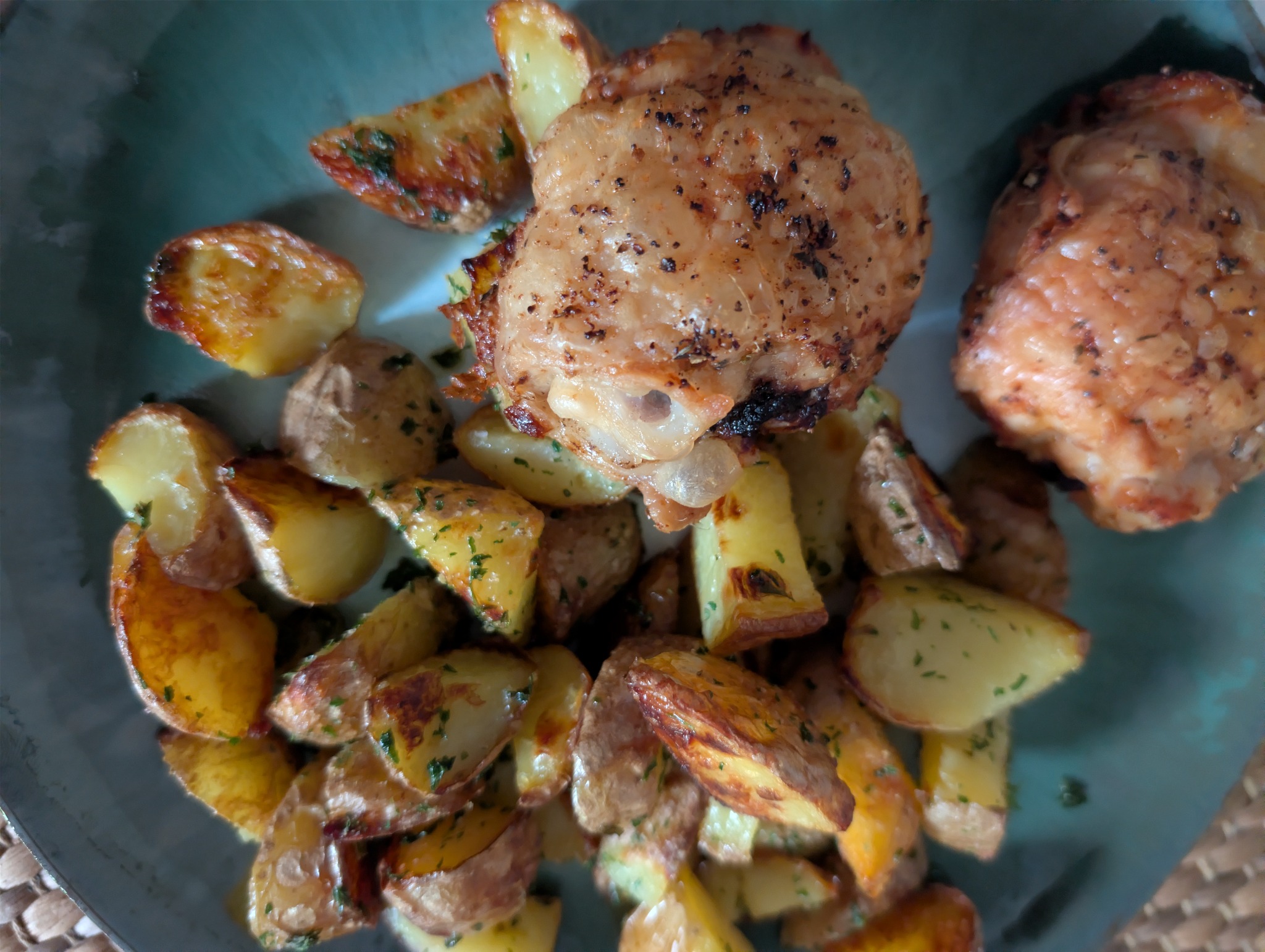
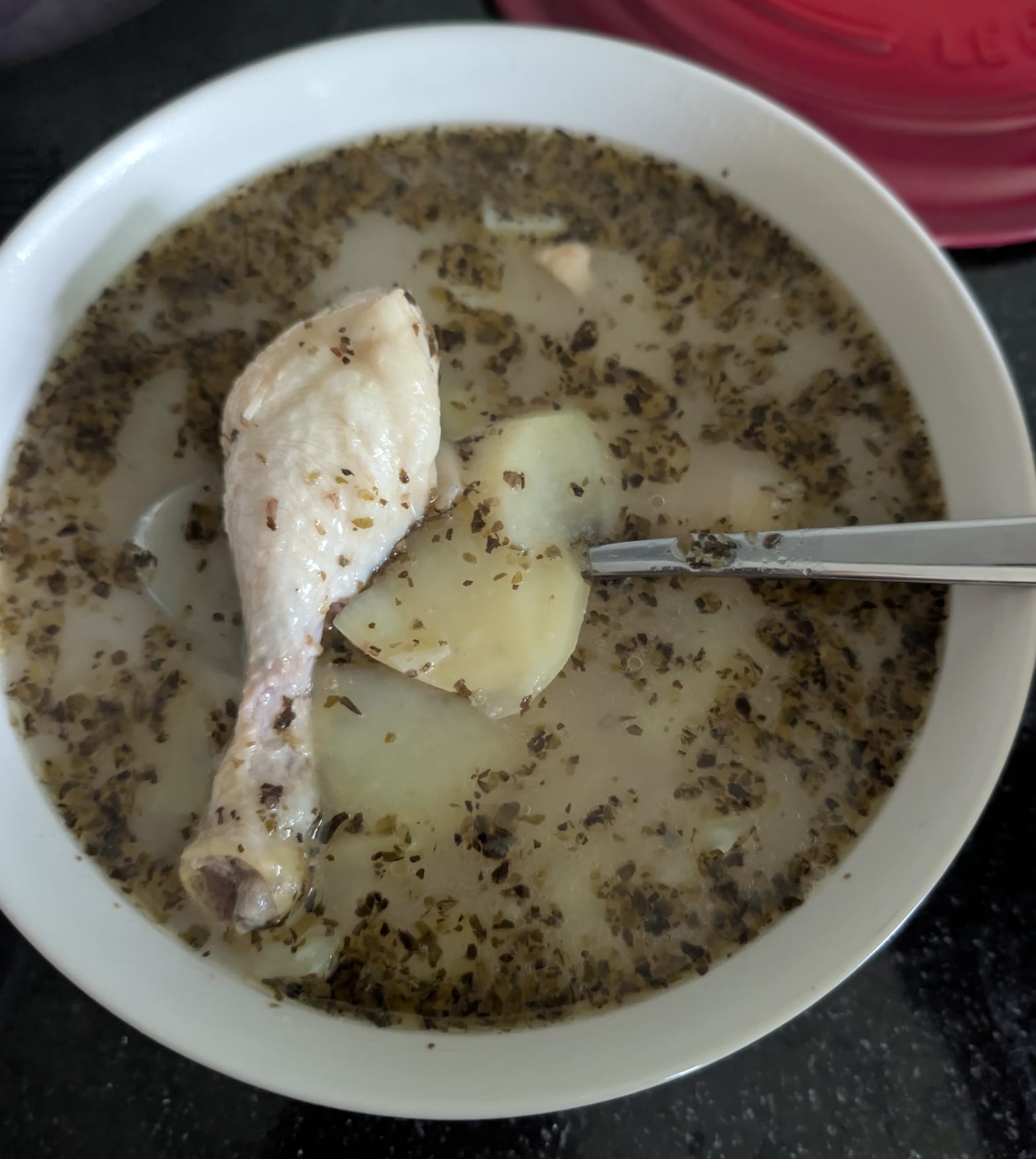
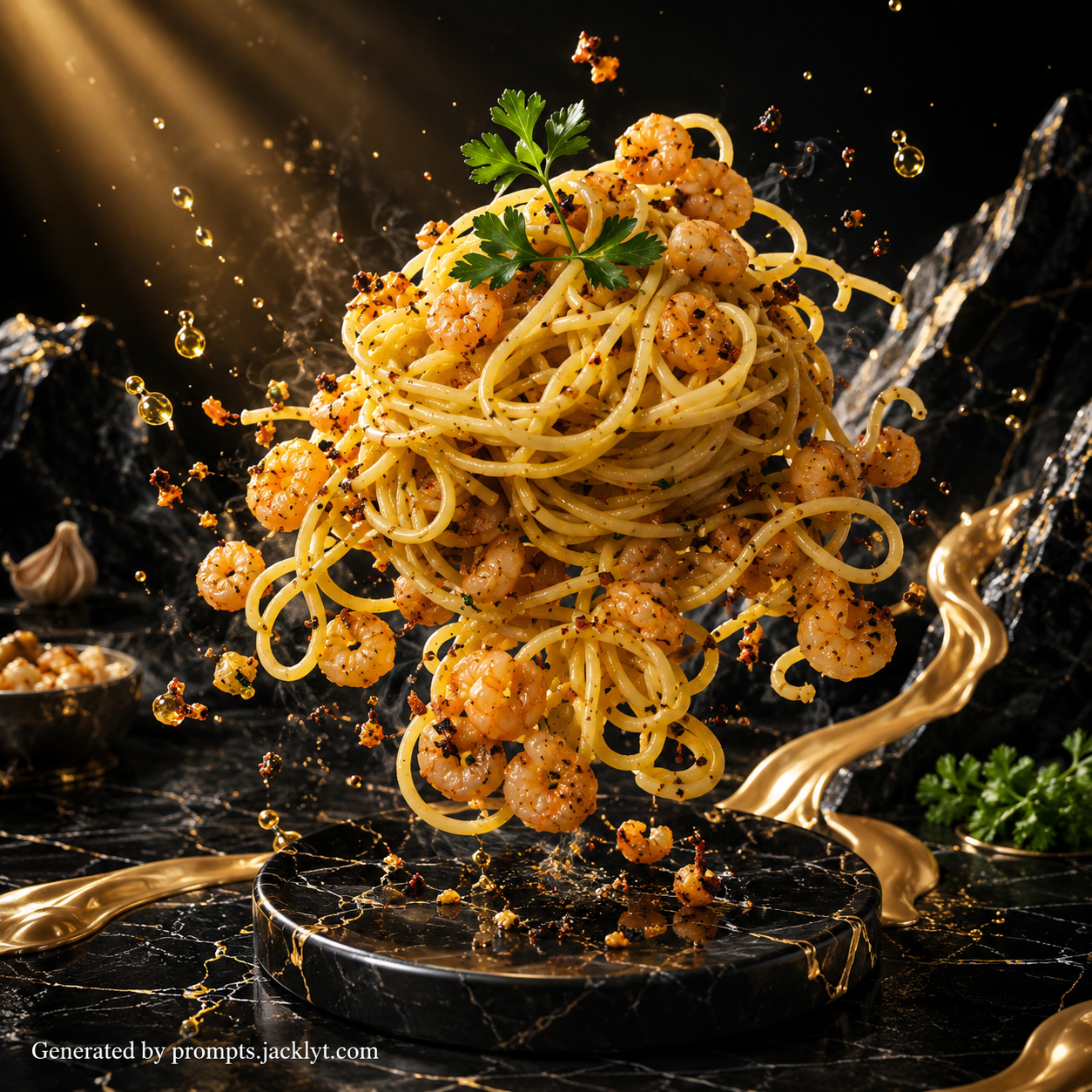
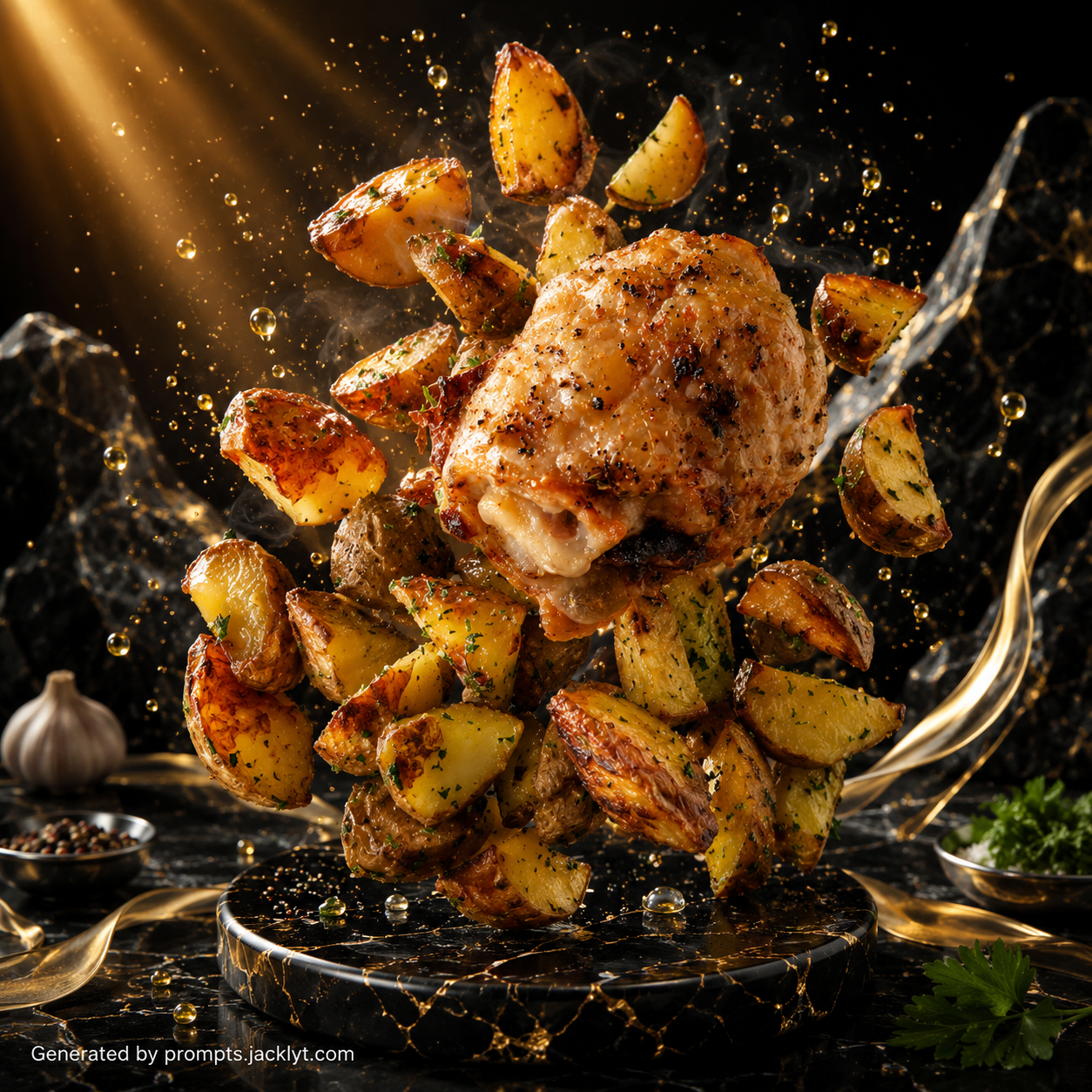
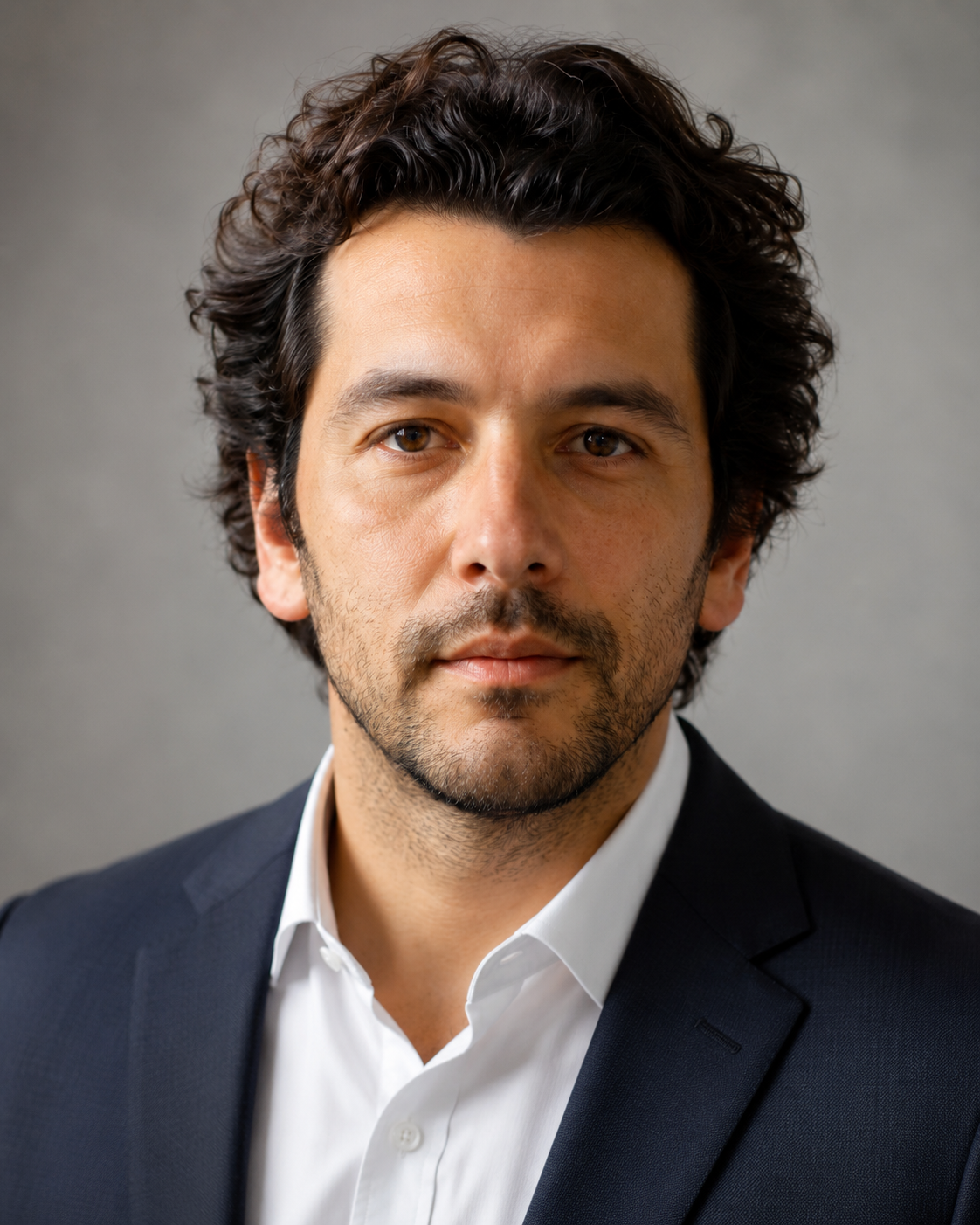
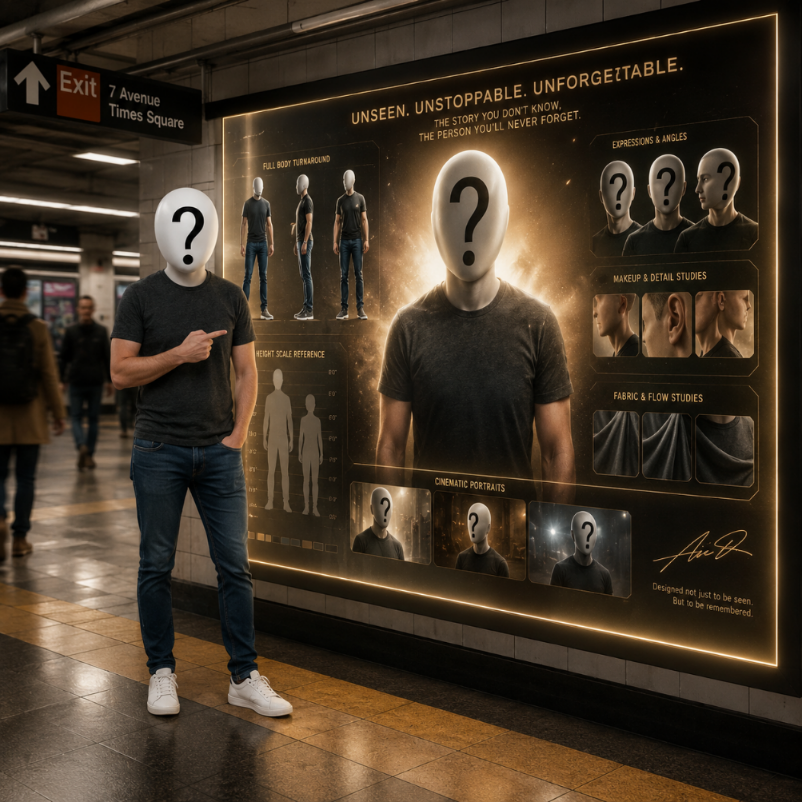
People
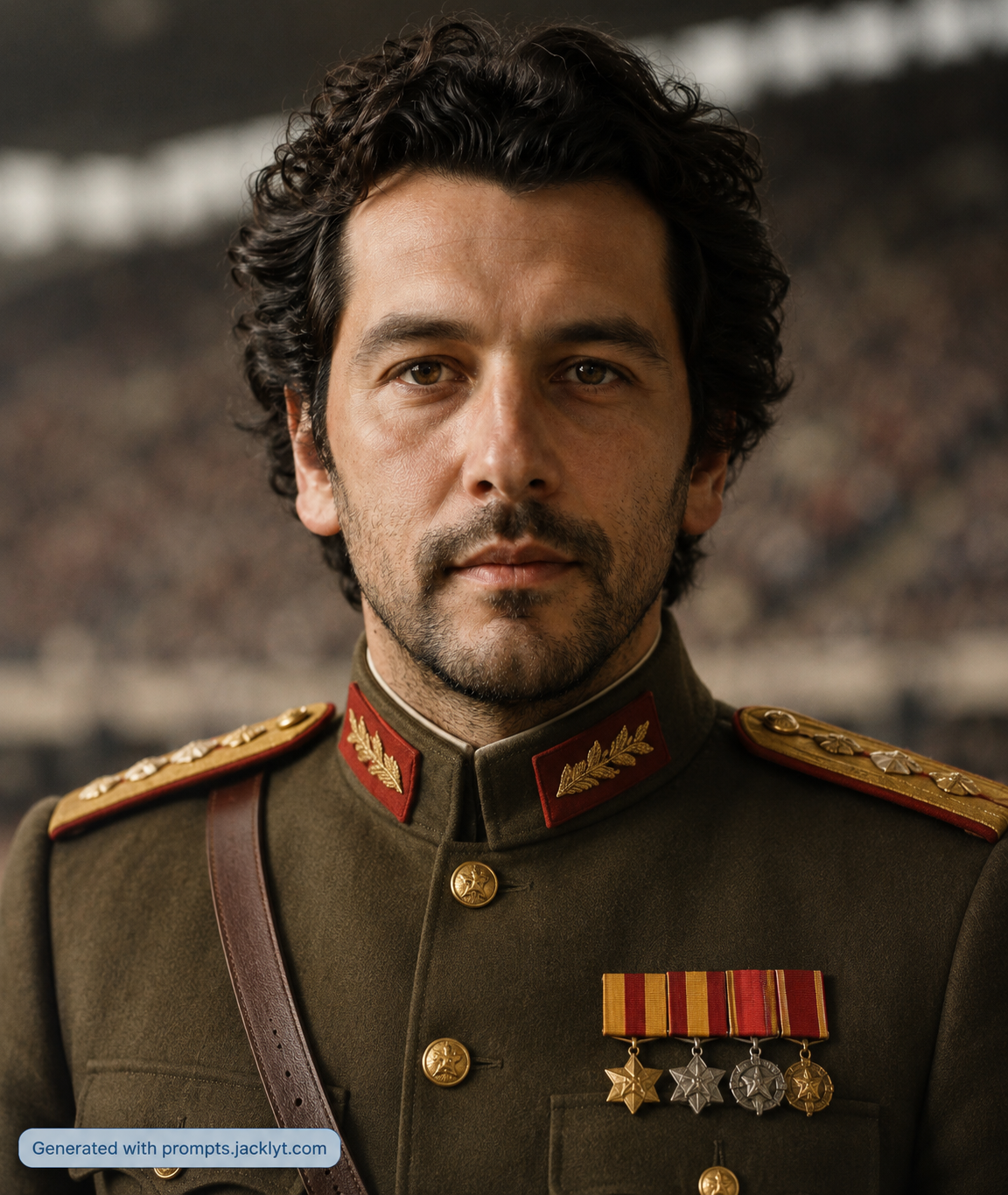
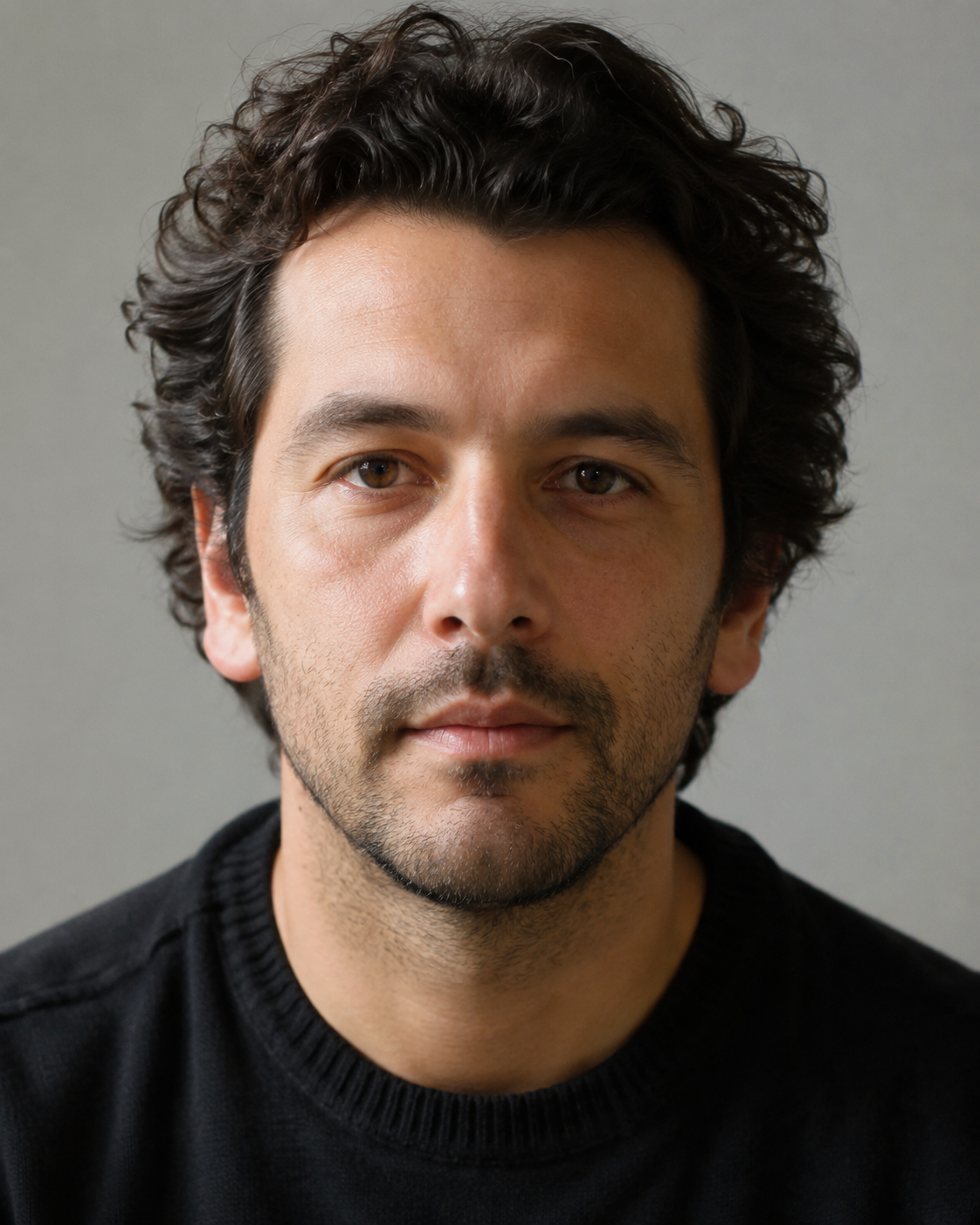
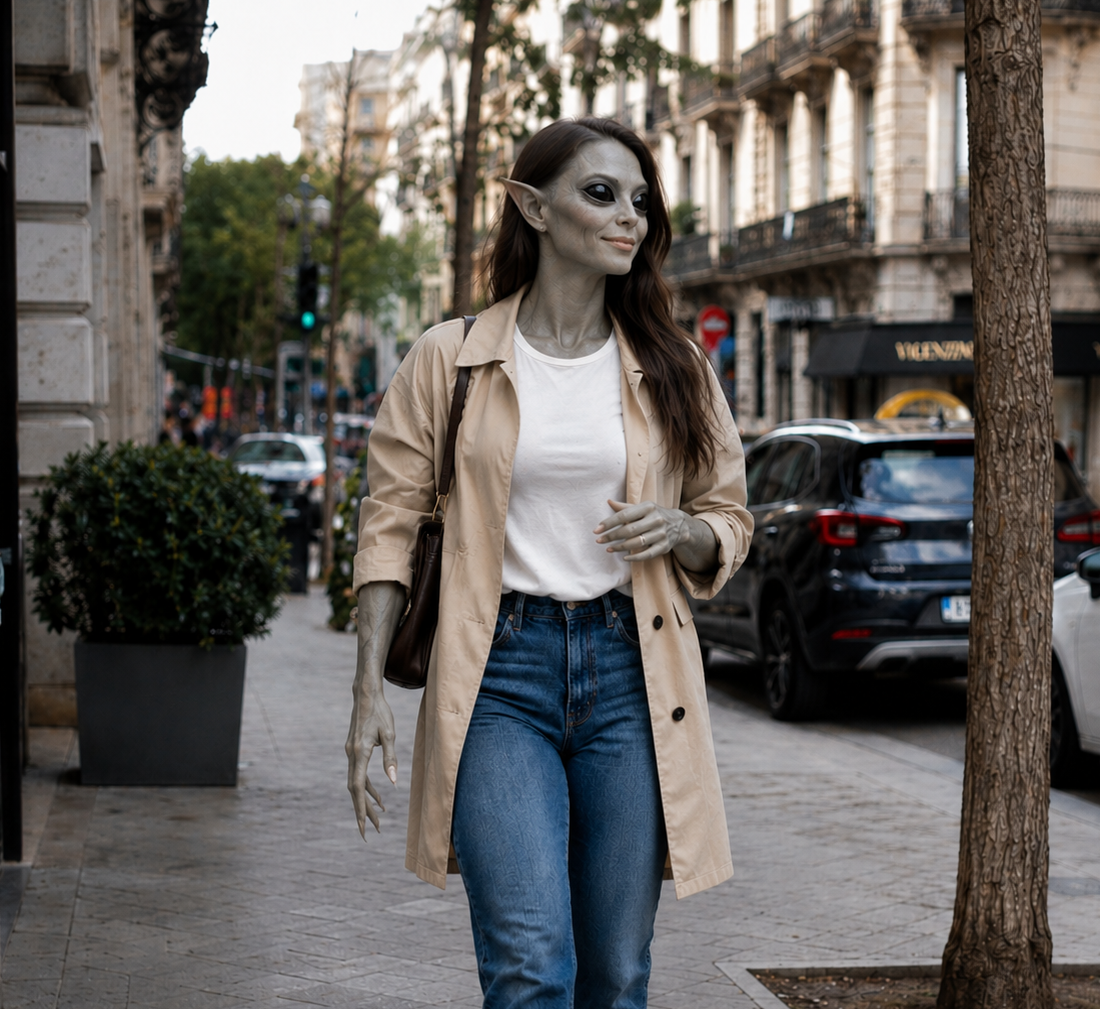
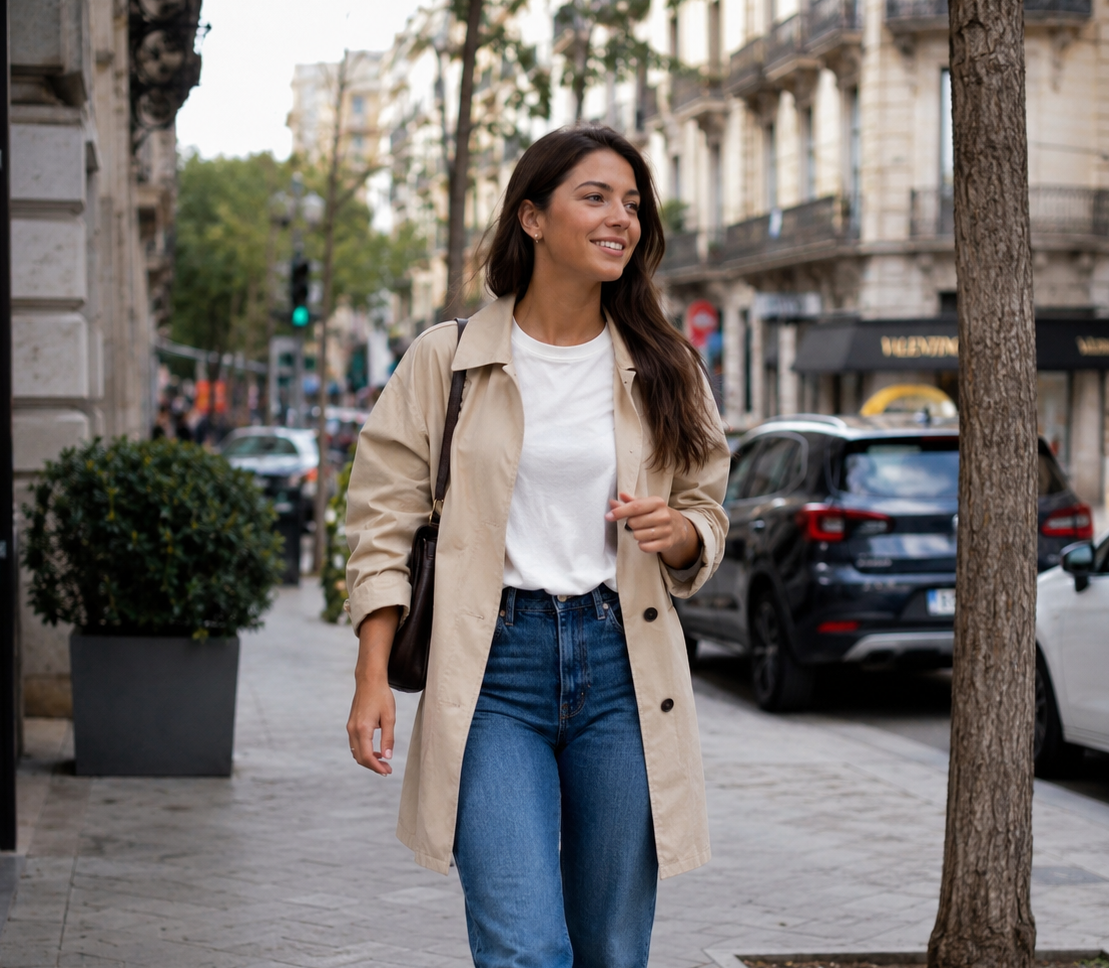
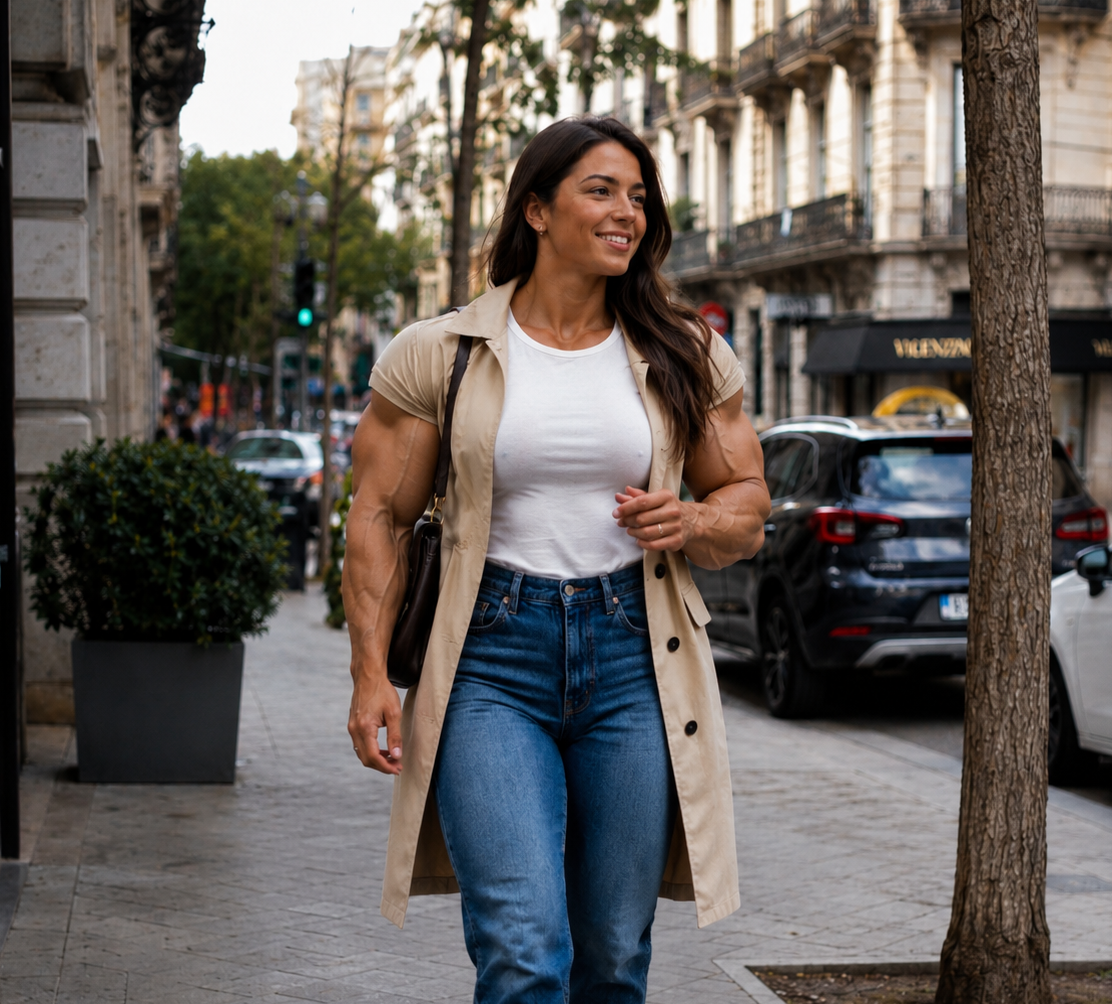
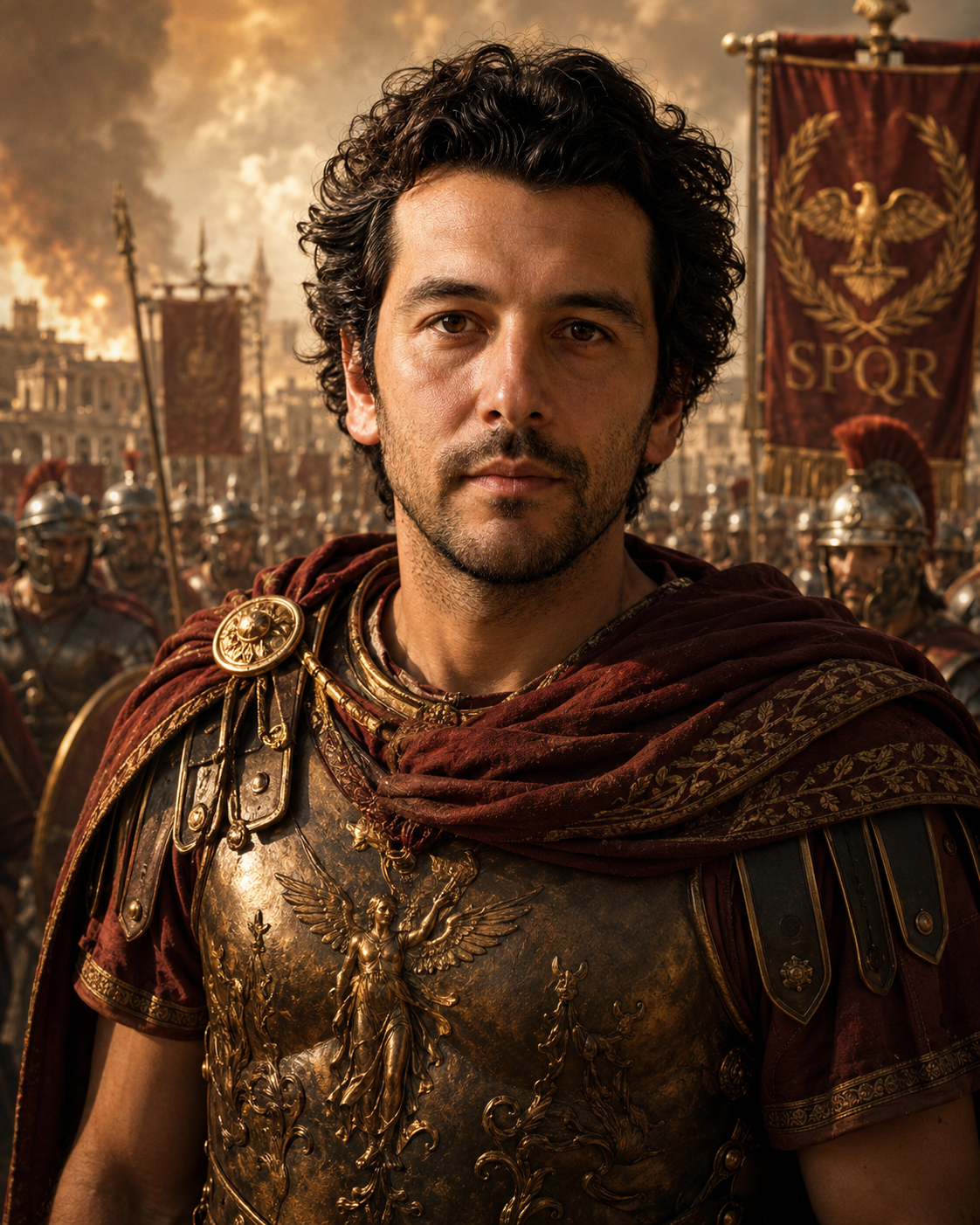
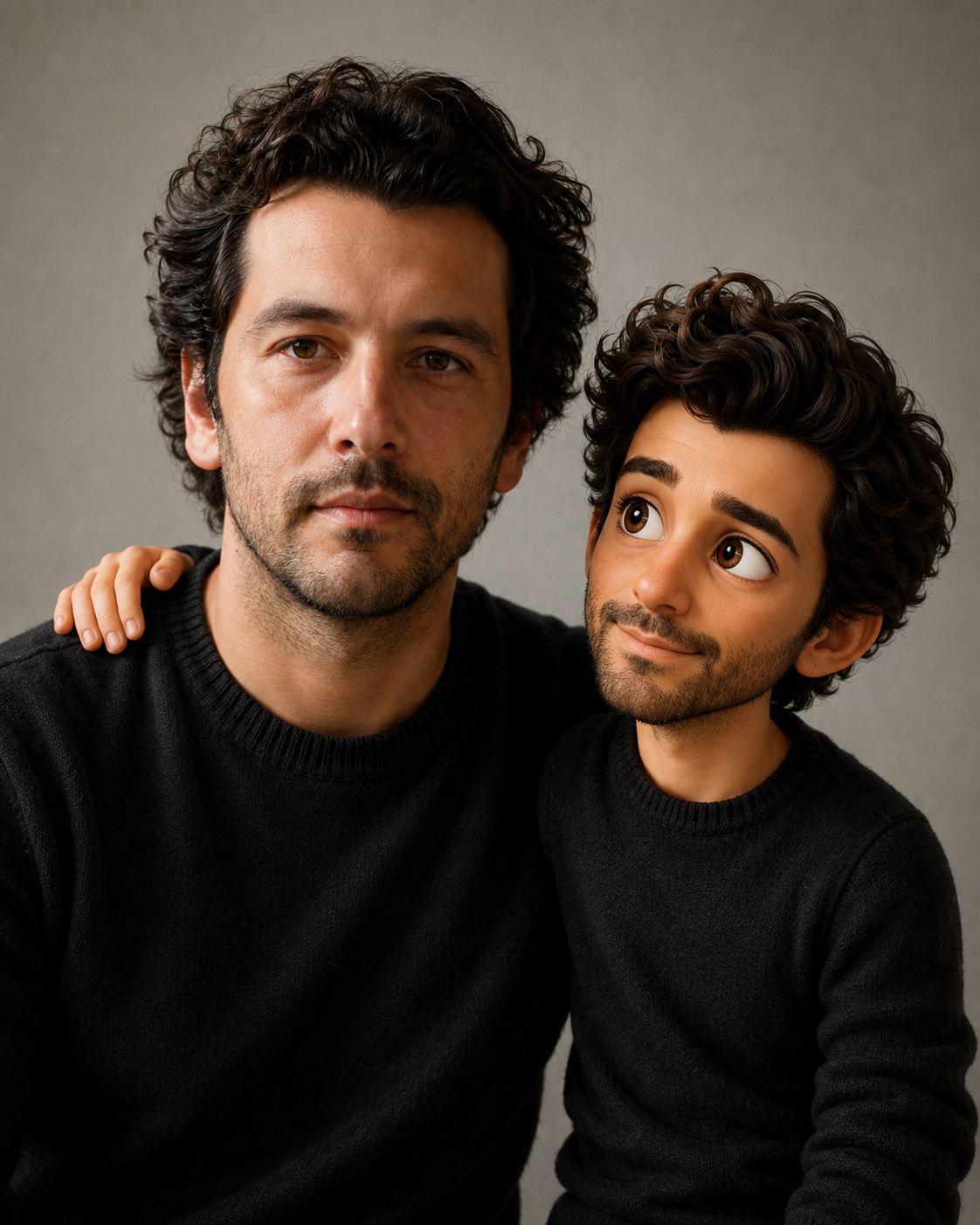
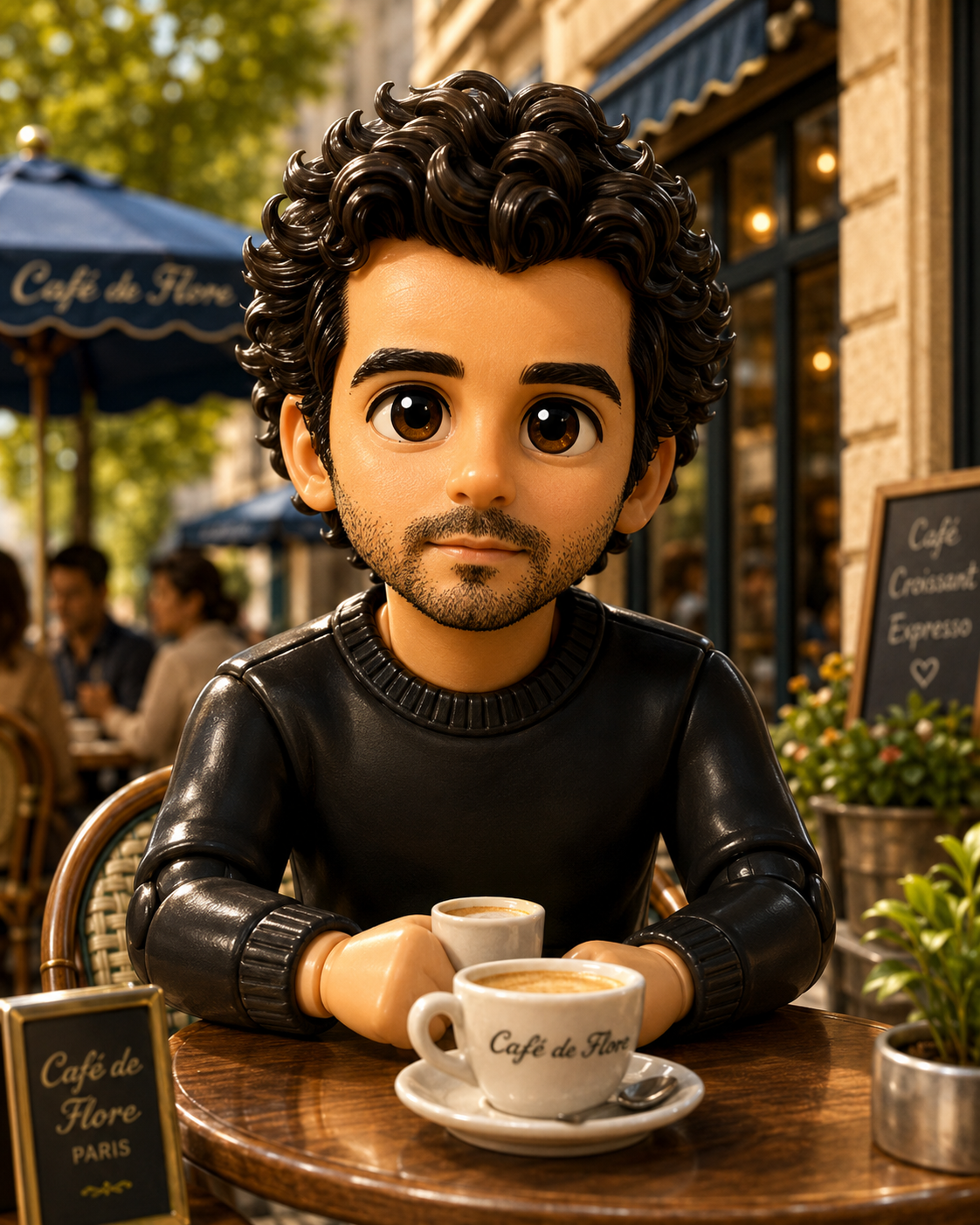
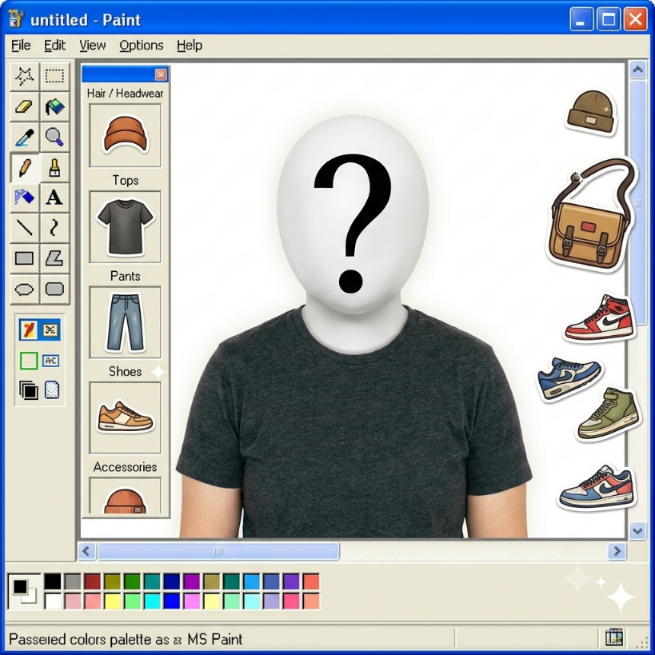
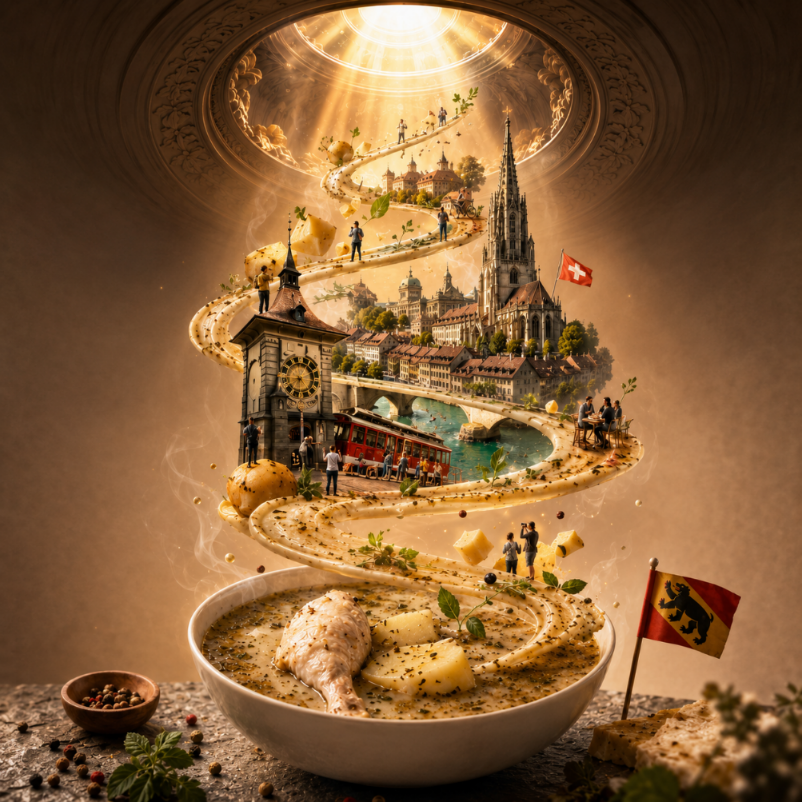
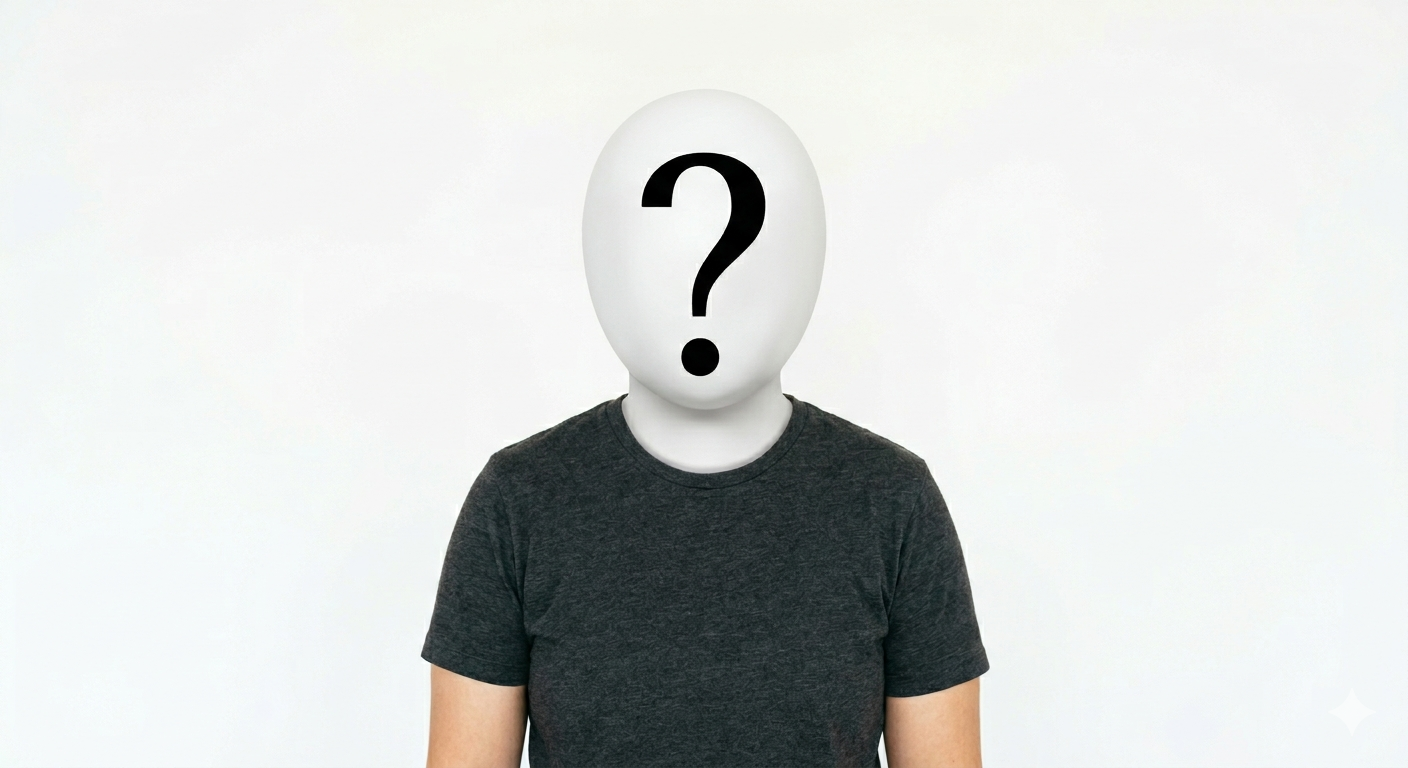
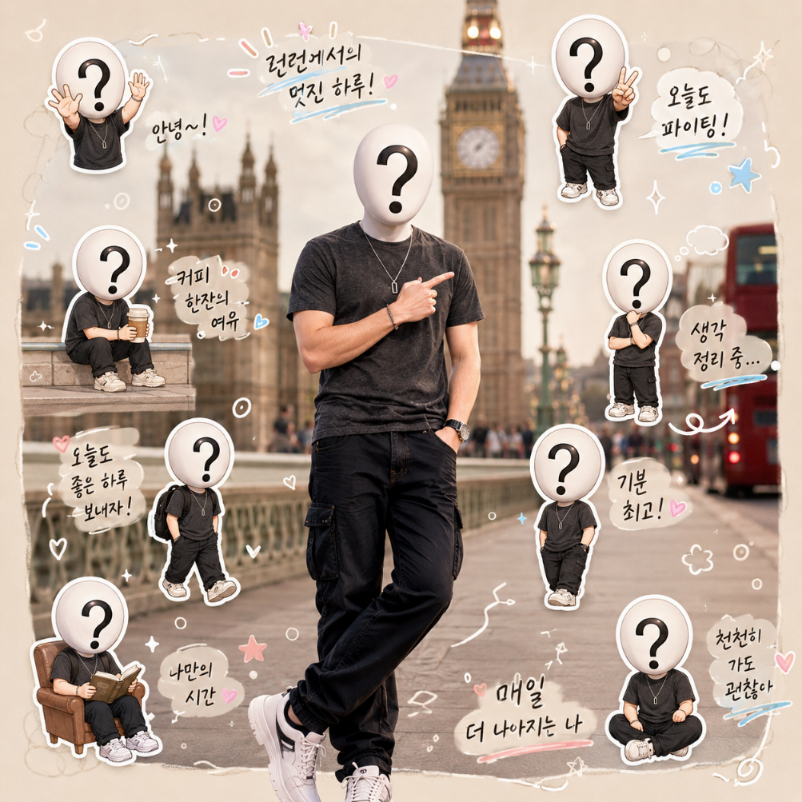
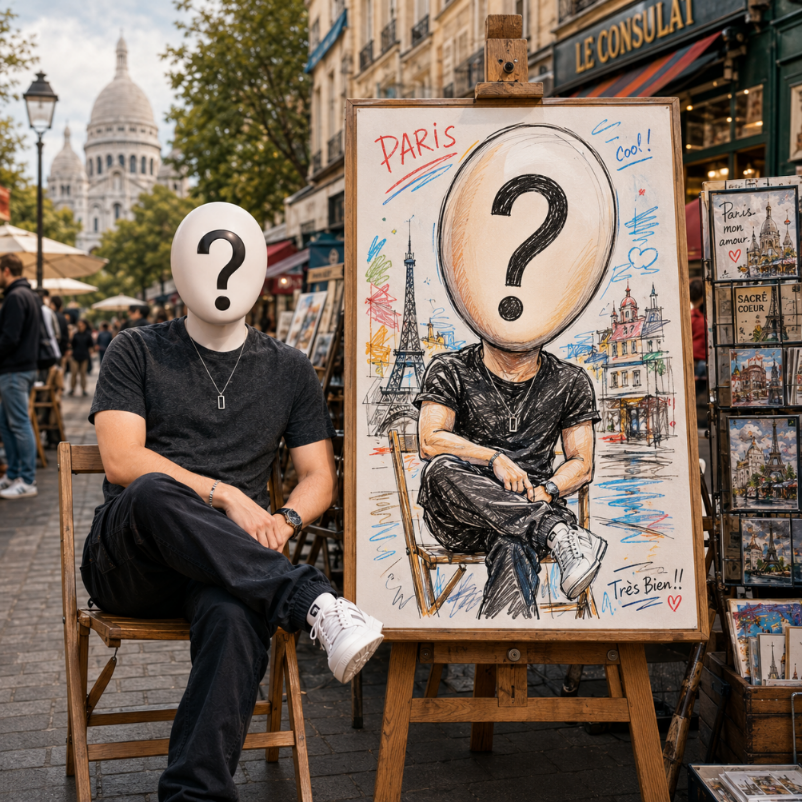
Generate cinematic profile images, professional-style portraits, fantasy characters, fashion concepts and editorial visuals while prioritizing identity preservation when a reference photo is used.
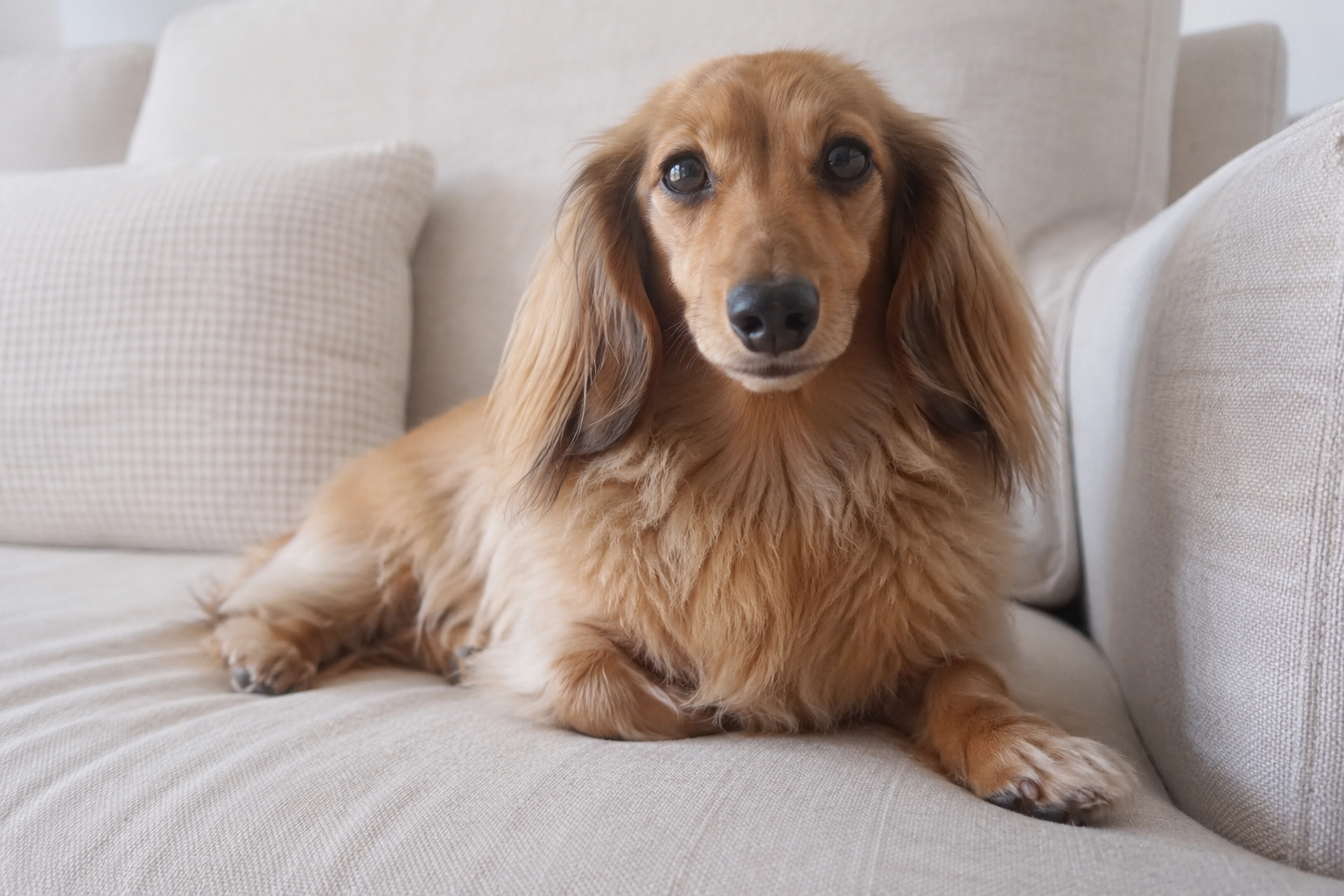
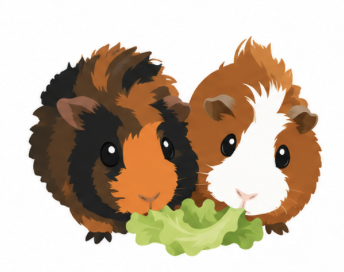
Pets
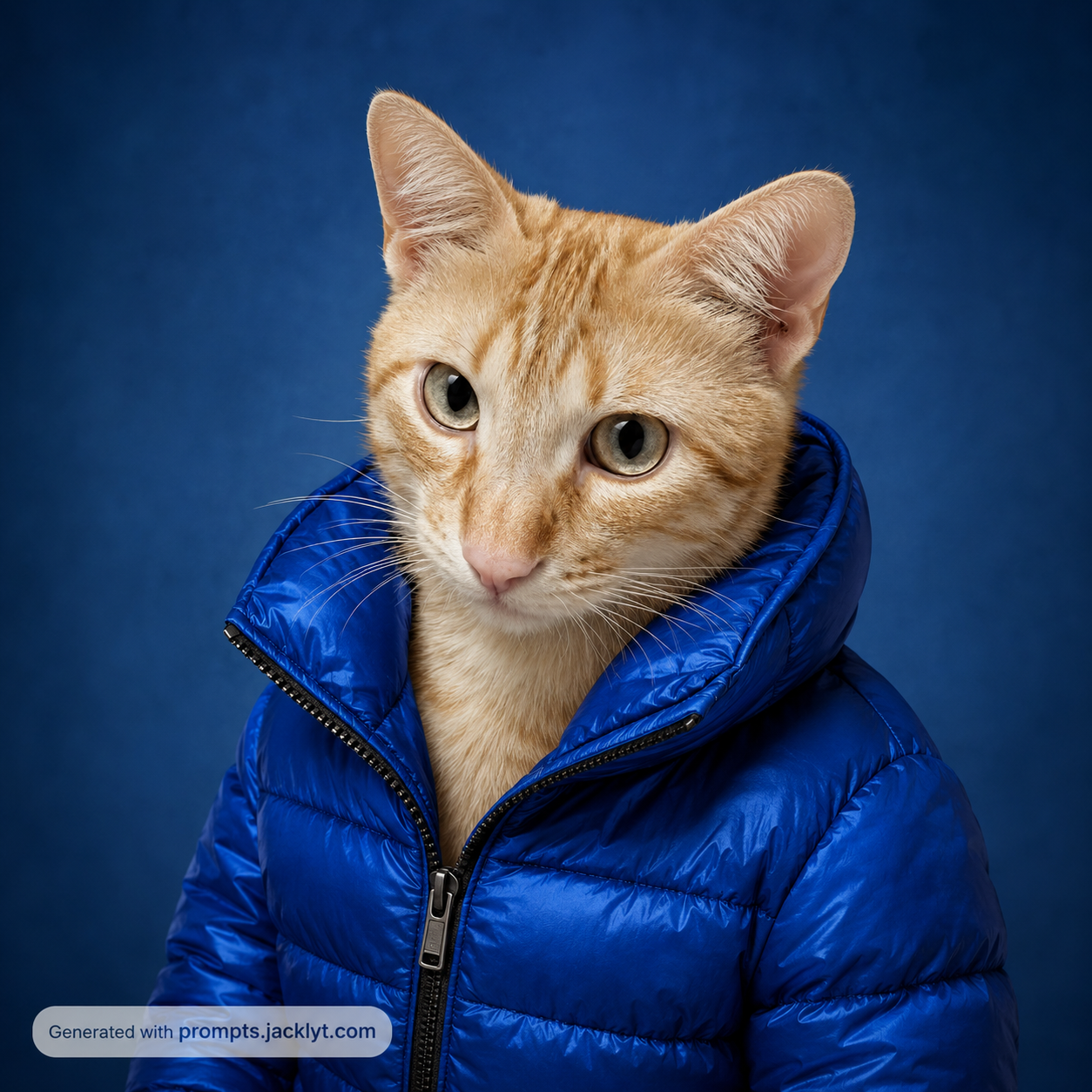
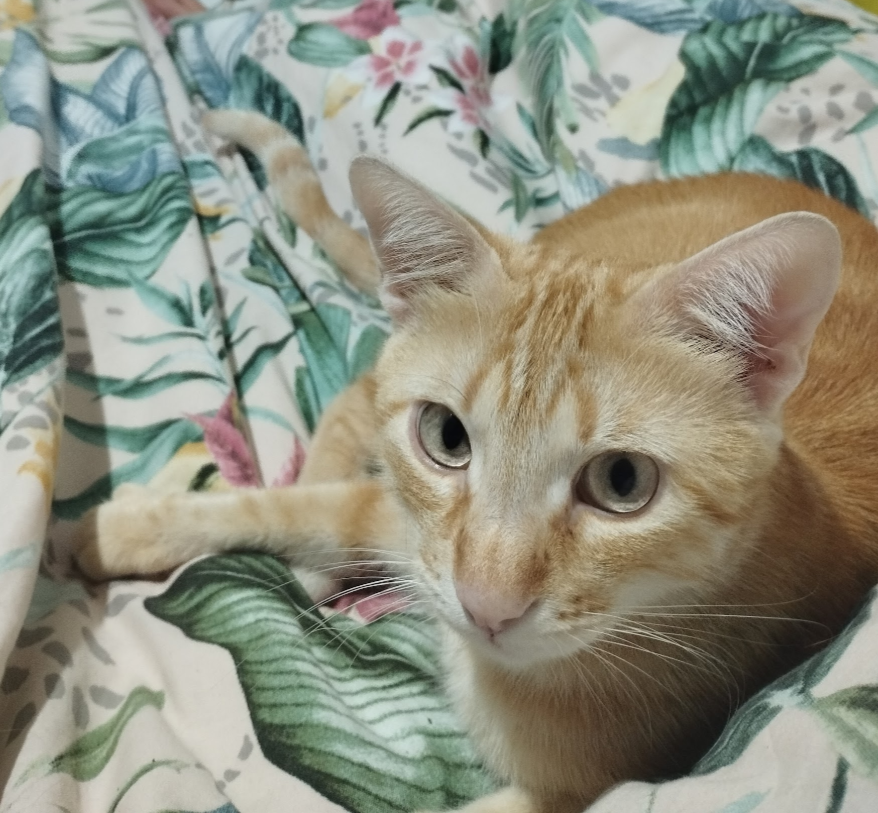
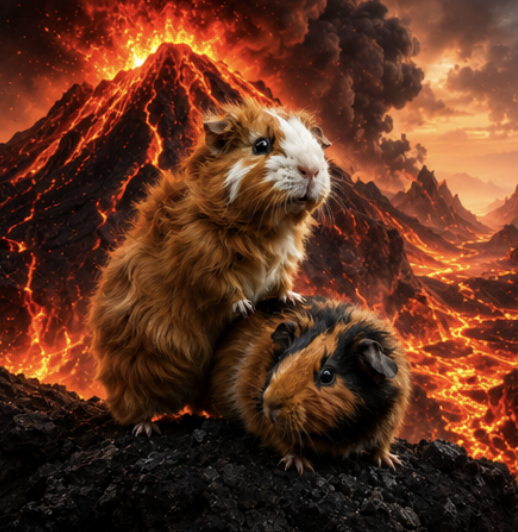
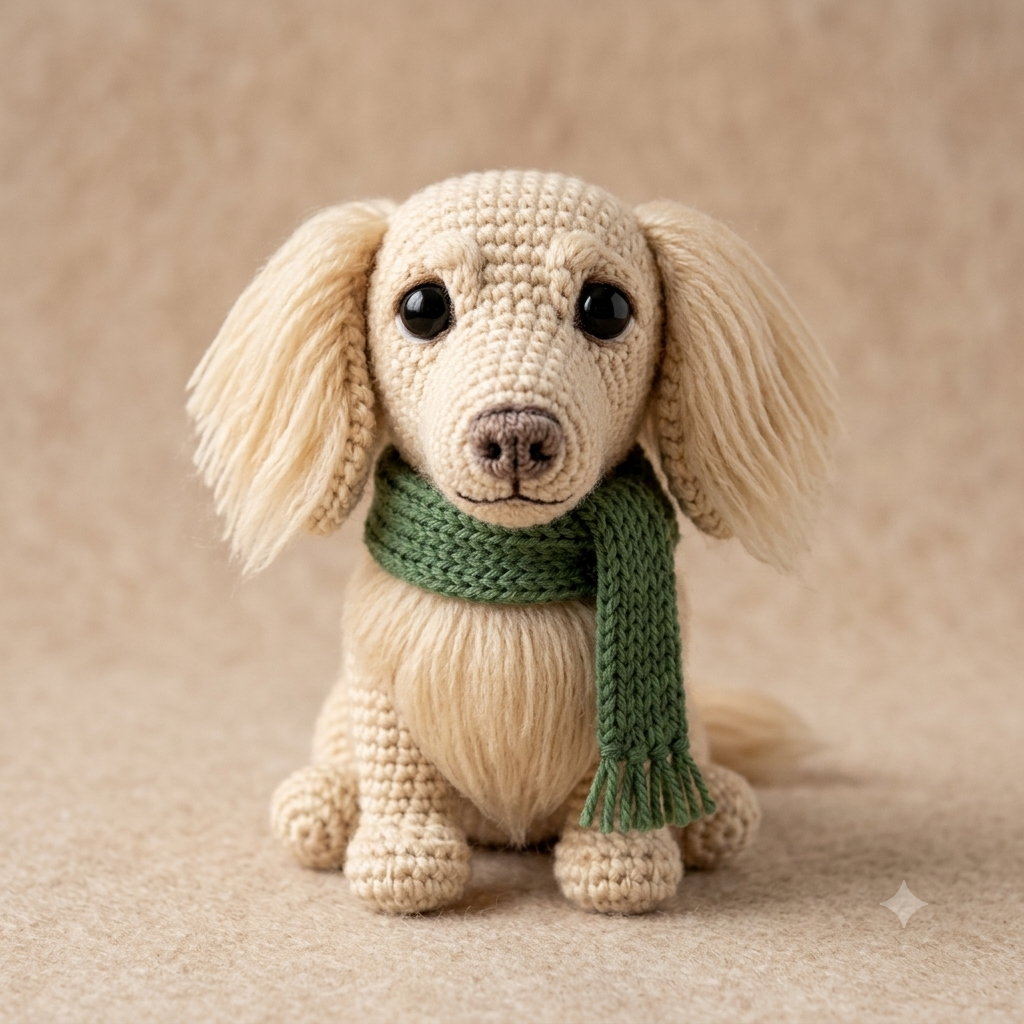
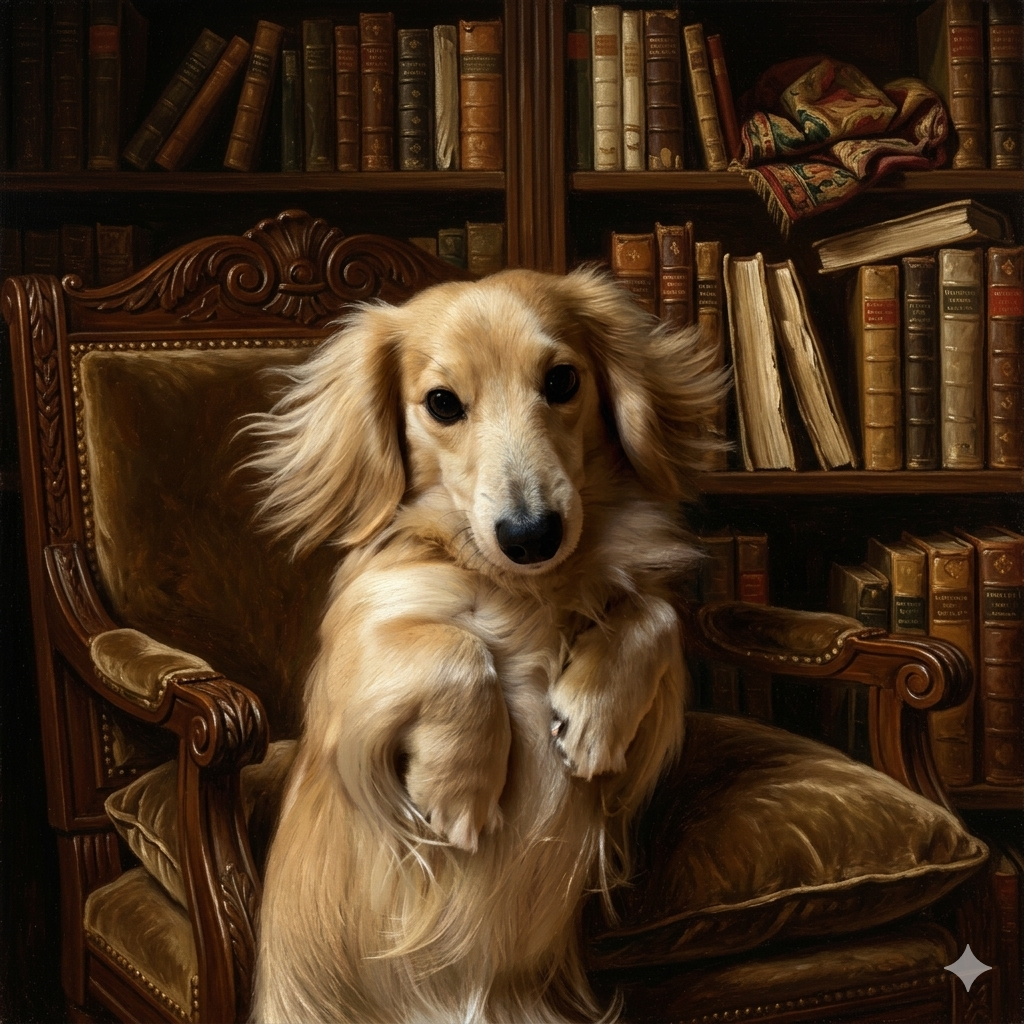
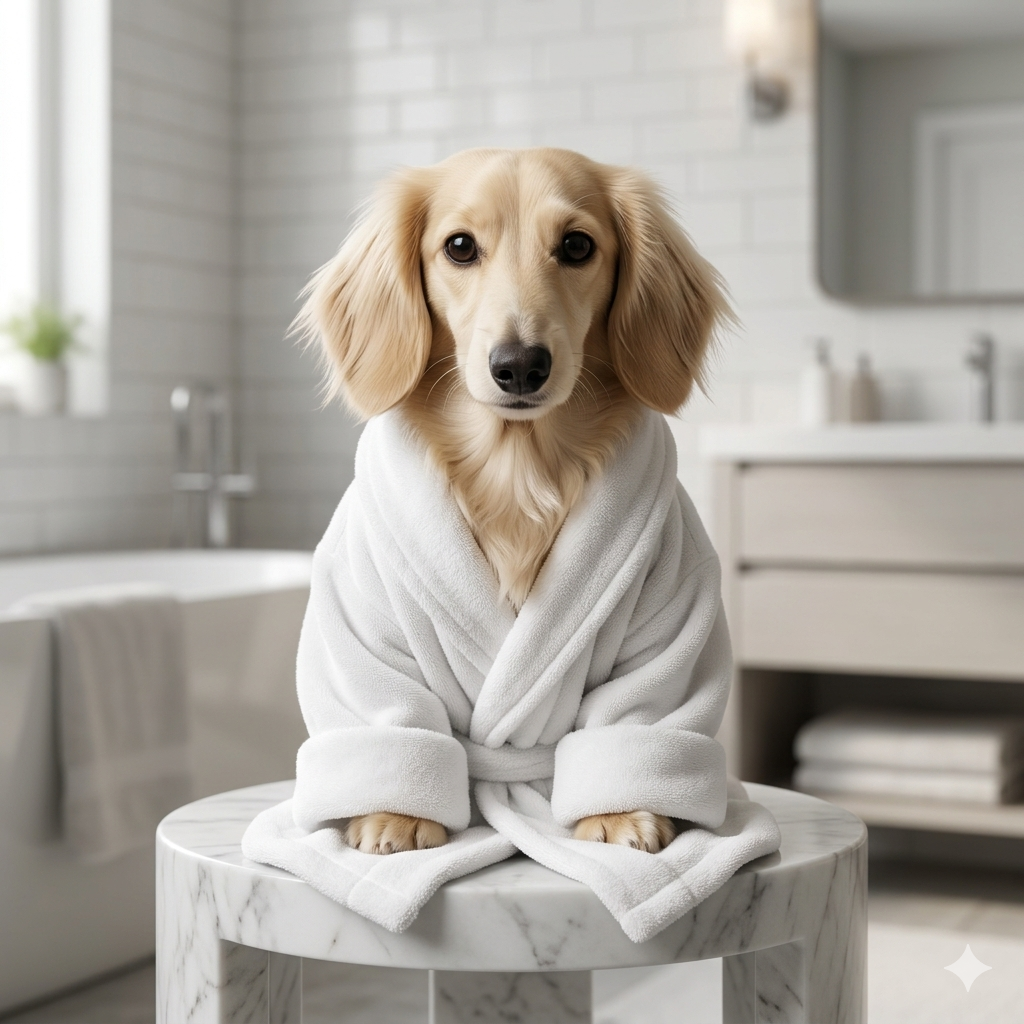
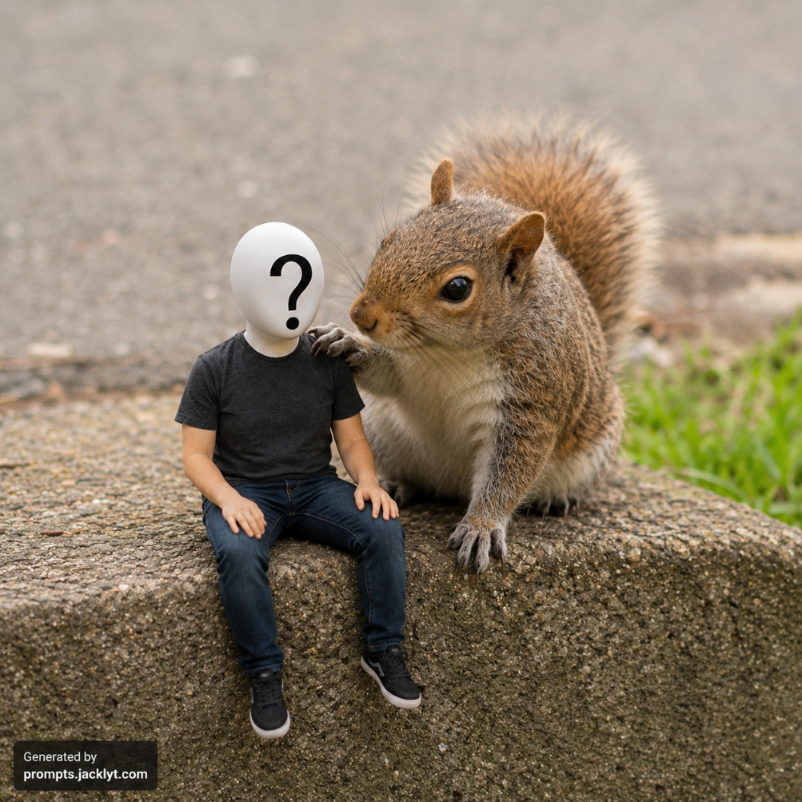
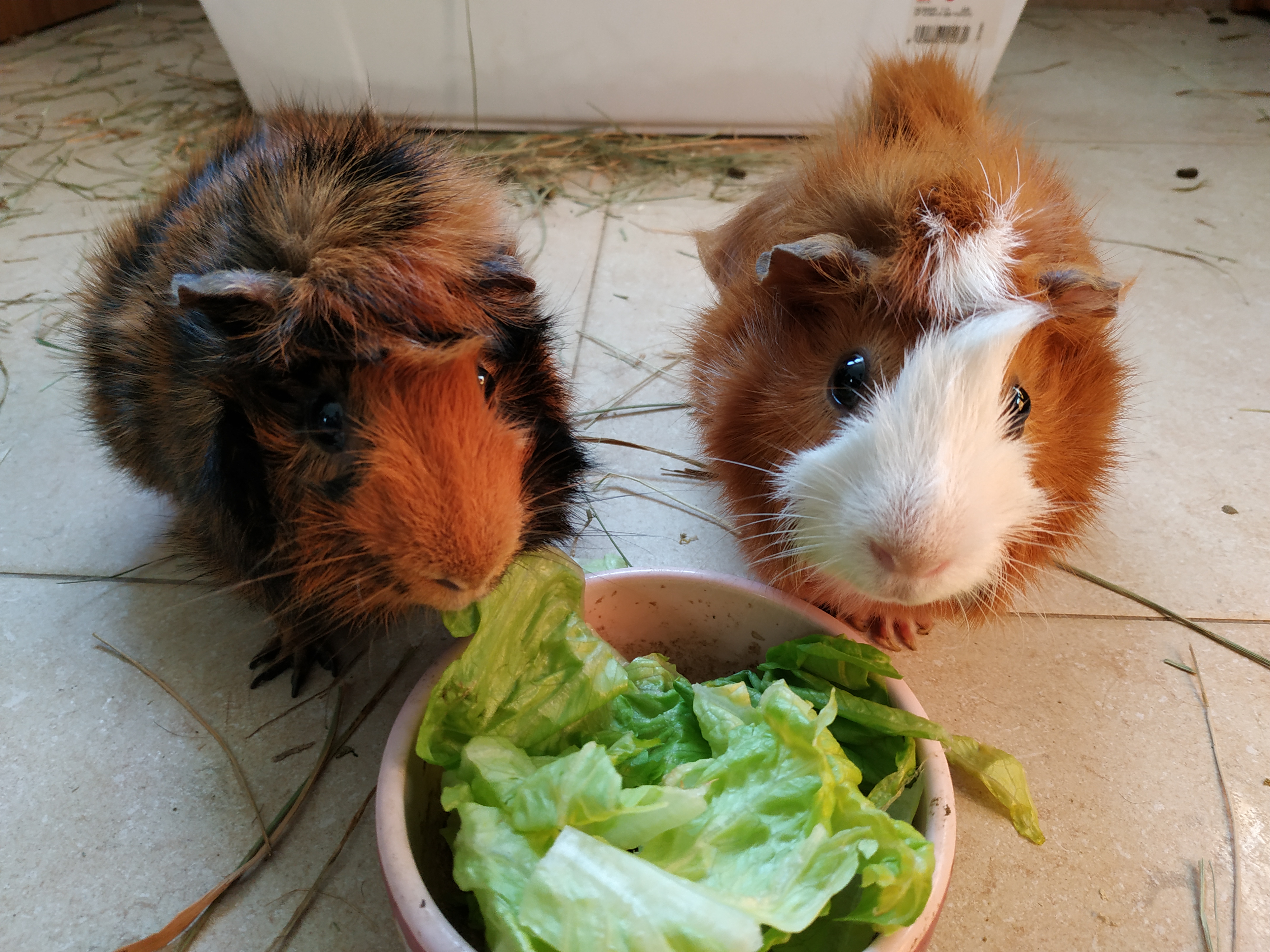
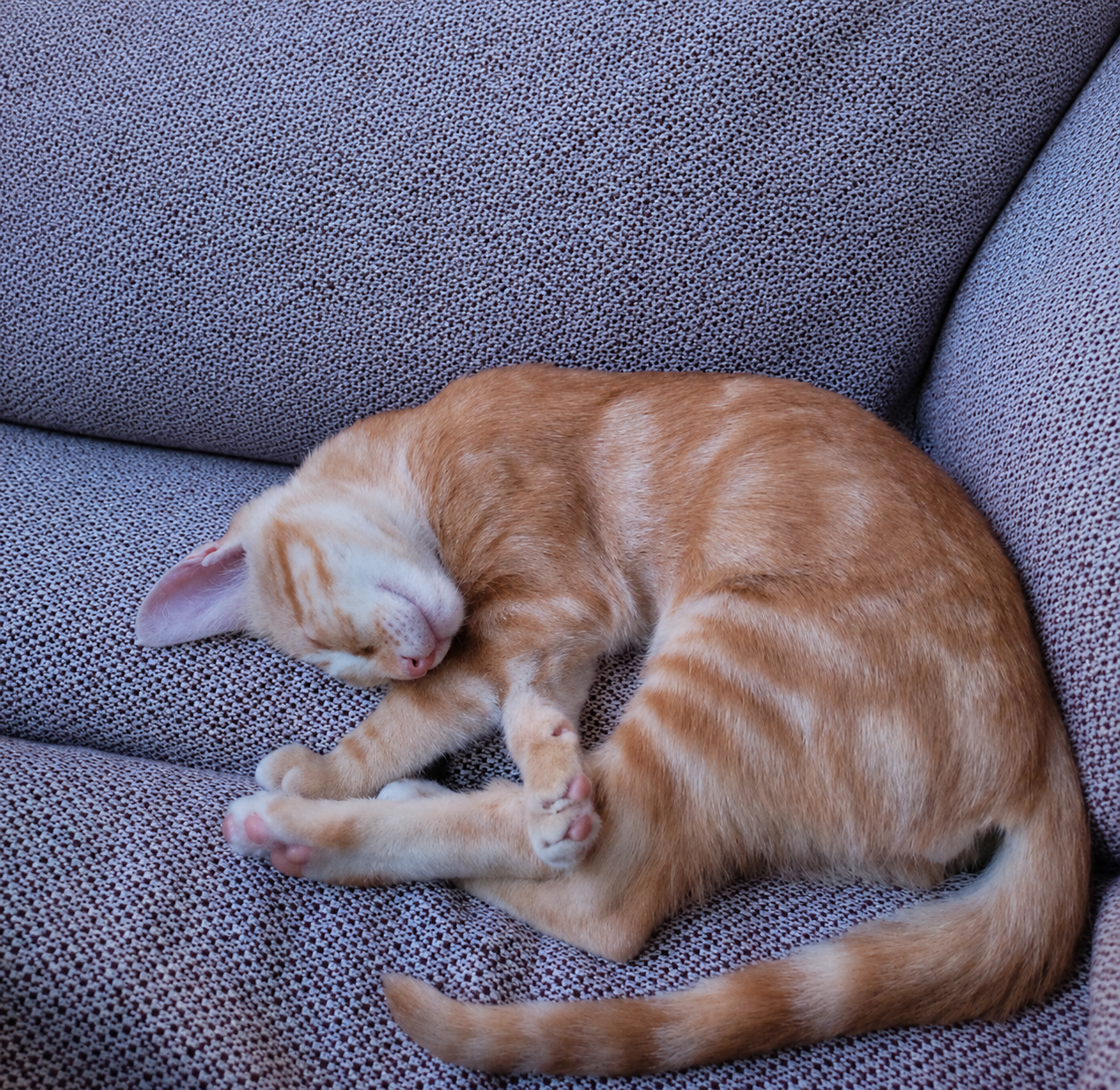
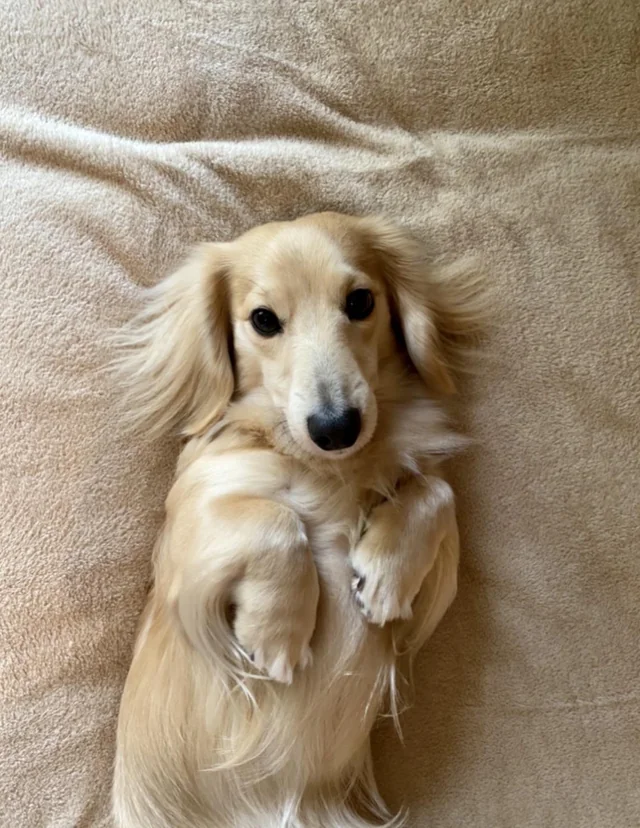
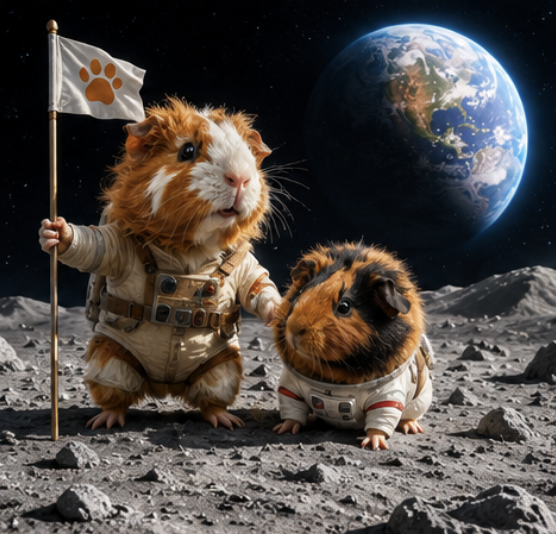
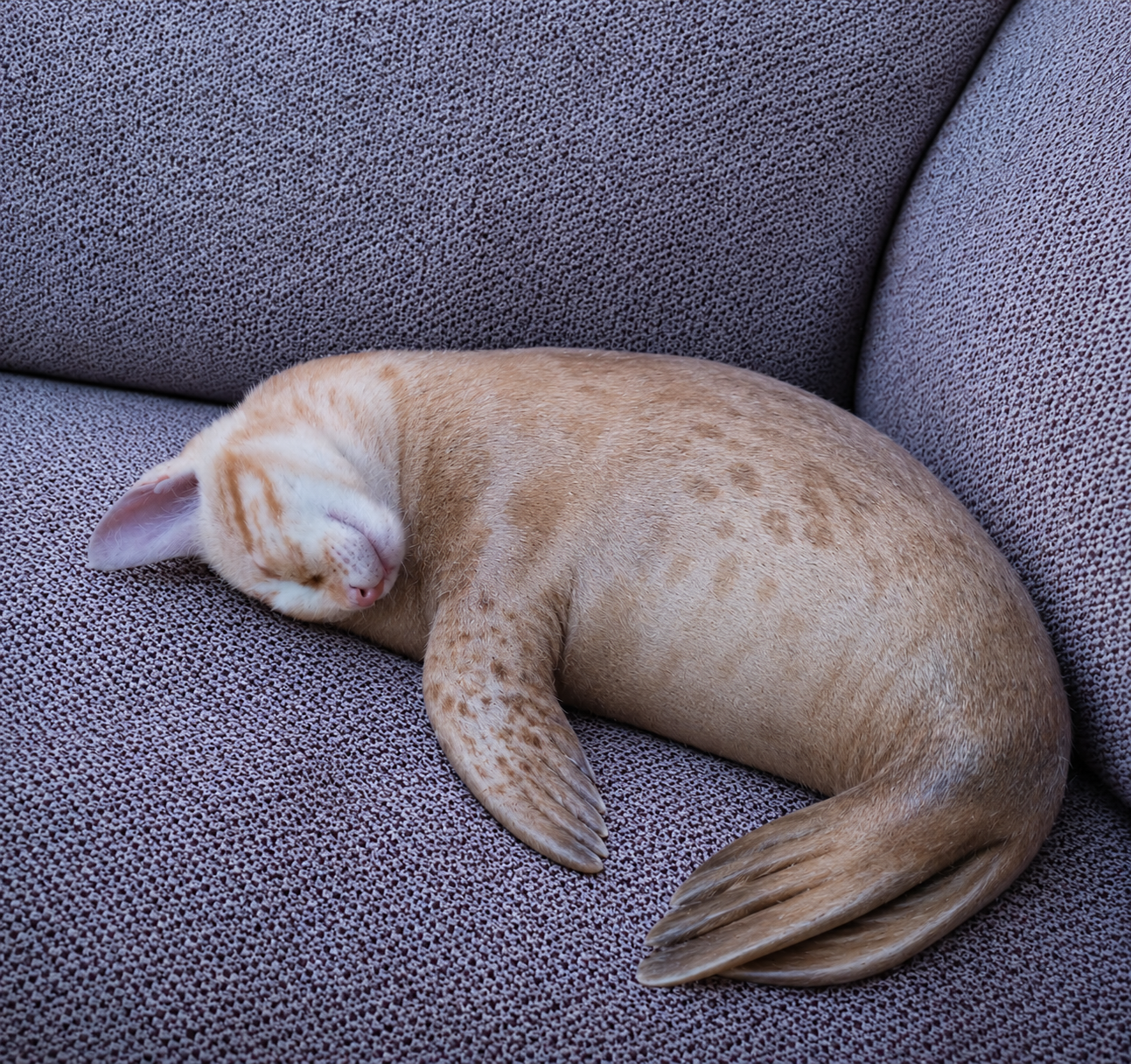
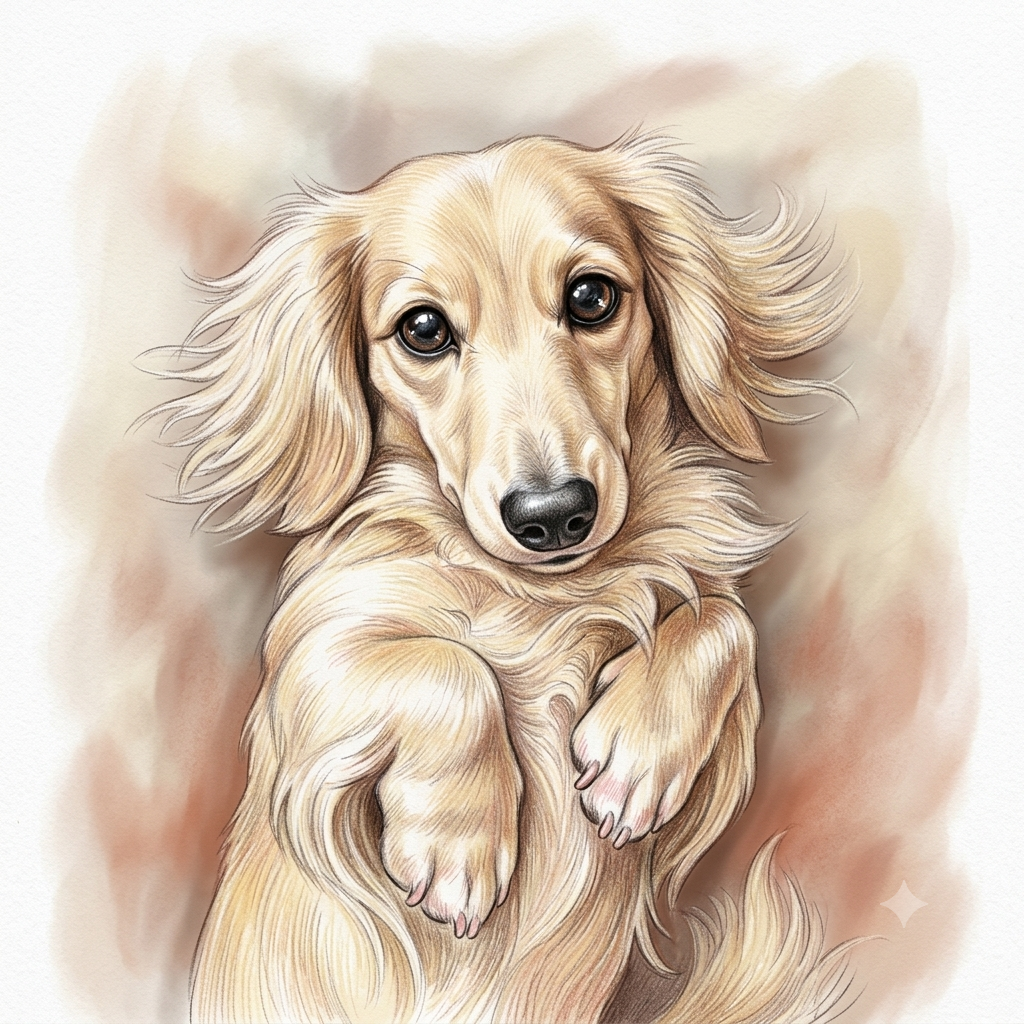
Create cute icons, stickers, fantasy portraits, funny scenes and shareable pet images while preserving recognizable details such as fur color, markings, ears and personality.
Landscapes
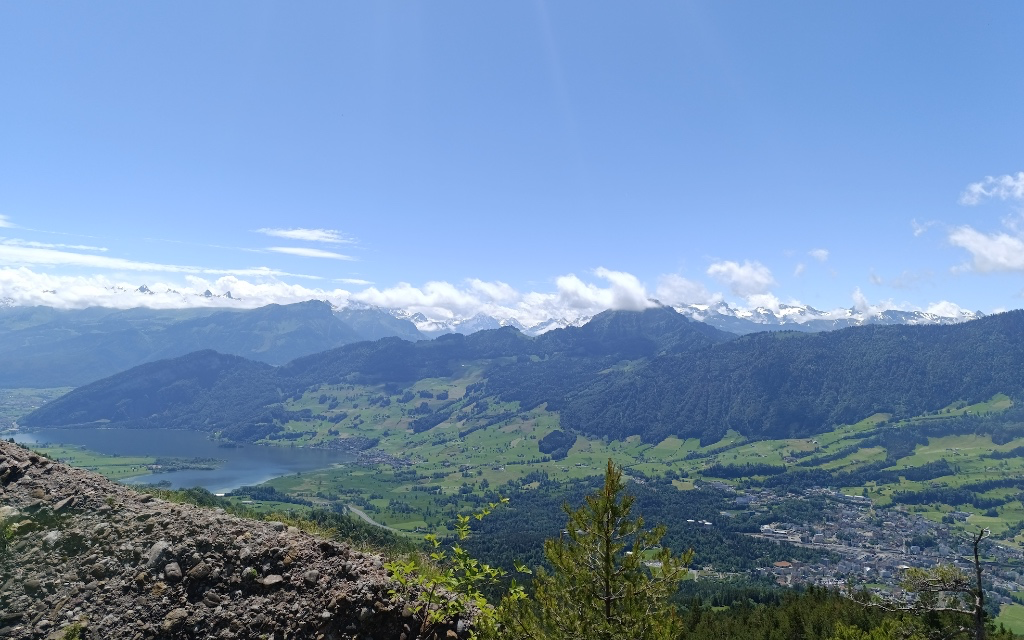
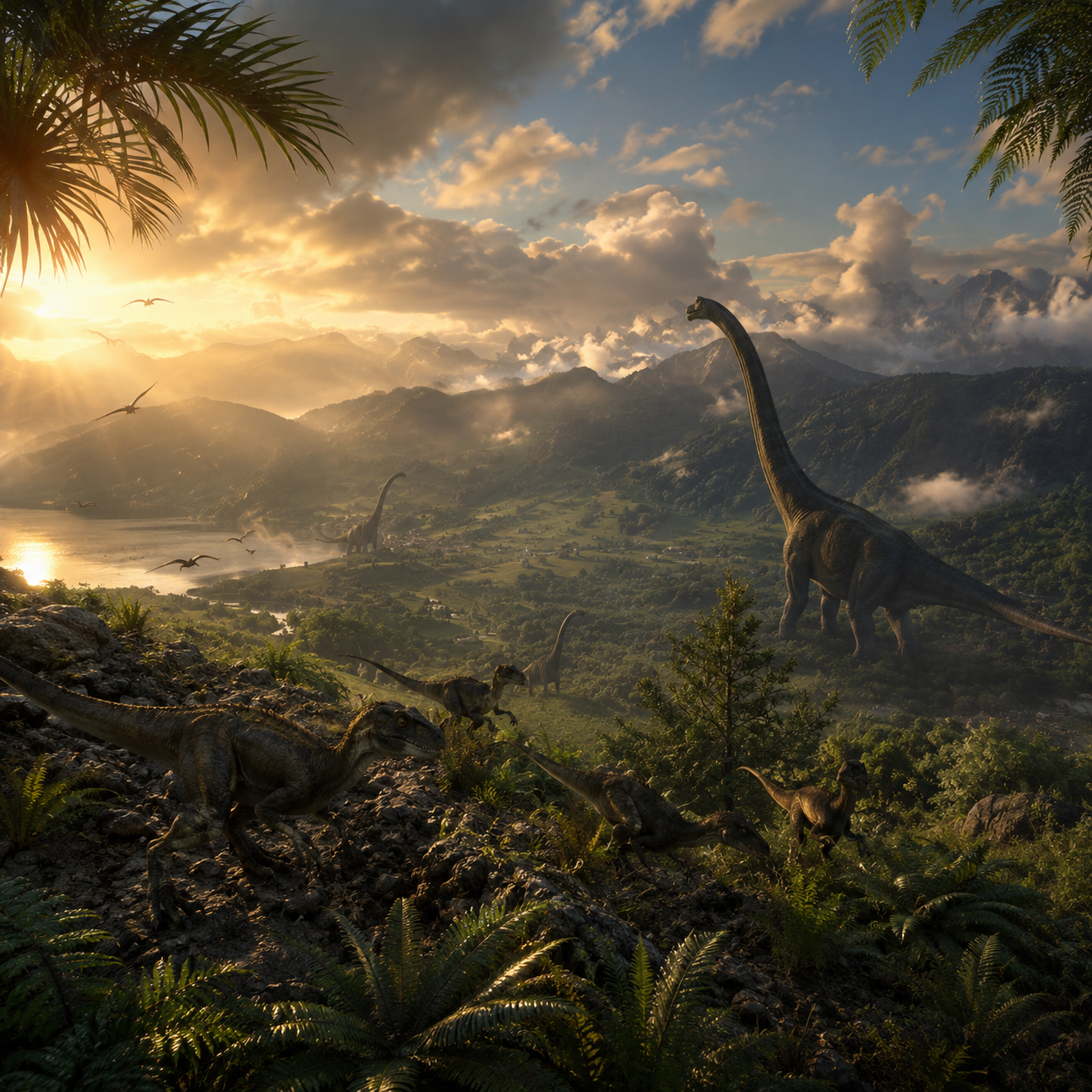
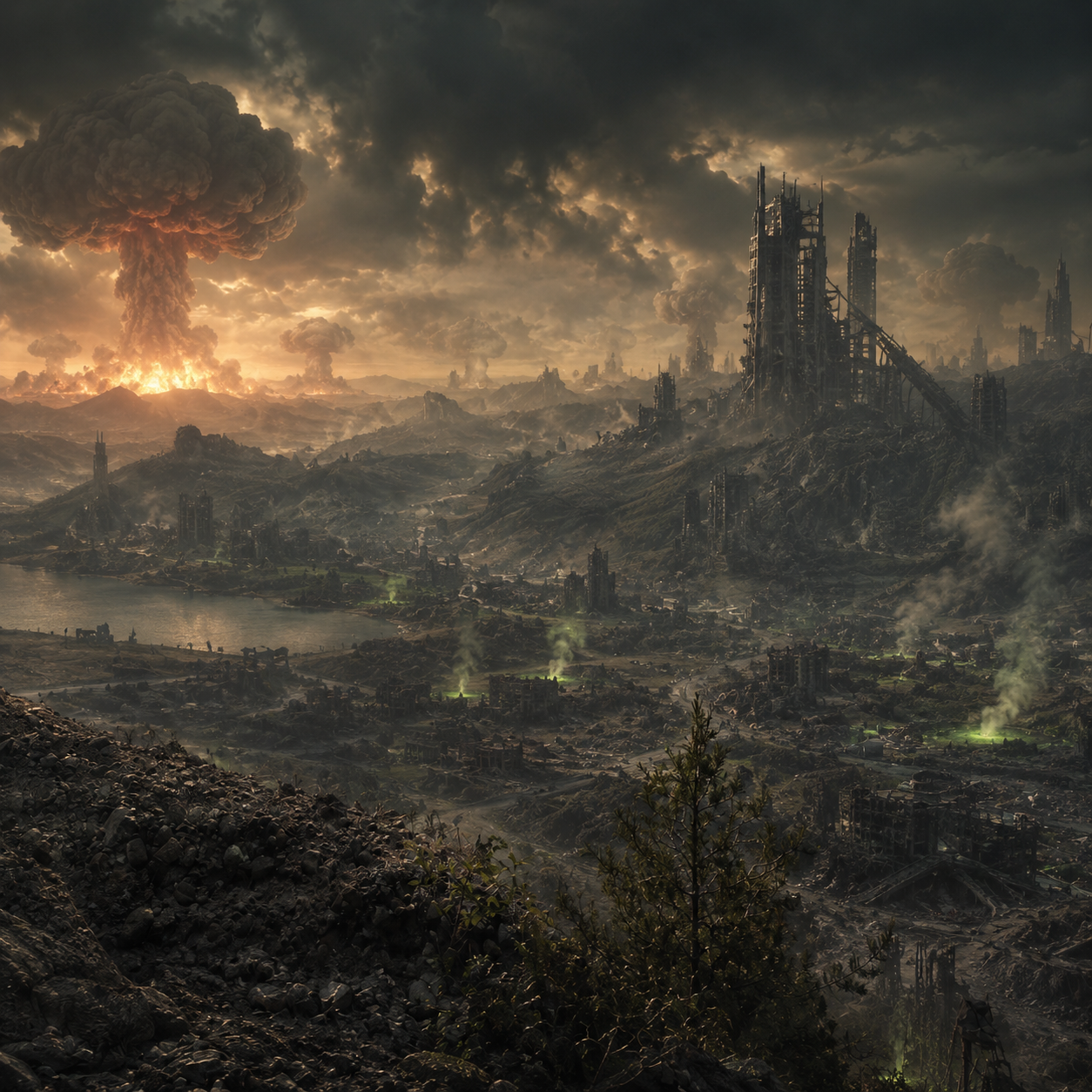
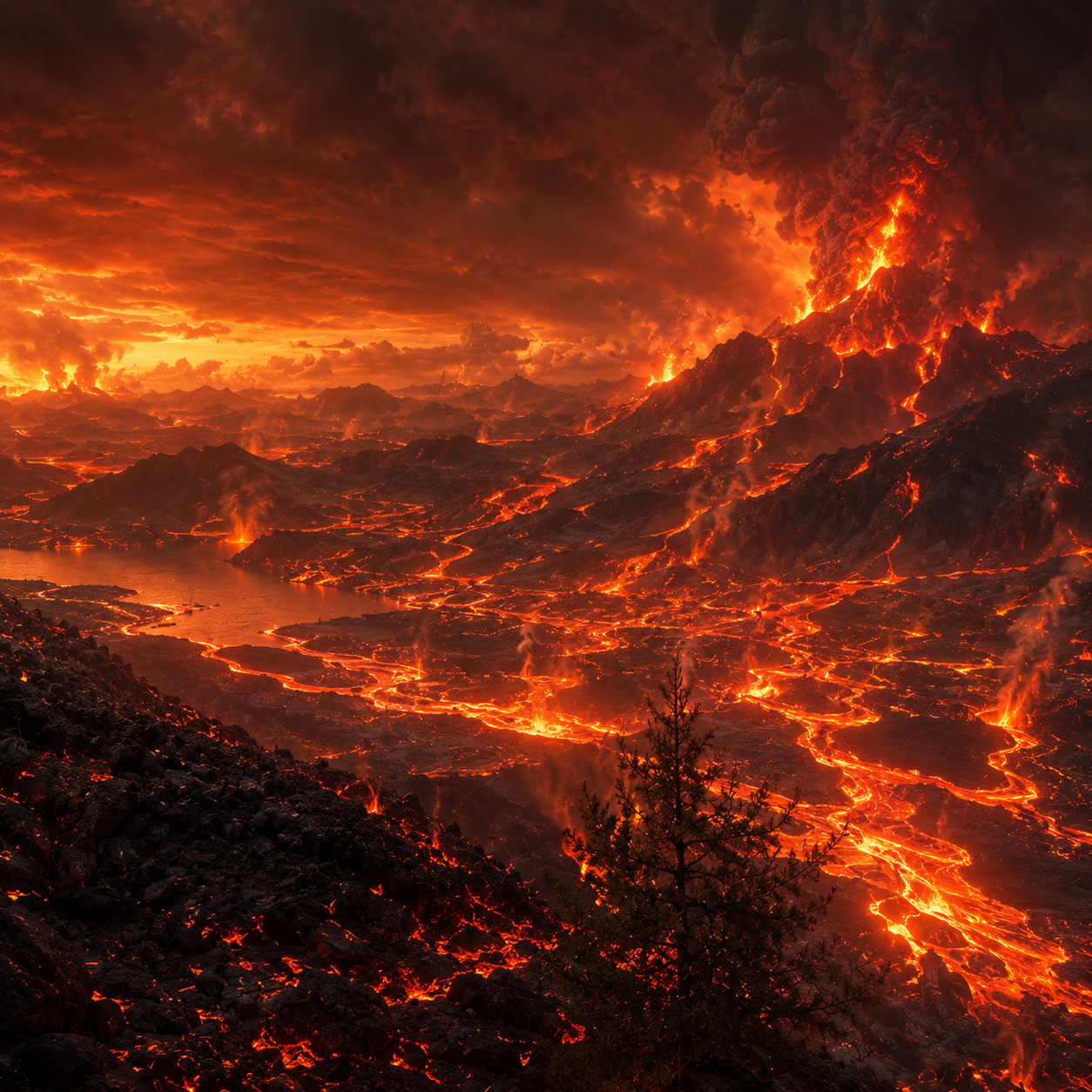
Change lighting, weather, time of day, color mood and artistic direction while keeping the structure of the original landscape or location recognizable.
Learn AI prompting
An AI prompt template is a structured instruction for an image-generation model. It does more than describe a subject: it defines what the model should preserve, which style to apply, how the composition should be framed, what lighting and background to use, and which mistakes to avoid. A strong template can include identity-preservation rules, aspect-ratio guidance, quality expectations, negative prompts and validation checks, so the final instruction is clearer than a short one-line prompt.
Jacklyt turns those advanced instructions into an easy workflow. You choose a prompt template, select the options that match your goal, copy the final prompt and paste it into a compatible AI chat or image-generation tool. When a template needs a reference image, the page explains which images to attach so the AI receives the visual input and the written direction together. This helps beginners create stronger results and gives experienced creators a faster way to keep outputs consistent.
Start with a ready-made prompt for a specific result, such as a pet icon, cinematic portrait, menu redesign, product scene, fantasy character or landscape transformation.
Select the style, aspect ratio, mood, category or transformation type through simple fields instead of writing complex prompt-engineering instructions from scratch.
The builder combines your choices into one detailed prompt with composition rules, preservation rules, quality controls, negative instructions and output requirements.
Paste the prompt into ChatGPT, Gemini or another compatible AI image tool, attach the required images in the same message and create your final result.
Why it matters
Writing a reliable image prompt is not only about saying what should appear in the picture. Strong AI image instructions also need visual direction, camera framing, background rules, lighting choices, style limits, identity preservation and clear restrictions. Prompt templates package those decisions into a repeatable workflow, making it easier to create useful results without rebuilding the same long instruction every time.
Skip the blank-page problem and begin with a complete prompt structure that already includes the most important visual and technical instructions.
Detailed prompts help the AI understand the desired style, composition, subject behavior and restrictions, which can lead to cleaner and more polished generations.
Use the same template structure across different images to maintain a recognizable visual direction for campaigns, profiles, products or creative series.
Beginners can build advanced prompts by choosing simple options, while the template handles the professional prompt language behind the scenes.
Prompt categories
Jacklyt organizes prompt templates around practical use cases, so you can quickly find the right starting point for your image goal. Each category focuses on a different type of visual task, from identity-preserving portraits to pet artwork, restaurant visuals, product scenes, landscape restyling and playful social content.
Create portraits, avatars, character transformations, fashion concepts and editorial-style images while keeping the person recognizable when a reference photo is used.
Turn pet photos into icons, stickers, fantasy scenes, posters and shareable images while preserving species, fur markings, expression and personality.
Improve food photos, redesign menus and create campaign-ready visuals for restaurants, delivery brands, ecommerce, social media and product presentations.
Reimagine places with new seasons, weather, cinematic lighting, artistic styles or color moods while keeping the original scene structure recognizable.
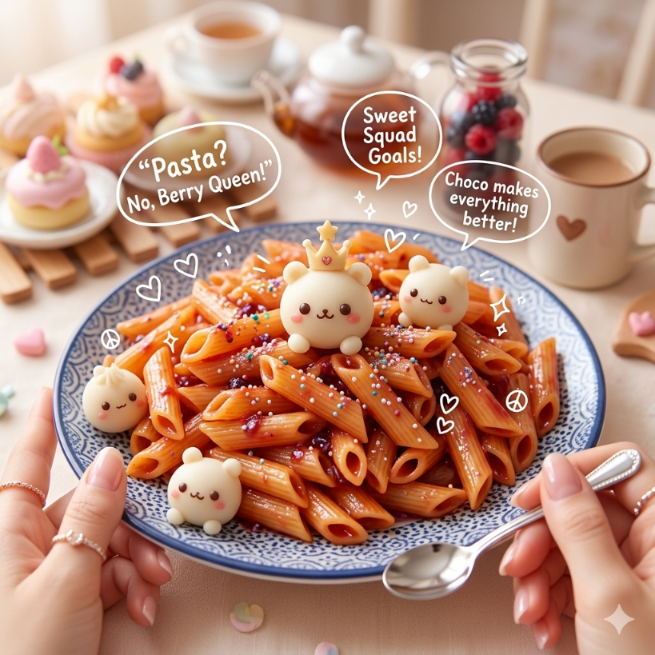
Generate playful transformations, humorous characters and entertaining visual concepts designed for social sharing, memes and creative experiments.
Helpful guides
The best AI image results usually come from combining a clear visual reference with a precise written instruction. These short guides explain the core ideas behind AI prompting, image-to-image transformations and prompt customization so users understand what the templates are doing and how to improve their own results over time.
A good prompt defines the subject, purpose, style, composition, lighting, background, quality level and restrictions. Instead of using vague words like ‘make it better’, it explains what better means in visual terms.
Use clear, well-lit images where the main subject is visible. Avoid heavy blur, extreme crops, sunglasses, messy backgrounds or photos where important details are hidden.
Copy the final prompt, attach every required image in the same AI chat message and send everything together. The AI needs both the written direction and the reference image to understand the transformation.
Different AI tools can interpret prompts differently. Use a platform that supports the workflow you need, such as text-to-image, image editing or image-to-image generation, and always review the output before publishing it.
Best practices
Prompt templates give you a strong starting point, but the quality of the final result still depends on your input image, the options you choose and the way you send everything to the AI tool. These practical habits make the workflow more reliable and reduce failed generations.
Choose images where the person, pet, food, object or landscape is easy to identify. If the subject is too small, hidden or blurred, the AI may invent details or ignore important features.
Reference images with balanced lighting, visible faces, sharp edges and natural colors usually produce better transformations than dark, noisy or heavily filtered photos.
If a prompt asks for one image, a clean portrait or a visible product, follow that requirement. The template is written around a specific workflow, and missing inputs can weaken the result.
AI outputs can vary. If the first image is close but not perfect, reuse the same prompt, adjust the most important option or add one short correction in the AI chat.
FAQ
An AI prompt is the instruction you give to an AI model. For image generation, it describes what the image should show, which style to use, what details to preserve, how the scene should be composed and what elements should be avoided.
Jacklyt provides prompt templates with customizable fields. You choose a template, select the options you want, and the site builds a detailed final prompt that you can copy into a compatible AI chat or image-generation tool.
No. The templates are designed so you can create advanced prompts by choosing simple options such as style, aspect ratio, subject type, scene direction or transformation type.
You can use the copied prompts in AI tools that support text-to-image, image editing or image-to-image generation, such as ChatGPT image generation, Gemini or other compatible creative AI platforms.
Yes. Many templates are designed for workflows that start from your own image. When a template requires an image, prepare it and upload it to the AI chat together with the copied prompt.
An image-to-image prompt uses an uploaded image as a visual reference. The prompt tells the AI what to preserve from that image, what to transform and what kind of final style or composition to create.
Use sharp images, good lighting, visible subjects and the correct template for your goal. Read the template instructions carefully and attach all required images in the same AI message.
Avoid using low-resolution images, hidden faces, very dark photos, screenshots with clutter, wrong template categories or missing reference images. Also avoid changing too many options at once when you are trying to refine a result.
You can browse and use the available prompt templates from the website. Some future features, premium templates or advanced tools may be offered separately if the platform adds paid plans.
Commercial use depends on the AI tool you use, the rights to your input images and the rules of the platform that generates the final image. Always check the terms of the AI service before using outputs commercially.
Jacklyt helps you build and copy the prompt. The final generation happens in the AI tool you choose, so you should review that tool’s privacy policy and terms before uploading personal or sensitive images.
No. Different AI models can interpret the same prompt differently. The template gives the model a clearer direction, but output quality, realism, identity preservation and style accuracy can vary between tools and versions.