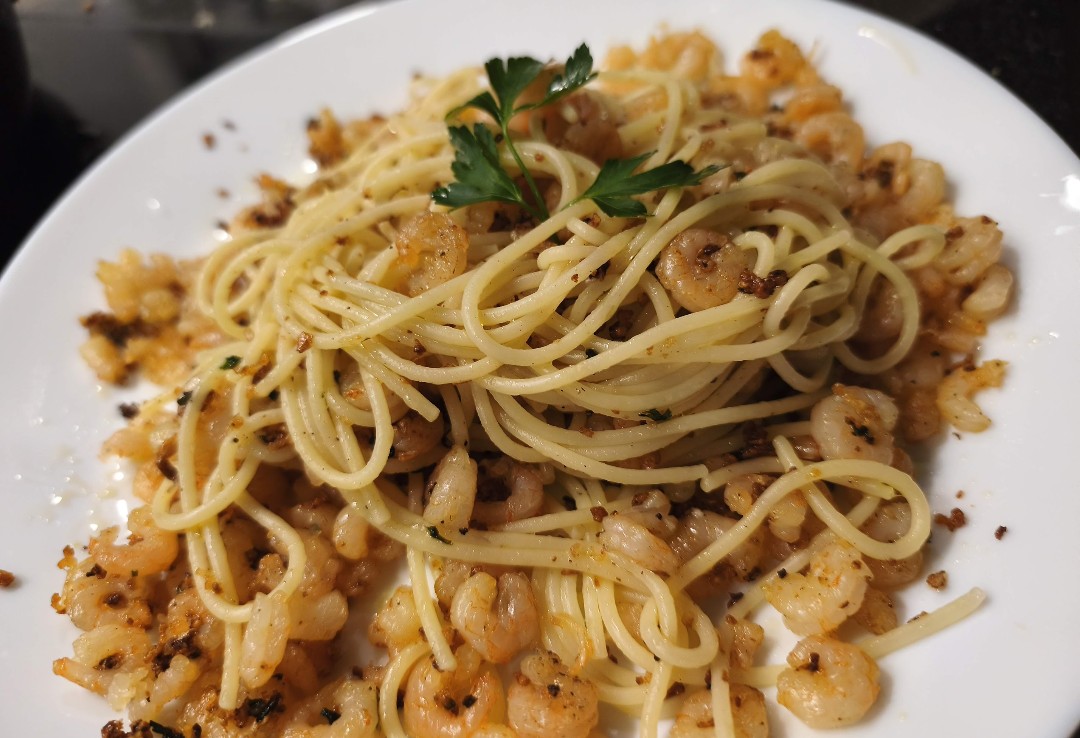
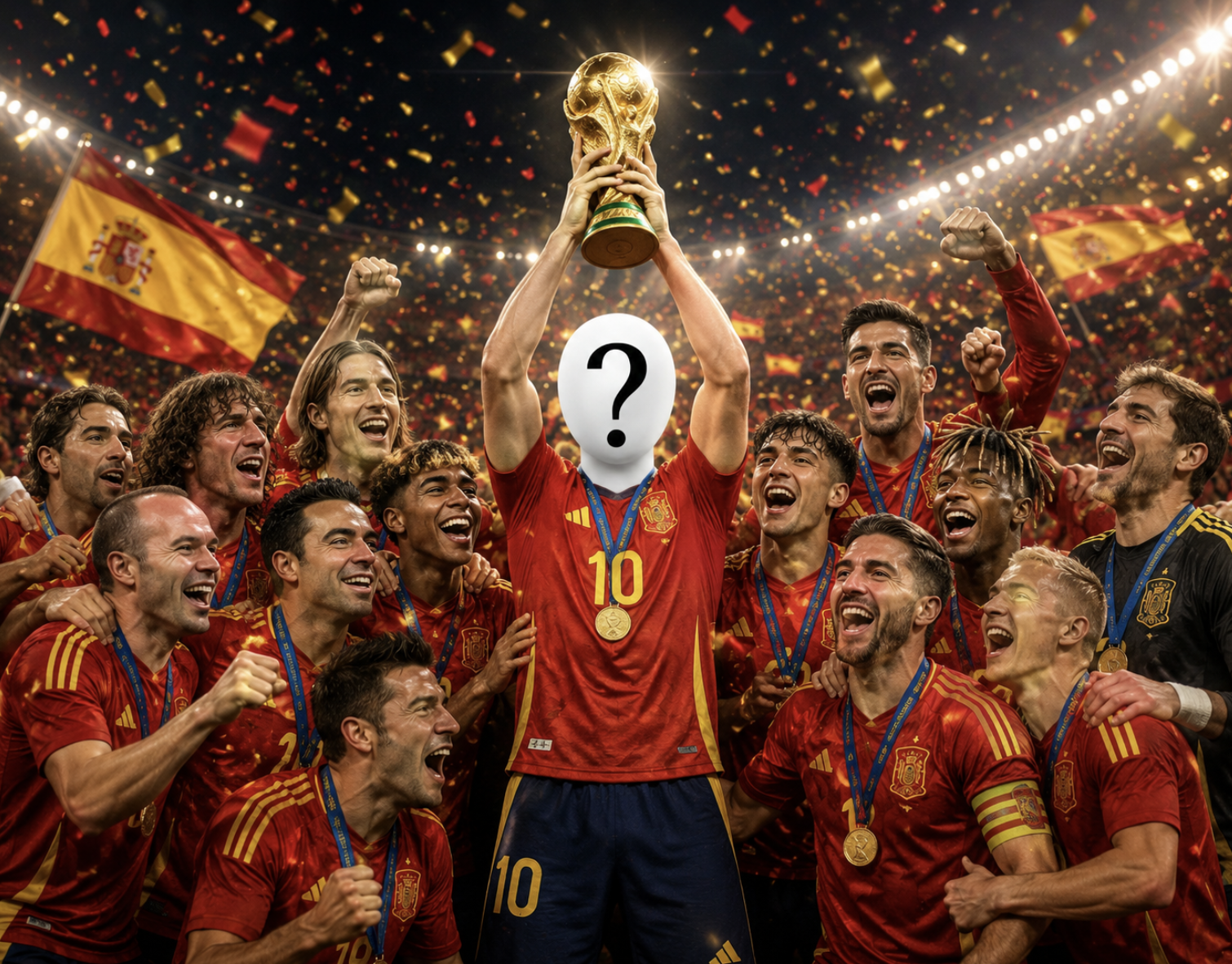
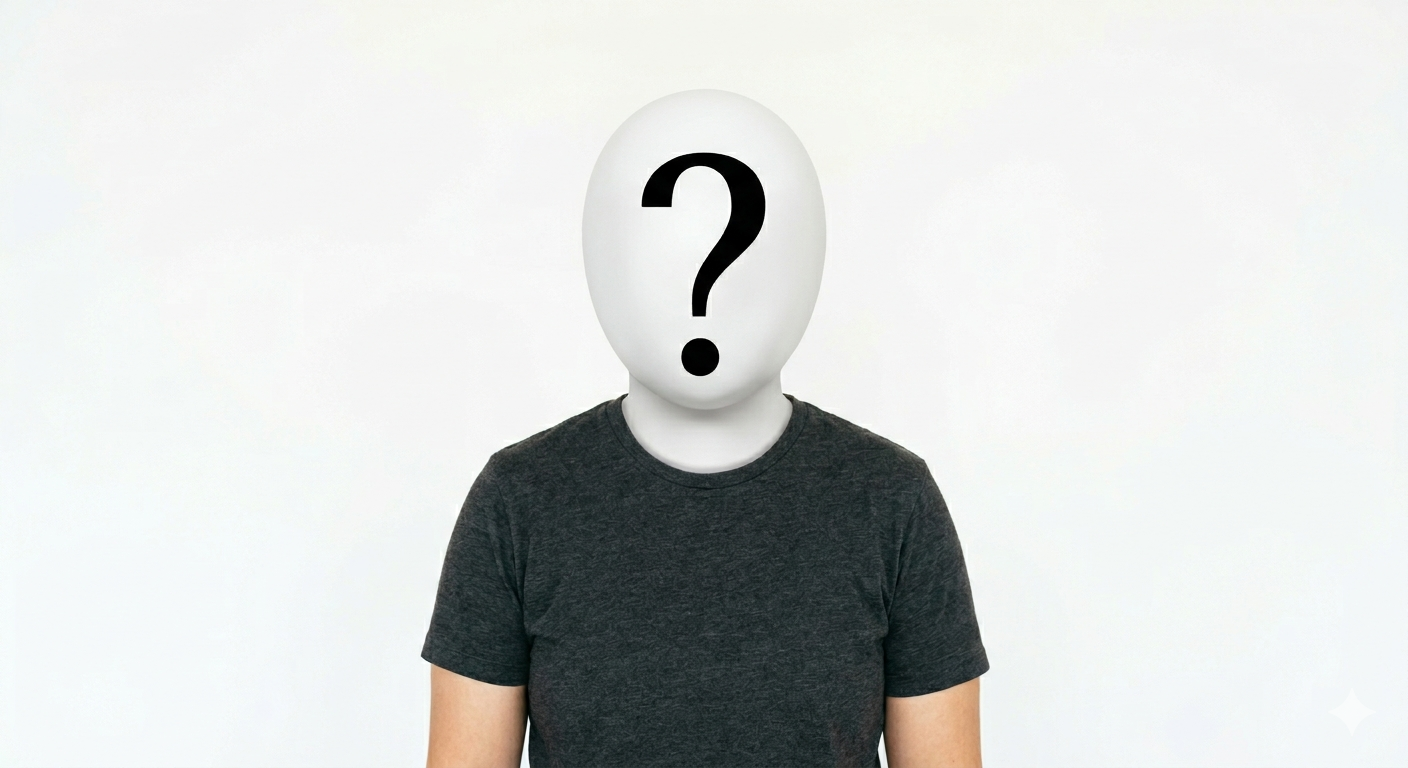
Image-to-image transformations
Best when you already have a photo and want to preserve the main subject while changing style, lighting, mood, background or composition.
Explore ready-made AI prompt templates designed to help you create polished images faster, with clearer instructions, stronger visual direction and more consistent results.
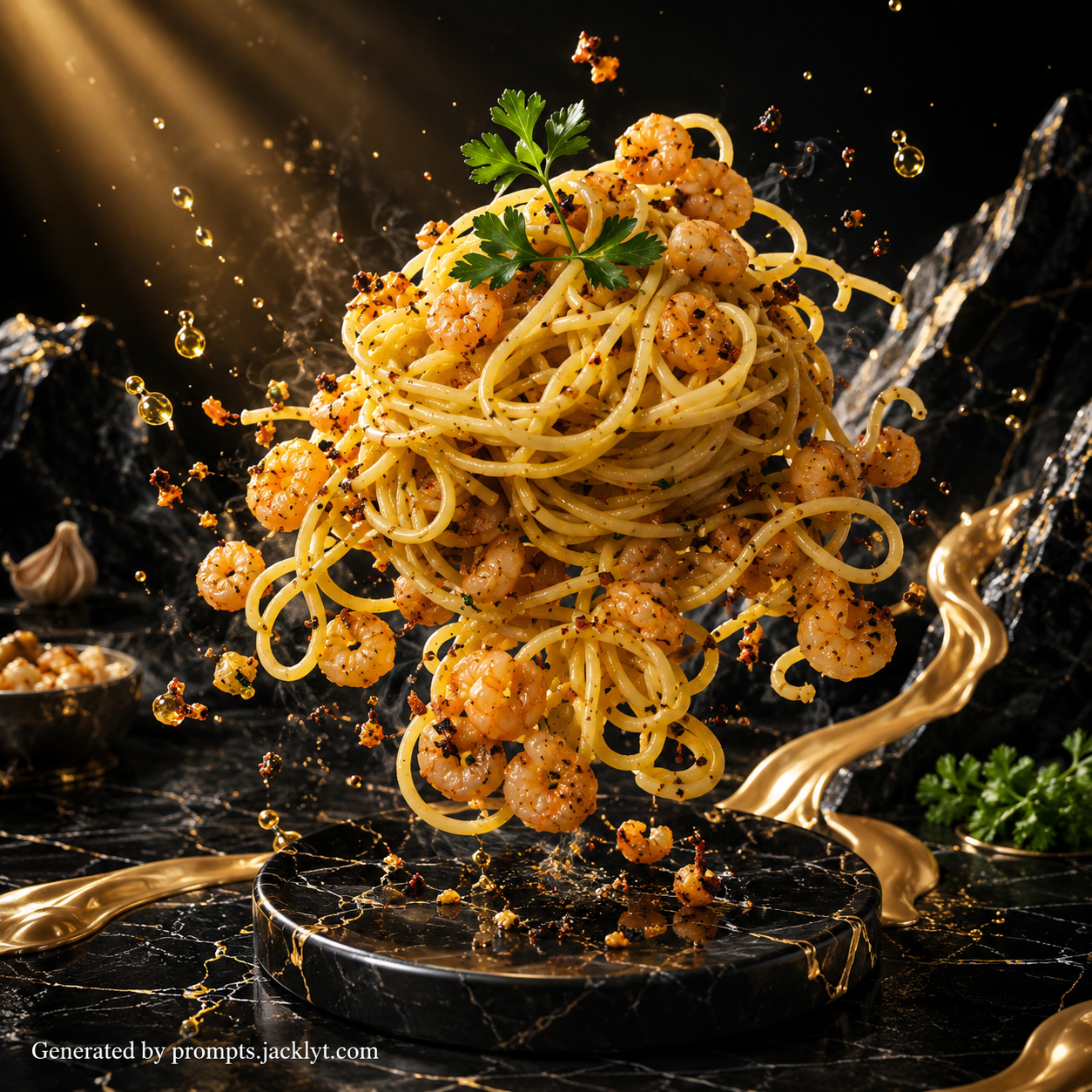
Prompt library
Each template gives you a structured prompt with customization options, image requirements and clear creative direction, so you can move from idea to generation faster.
SEO guide
AI prompt templates are structured instructions that help image-generation tools understand the result you want before the model starts creating. A good template defines the subject, visual style, composition, lighting, background, aspect ratio, quality expectations and restrictions, so the prompt is much stronger than a short one-line idea.
Instead of writing every instruction from scratch, you start with a tested framework and customize only the details that matter for your project. This makes the workflow easier for beginners and faster for experienced creators who want consistent results across many images.
Many Jacklyt templates are designed for image-to-image workflows. That means you can upload a reference photo, preserve the important parts of the original subject and guide the AI toward a new style, mood, environment or creative concept.
Prompt library
Different creative goals need different prompt structures. Choosing the right format helps the AI understand whether it should preserve a reference image, invent a new scene, polish a commercial visual or create a playful concept.
Best when you already have a photo and want to preserve the main subject while changing style, lighting, mood, background or composition.
Useful for profile pictures, professional headshots, stylized characters and identity-preserving transformations from a clear reference image.
Designed for product scenes, food images, website hero visuals, ecommerce tests and marketing concepts where polish and clarity matter.
Ideal for fantasy scenes, humorous ideas, social content, concept art and visual explorations where imagination is more important than strict realism.
Start with the final use case. An avatar, poster, product image, menu redesign, landscape edit and social media meme each need different composition, detail level and aspect ratio. When the template is close to the final use case, the prompt can be more specific and the AI has fewer conflicting instructions to resolve.
Then check the input requirements. If a template is built around image-to-image generation, use a clear reference photo and attach it with the prompt. If the template is text-based, describe the subject carefully and choose options that reinforce one clear visual direction.
Create stronger images for social media, websites, ads and creative projects without starting from a blank prompt.
Turn simple ideas or reference photos into more polished visual concepts with clearer direction.
Generate avatars, product images, posters, thumbnails, campaign visuals and creative experiments.
Keep a consistent creative direction when producing several AI-generated images for the same project.
Save time by reusing a structured prompt format instead of rewriting long instructions every time.
Improve image-to-image results by telling the AI what to preserve, what to change and what to avoid.
Choose a template that matches the final image you want to create, such as a portrait, pet artwork, food visual, landscape transformation or funny scene.
Read the template requirements before generating. Some prompts need a reference image, while others can work from text alone.
Customize the available options, including style, aspect ratio, transformation type, mood, background or other creative settings.
Copy the final prompt exactly as generated, because the structure includes preservation rules, composition rules and negative instructions.
Paste the prompt into your preferred AI chat or image-generation tool and attach every required image in the same message.
Review the result, then refine with small changes such as a clearer reference image, a different aspect ratio or a more focused style.
Better results
Dark, blurry, cropped or crowded photos make it harder for the AI to identify the subject and preserve important details.
A single prompt that asks for several unrelated styles, moods and backgrounds can produce messy results. Prioritize one strong direction.
A square avatar, vertical story and wide website banner require different framing. Choose the format before generating.
Always check accuracy, artifacts, strange text, distorted faces, wrong products or missing details before using an AI image publicly.
Better results
Use clear, well-lit reference images when the prompt depends on an uploaded photo.
Avoid mixing too many styles in one generation; a focused creative direction usually works better.
Choose the aspect ratio before generating so the composition is built correctly from the start.
Use prompts as a starting point, then iterate with small changes instead of rewriting everything.
Keep the most important subject visible and easy to identify in the input image.
Review text, hands, faces, product labels and small details before publishing the output.
Use one main goal per generation: a poster, avatar, menu visual or product shot should each have different framing.
Save prompts that work well so you can repeat the same visual direction later.
FAQ
No. The templates are designed so you can select options, copy the final prompt and use it directly in an AI chat or image-generation tool.
Yes. Many templates are suitable for AI chats that support image generation or image editing. You can also adapt the text for other tools that accept detailed prompts.
A template gives you a stronger structure, more specific visual rules and fewer missing details. This usually leads to more consistent results and faster experimentation.
No prompt can guarantee a perfect output because AI models interpret instructions differently. A detailed template improves direction, but you should still review and refine the result.
Commercial use depends on the AI tool, the rights to your input images and the platform terms. Always check those terms before publishing or selling the result.