
Pet icon prompts
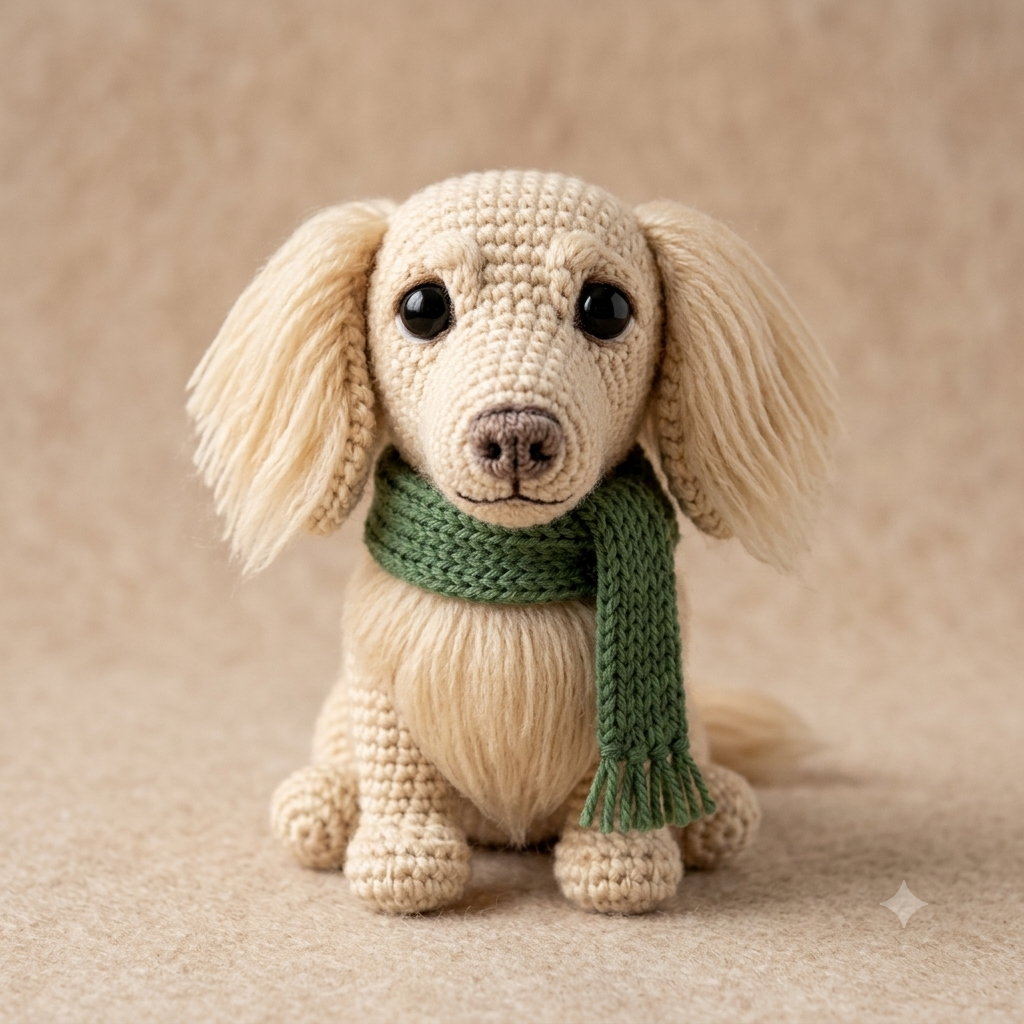
Best for clean avatars, app-style icons, profile images and sticker previews where the pet must be isolated, readable and easy to crop.
Create charming pet portraits, fantasy scenes, stickers, avatars and shareable animal images from your own pet photos using ready-made AI prompt templates.
Prompt library
Each template gives you a structured prompt with customization options, image requirements and clear creative direction, so you can move from idea to generation faster.
SEO guide
Pet AI prompt templates are structured instructions for turning animal photos into polished creative images while preserving the features that make the pet recognizable. A strong pet prompt does not simply ask for a cute dog or cat. It tells the AI to keep species, face shape, ears, fur color, markings, expression and personality while applying a specific visual style.
This matters because pet images can easily become generic when the instruction is too vague. If the model only receives a short request like ‘make my pet a cartoon’, it may invent a different breed, change the fur pattern or remove the details that make the animal feel personal. A template reduces that risk by defining what must stay consistent and what can change.
These prompts are useful for pet owners, creators, shelters, groomers, animal brands and social media pages. You can create profile icons, sticker-style illustrations, funny scenes, fantasy portraits, posters and gift ideas without writing a long image-to-image prompt from scratch.
The best results usually come from a clear photo where the pet’s face is visible. The prompt then acts like a creative brief: it explains how the final image should look, how much stylization to apply and which mistakes the AI should avoid.
Prompt library
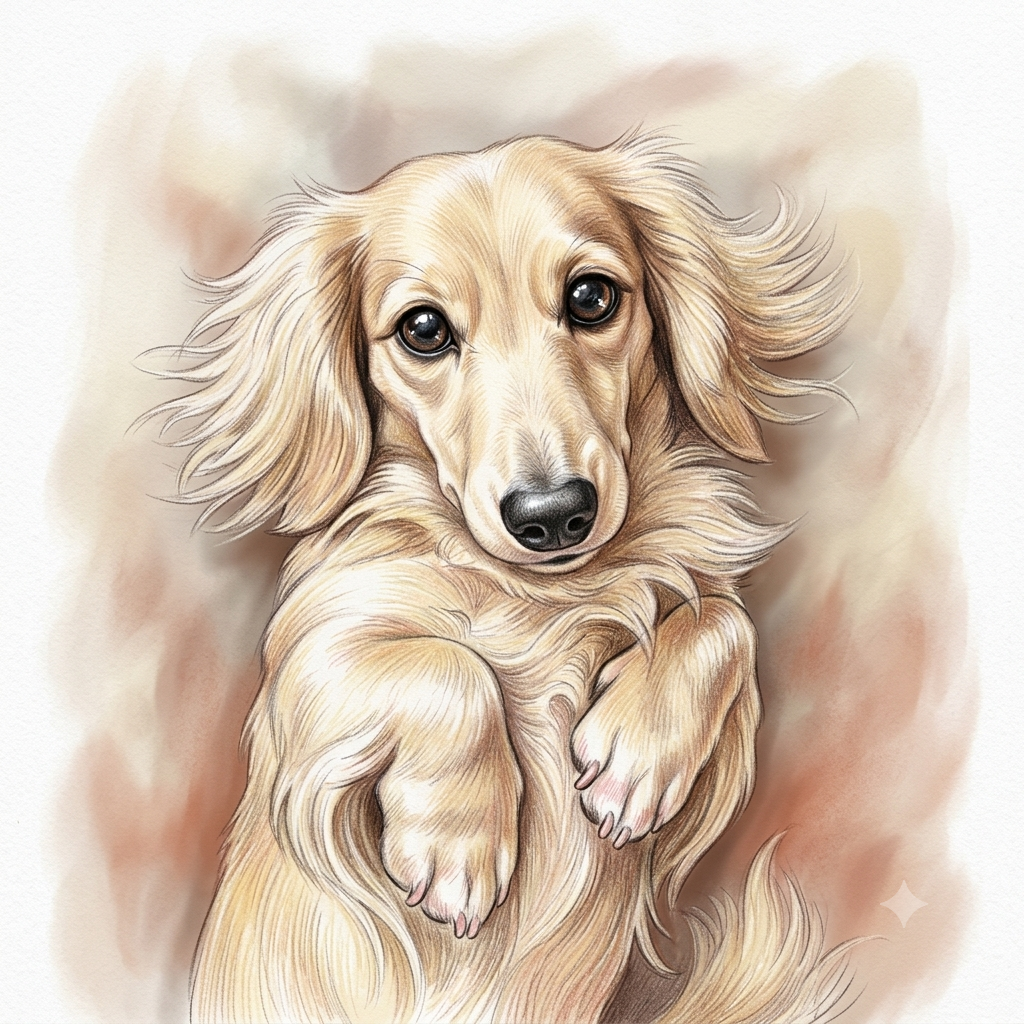
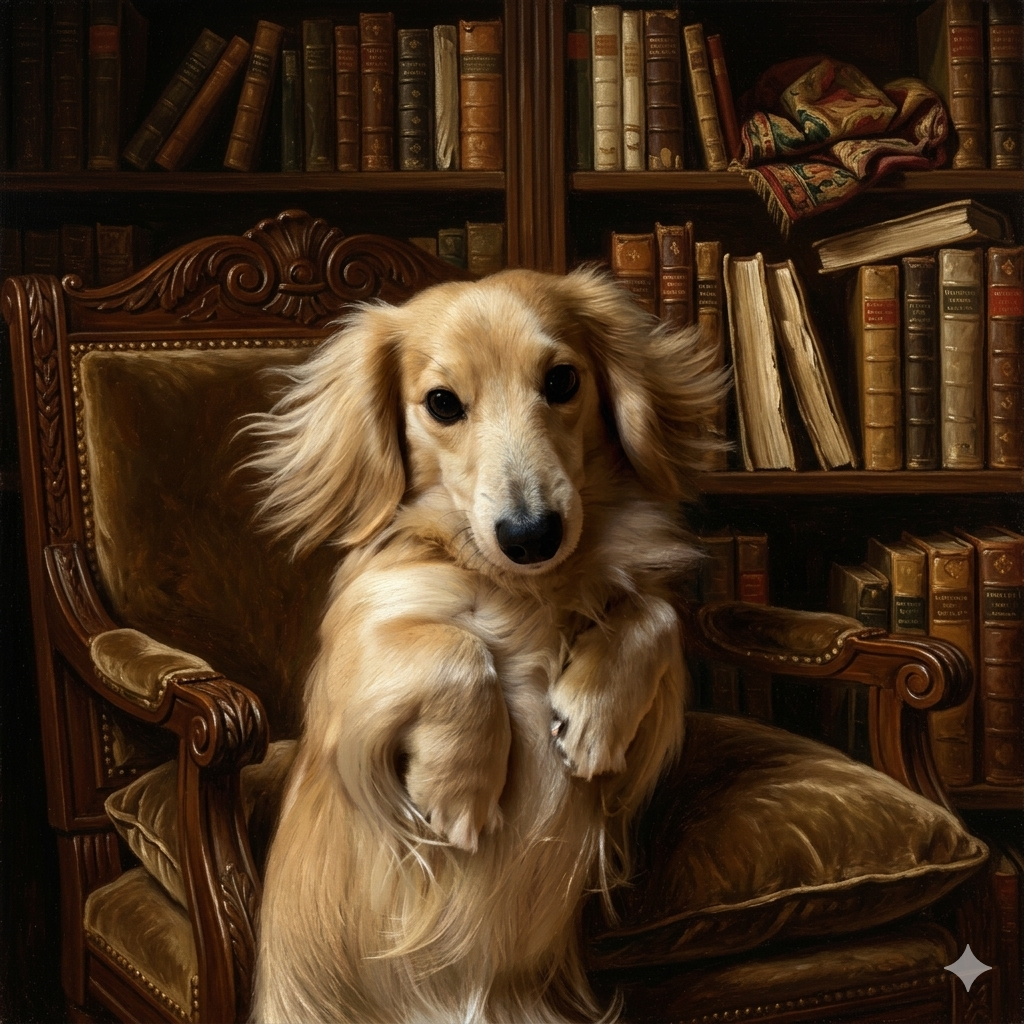
Pet categories work best when the prompt format matches the final purpose. An avatar prompt should simplify the pet, while a fantasy scene should keep identity visible inside a more dramatic environment.
Best for clean avatars, app-style icons, profile images and sticker previews where the pet must be isolated, readable and easy to crop.
Useful for polished animal portraits with better lighting, richer detail and a more emotional presentation while keeping the original pet recognizable.
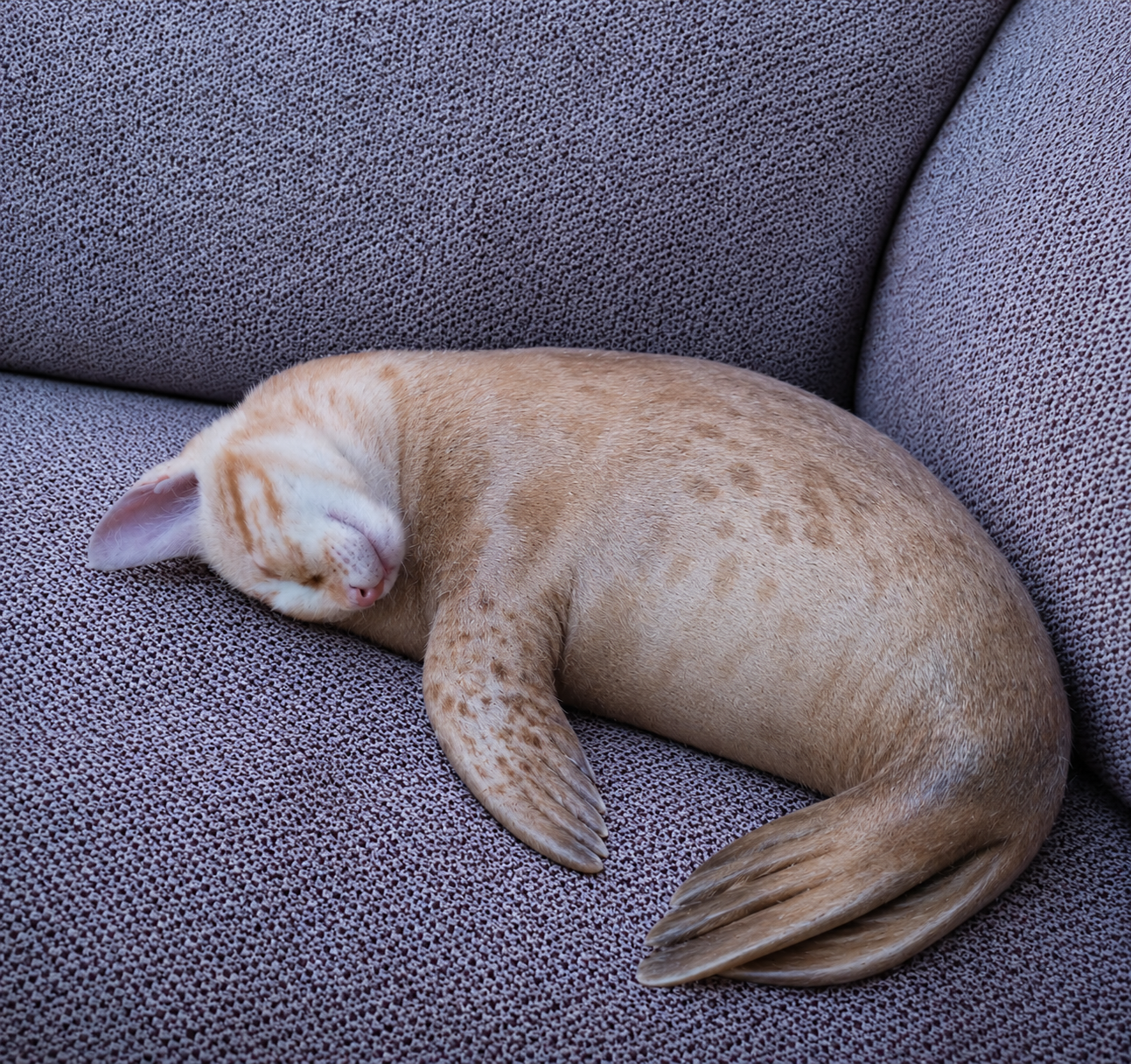
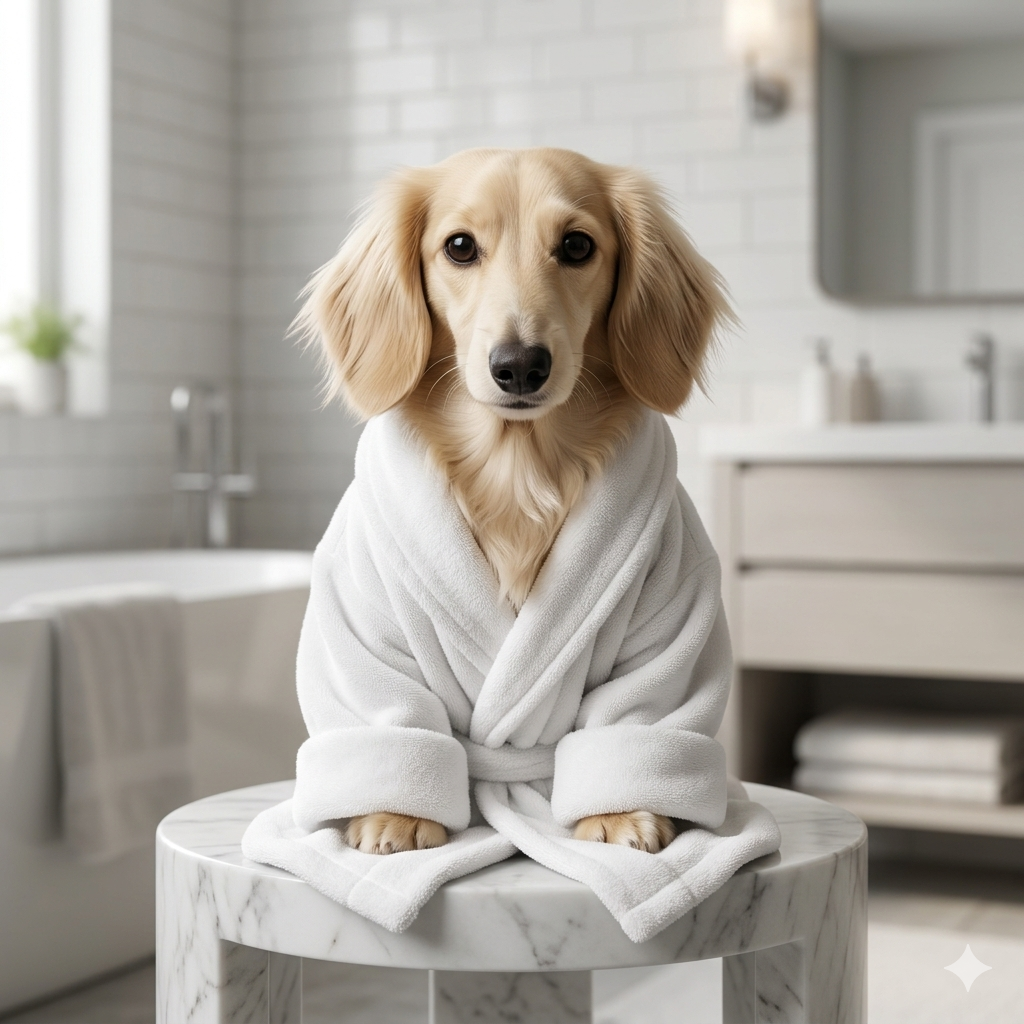
Great for memes, playful adventures and social posts where the humor comes from a familiar pet in an unexpected situation.
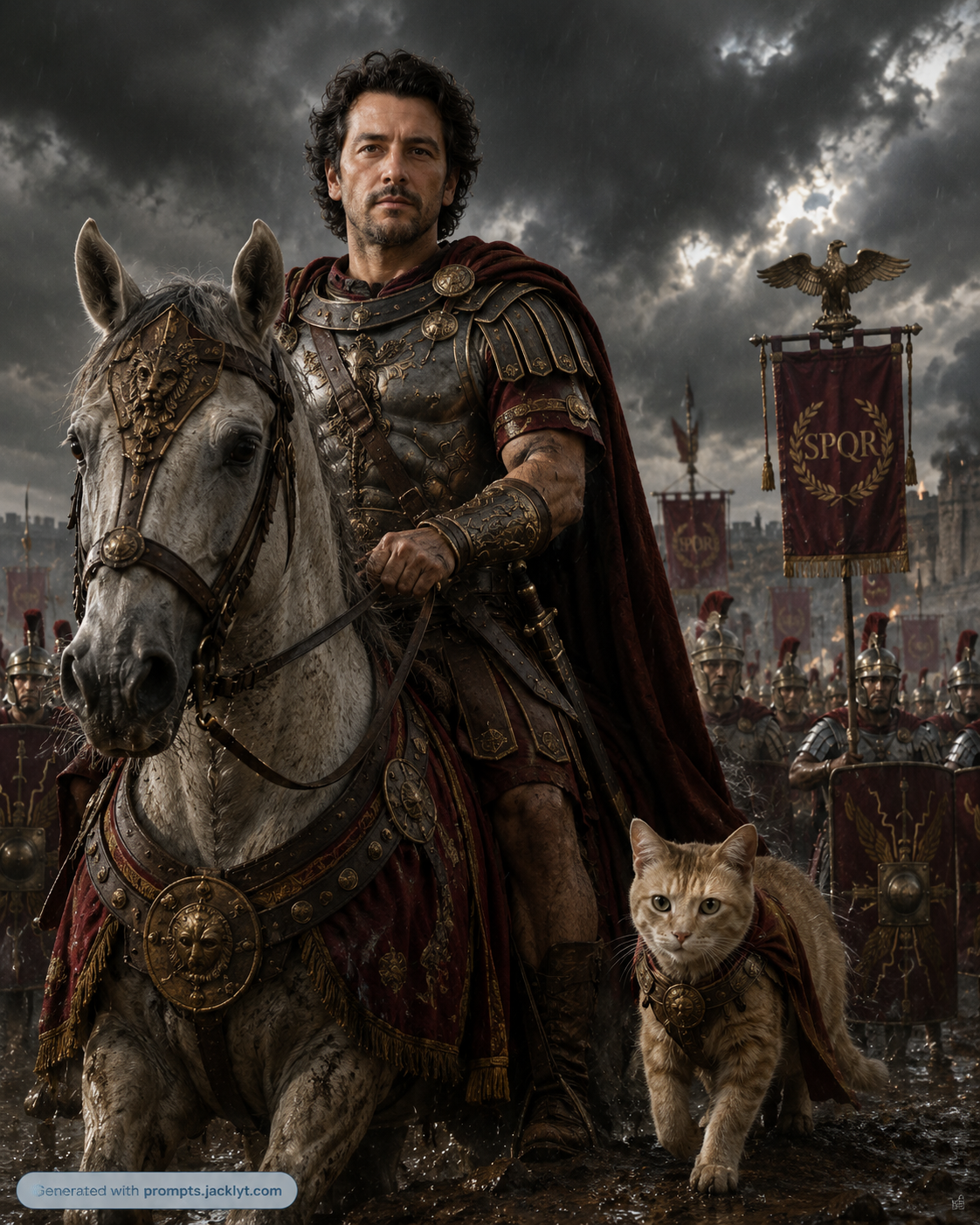
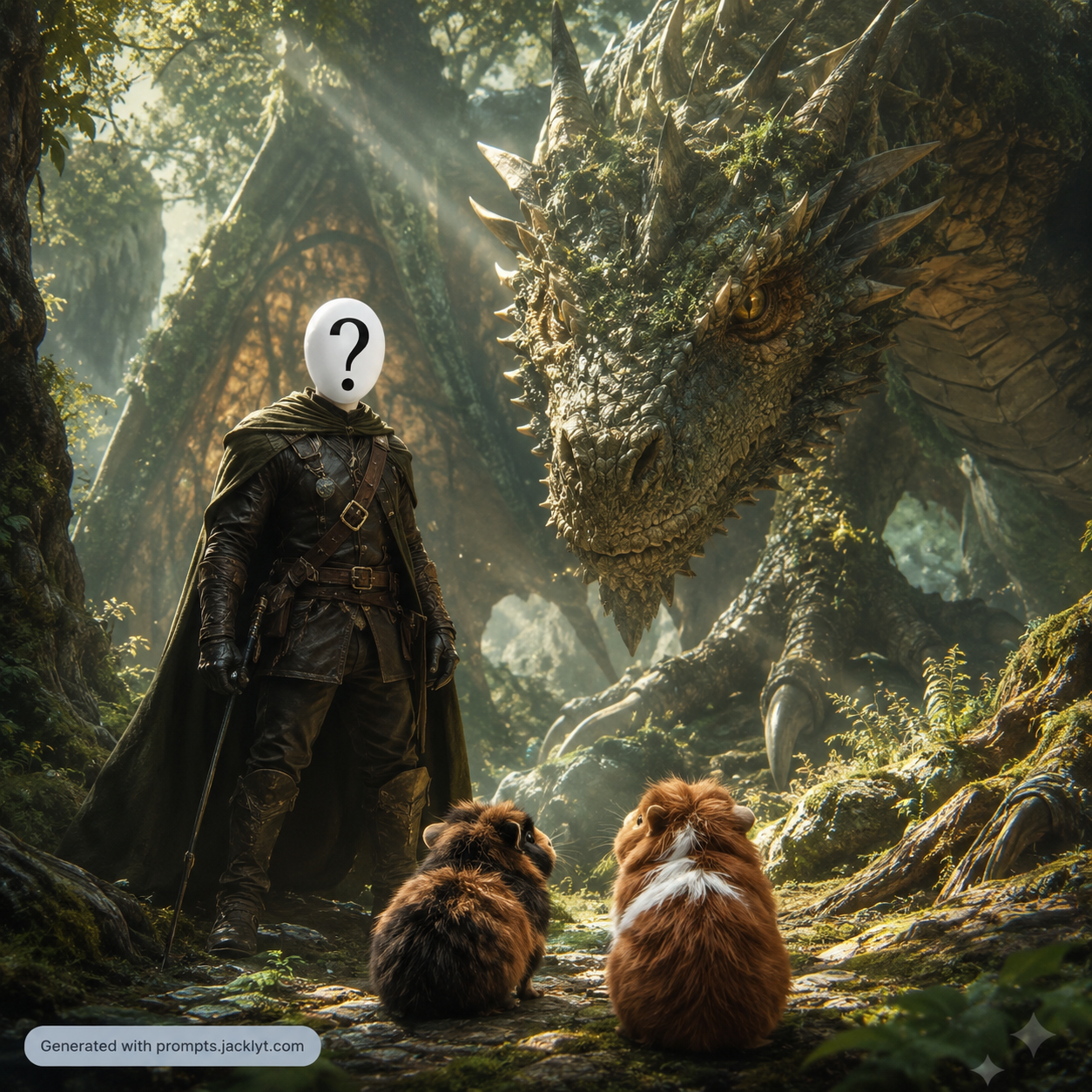
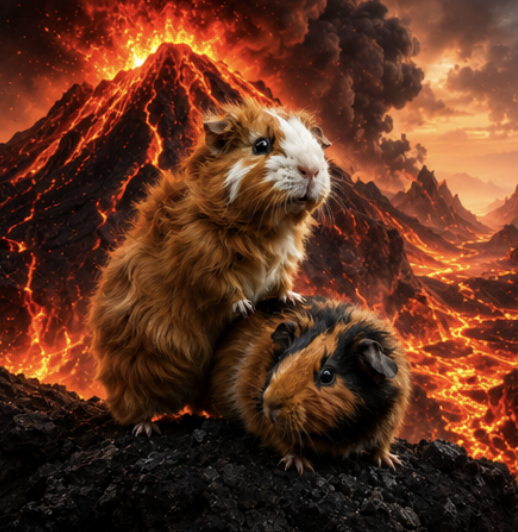
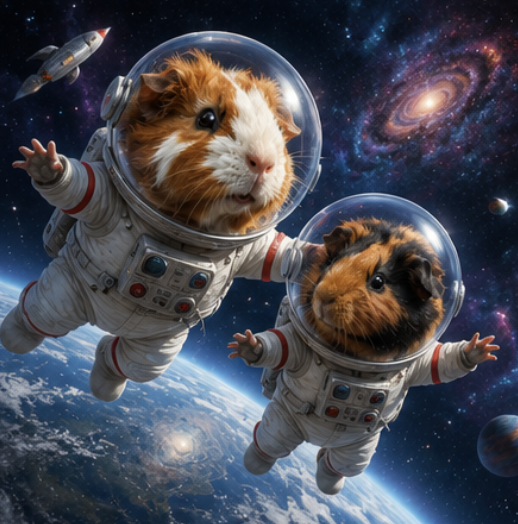
Ideal for turning a pet into a magical companion, heroic creature or cinematic character while preserving fur color, ears and expression.
Choose the prompt based on the output format first. If you need a profile image, use an icon or avatar template. If you need a gift or decorative image, choose a portrait or poster template. If the goal is engagement on social media, a funny transformation usually works better than a realistic edit.
Think about identity preservation before style. The more extreme the transformation, the easier it is for the AI to change the pet. When the animal must remain highly recognizable, use a clear close-up photo and choose a template that explicitly protects fur markings, face shape, ears, nose and expression.
Create pet avatars, profile pictures and sticker-style illustrations for social media accounts.
Turn a dog, cat or other pet photo into a fantasy, cartoon, cinematic or poster-style scene.
Make memorable content for pet accounts, animal shelters, groomers, breeders and small pet brands.
Generate gift ideas such as cards, framed portraits, funny posters and personalized pet artwork.
Create consistent visuals for a pet product page, adoption campaign or seasonal promotion.
Experiment with playful transformations while keeping the animal recognizable to its owner.
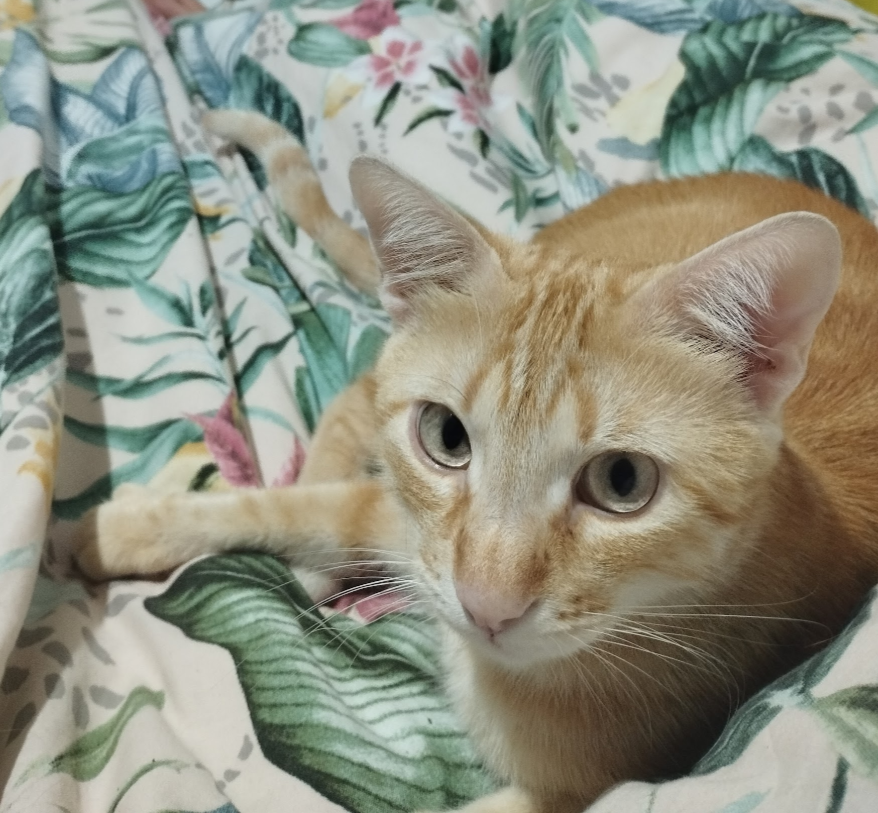
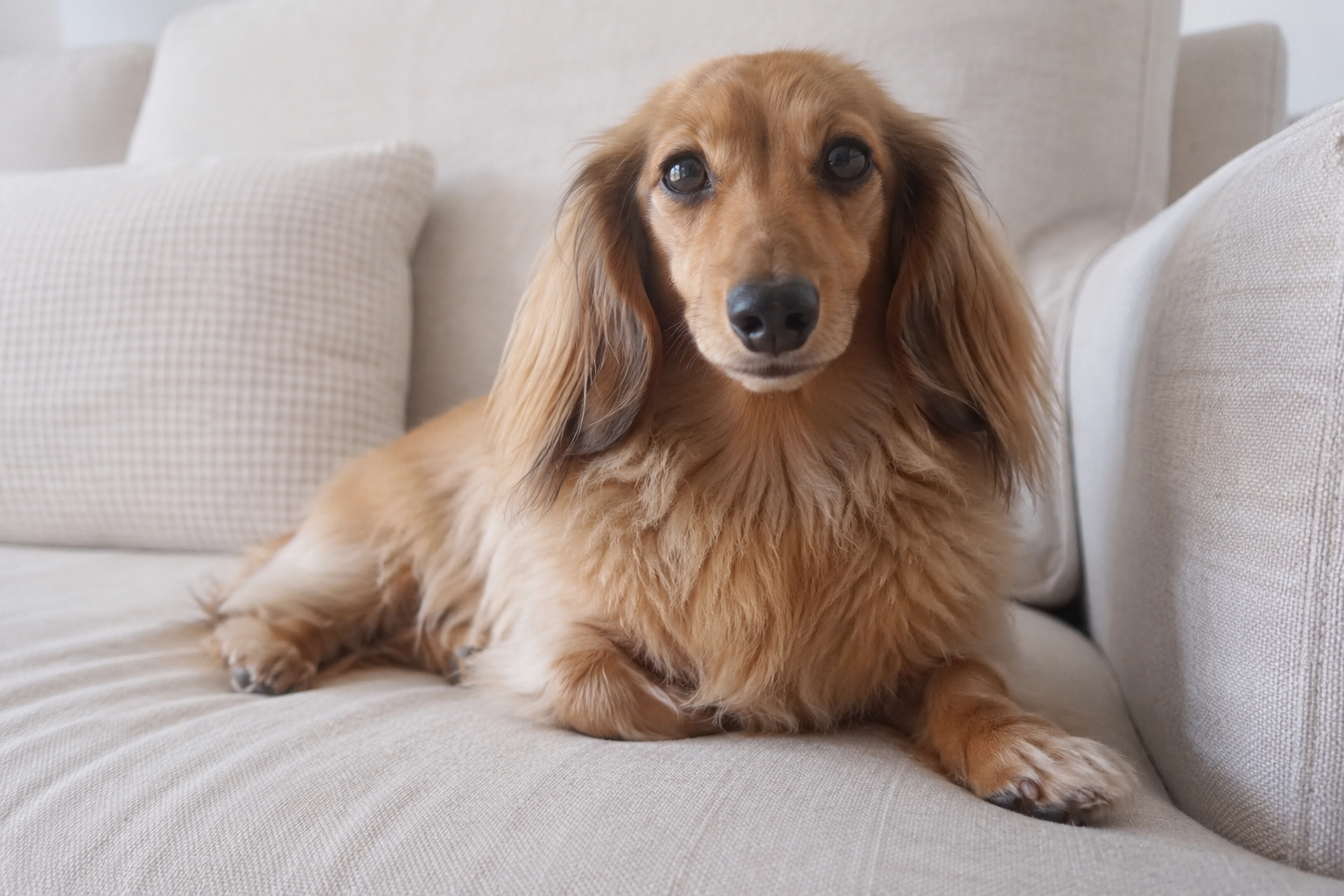
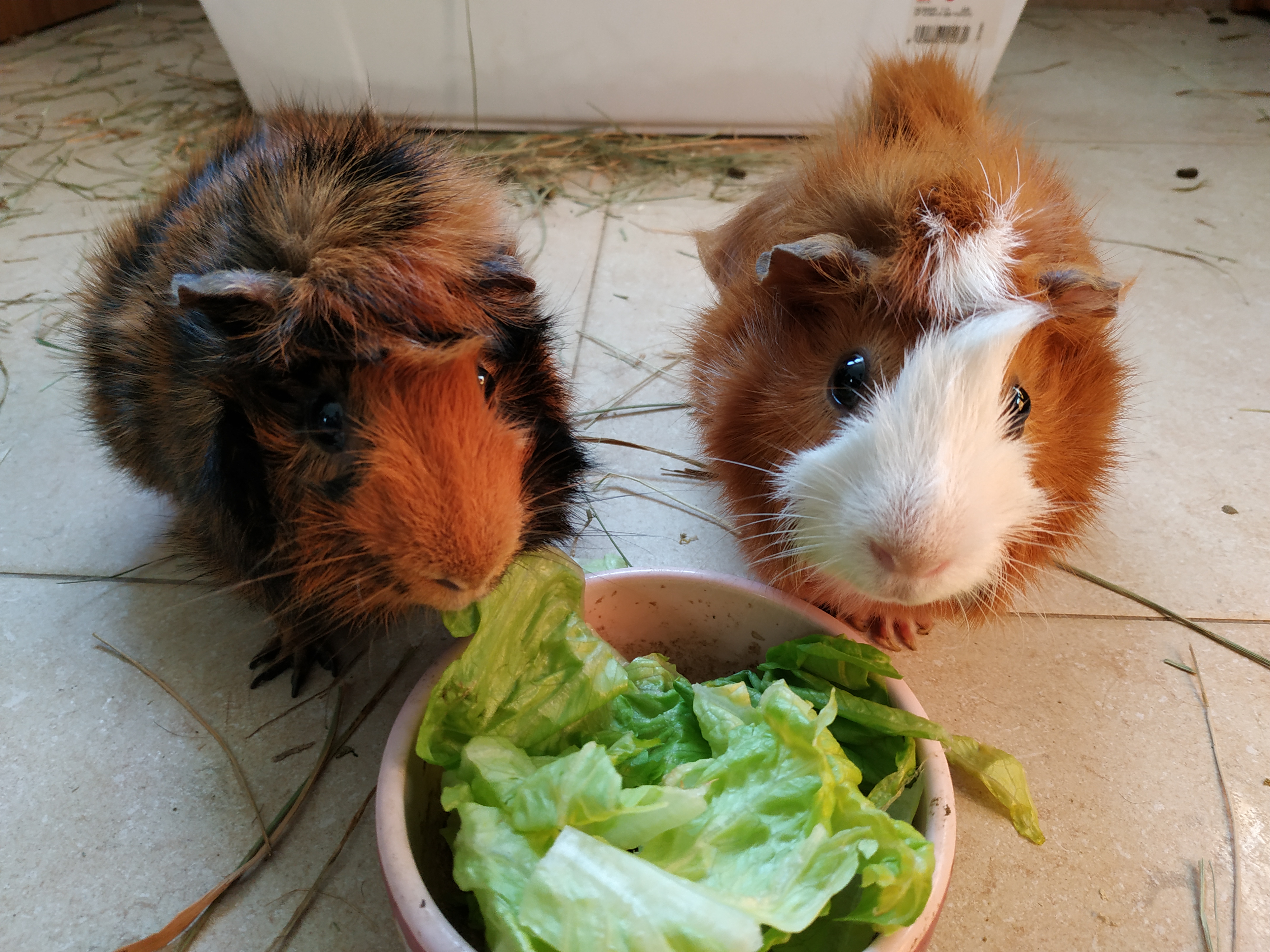
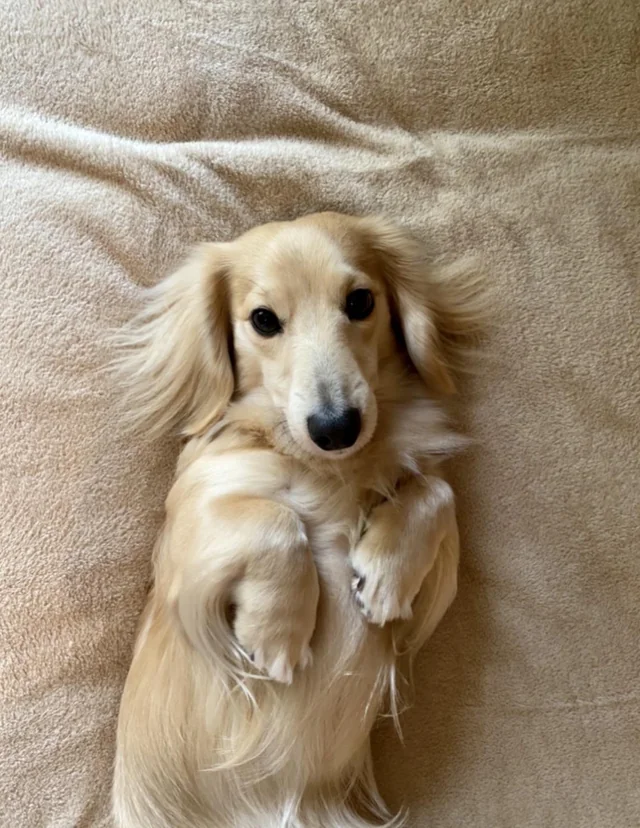
Start with a clear pet photo where the face, eyes, ears, nose and markings are visible. Good lighting helps the AI understand the animal’s real appearance.
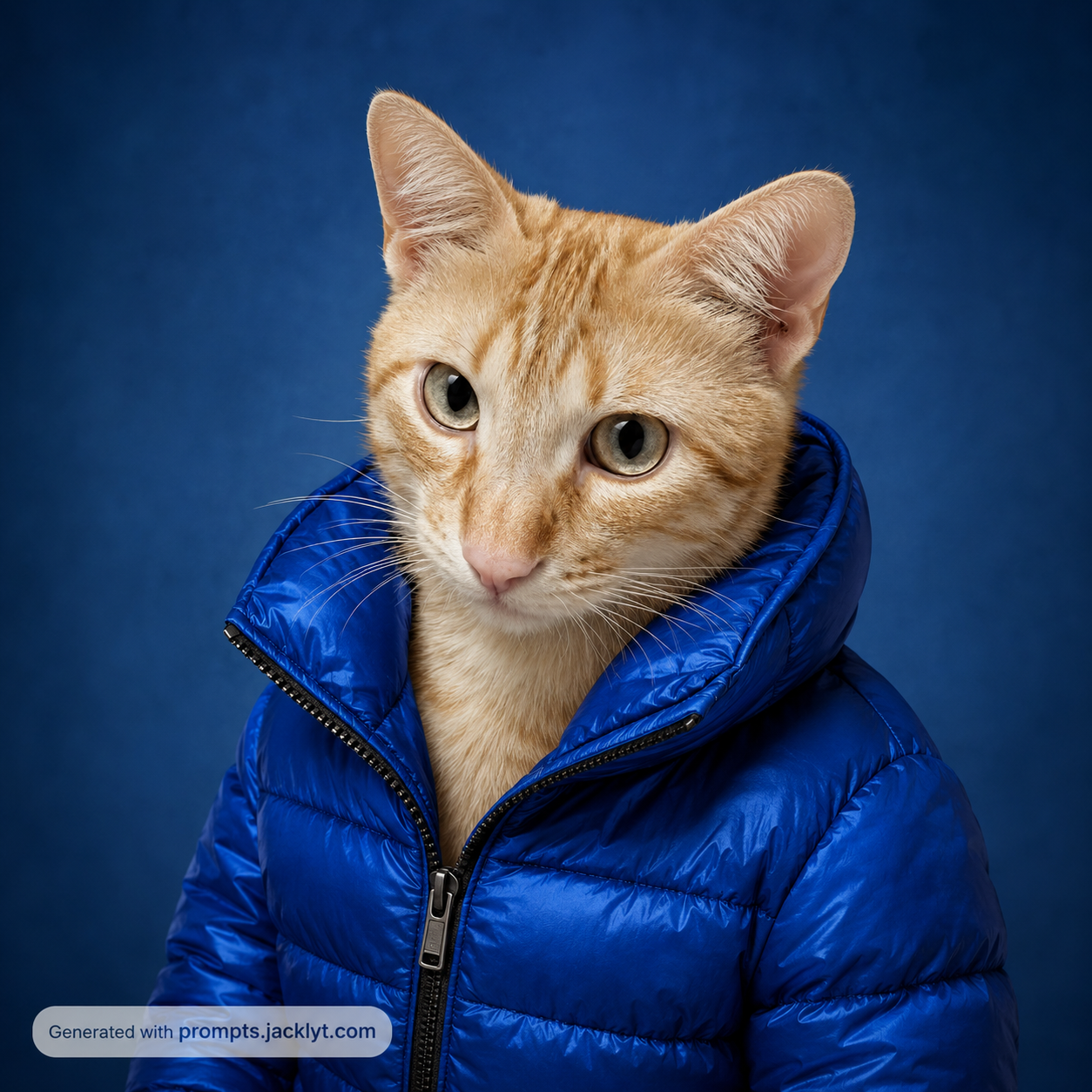
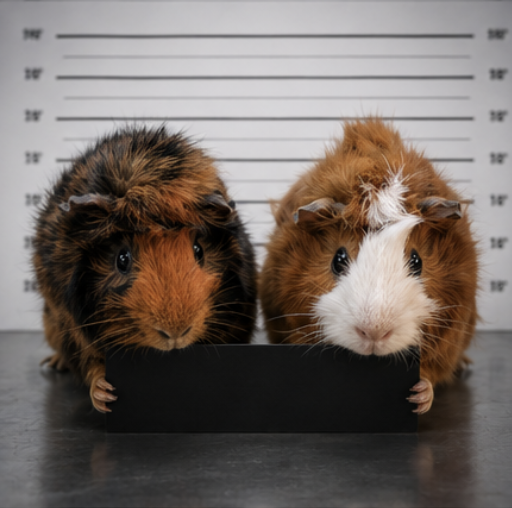
Choose a template that matches the final format, such as an icon, portrait, fantasy scene, police mugshot, fashion image or funny adventure.
Keep the selected style focused. A cute sticker, cinematic portrait and realistic product-style photo require different levels of detail and different backgrounds.
Copy the final prompt and upload the pet image in the same AI chat message. The AI needs both the photo and the written instruction together.
If the result looks like a generic animal, regenerate with a sharper reference image or choose a template that emphasizes identity preservation more strongly.
Use small refinements. For example, adjust the background, simplify the style or request stronger preservation of fur markings instead of changing every option at once.
Better results
If the animal takes up only a small part of the frame, the AI has less information about the face, eyes and fur markings.
Vague prompts can turn a pet into a generic dog, cat or fantasy animal. Use templates that clearly preserve the original species.
Clothing, props and backgrounds can hide the pet. Keep additions secondary unless the template is specifically about fashion or costume.
AI identity preservation can vary. Generate multiple versions and choose the one that best keeps the pet’s recognizable traits.
Better results
Use frontal or three-quarter pet photos for stronger face preservation.
Avoid blurry images, heavy shadows and photos where the pet is too small in the frame.
Keep accessories only when they are part of the pet’s recognizable personality.
For icons and stickers, choose simple backgrounds so the AI can isolate the pet cleanly.
For fantasy scenes, keep the pet’s face and markings realistic while changing the environment around it.
For funny images, make the concept simple enough to understand at first glance.
Avoid photos with multiple animals unless the template explicitly supports more than one pet.
Check paws, ears, eyes and fur patterns carefully before using the final image publicly.
FAQ
Yes. Pet prompts work especially well for dogs and cats, but they can also be adapted for other animals when the uploaded image clearly shows the pet.
The templates are written to prioritize species, face shape, markings, ears, fur color and expression, but final accuracy depends on the AI tool and the quality of the uploaded photo.
A clear, high-resolution photo with good lighting and a visible face usually gives the most recognizable result. Close-up or three-quarter photos are often better than distant full-body shots.
Yes. Icon and sticker templates are designed to simplify the pet into a clean, readable image while preserving the features that make the animal personal.
Yes. They can help create adoption visuals, profile images, campaign concepts and social posts, but real animal information should always be checked before publishing.