Menu redesign prompts
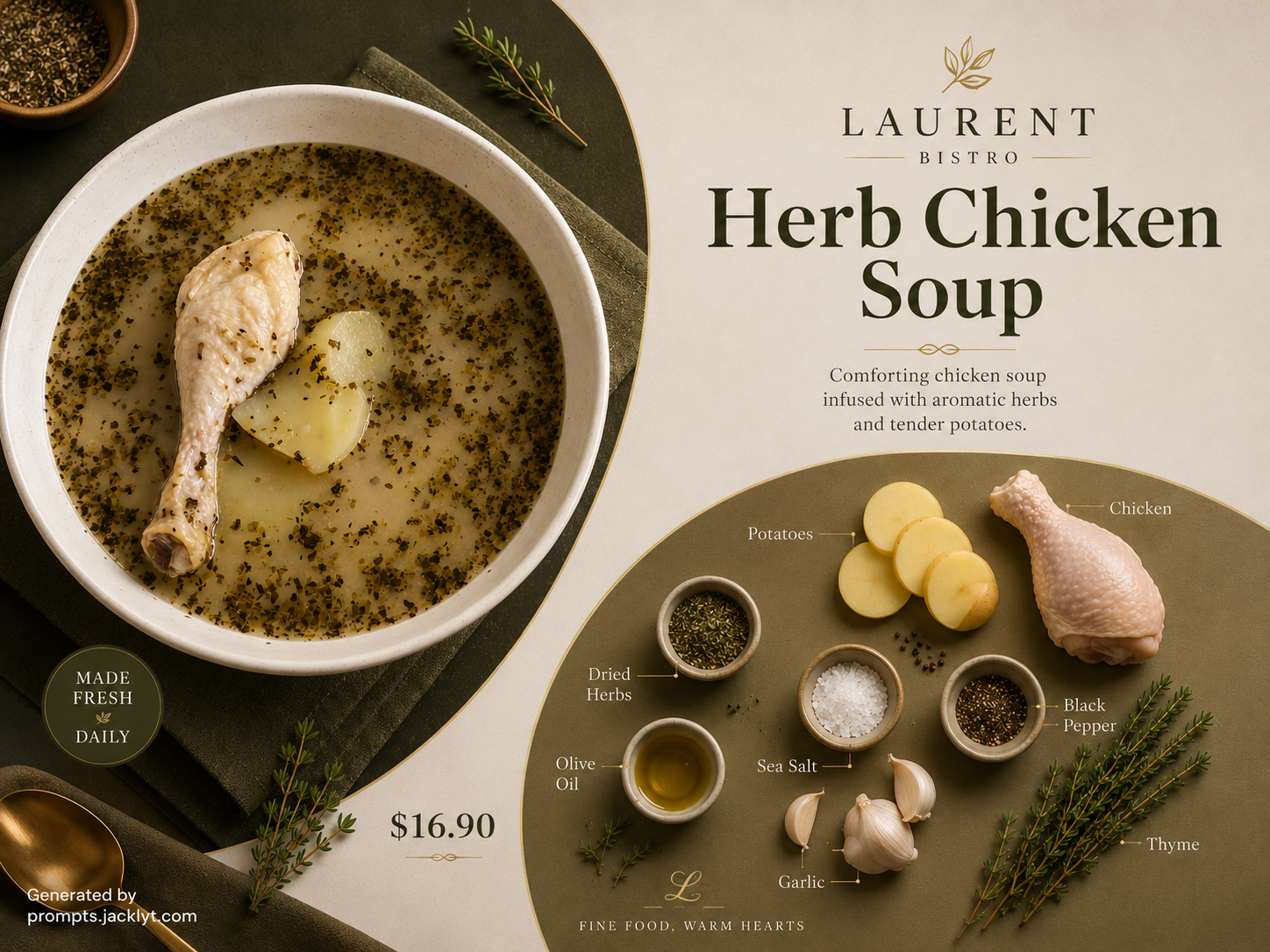
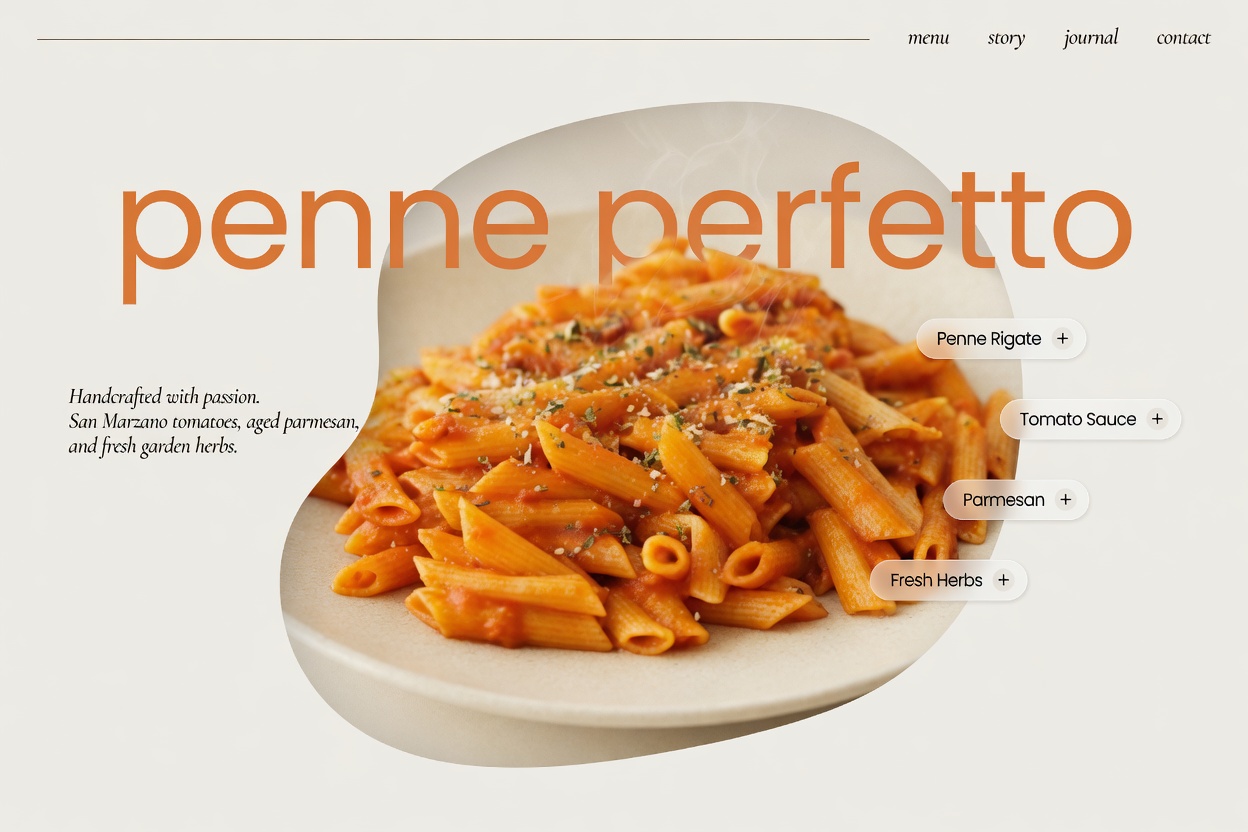
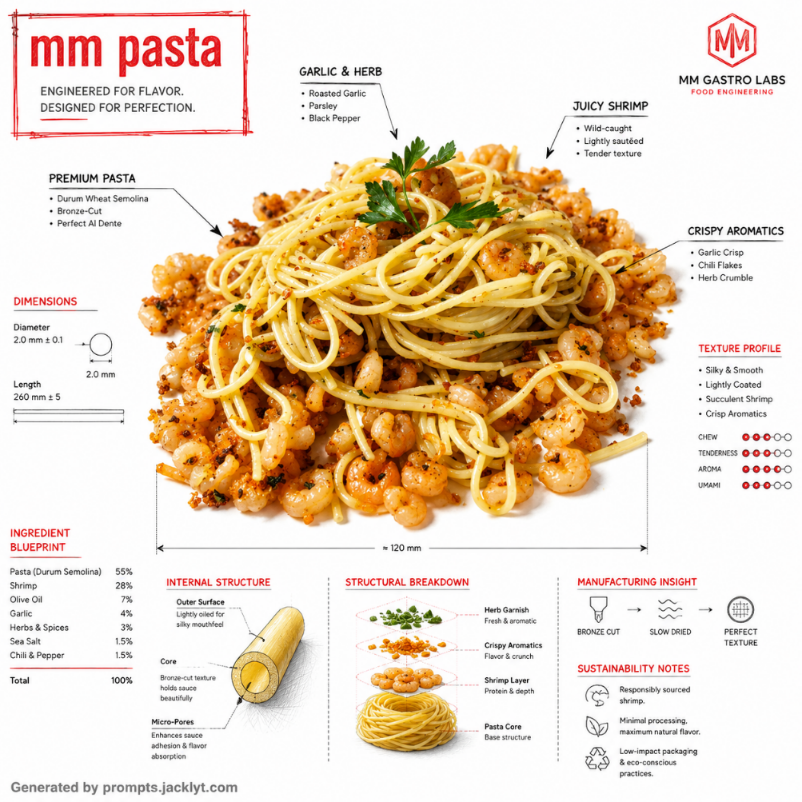
Best for transforming a simple menu photo into a cleaner visual concept while keeping sections, names and prices as accurate as possible.
Create appetizing food images, menu redesigns, restaurant visuals, product shots and social media content with structured AI prompt templates.
Prompt library
Each template gives you a structured prompt with customization options, image requirements and clear creative direction, so you can move from idea to generation faster.
SEO guide
Food AI prompt templates are structured instructions for making dishes, drinks, menus and restaurant visuals look more appealing. A good food prompt controls lighting, surface texture, plating, freshness, background, camera angle and commercial presentation, instead of simply asking the AI to make food look better.
Food images need especially clear direction because small details matter. Ingredients should remain recognizable, textures should look appetizing, and the final composition should fit the intended use, whether that is a menu, delivery ad, ecommerce product page, social media post or promotional campaign.
These templates are useful for restaurants, cafes, delivery brands, food creators, menu designers, product sellers and marketers who need polished visuals quickly. They can help transform everyday photos into more refined concepts, but they should not replace accuracy checks for real menus, prices, ingredients or packaging.
The best workflow starts with a clear image of the dish or menu. The prompt then adds professional direction: how the light should behave, what the background should communicate, how much realism to preserve and which artifacts or unrealistic changes to avoid.
Prompt library
Food templates should match the commercial context. A menu redesign, a product photo and a social media visual each need different composition rules and accuracy checks.
Best for transforming a simple menu photo into a cleaner visual concept while keeping sections, names and prices as accurate as possible.
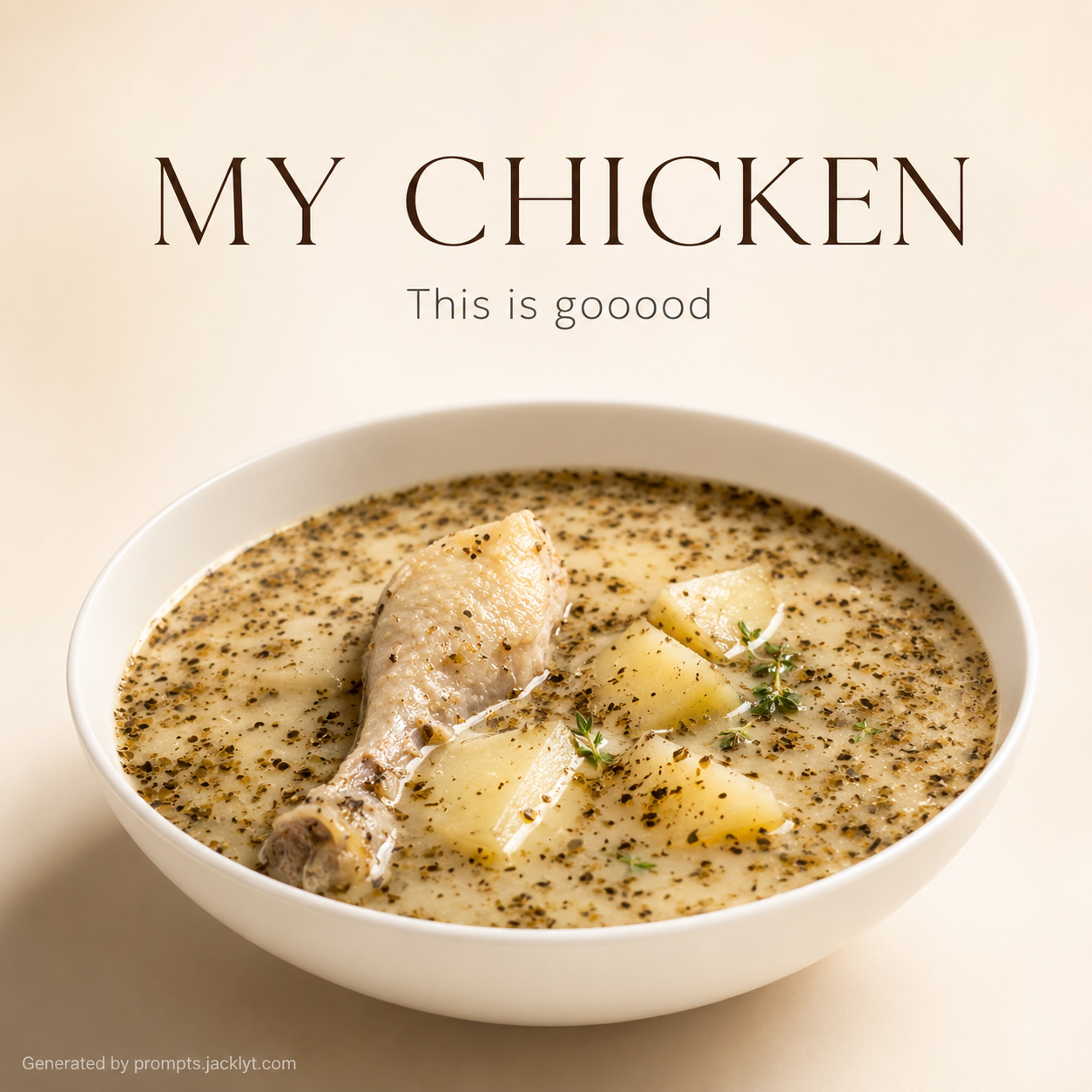
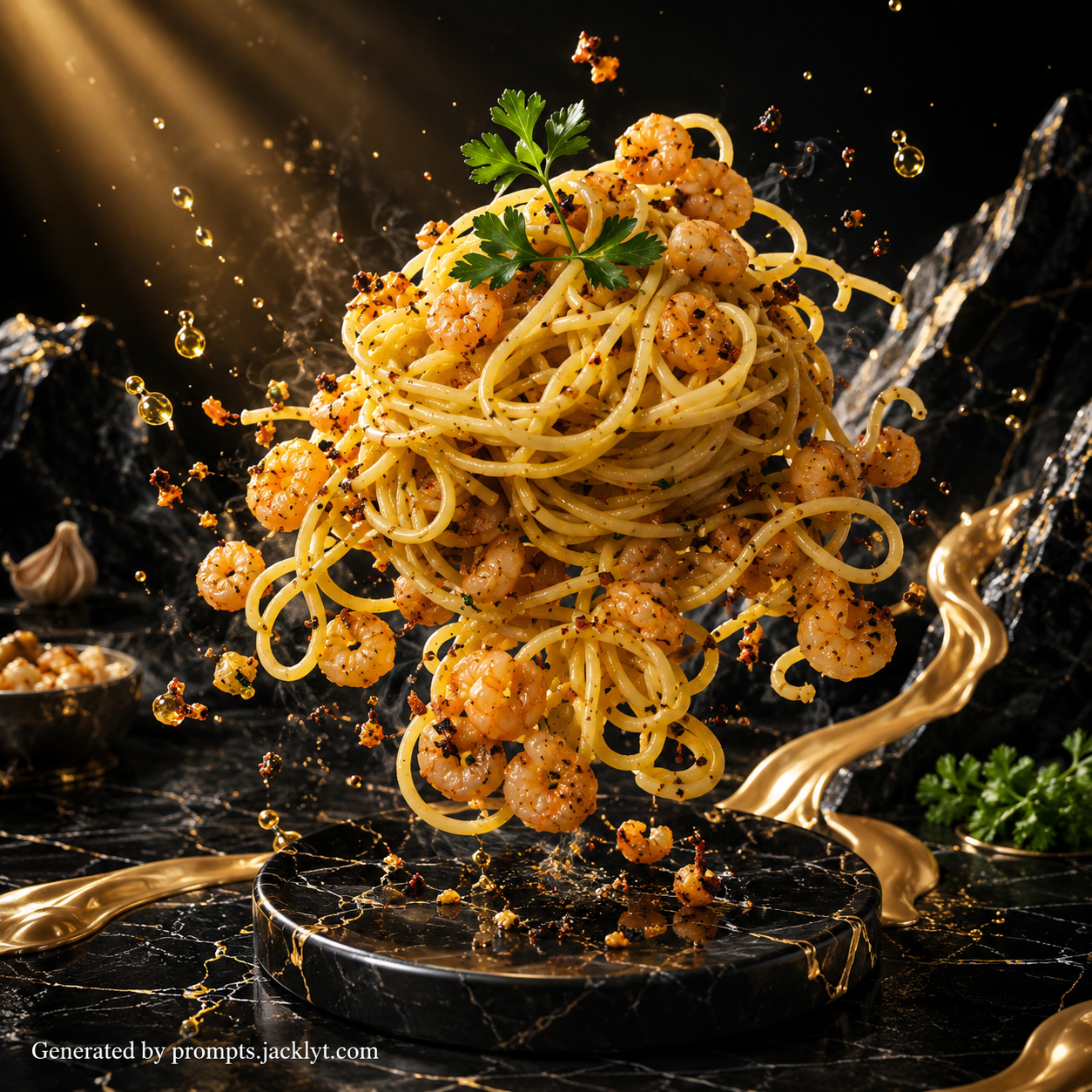
Useful for improving dish presentation with better lighting, fresher textures, stronger plating and a more appetizing camera angle.
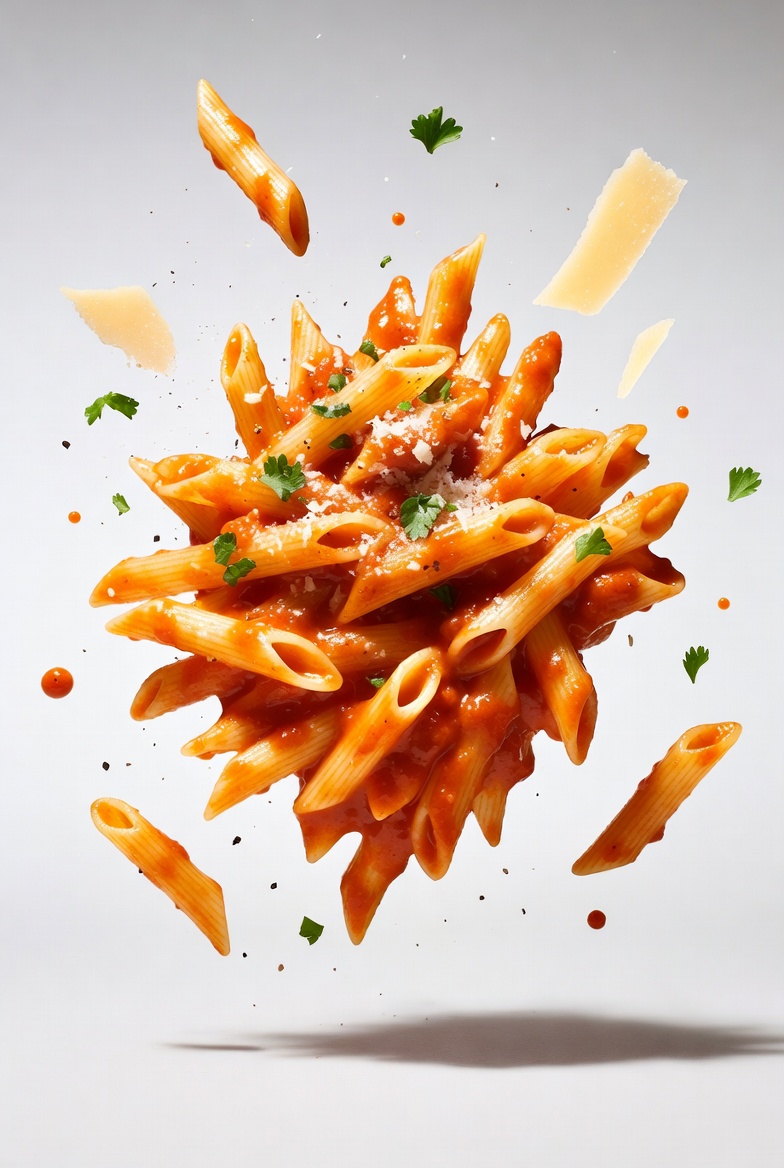
Ideal for packaged food, drinks, ecommerce images and promotional scenes where the product needs to look clear and premium.
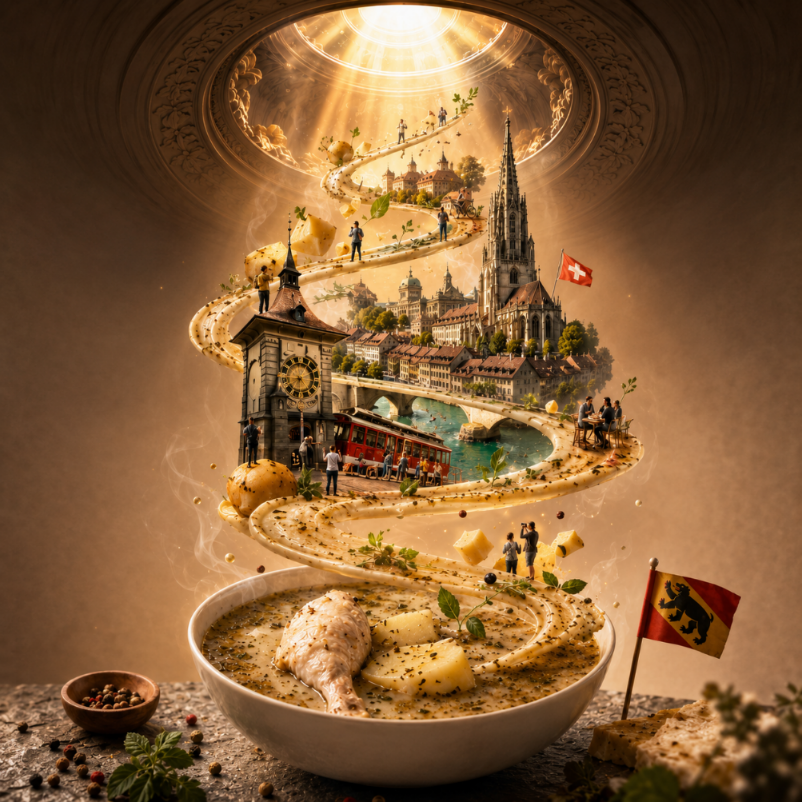
Great for creating eye-catching images for posts, reels covers, delivery promotions, seasonal offers and restaurant announcements.
Start with the business goal. A restaurant menu needs readability and structure, while a burger ad needs appetite appeal, texture and bold composition. A product image needs packaging clarity and accurate shape. Choosing the correct prompt avoids forcing one template to solve different visual jobs.
Then decide how realistic the image must be. If the final visual represents a real menu item or product, preserve ingredients, size, label details and price information carefully. If the goal is a concept or moodboard, you can allow more creative lighting, styling and background changes.
Improve food photos for menus, social posts, delivery listings and promotional campaigns.
Create editorial-style product images for restaurants, cafes, bakeries and packaged food brands.
Redesign menu images, food posters and visual concepts while preserving important information.
Generate appetizing scenes for ecommerce, packaging ideas, ads and marketing tests.
Create seasonal campaign visuals for specials, launches, limited offers and restaurant announcements.
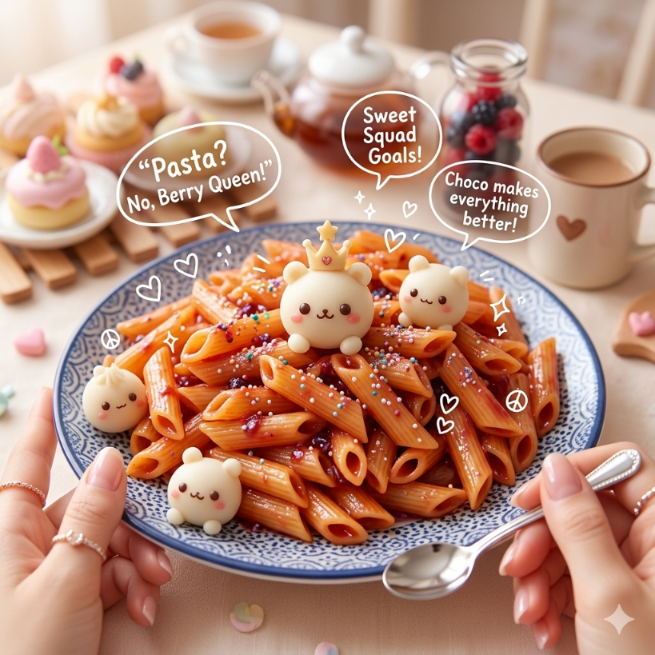
Explore modern, premium, cartoon, realistic or lifestyle directions from the same food reference.
Start with a clear photo of the dish, product or menu when the template requires an image.
Choose a prompt style that matches your goal: realistic, editorial, premium, cartoon, modern or promotional.
Keep the food recognizable and avoid changing the dish into something different unless the concept is intentionally creative.
Copy the final prompt and attach the reference image in your AI chat so the tool sees both the source and the instructions.
Review details such as ingredients, prices, labels, menu sections and readable text before using the image publicly.
If the result feels artificial, refine toward natural lighting, real texture, believable portions and cleaner composition.
Better results
A vague prompt may replace ingredients or alter the product. Use templates that tell the AI to preserve the original food identity.
AI tools often modify typography, prices and dish names. Always verify menu information manually before publishing.
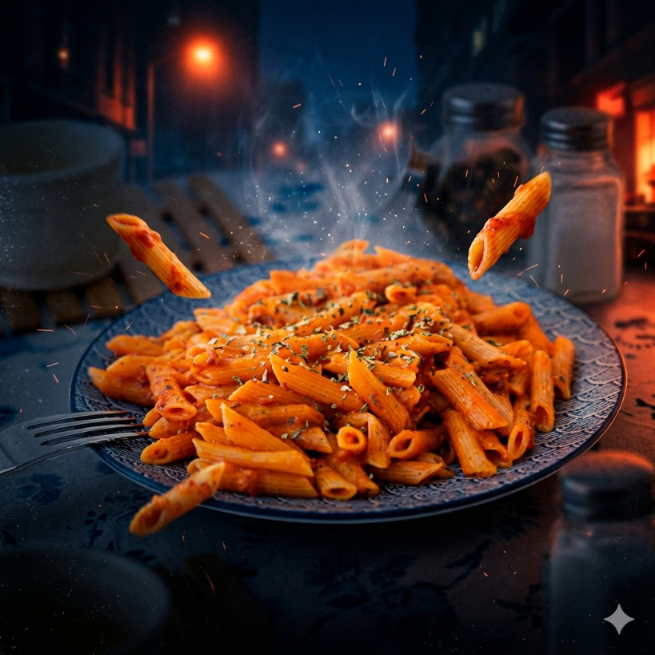
Too many props, dramatic lights or fantasy effects can make food look less believable and less appetizing.
Dark, blurry or messy food photos make it difficult to create clean textures and attractive presentation.
Better results
Use bright, sharp images where the main dish is easy to identify.
For menus, make sure all text is readable in the source image before asking for a redesign.
For appetizing results, focus on texture, freshness, natural lighting and clean composition.
Avoid unrealistic ingredient changes unless the goal is a fantasy or cartoon result.
Choose close-up framing for texture and wider framing for restaurant or lifestyle scenes.
Use simple backgrounds when the food itself needs to be the hero of the image.
Check labels, prices and menu details manually because AI tools can alter text.
Generate several options and compare which one looks most believable and appetizing.
FAQ
Yes. Food prompts can help create cleaner, more appetizing visuals, although real menu accuracy, ingredient accuracy and brand requirements should always be checked before publishing.
Yes, if the template is built for menu redesign. Use a clear source image and verify that dish names, prices and sections remain accurate.
A sharp photo with good lighting, visible texture and a clear main dish usually gives better food transformations than a dark or crowded image.
Yes. Product-focused food prompts can create promotional scenes and lifestyle concepts, but the product shape, packaging and claims should be reviewed carefully.
Use realistic prompts for menus and products that customers will buy. Use stylized prompts for campaigns, concepts, cartoons or playful social media content.