Prompt guide
Complete guide for Street Caricature Lifestyle Portrait
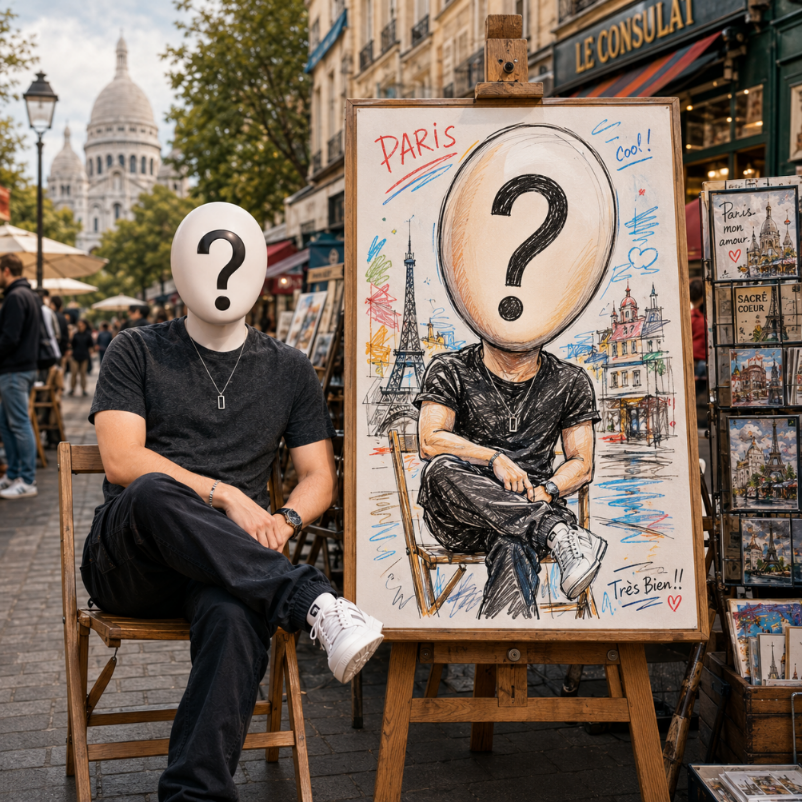
The Street Caricature Lifestyle Portrait prompt creates a photorealistic lifestyle scene where the uploaded person sits beside a wooden easel displaying a colorful street-style caricature of themselves. The goal is to combine realistic editorial portrait photography with the charm of an observational street artist drawing. The person in the scene and the caricature on the easel must clearly resemble the same individual, creating a funny, warm and highly personalized image.
This template is designed around identity preservation and custom exaggeration. Instead of generating a generic cute cartoon, the prompt asks the AI to analyze the uploaded face and exaggerate only two to four distinctive features, such as eyebrow shape, nose, cheeks, lips, jawline, hairstyle or facial proportions. This is what makes the caricature feel like a real street portrait: humorous and stylized, but still flattering and recognizable. The large drawing board gives the caricature enough visual importance to be immediately readable.
The city field gives the scene a sense of place. The prompt asks for a sentimental urban art market in the selected city, with local architecture, illustration booths, craft stalls, sketch displays, cozy shopfronts and softly blurred pedestrians. These details create lifestyle context without taking focus away from the person and the easel. The city should influence the environment, mood and background textures while the uploaded portrait remains the source of identity.
The template also carefully separates the realistic and illustrated parts of the image. The real person and environment should be photorealistic, with natural skin texture, warm daylight, shallow depth of field and editorial color grading. The caricature should look hand-made, with bold marker lines, sketchy pen strokes, colored pencil texture and charming imperfections. This contrast makes the final image feel believable and fun, as if the person just sat for a street artist in a lively creative market.
Use this prompt for personalized social posts, travel-inspired portraits, birthday edits, creative profile images, humorous lifestyle visuals, fan edits or brand content that needs a friendly human touch. The best input is a clear portrait with visible facial features and hairstyle, because the caricature depends on recognizable identity cues. When the reference is strong, the final result can feel custom, witty and emotionally engaging instead of looking like a random cartoon insert.
How to use this prompt
- 1
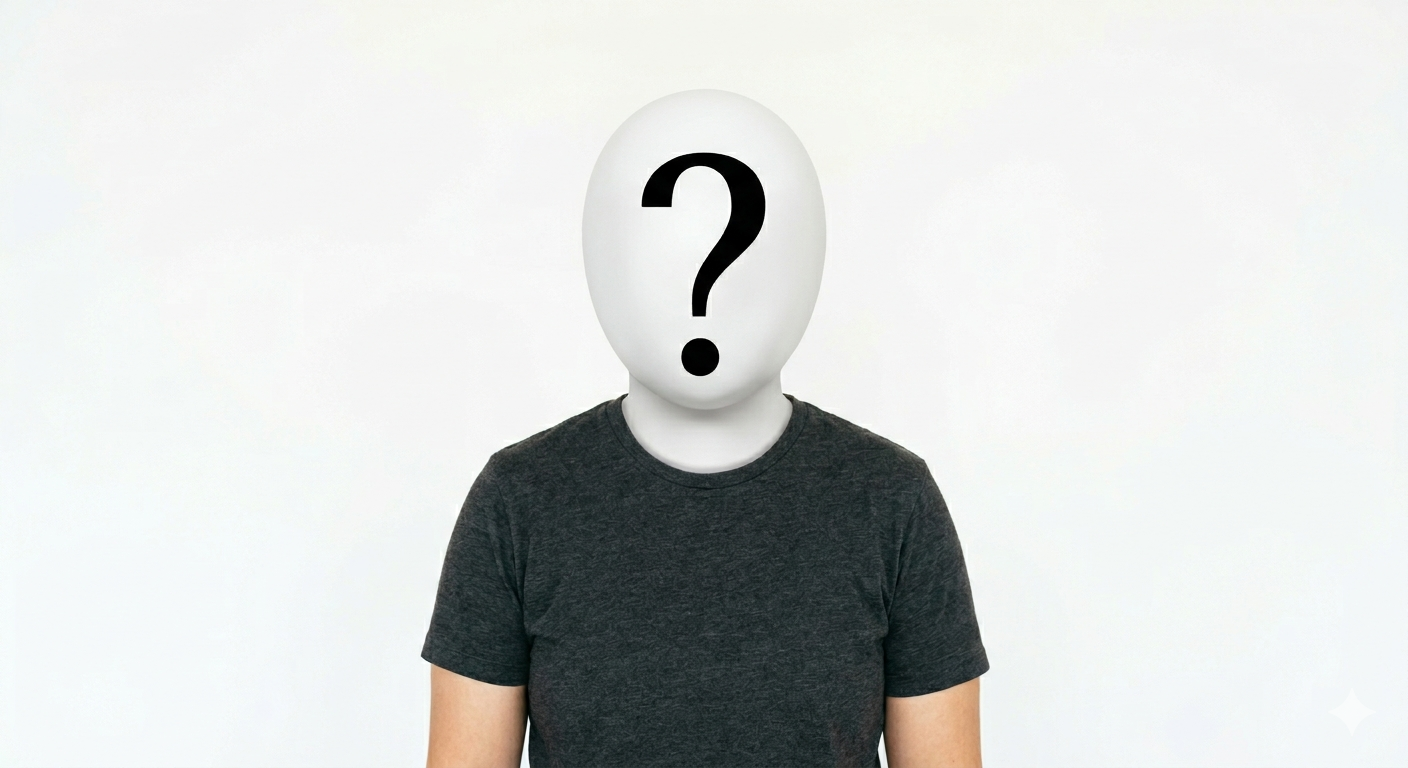
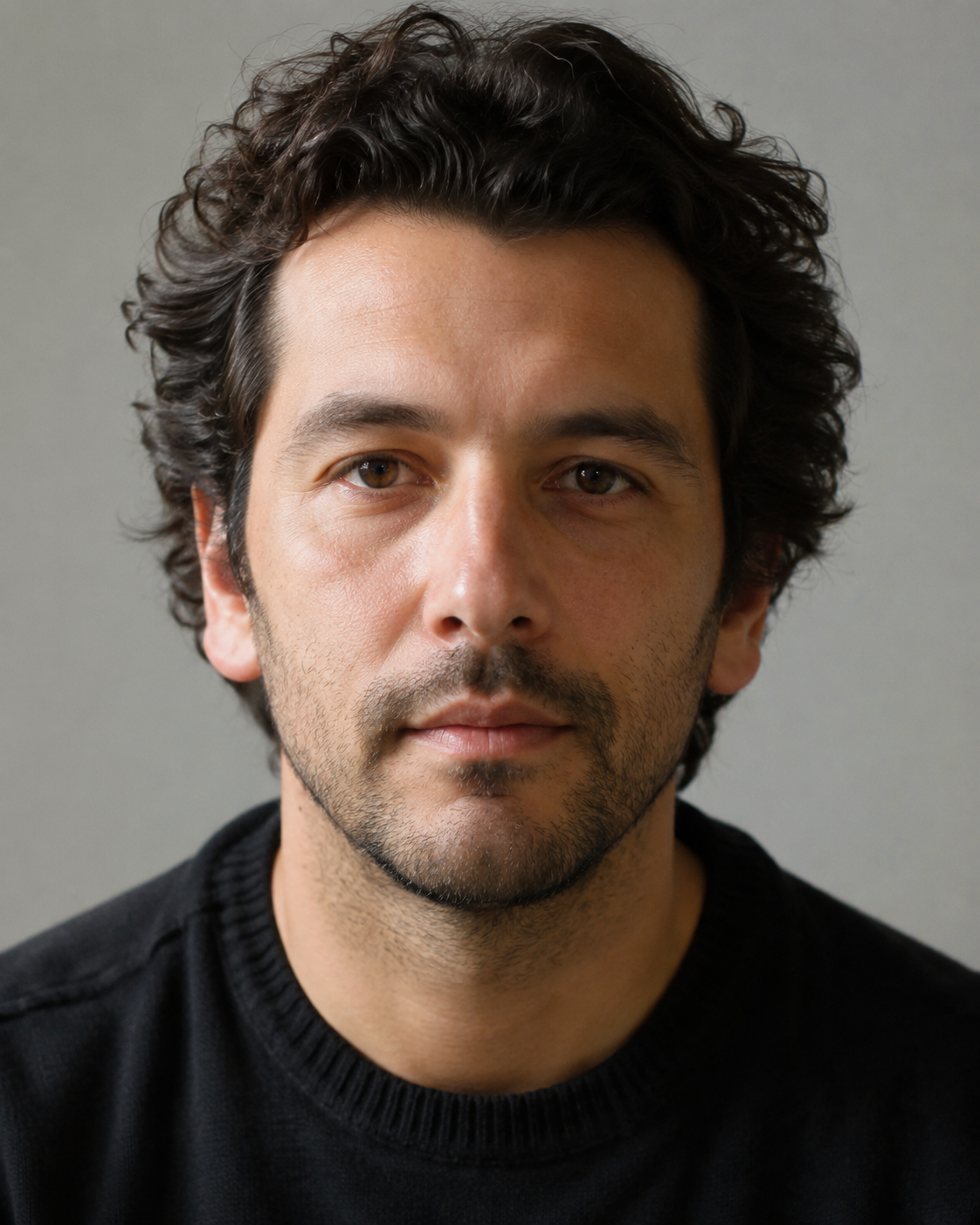
Upload a clear portrait reference where the face and hairstyle are visible. The AI uses those details to create both the realistic person and the custom caricature on the easel.
- 2
Choose the city for the art-market setting. The selected city should guide architecture, street mood, shopfronts and background details while keeping the focus on the person and caricature.
- 3
Copy the full prompt with the selected city and aspect ratio. Keep the instructions about custom facial exaggeration, because they prevent the drawing from becoming a generic cartoon.
Best use cases
Travel and lifestyle creators can use this prompt to make images that feel like a memorable moment from an urban art market.
Friends, couples and fan communities can create humorous personalized portraits that are flattering, warm and more original than a standard edited photo.
Brands and creative professionals can use it for approachable profile visuals, artist-style campaign ideas or social content with a handmade personality.
Tips for better results
Use a portrait with distinctive but natural features. Clear eyebrows, hairstyle, smile, glasses or face shape give the caricature more material to exaggerate.
Vertical aspect ratios usually show both the seated person and the easel more clearly, making the lifestyle scene easier to read.
If the caricature is not recognizable, regenerate with a closer face reference. The drawing needs strong identity cues to remain custom-made.
Common mistakes to avoid
A common mistake is using a blurry or distant photo. The caricature depends on facial details, so weak references often produce generic exaggerations.
Another mistake is expecting a perfect formal portrait. This prompt is intentionally playful, handmade and street-inspired, so a little charm and imperfection are part of the style.
Do not remove the instruction that the real person and caricature must resemble the same individual. That rule is the core of the personalized effect.
Final recommendation
Use the Street Caricature Lifestyle Portrait prompt when you want a warm, humorous and personalized portrait that combines real photography with a custom hand-drawn caricature. A clear face reference, fitting city and full prompt structure help the AI create a scene that feels specific, charming and visually coherent.