Prompt guide
Complete guide for Split Portrait: Realistic + Illustration Fusion
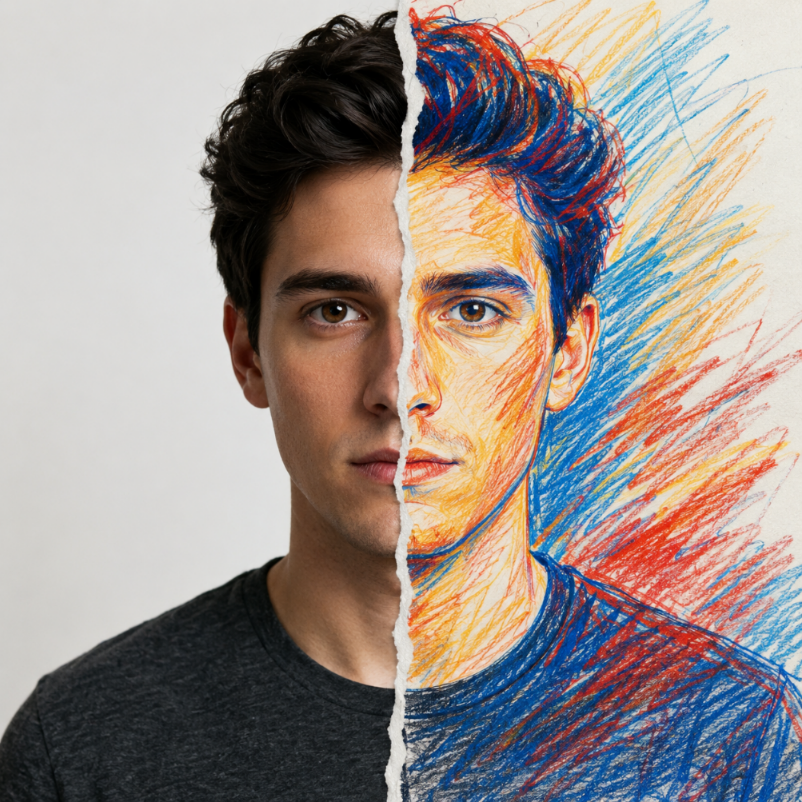
The Split Portrait: Realistic + Illustration Fusion prompt creates a highly stylized identity-preserving portrait where one face is divided into two aligned visual languages. One half remains hyper-realistic, cinematic and photographic, while the other half becomes an expressive hand-drawn crayon and colored-pencil illustration. The template is built for people who want an artistic portrait transformation that still feels recognizable, polished and conceptually strong.
This prompt is different from a simple cartoon filter because it asks the AI to preserve the same person across both halves of the face. The realistic side must keep natural skin texture, pores, hair detail, studio lighting and eye detail. The illustrated side must match the same facial structure, pose, expression and proportions, while using rough sketch strokes, bold colors and visible pencil or crayon texture. This side-by-side contrast produces a modern editorial effect that can feel like a gallery poster, fashion-art concept, personal profile artwork or creative campaign image.
The uploaded reference photo is essential. The prompt uses it as the exact identity source for facial features, expression, hair, angle and pose. This matters because split portraits can easily become mismatched if the AI changes the illustrated half too much. By explicitly requiring alignment between both halves, the template helps prevent the common issue where the drawing side looks like a different person. The torn-paper split detail also adds depth and gives the transformation a physical, intentional transition rather than a flat digital divide.
The prompt is structured around subject, composition, lighting, quality, technical rules and validation. It tells the model to keep the portrait vertical, use head-and-shoulders framing, maintain strong eye contact and create an elegant dramatic mood. It also restricts text, logos and extra elements, which keeps the portrait focused on the face and the contrast between realism and illustration. The aspect ratio field lets the user adapt the image for social avatars, poster formats, profile banners or creative portfolio visuals.
Use this template when you want a portrait that communicates duality: realistic and imagined, personal and artistic, polished and raw, photographic and hand-drawn. It works especially well for creators, artists, musicians, designers, personal branding, editorial portraits, social media profile images and conceptual visual identities. The best input is a clear frontal or three-quarter portrait with visible eyes, hair and face shape. Strong identity in the reference image produces a stronger fusion in the final AI portrait.
How to use this prompt
- 1
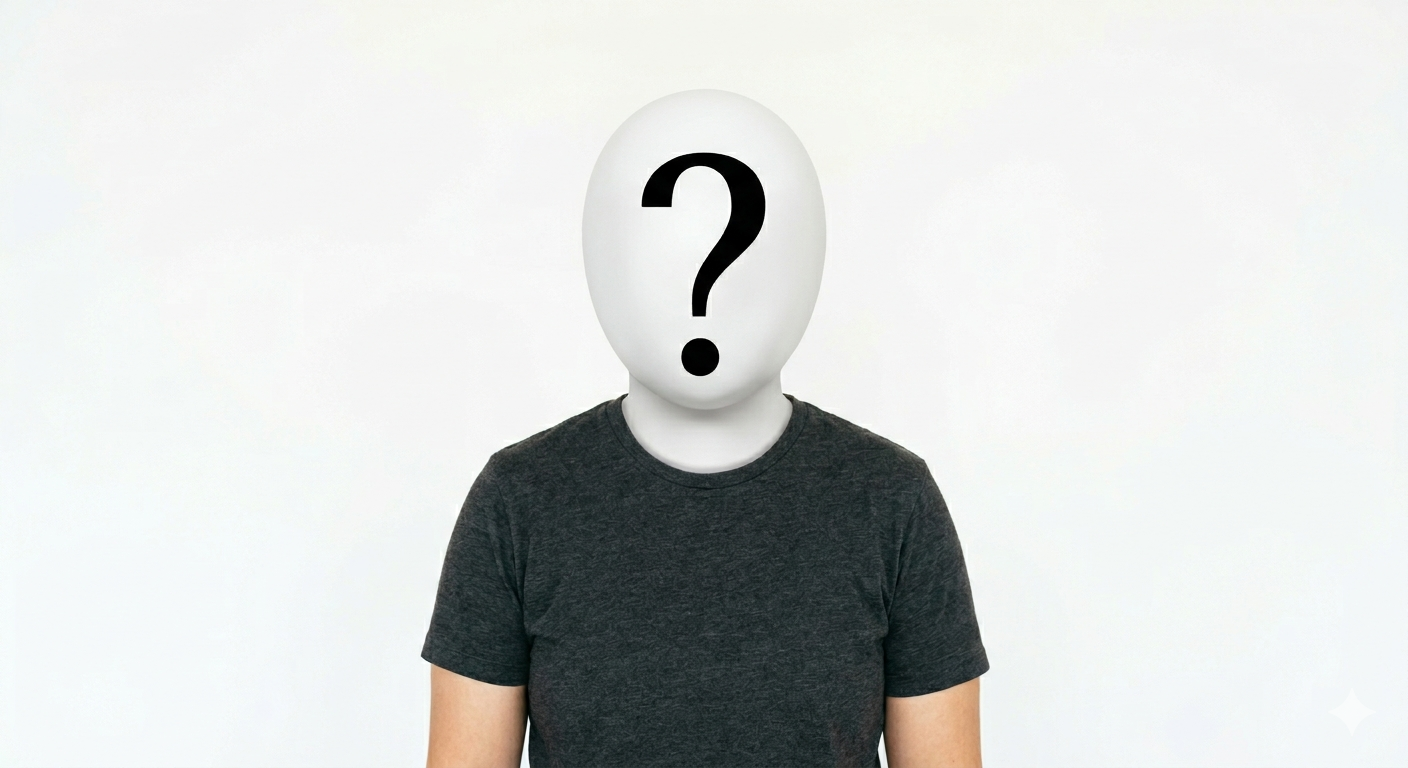
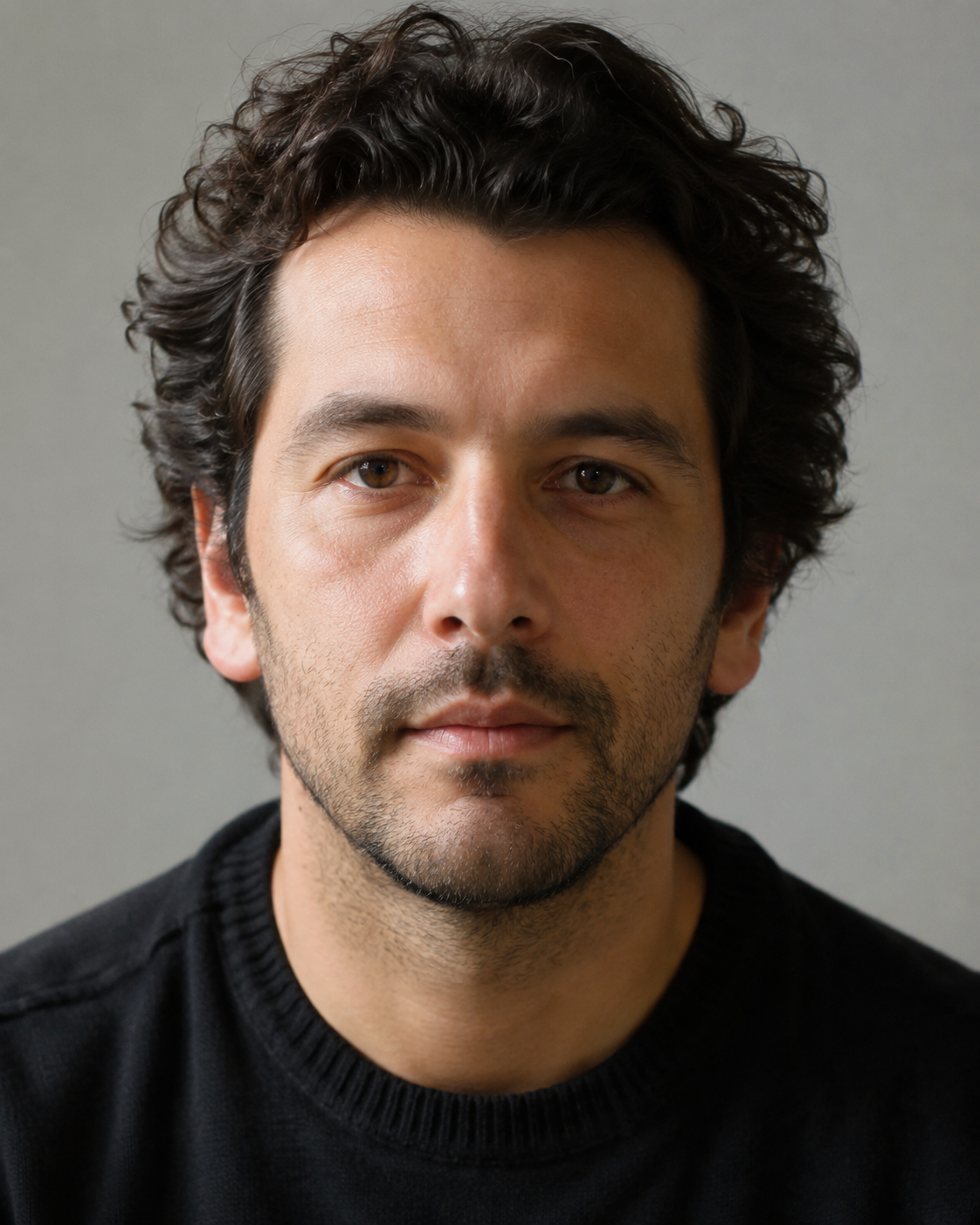
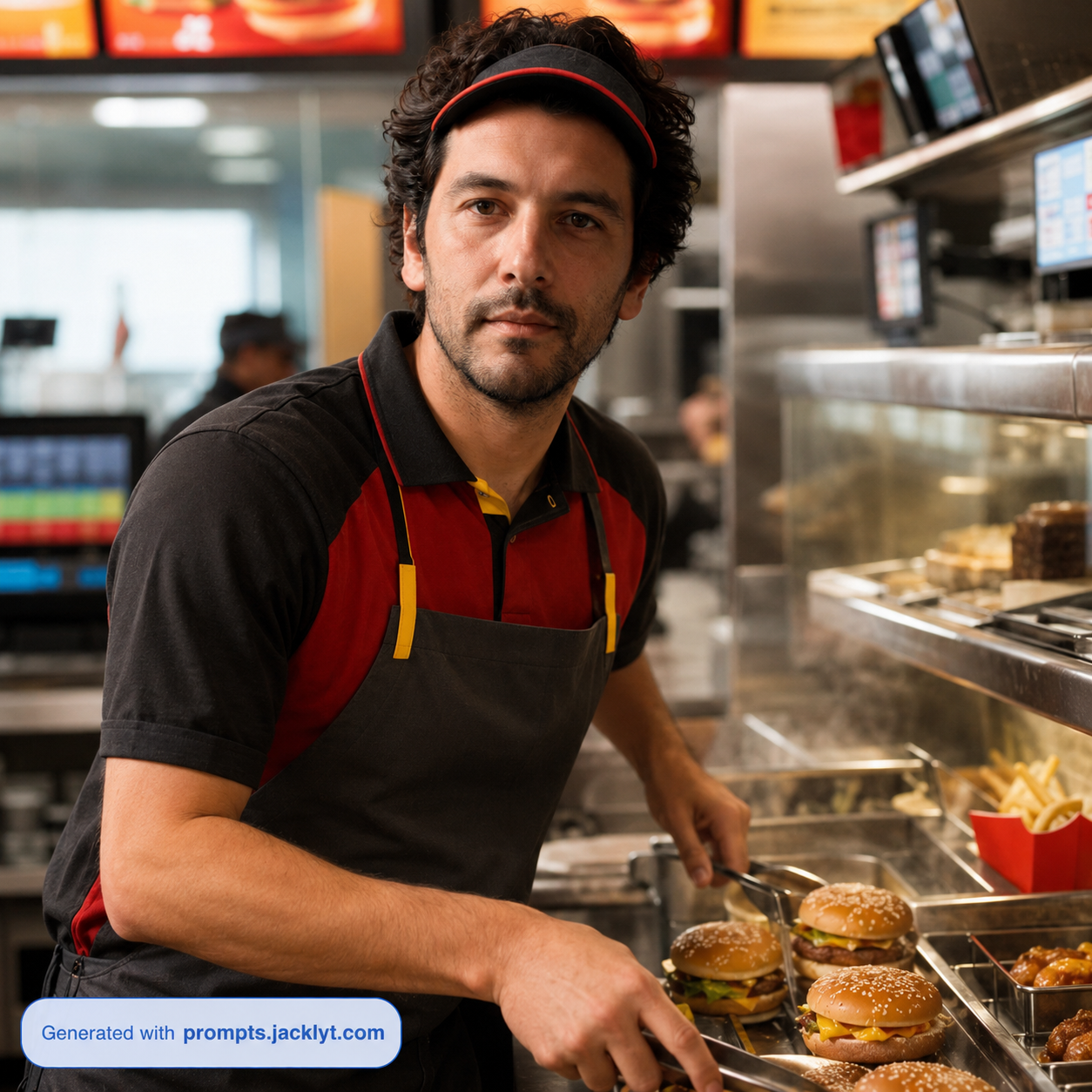
Upload one clear portrait photo where the face is visible and not heavily obscured by sunglasses, harsh shadows, motion blur or extreme angles. The AI needs the face structure to align the realistic and illustrated halves accurately.
- 2
Choose an aspect ratio based on where the final image will be used. A vertical ratio works well for poster-like portraits, while a square ratio can be useful for profile images and social media avatars.
- 3
Copy the complete generated prompt together with the uploaded image. Keep the identity-preservation and alignment instructions because they are what make the illustrated half resemble the same person instead of becoming a generic drawing.
Best use cases
Artists, musicians and creators can use this prompt to create expressive profile portraits that feel more distinctive than a standard headshot or basic avatar.
Designers can use it for conceptual poster ideas, editorial visuals, album artwork references, event graphics or campaign moodboards where dual identity is part of the story.
Personal branding projects can use the split style to communicate creativity, transformation, imagination or the contrast between professional and artistic sides of a person.
Tips for better results
Use a reference where the eyes and mouth are visible. These features anchor recognition and help the illustrated side match the real face more convincingly.
Avoid group photos or images with strong background distractions. A single clear face gives the AI a better chance of creating a balanced and aligned split portrait.
If the illustration side loses likeness, regenerate with a more frontal photo or crop closer to the face. Keep the exact identity language in the prompt unchanged.
Common mistakes to avoid
A common mistake is using a photo where the face is too small. The final result depends on facial alignment, so distant full-body shots usually produce weaker portraits.
Another mistake is adding extra creative instructions that conflict with the split design, such as full-body action scenes, complex props or background storytelling.
Do not remove the no-text and no-logo rule. Extra elements can distract from the face and reduce the clean editorial quality of the final portrait.
Final recommendation
Use this split portrait prompt when you want a recognizable person transformed into a strong artistic identity piece. A clean portrait photo and the full alignment-focused prompt will help the AI preserve likeness while creating a dramatic fusion of cinematic realism and expressive illustration.