

Prompt guide
Complete guide for Pet Icon From Image
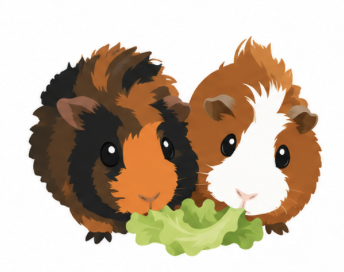
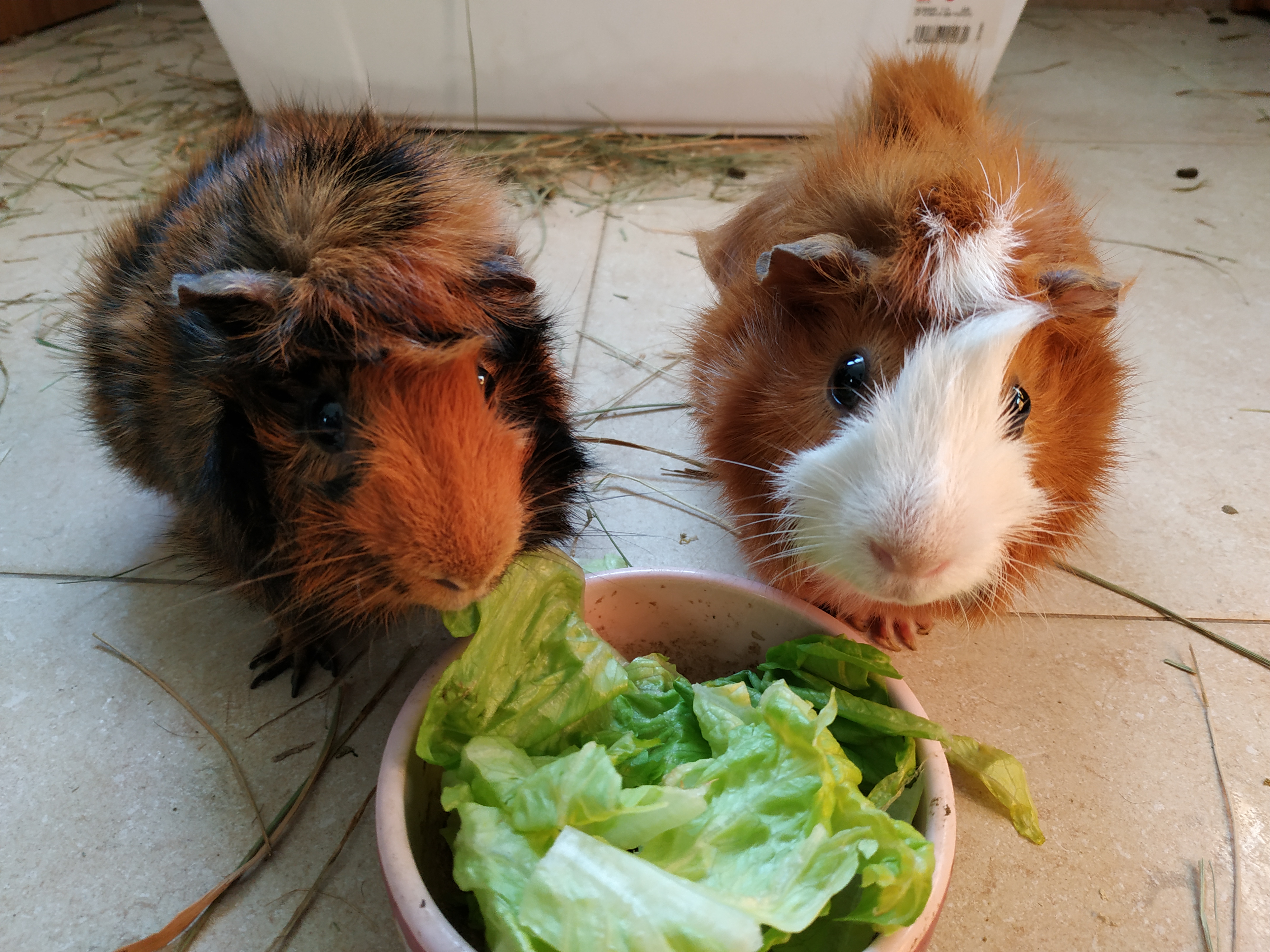
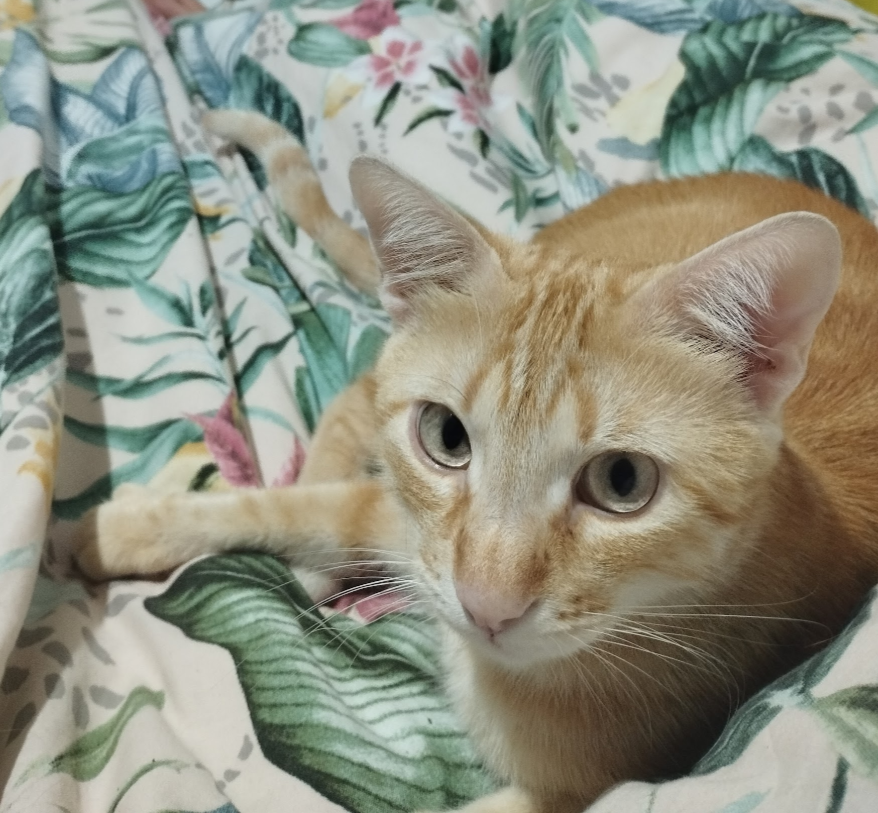
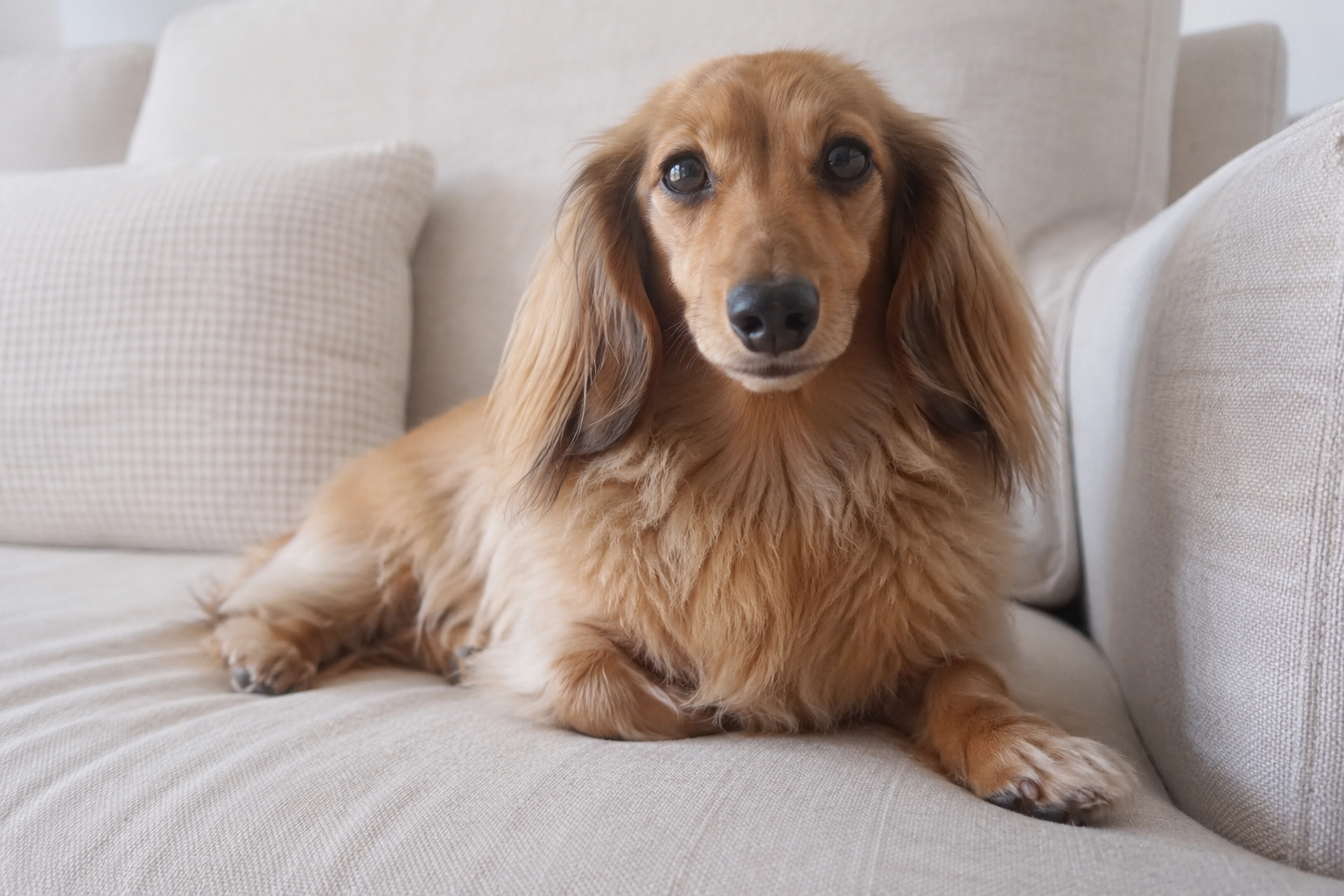
The Pet Icon From Image prompt transforms an uploaded pet photo into a clean, isolated pet avatar or icon while preserving the animal's recognizable identity. It is designed for users who want a polished icon version of their own dog, cat or other pet instead of a generic animal illustration. The prompt tells the AI to keep the real species, face shape, ears, muzzle, eye expression, fur color, markings and personality cues from the source image, then simplify those details into a professional icon asset.
This template is useful because pet identity is easy to lose when an AI model stylizes too aggressively. A dog can become a random cartoon dog, a cat can lose its markings, and a unique expression can turn into a generic cute face. This prompt prevents that by making the uploaded image the primary reference and by separating identity preservation from the selected icon style. The user can choose a flat pet icon, modern app icon, cute sticker pet, retro mascot or bold outline cartoon, but the result should still feel clearly derived from the same individual pet.
The composition rules are also important for SEO-driven prompt pages because they make the result practical: one pet icon only, centered, pure white background, crisp edges and enough empty space for cropping. That makes the output suitable for pet profiles, app avatars, sticker packs, social media icons, pet business branding, adoption pages and custom digital gifts. The negative prompt blocks scenes, furniture, collars when unnecessary, extra animals, generic species changes and photo-like results. By keeping the prompt structured, users get more reliable icons with stronger identity preservation and fewer unusable variations.
How to use this prompt
- 1
Upload a sharp pet photo where the face, fur markings, ears and expression are visible. Front or slight-angle portraits usually work best for recognizable pet icons.
- 2
Choose the icon style based on the desired personality. Modern app icon feels premium, cute sticker is playful, retro mascot is nostalgic, and bold outline cartoon is stronger for graphic visibility.
- 3
Use the generated prompt with the pet image attached and keep the full identity-preservation rules. They are what prevent the model from replacing your pet with a generic dog, cat or animal.
Best use cases
Creating a pet avatar for social profiles, community apps, pet-care products or personal branding.
Designing sticker-like pet images for messages, social posts, gifts or playful digital products.
Generating a consistent icon style for multiple pets in a shelter, veterinary clinic, grooming business or pet portfolio.
Tips for better results
Choose photos with good eye visibility because the eyes often carry the strongest sense of pet identity.
Avoid photos where filters, shadows or motion blur hide the real fur color and markings.
If the first result looks too generic, try a style with stronger identity rules such as modern app icon or bold outline cartoon and regenerate.
Common mistakes to avoid
Uploading a full-body photo where the pet's face is tiny can make the icon less recognizable.
Adding background scenes or props weakens the clean avatar goal and can distract from the pet's face.
Deleting the negative prompt can create multiple pets, profile cards, text labels or a realistic photo instead of an isolated icon.
Final recommendation
Use this prompt when you need a clean pet icon that still feels like the real animal. The best results come from a sharp pet portrait, a suitable icon style and the full identity-preserving prompt.