Prompt guide
Complete guide for Pet Haircut From Image
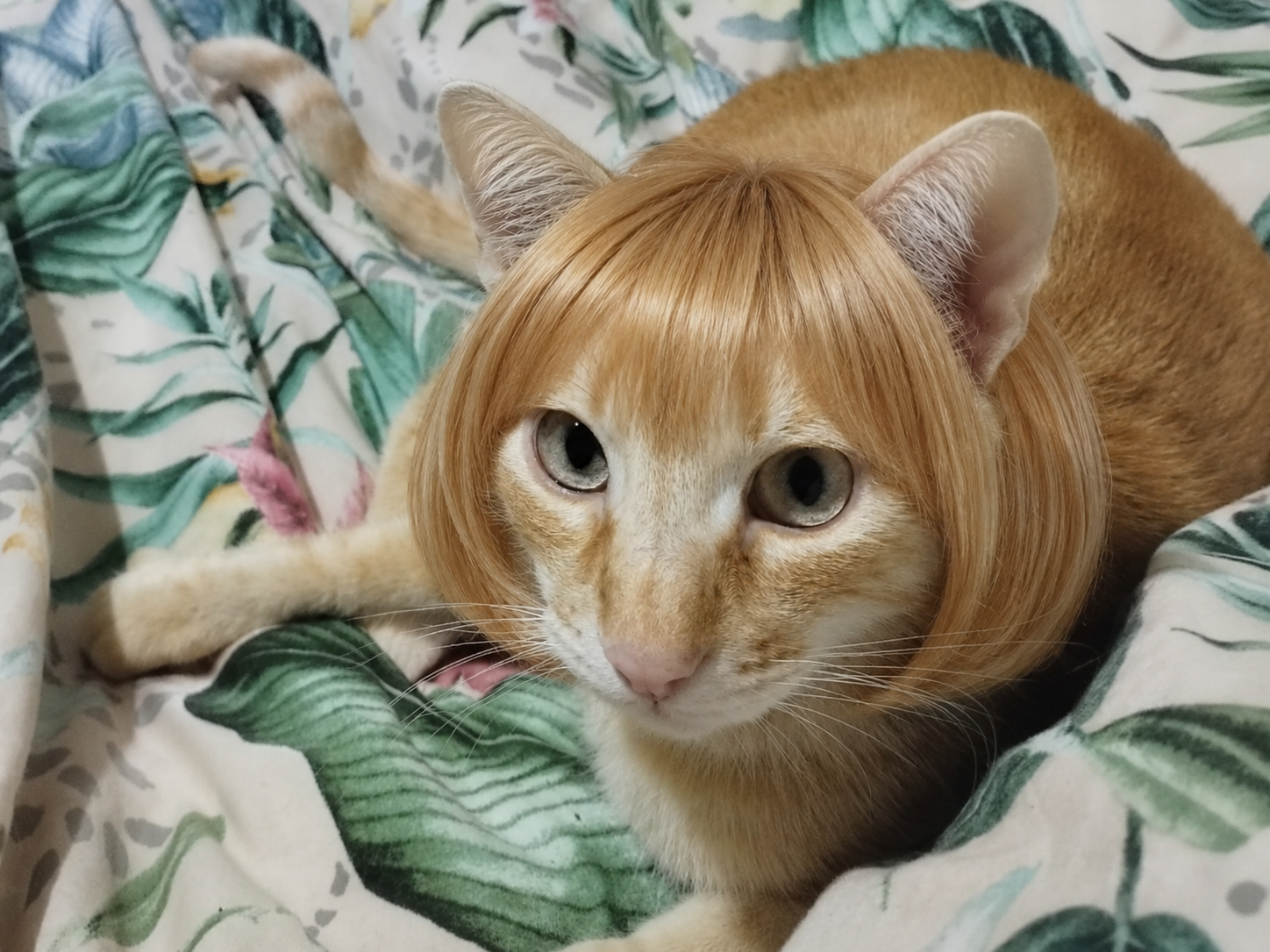
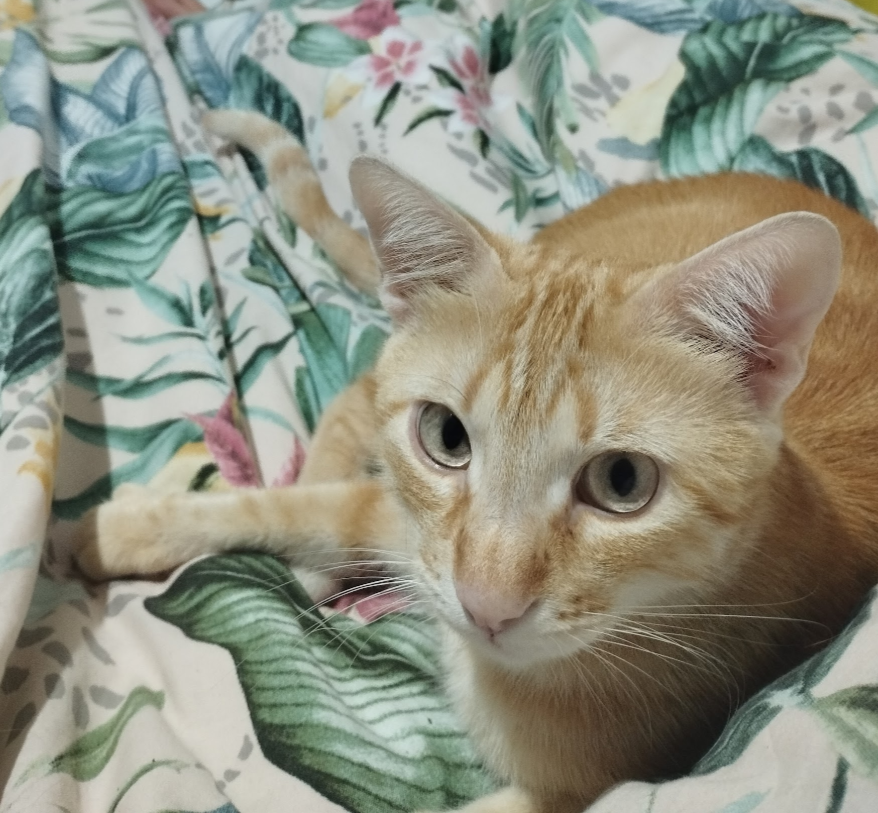
The Pet Haircut From Image prompt is designed for users who want to turn a normal pet photo into a funny, stylish and highly shareable image where the same pet appears with a realistic haircut. Instead of creating a generic cartoon animal or a random pet portrait, this prompt focuses on image-to-image identity preservation. The uploaded photo becomes the foundation for the final result: the pet's species, face shape, expression, muzzle, eyes, nose, fur color, markings, pose and personality must remain recognizable. The creative transformation is limited to the hairstyle, which makes the image feel humorous without losing the charm of the real pet.
This prompt is especially useful for viral pet edits, social media posts, funny profile images, pet meme concepts without text, playful pet portraits, personalized gifts and creative content pages. The user only needs to upload one clear image of a pet, choose the preferred hairstyle and select an aspect ratio. The style options are designed around haircuts that are visually understandable in AI image generation: rounded bob, blunt fringe, fluffy cute cut, long silky hair and curly groomed hair. Each option gives the AI a specific direction for the hair silhouette, texture, length, fringe shape and overall mood.
The prompt is built to avoid one of the most common problems in pet transformation images: losing the original animal identity. Many AI image edits make the pet look like a different dog or cat, change the fur colors, distort the muzzle or hide the eyes behind the added hair. This template prevents that by repeating strong identity-preservation rules throughout the prompt. The hairstyle is treated as a styling layer, not a full redesign. The pet should still look like the uploaded pet, just with a playful haircut.
The expected result is a photorealistic pet photo edit with a premium, clean and viral social-media finish. The hair should match the original lighting, camera angle, perspective and focus of the uploaded image. It should not look like a flat sticker, a pasted-on wig, a cartoon overlay or a cheap meme. The best outputs feel as if the pet was genuinely photographed with that haircut in the original scene. The prompt also avoids extra objects, people, grooming tools, text, logos, captions, UI overlays and before-and-after layouts, keeping the final image focused on the pet.
The aspect ratio selector makes the template flexible for different platforms. A square ratio works well for profile posts and thumbnails, a vertical ratio is ideal for stories, reels and phone wallpapers, and wider formats can work for blog headers or playful banners. Because the prompt preserves the original background when appropriate, users can create natural-looking results without having to describe a scene manually.
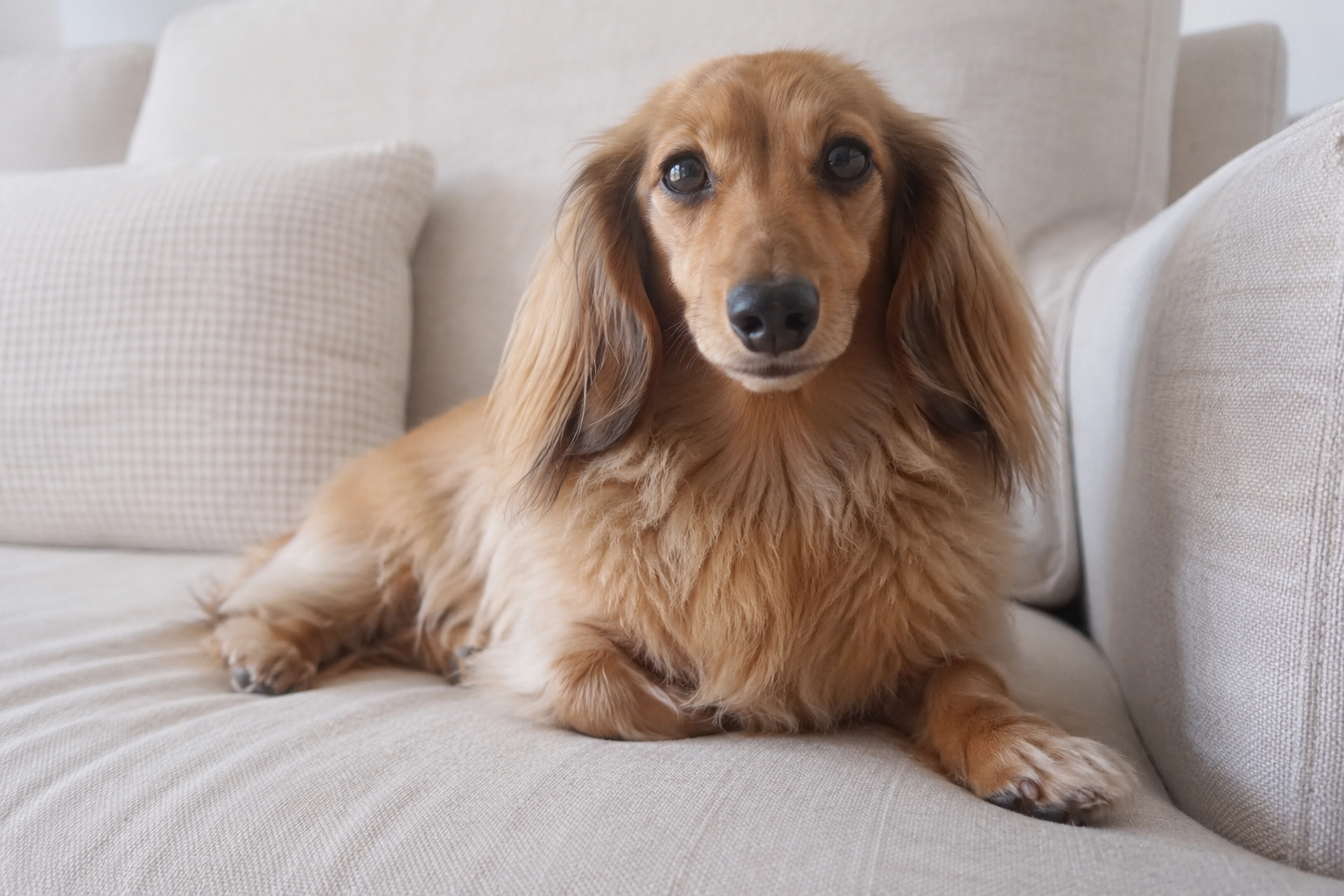
This prompt is best used with clear pet photos where the pet's face is visible and not heavily blurred. Dogs and cats work especially well, but the structure can also support other pets as long as the uploaded image clearly shows the animal. The more visible the eyes, muzzle and head shape are, the easier it is for the AI to add the hairstyle while keeping the pet recognizable. If the photo is very dark, extremely low resolution, heavily cropped or already has too many objects covering the pet's head, the result may be less consistent.
Overall, this template gives users a fast way to create a polished funny pet hairstyle image while keeping the prompt structured enough for reliable results. It combines humor, realism, identity preservation and social-media appeal in a single reusable prompt format.
How to use this prompt
- 1
Upload a clear pet photo where the pet's face, eyes, nose, muzzle and head shape are visible. The prompt uses this image as the identity reference, so a sharp front-facing or slightly angled photo usually produces the most recognizable result.
- 2
Choose the hair style that best matches the kind of funny edit you want. Rounded bob and blunt fringe create a viral fashion look, fluffy cut feels softer and cuter, long silky hair feels more glamorous, and curly groomed hair gives a playful salon-style result.
- 3
Select the aspect ratio based on where you plan to use the image. Square works well for posts and avatars, vertical works best for stories and reels, and wider formats are useful for headers or playful pet banners.
Best use cases
Create funny pet photos for Instagram, TikTok, Pinterest or WhatsApp where the pet keeps its real identity but appears with a stylish haircut that makes the image instantly entertaining.
Generate personalized pet portraits for owners who want a playful version of their dog, cat or other pet without turning it into a cartoon or losing the realistic photo feeling.
Produce consistent visual content for pet-themed pages, groomers, meme accounts or creative blogs that need funny, clean and polished pet images with a recognizable transformation concept.
Tips for better results
Use a photo where the pet is not too far from the camera. The hairstyle needs enough visible head detail to follow the animal's real shape, so close-up portraits usually work better than distant full-body shots.
Avoid source images where the pet's eyes or muzzle are already covered by objects, shadows or motion blur. The prompt is designed to preserve identity, and that works best when the AI can clearly read the pet's main facial features.
If the first result is close but the hair covers too much of the face, regenerate with a more compact style such as Rounded Bob or Blunt Fringe. If the result feels too subtle, choose Long Silky Hair or Curly Groomed Hair for a stronger transformation.
Common mistakes to avoid
Using a blurry or low-resolution pet photo is the most common mistake. When the AI cannot clearly identify the eyes, muzzle, fur markings and head shape, it is more likely to change the pet identity or create an unnatural haircut.
Removing the identity-preservation and negative prompt sections can weaken the result. Those rules are what prevent the image from becoming a generic pet, a cartoon, a collage or a meme layout with text.
Choosing an aspect ratio that cuts too much of the pet's head can make the hairstyle harder to see. For haircut edits, leave enough room around the head so the AI can show the silhouette and blend the hair naturally.
Final recommendation
Use this prompt when you want a funny but realistic pet hairstyle transformation that still looks like the same animal from the original photo. For best results, start with a clear image where the pet's face is visible, choose a hairstyle that matches the level of humor or cuteness you want, and keep the full structured prompt intact. The detailed identity, realism, hairstyle and validation rules are what help the AI create a polished viral pet image instead of a random or distorted animal edit.