

Prompt guide
Complete guide for Owner and Pet Facing a Dragon
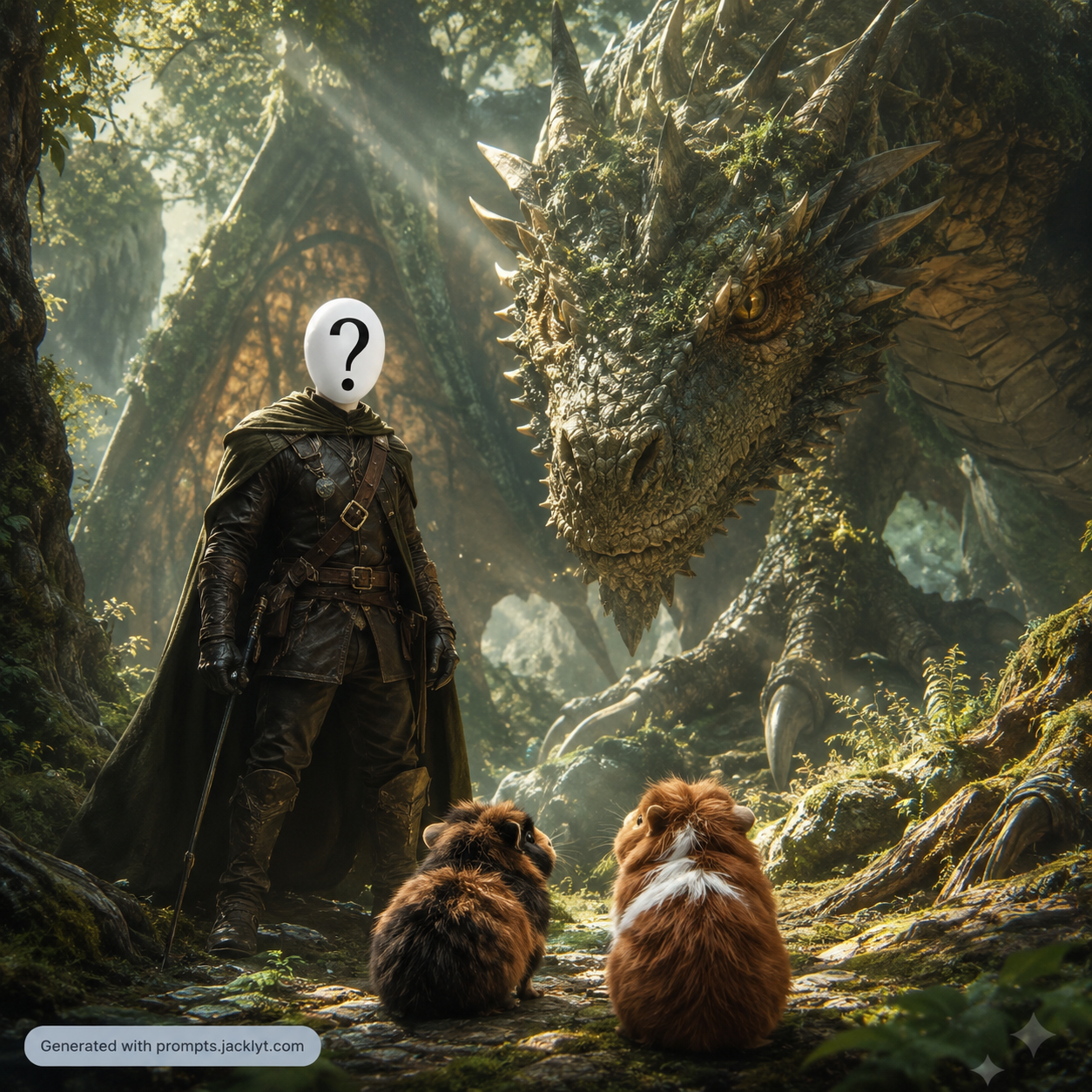
The Owner and Pet Facing a Dragon prompt turns an owner-and-pet photo into a cinematic fantasy scene where the person and their animal companion face a powerful dragon together. It is built for dramatic image-to-image storytelling: the owner and pet remain recognizable, the pet species is preserved, and the selected fantasy environment defines the atmosphere. The result should look like a premium fantasy film still rather than a collage, cartoon or random dragon poster.
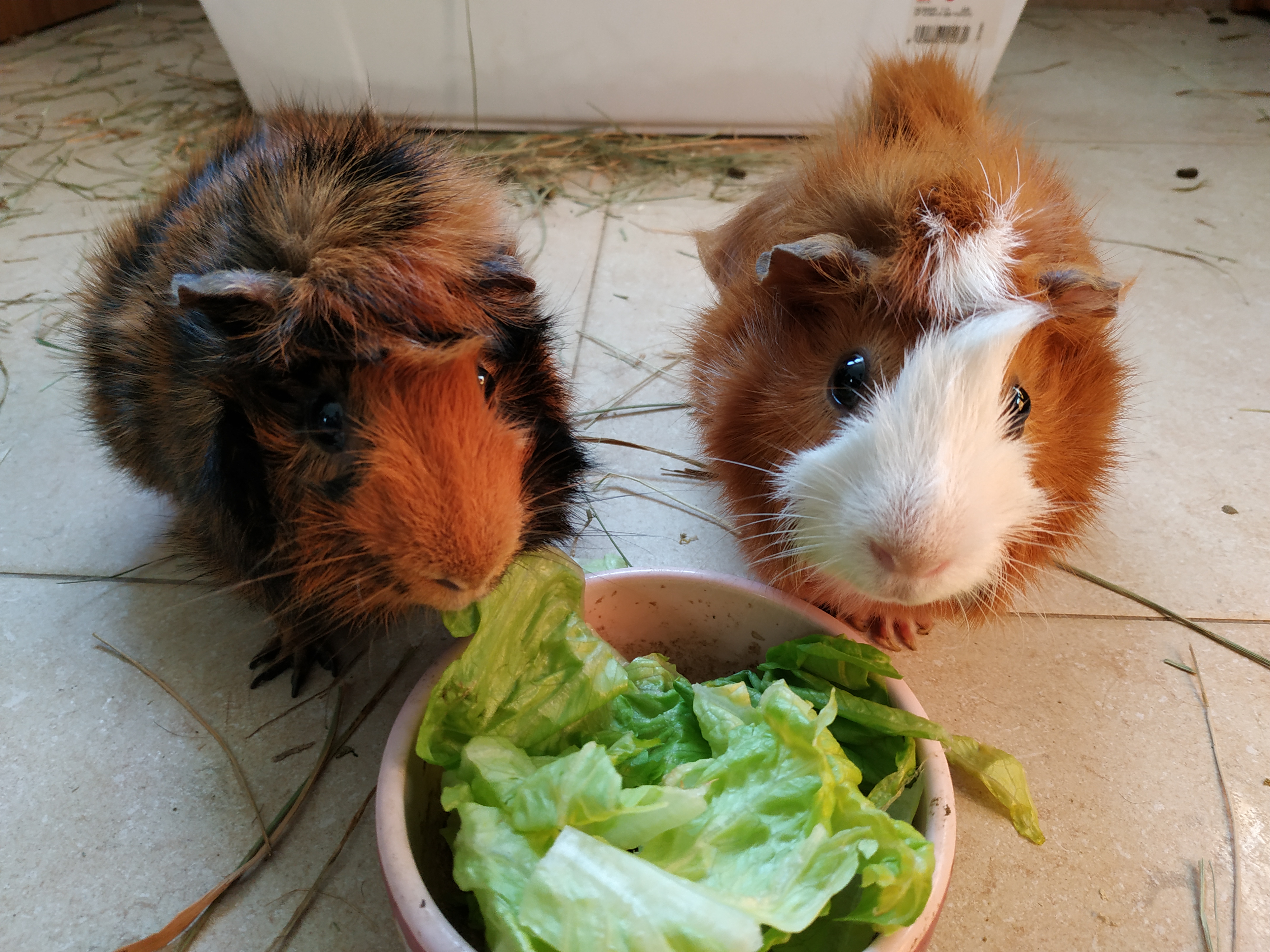
This template supports one required image of the owner and pet together, plus an optional separate pet photo when the animal needs a clearer reference. That is helpful because pet identity can be difficult to preserve in wide fantasy scenes. The prompt gives the AI rules for maintaining the people, the pet, the relationship between them and the facing-dragon composition. It also prevents the dragon from replacing the pet, which is a common failure in fantasy transformations involving animals.
The Fantasy Environment field changes the world around the subjects. Users can choose enchanted forest, volcanic realm, frozen kingdom, desert temple or stormy mountains, each pushing lighting, atmosphere and color palette in a different direction. The prompt keeps the scene cinematic and realistic with dramatic scale, environmental depth and believable integration. It is ideal for pet owners, fantasy fans, social media creators and anyone who wants an epic custom adventure image with their real companion.
How to use this prompt
- 1
Upload a clear owner-and-pet image where both the person and animal are visible. Add the optional separate pet photo when the pet is small, blurred or partly hidden.
- 2
Choose the fantasy environment that best matches the story. Volcanic realm feels intense, enchanted forest feels magical, frozen kingdom feels heroic and stormy mountains feel epic.
- 3
Keep the complete prompt so the AI preserves both owner and pet, adds the dragon as a separate threat and avoids turning the pet into the dragon.
Best use cases
Creating epic fantasy portraits for pet owners who want a custom adventure scene with their animal companion.
Making social media posts, profile banners or gifts with a cinematic dragon encounter.
Generating fantasy story visuals for roleplay, thumbnails, posters or creative personal projects.
Tips for better results
Use a separate pet reference when the main owner-and-pet image does not clearly show the animal's face or body.
For a stronger cinematic result, choose an aspect ratio that gives the dragon enough space without making the owner and pet too small.
If the model changes the pet species, regenerate with the optional pet image and keep the species-preservation rules intact.
Common mistakes to avoid
Uploading a photo where the pet is barely visible can cause the AI to ignore or replace the animal.
Choosing a very tight aspect ratio may make the dragon scene feel cramped or cut off.
Removing the validation rules can result in a cartoon, collage, generic fantasy warrior or pet replaced by a dragon.
Final recommendation
Use this prompt when you want an epic fantasy image starring a real owner and pet. Clear references, a strong environment choice and the complete preservation rules are essential.