Prompt guide
Complete guide for Luxury Food Advertising Poster Generator
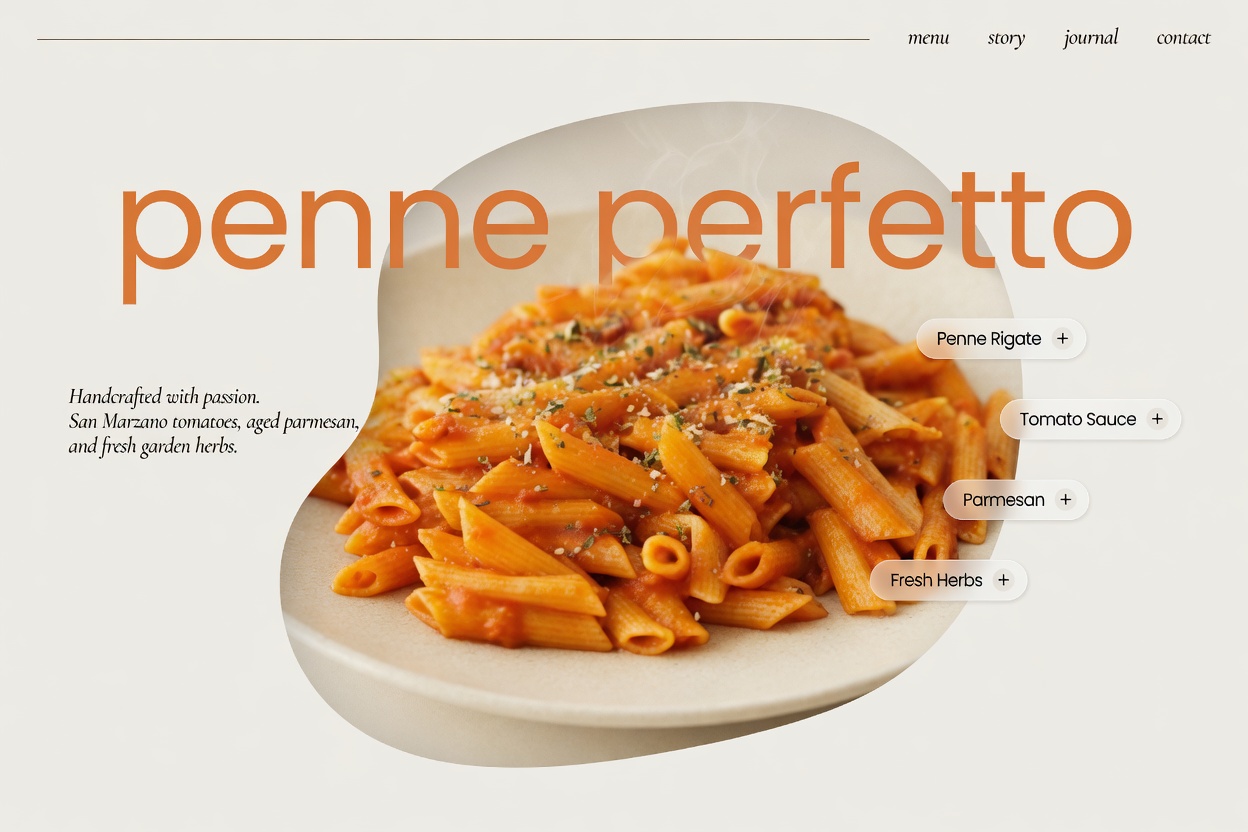
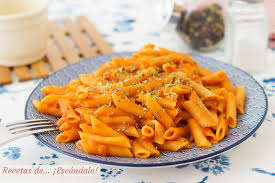
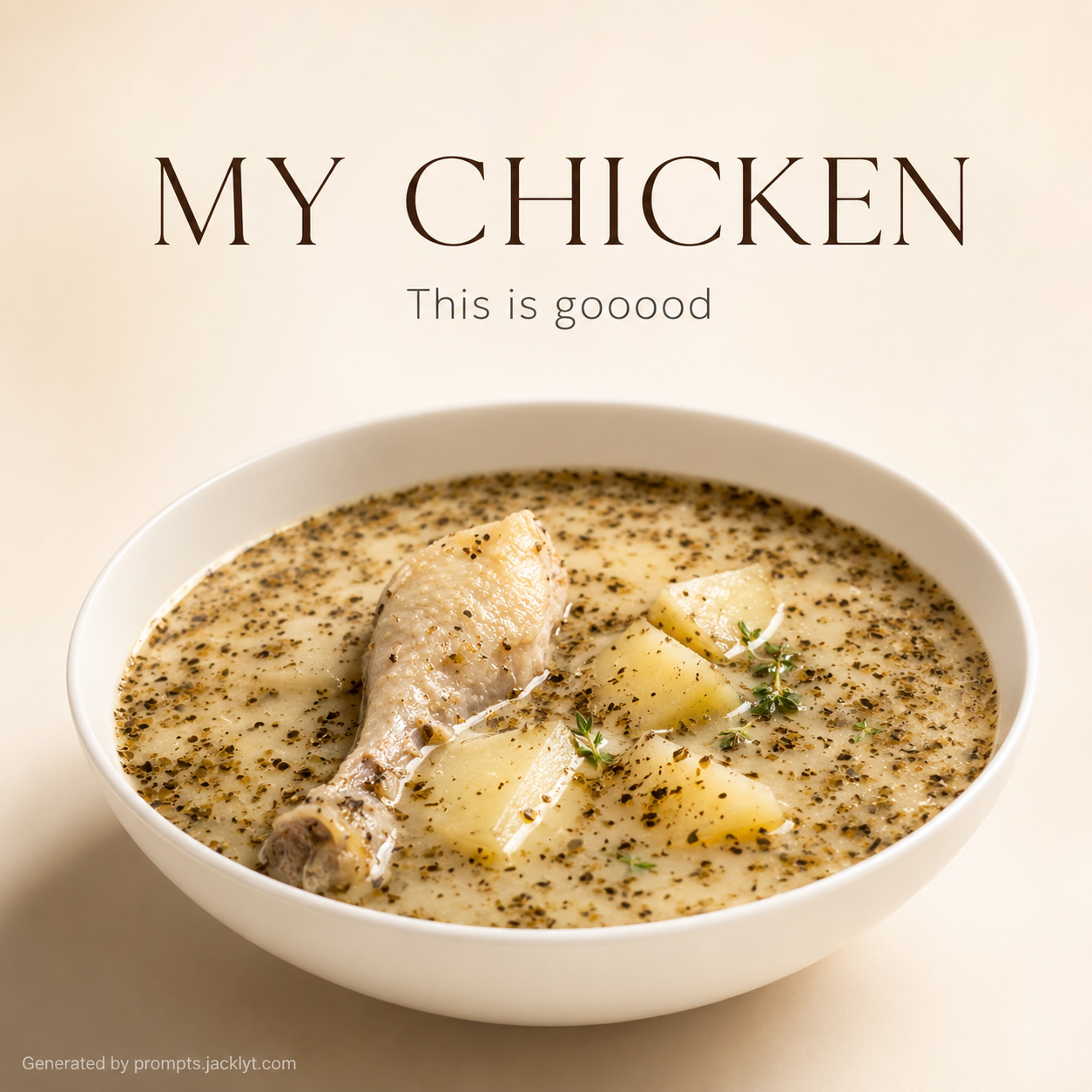
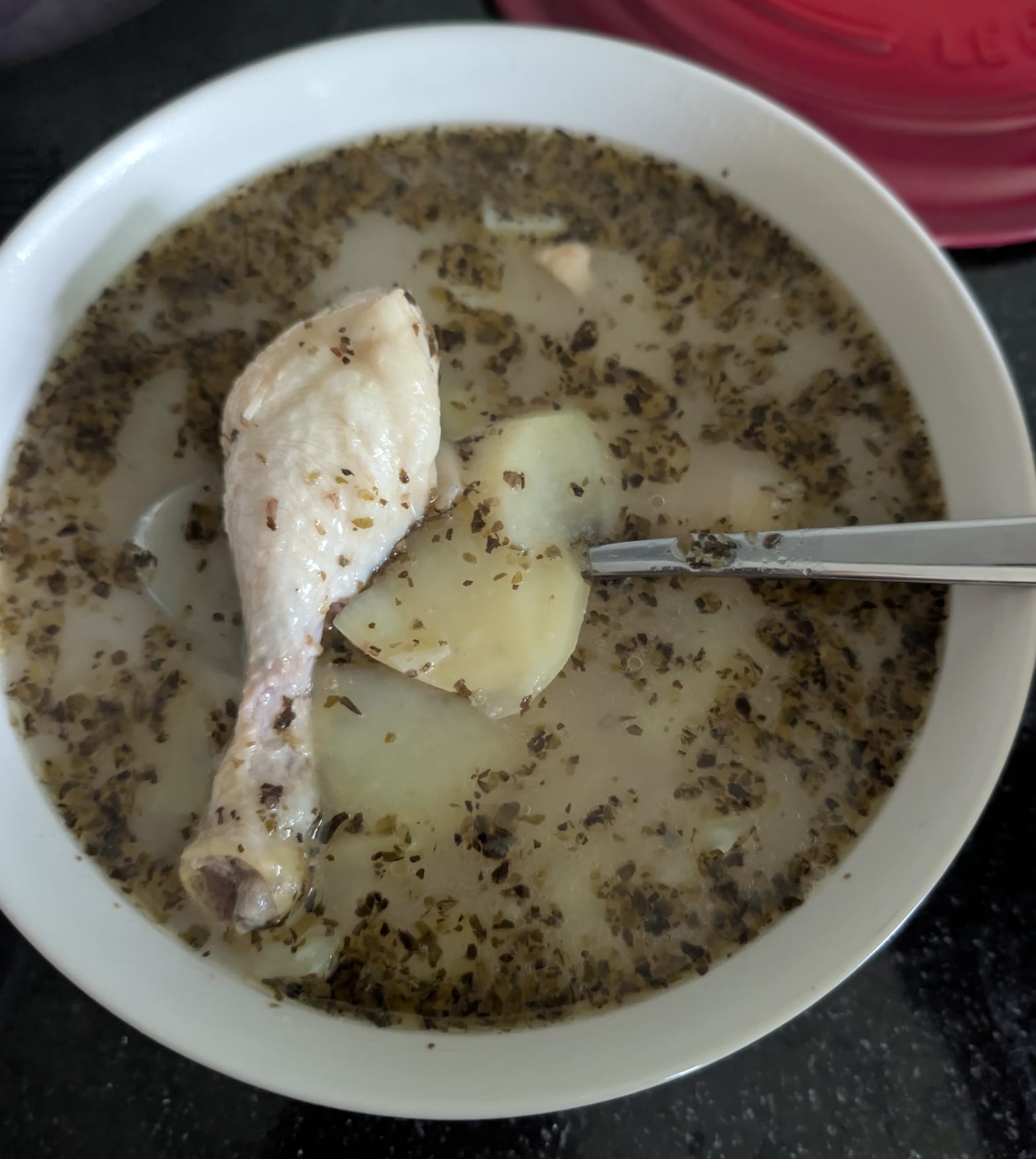
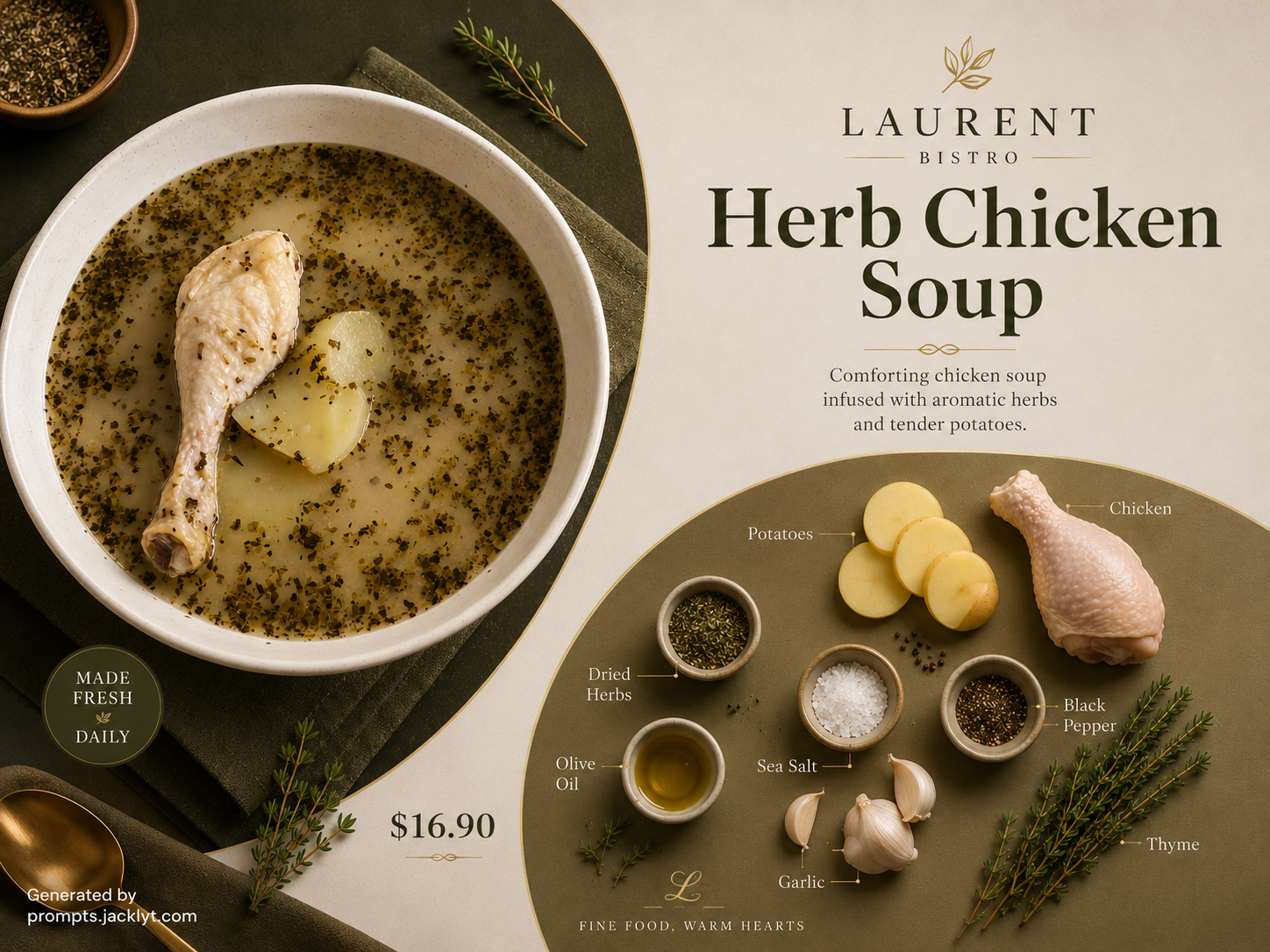
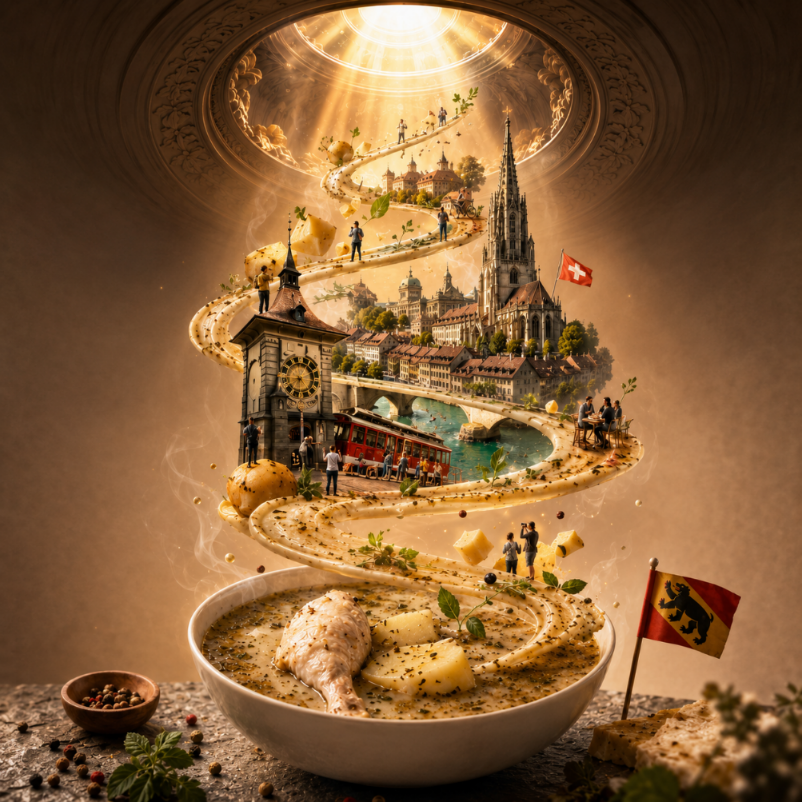
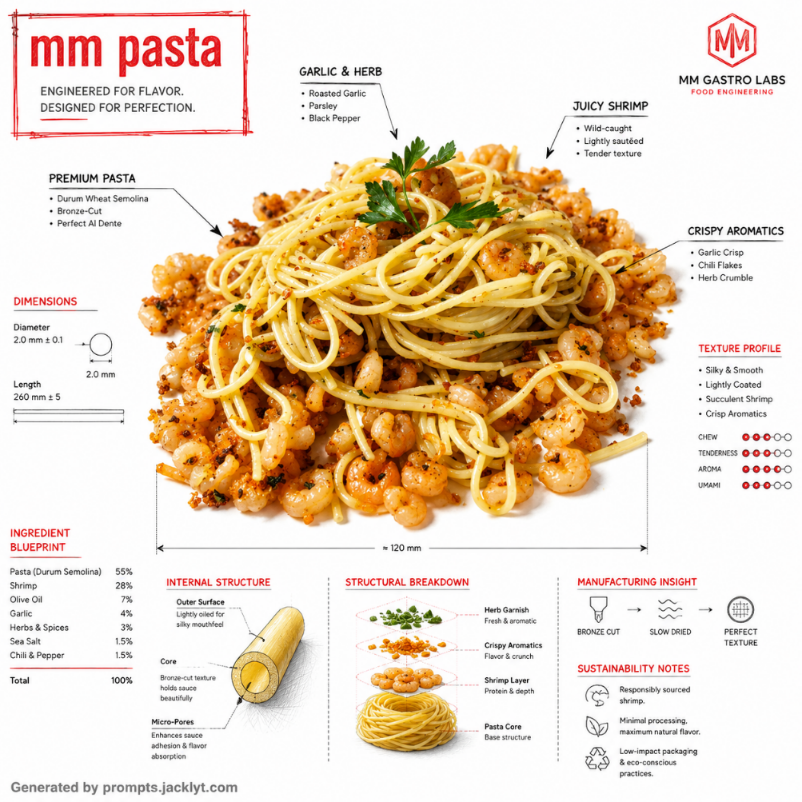
Luxury Food Advertising Poster Generator is a focused AI image prompt template for users who want a polished result without manually assembling a long prompt, negative prompt, visual hierarchy rules and validation instructions. It is built for the food advertising, FMCG branding and editorial food visuals category and is especially useful when the user already has a reference image but needs the AI tool to reinterpret it in a controlled, professional way. Instead of asking for a vague creative edit, this template defines the subject, the composition, the required reference, the style logic, the quality level and the elements that must not appear in the final image. The template works around one mandatory food reference image [image_1] and an aspect ratio selection. The uploaded reference is not a loose inspiration image: it becomes the foundation of the final generation. The prompt tells the AI to preserve the important identity details from the input while changing the presentation into a hyper-realistic premium food advertising composition with a Swiss-inspired editorial layout, a hero dish, oversized soft typography, minimal navigation details and floating ingredient labels. This makes the result more consistent than a short prompt because the model receives clear instructions about what to keep, what to transform and how the final image should be validated. A key advantage of this prompt is its structured creative direction. There is no complicated style selector because the template is intentionally locked to a luxury editorial food campaign aesthetic; the aspect ratio is the main layout decision. The template describes how the selected option should influence the image while keeping the essential subject intact. That is important for image-to-image work because many AI tools can drift away from the original reference when the prompt is too short. By including preservation rules, composition rules, lighting guidance, material or texture notes, and negative constraints, the template helps the AI focus on a specific visual target instead of improvising a generic result. The expected output is a hyper-realistic premium food advertising composition with a Swiss-inspired editorial layout, a hero dish, oversized soft typography, minimal navigation details and floating ingredient labels. The result should feel finished enough to use as a social media visual, concept image, prompt example, portfolio mockup, creative asset or inspiration image. It is designed to be visually clear, easy to understand at a glance and strong enough for a template preview page. It is especially strong for transforming ordinary food photos into polished brand visuals because it specifies hierarchy, type placement, UI-inspired labels, studio lighting, glossy textures and strict minimalism. This SEO section is also useful for visitors who are not prompt engineering experts. It explains why the template asks for certain inputs, why the prompt includes strict restrictions, and why the negative prompt should remain attached when the final prompt is copied into an AI image tool. Users get better results when they understand that the template is not only describing an image, but also controlling identity preservation, composition, lighting, style, texture, and validation. For best results, the user should upload a clean reference image, choose the most appropriate option when the template includes one, keep the full prompt structure, and regenerate only after checking whether the main subject, style and composition are already close to the intended result.
How to use this prompt
- 1
Upload one sharp food image with visible surface detail. The template extracts the food identity from the reference, so a clean dish, product or ingredient photo will generate a more convincing hero subject.
- 2
Choose an aspect ratio based on the final placement. Square works well for prompt previews, vertical works for Pinterest or stories, and wide ratios can work for website hero banners.
- 3
Paste the complete prompt into the image model and keep the typography and layout instructions. They are what create the Swiss editorial poster structure instead of a simple food render.
Best use cases
Use it to create premium mockups for restaurants, food delivery concepts, packaged goods, bakery products, desserts, drinks or gourmet menu items.
It is helpful for social media posts where the goal is to make one food item feel like a designed campaign rather than an everyday food photo.
Prompt template pages can use it to demonstrate how strong structure, typography and negative rules improve brand-style food generations.
Tips for better results
Food with clear edges, sauce shine, fresh ingredients or recognizable packaging usually looks better in this editorial style.
Do not manually add long slogans. The prompt already asks for minimal typography, and excessive text can reduce the premium feeling.
If the result looks too busy, regenerate with the same prompt before editing the structure; the layout rules are designed to stay minimal.
Common mistakes to avoid
Uploading a photo with several unrelated dishes can confuse which food should become the hero subject.
Deleting the ingredient label and UI rules removes much of the modern advertising identity of the template.
Using a very dark or low-resolution reference may make the final food texture look less appetizing and less premium.
Final recommendation
Choose this template when you want a food reference to become a luxury advertising poster with modern editorial structure. It works best with a single clear food subject, the full prompt intact, and an aspect ratio chosen for the exact channel where the final visual will be used.