Prompt editor

Build your editing prompt

  1. 1Configure
  2. 2Images
  3. 3Copy

Hyper-Muscular Person

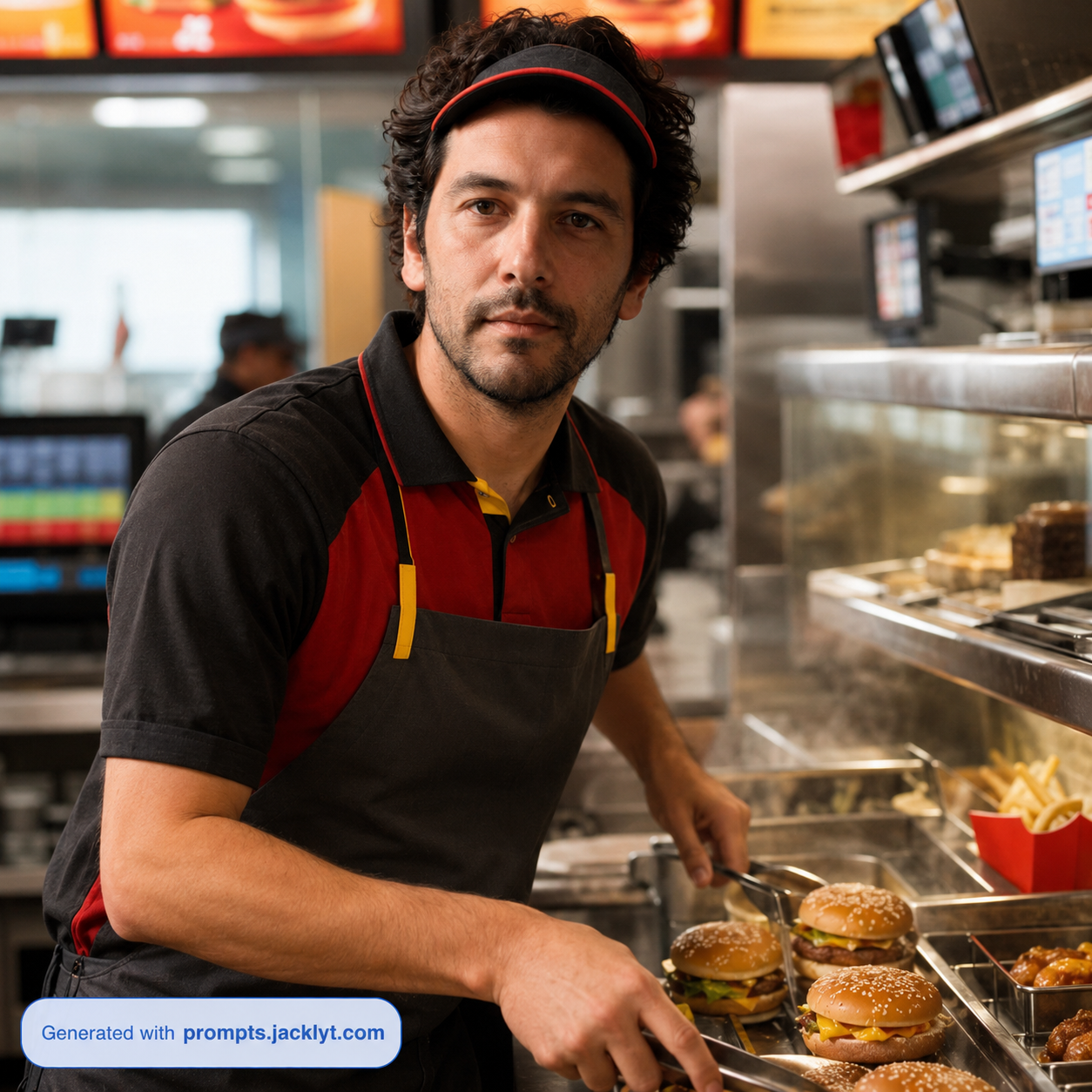
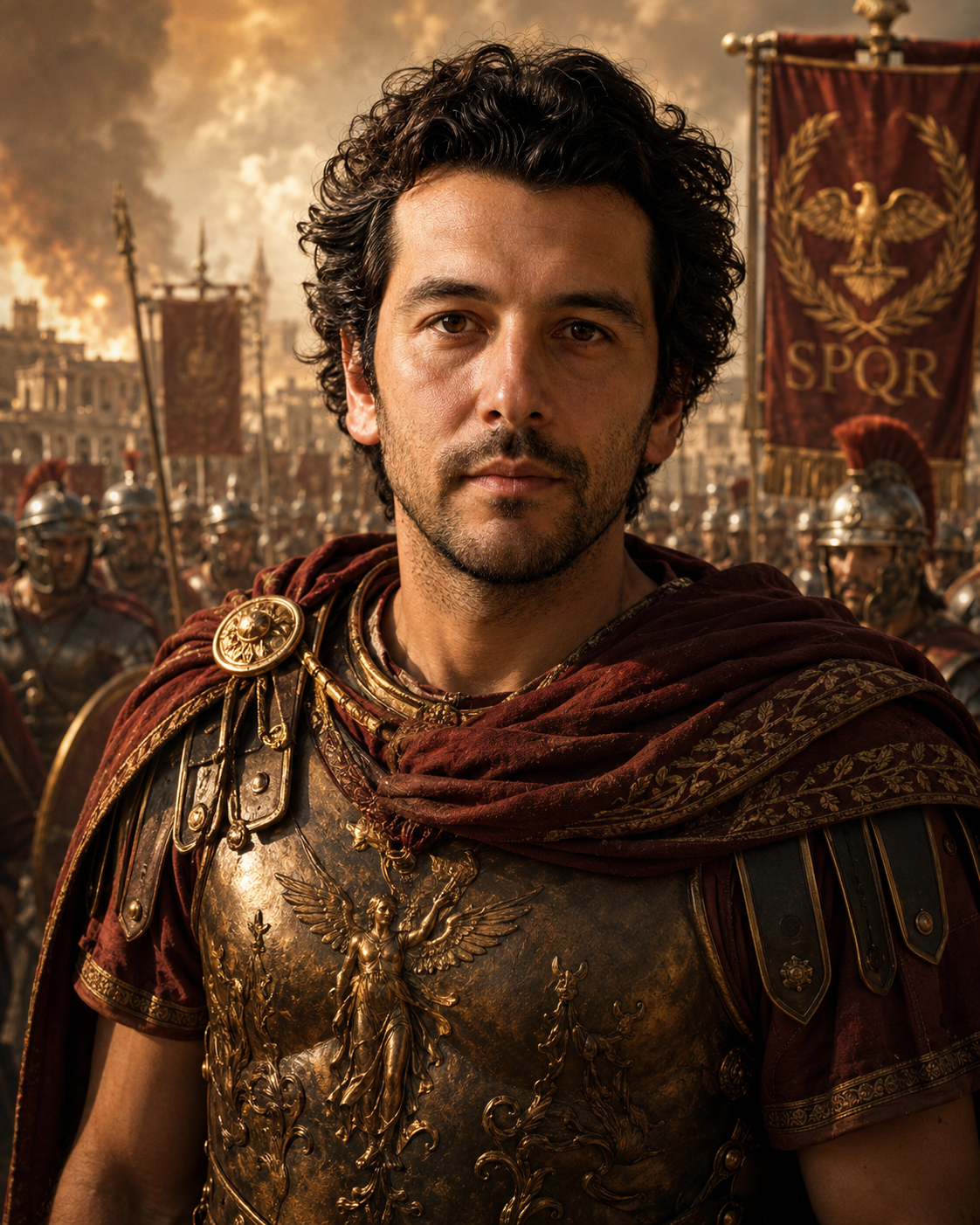
Edited
Original

More ideas

Related Prompts

Explore similar prompt templates you might like.

Prompt guide

Complete guide for Hyper-Muscular Person

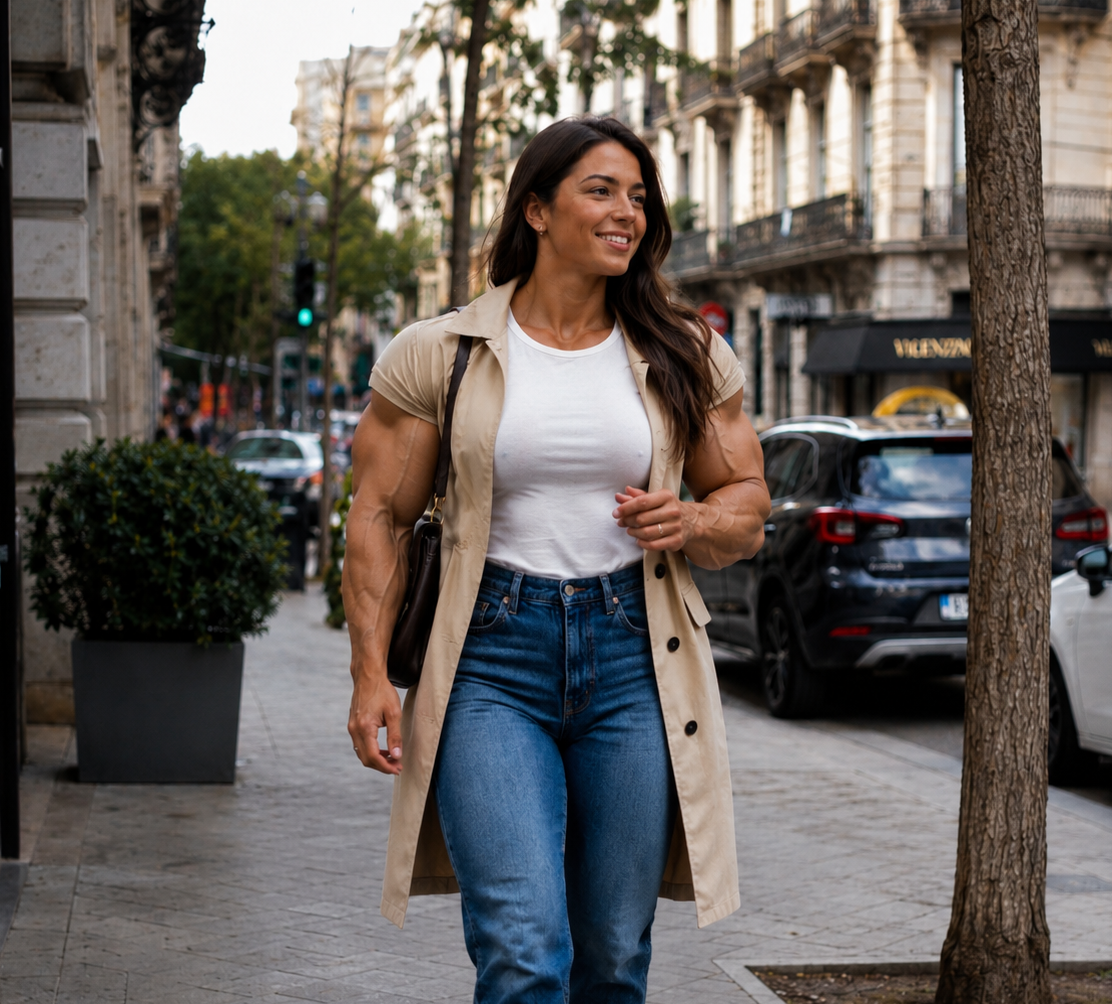
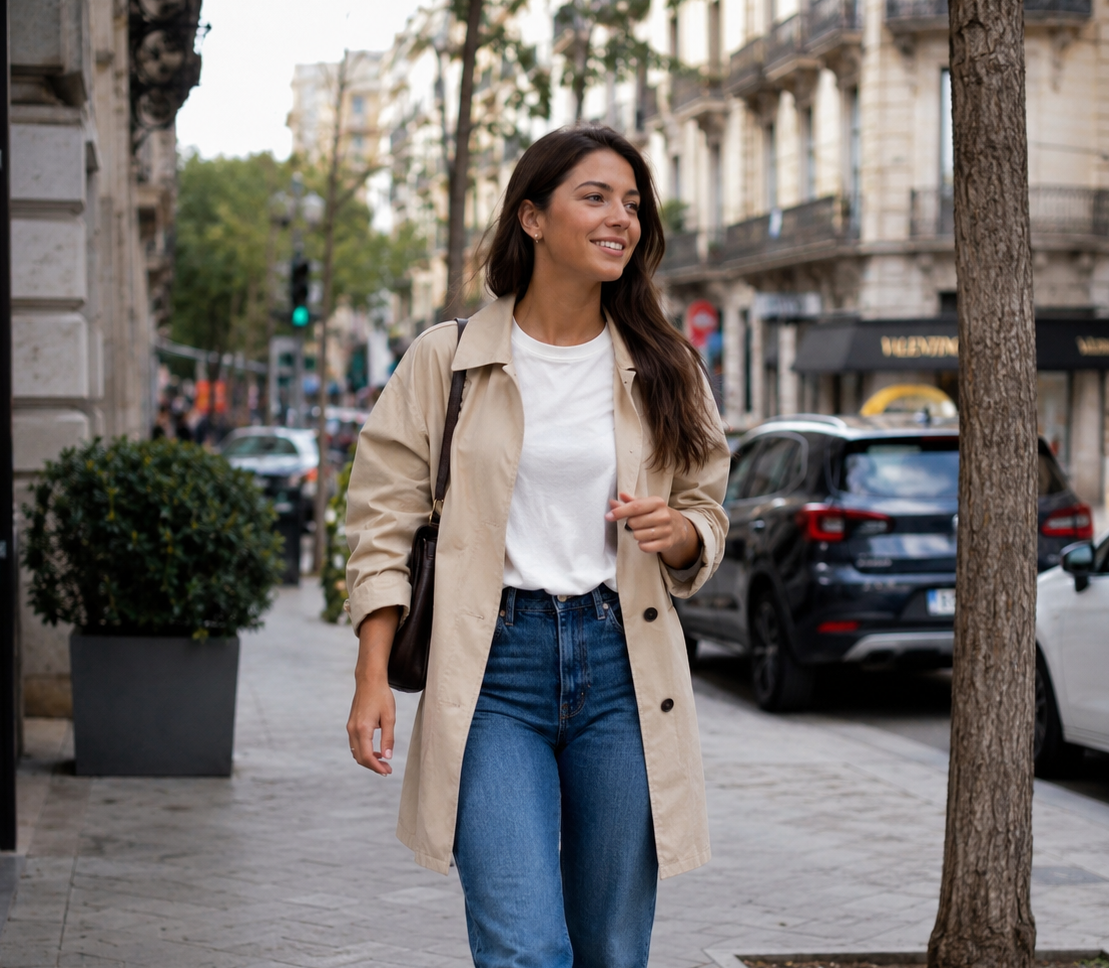
The Hyper-Muscular Person prompt edits an uploaded person photo so the subject becomes dramatically more muscular while the original image remains otherwise intact. It is designed as a funny and exaggerated transformation, but it still aims for photorealistic integration. The prompt preserves the face, identity, clothing, lighting, background, camera angle and composition, then changes the body proportions to look hyper-muscular in a believable edited-photo style.

This template is useful because many body-transformation prompts accidentally rewrite the whole image. They change the outfit, replace the background, modify the face or create a bodybuilding poster instead of editing the existing photo. This prompt avoids that by repeatedly stating that the original scene should remain the same. The muscularity should be the main transformation, not a full redesign. It also requires anatomy that looks powerful but not broken, preventing warped arms, strange shoulders, distorted torsos or pasted-on muscles.

The result is especially suited for humorous edits, reaction images, social posts, fitness jokes, profile experiments and before-after style entertainment. It is not a medical, fitness or realistic body prediction tool; it is a visual prompt for exaggerated AI image editing. The aspect ratio field lets users keep the original framing or adapt the output to social formats while maintaining the same identity and scene.

How to use this prompt

  1. 1

    Upload a photo where the person's body and face are visible enough for the AI to preserve identity and edit the physique.

  2. 2

    Choose an aspect ratio that keeps the important body areas in frame. Crops that cut off arms or torso can limit the transformation.

  3. 3

    Use the full prompt so the model changes muscularity while preserving clothing, background, lighting and camera angle.

Best use cases

Creating funny exaggerated fitness edits for friends, social media or reaction images.

Making playful before-after style visuals while keeping the original scene recognizable.

Testing a dramatic physique transformation without changing the face, clothing or background.

Tips for better results

  • Use photos where the arms, shoulders and torso are not completely hidden by objects or other people.

  • For more realistic results, start from a natural standing or seated pose rather than an extreme cropped selfie.

  • If the result changes the clothing or background, regenerate with the preservation rules intact and avoid adding new scene instructions.

Common mistakes to avoid

  • Using a face-only portrait gives the AI too little body information to create a convincing muscular edit.

  • Asking for a completely new gym scene conflicts with the prompt's goal of preserving the original photo.

  • Removing anatomy rules can create distorted muscles, broken proportions or an edit that looks pasted on.

Final recommendation

Use this prompt for a humorous hyper-muscular edit that keeps the original photo recognizable. The best source images show the person clearly and give the AI enough body area to transform.

FAQ

Frequently asked questions about AI prompt templates

What is an AI prompt?

An AI prompt is the instruction you give to an AI model. For image generation, it describes what the image should show, which style to use, what details to preserve, how the scene should be composed and what elements should be avoided.

How does Jacklyt work?

Jacklyt provides prompt templates with customizable fields. You choose a template, select the options you want, and the site builds a detailed final prompt that you can copy into a compatible AI chat or image-generation tool.

Do I need prompt-engineering skills?

No. The templates are designed so you can create advanced prompts by choosing simple options such as style, aspect ratio, subject type, scene direction or transformation type.

Which AI tools can I use?

You can use the copied prompts in AI tools that support text-to-image, image editing or image-to-image generation, such as ChatGPT image generation, Gemini or other compatible creative AI platforms.

Can I use my own images?

Yes. Many templates are designed for workflows that start from your own image. When a template requires an image, prepare it and upload it to the AI chat together with the copied prompt.

What is an image-to-image prompt?

An image-to-image prompt uses an uploaded image as a visual reference. The prompt tells the AI what to preserve from that image, what to transform and what kind of final style or composition to create.

How can I get better results?

Use sharp images, good lighting, visible subjects and the correct template for your goal. Read the template instructions carefully and attach all required images in the same AI message.

What mistakes should I avoid?

Avoid using low-resolution images, hidden faces, very dark photos, screenshots with clutter, wrong template categories or missing reference images. Also avoid changing too many options at once when you are trying to refine a result.

Are the prompts free?

You can browse and use the available prompt templates from the website. Some future features, premium templates or advanced tools may be offered separately if the platform adds paid plans.

Can I use the results commercially?

Commercial use depends on the AI tool you use, the rights to your input images and the rules of the platform that generates the final image. Always check the terms of the AI service before using outputs commercially.

Does Jacklyt generate the image itself?

Jacklyt helps you build and copy the prompt. The final generation happens in the AI tool you choose, so you should review that tool’s privacy policy and terms before uploading personal or sensitive images.

Will every AI tool produce the same result?

No. Different AI models can interpret the same prompt differently. The template gives the model a clearer direction, but output quality, realism, identity preservation and style accuracy can vary between tools and versions.