Prompt guide
Complete guide for Cinematic Street Food Poster
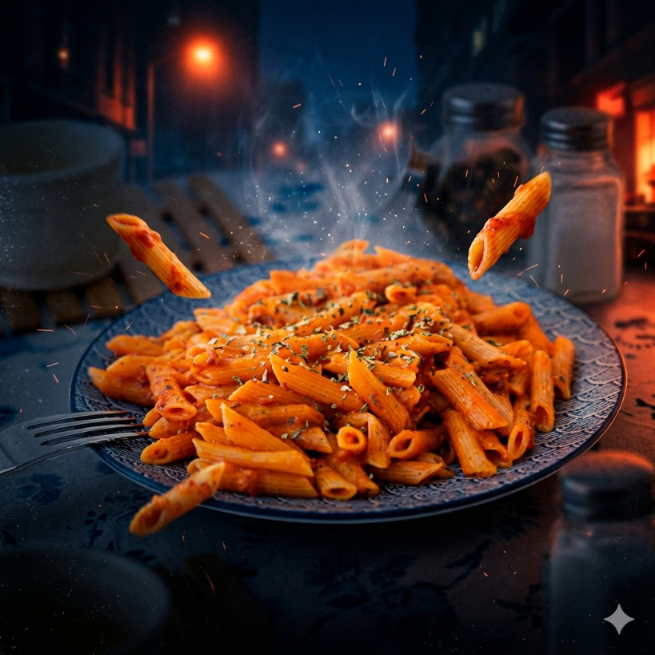
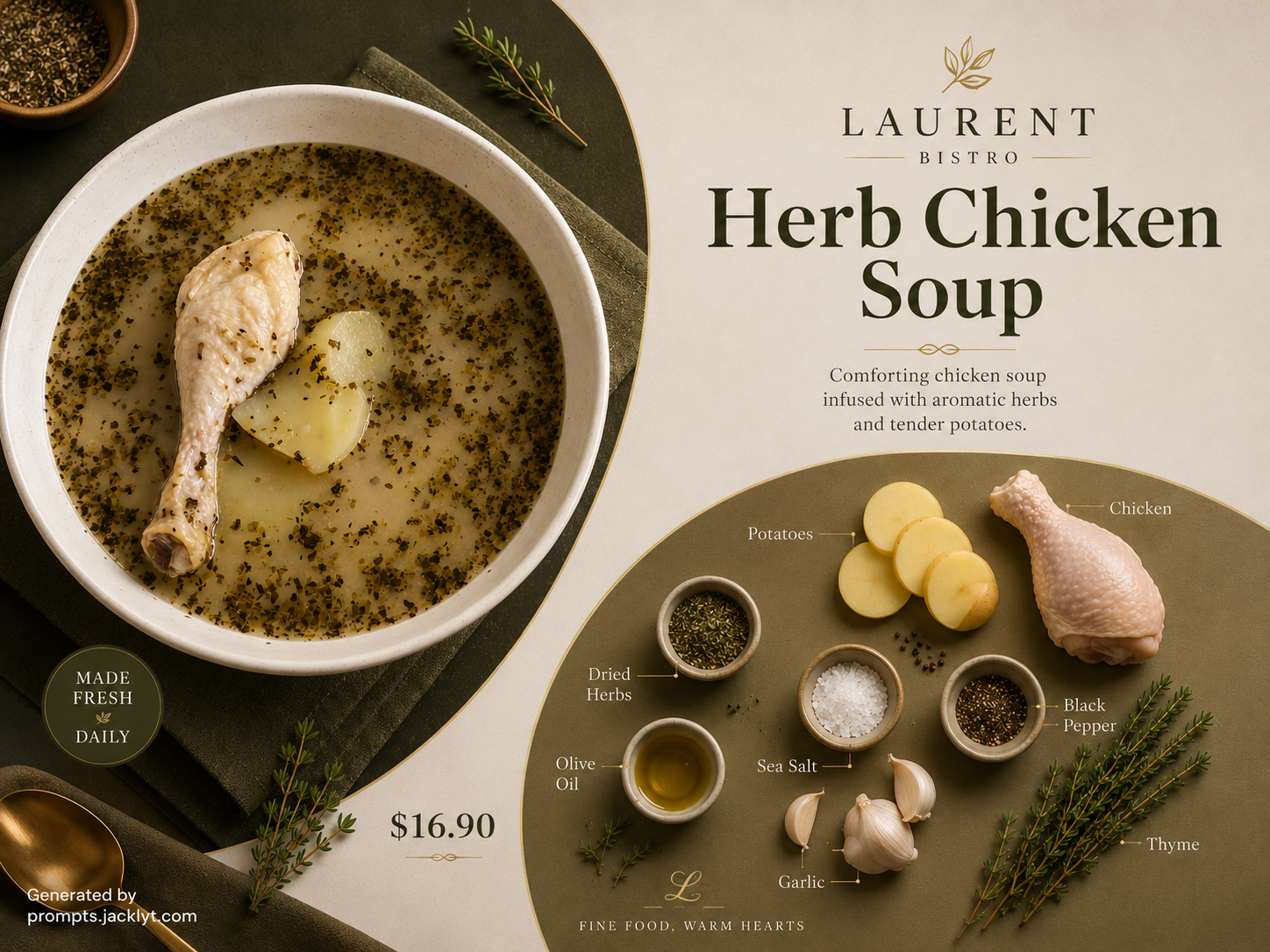
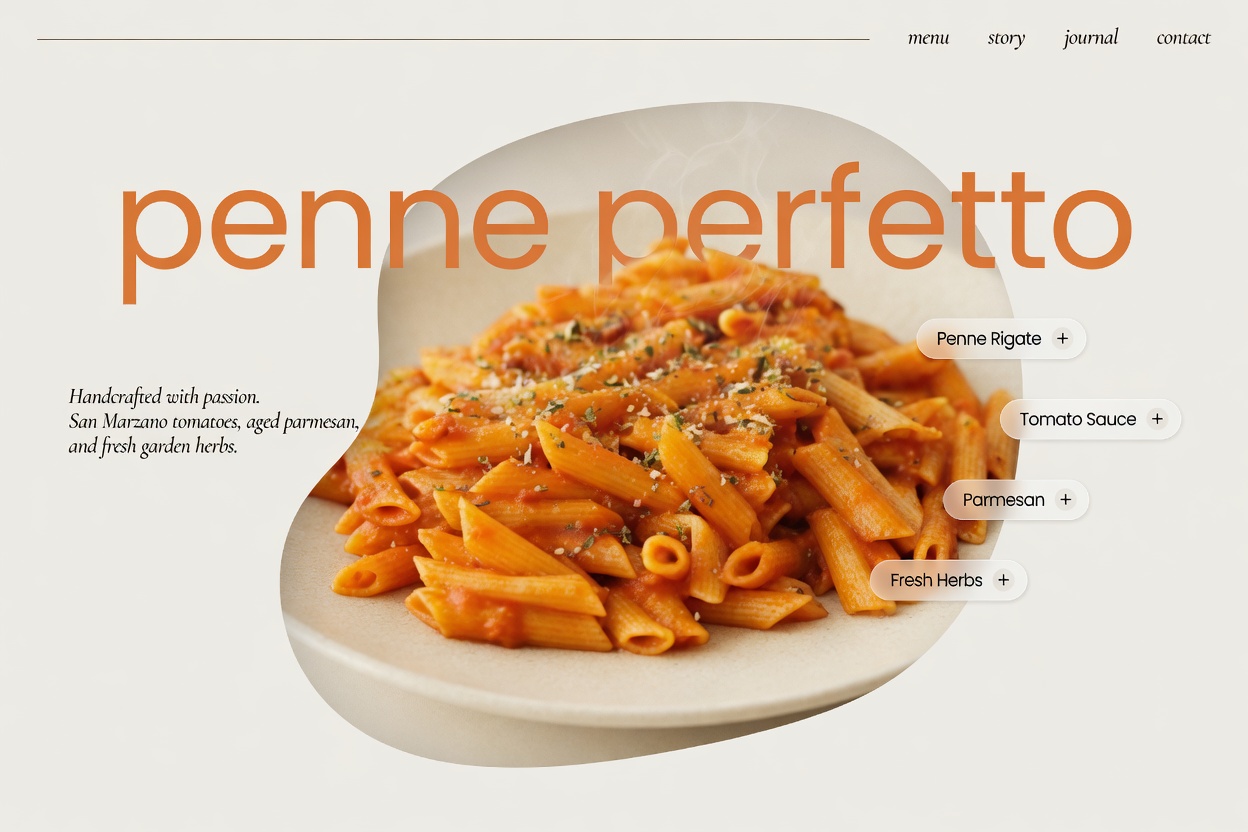
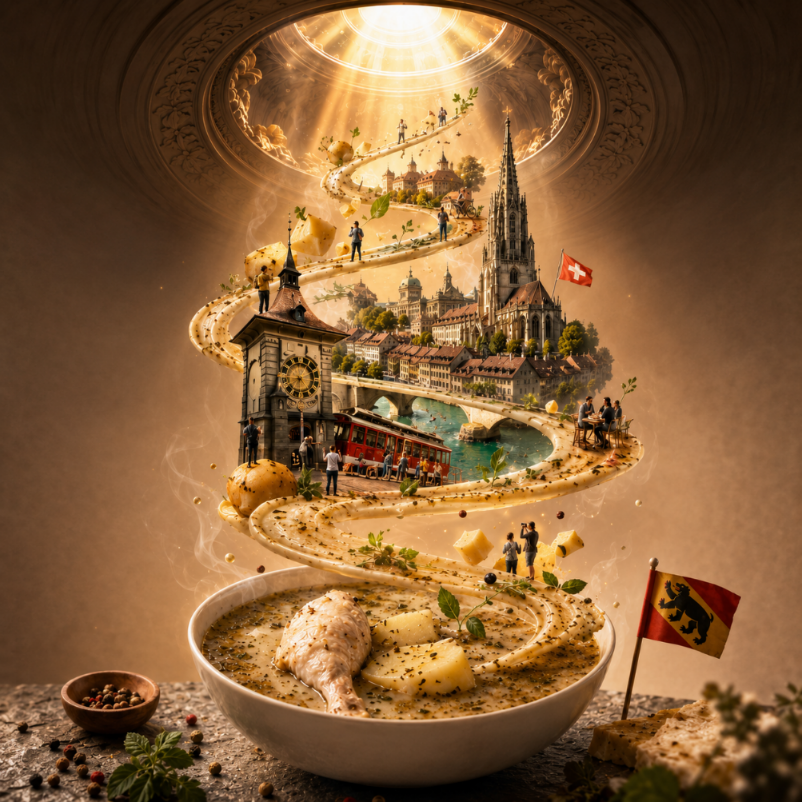
The Cinematic Street Food Poster prompt is built for turning a simple food or product photo into a dramatic, premium advertising poster. Instead of asking the user to invent a full campaign direction manually, the template uses the uploaded image as the visual anchor and then surrounds it with a cinematic urban atmosphere, strong lighting, floating ingredients, sparks, smoke, steam and poster-style composition. The result is designed for users who want a bold AI food poster that feels closer to a professional street-food campaign than a basic product image.
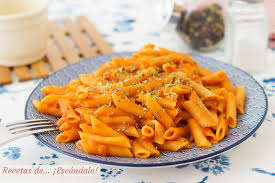
This template is especially useful because it protects the identity of the uploaded food or product. The prompt tells the AI image tool to preserve the exact appearance, shape, ingredients, textures and visual character of the original reference while upgrading the surrounding scene. That matters for food prompts because many AI tools tend to replace the dish with a generic burger, pizza, taco or pasta if the instructions are too short. Here, the reference image remains the hero subject, while the cinematic details create the advertising energy around it.
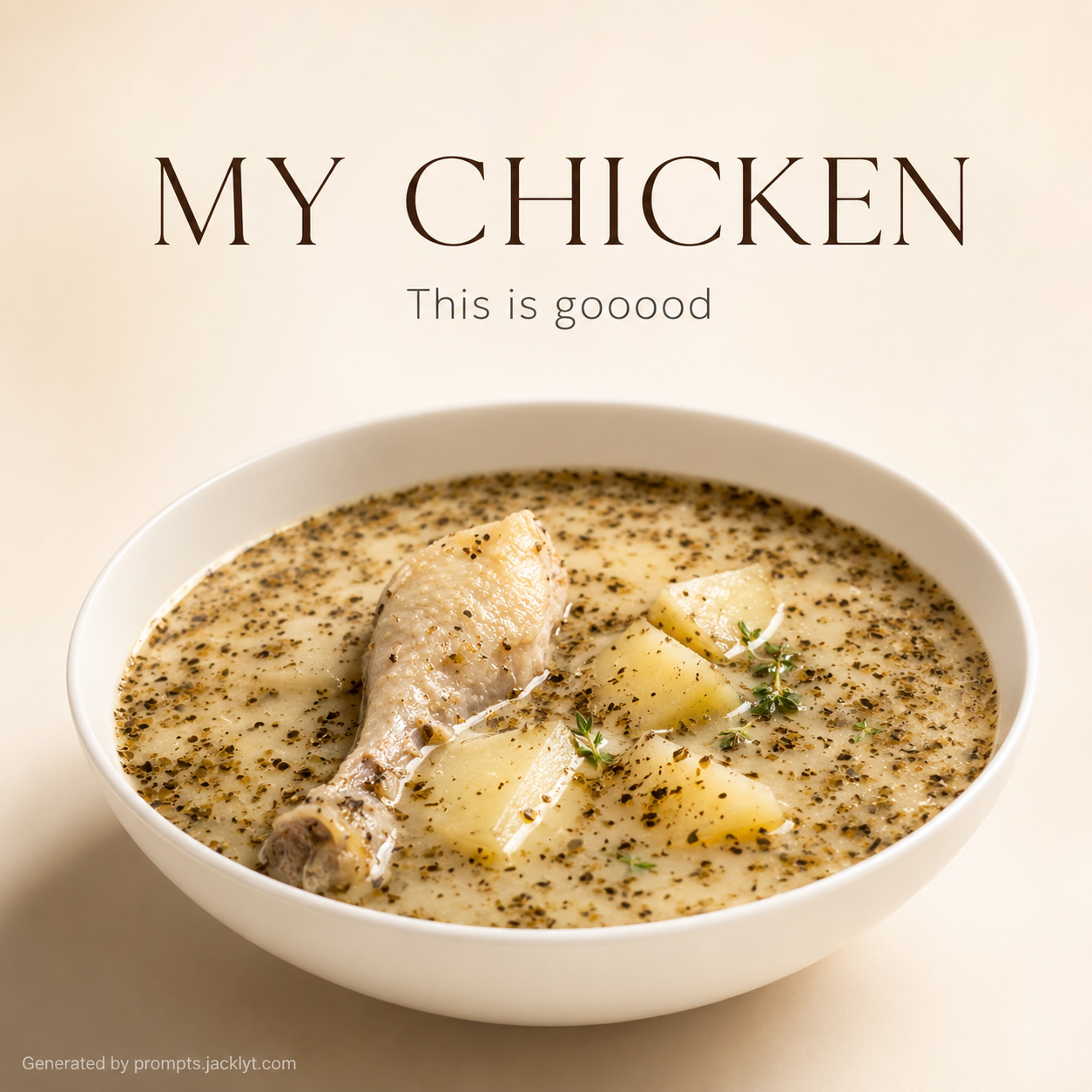
The optional headline field gives the template two different creative modes. When the user adds a headline, the prompt asks for oversized cinematic typography behind the product, with metallic texture, shadows, depth and dramatic perspective. This works well for campaign-style visuals, thumbnails, social posts and mock ads. When the headline is empty, the prompt explicitly removes all text and rebalances the poster naturally, making it useful for clean image generation, moodboards or product visuals where typography will be added later in a design tool.
The structure also includes strong negative rules: no extra text, no logos, no slogans, no random labels and no unwanted promotional copy. These restrictions improve consistency because AI image tools often invent fake branding or unreadable text when creating posters. By separating composition, typography, atmosphere, quality, technical settings and validation rules, this prompt gives the model a clear hierarchy and makes the final image more likely to look intentional, premium and usable.
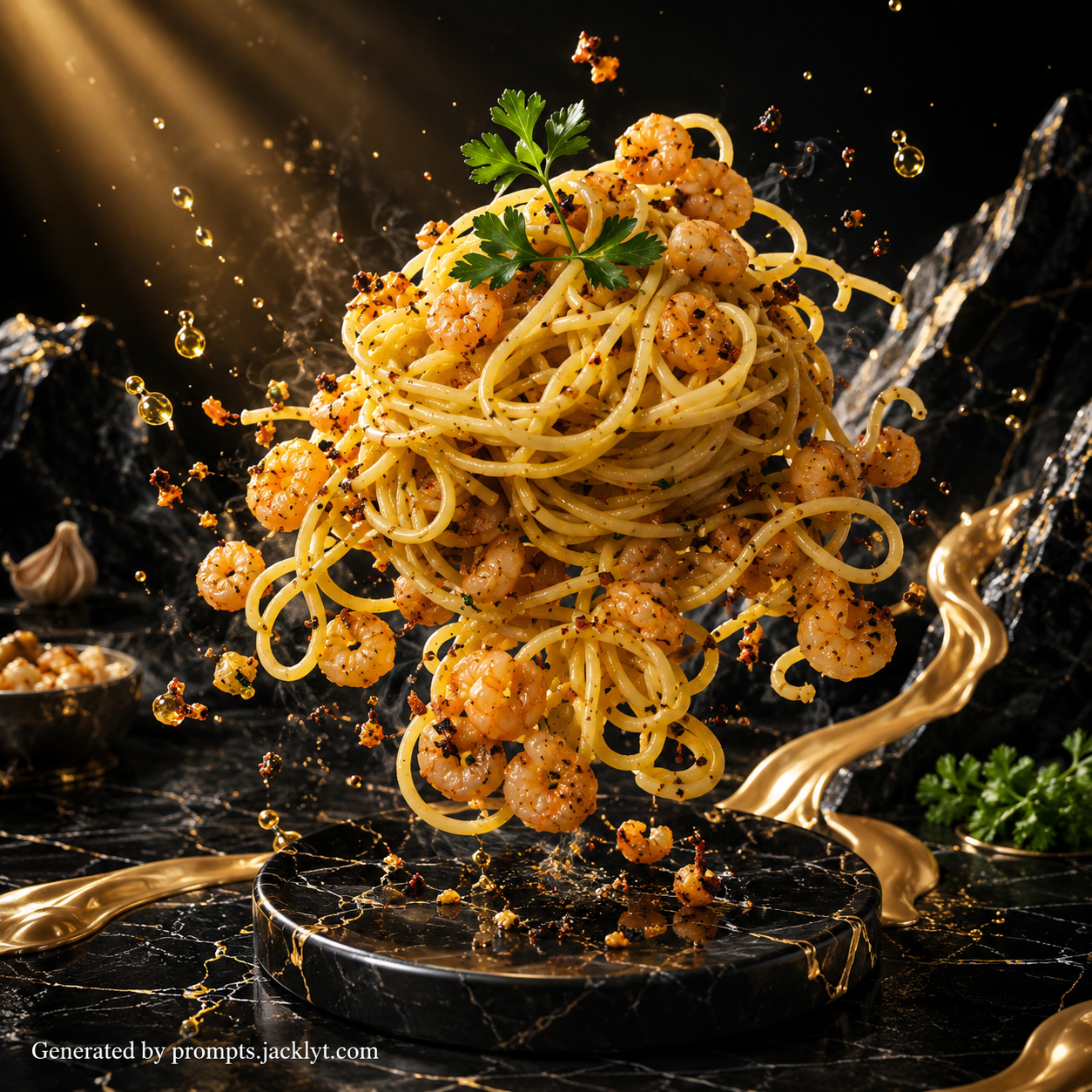
Use this prompt when you want a food image with impact: a smoky night-market burger poster, a fiery taco campaign, a dramatic pasta ad, a spicy street-food visual, a delivery promotion concept, or a social media hero image for a food brand. The best input is a sharp, appetizing photo with a clearly visible main food item and minimal distractions. The cleaner the source image, the easier it is for the AI to preserve the product while building the cinematic scene around it.
How to use this prompt
- 1
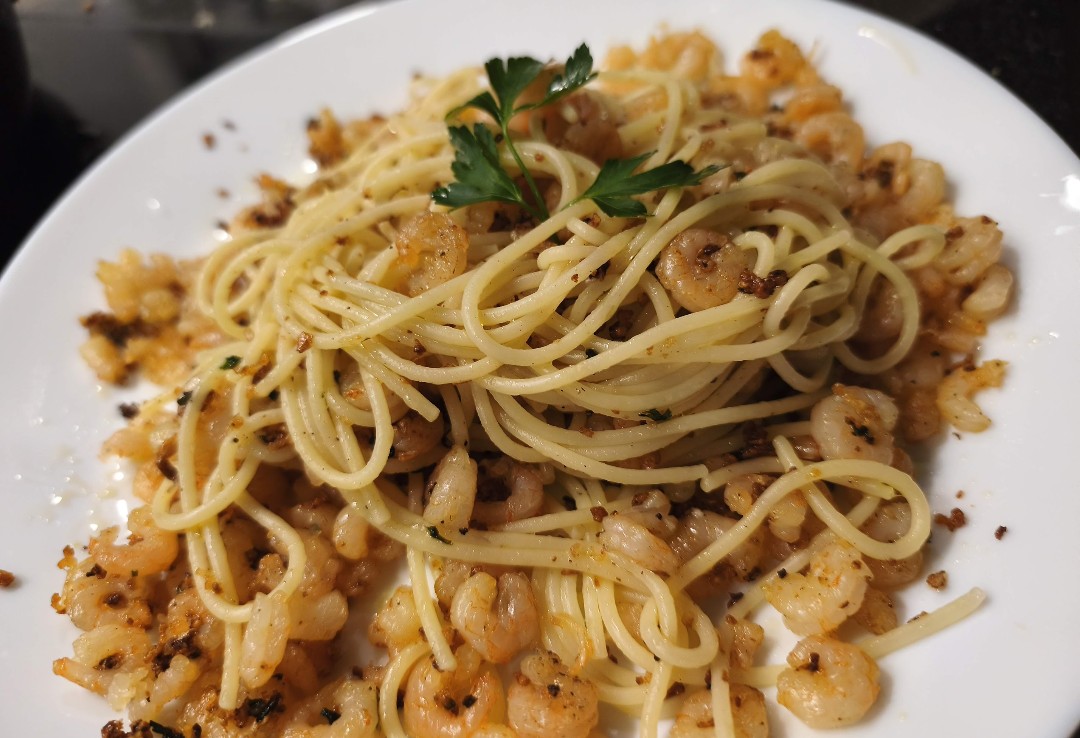
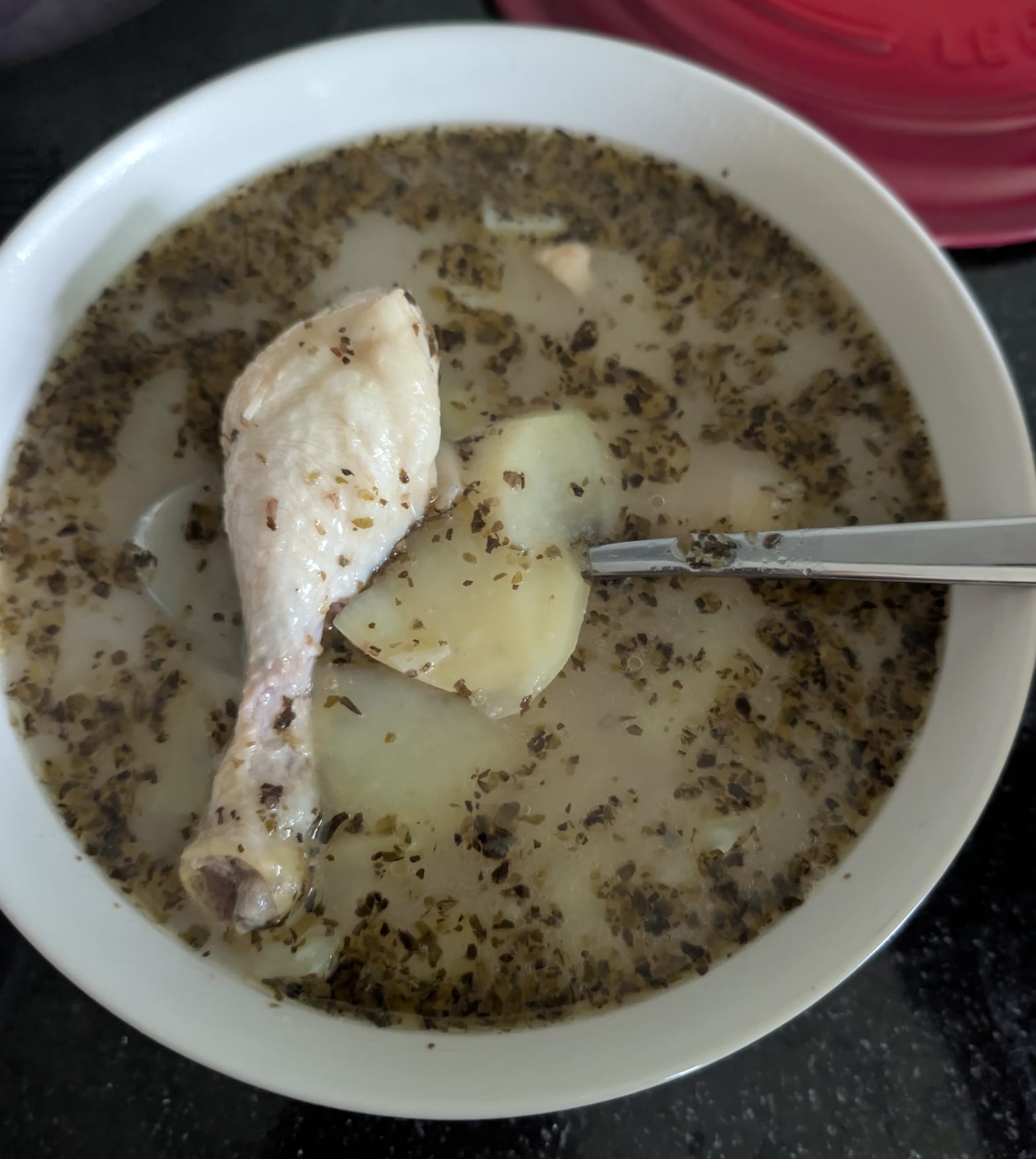
Upload one clear image of the food or product you want to feature. Choose a reference where the main subject is easy to recognize, well lit, and not hidden by too many plates, hands, packaging elements or background objects. The prompt uses this uploaded image as the hero visual, so a sharper source usually produces a more faithful poster.
- 2
Write a short main headline only when you want the final image to include dramatic poster typography. Use one to four strong words, such as the dish name, flavor, campaign idea or mood. Leave the headline empty if you want a clean cinematic food poster with no generated text.
- 3
Select the aspect ratio and style, then copy the complete generated prompt into your AI image tool together with the uploaded image. Keep the typography restrictions, negative instructions and validation rules intact, because they prevent fake logos, random slogans and unreadable extra text.
Best use cases
Street-food restaurants, dark kitchens and delivery brands can use this prompt to create high-impact campaign visuals from simple menu photos, especially for burgers, tacos, pizza slices, fried chicken, noodles, pasta, desserts or spicy snack products.
Content creators can use it to make scroll-stopping social media images where the food looks larger than life, dramatic and energetic, without having to design lighting, smoke, fire, particles and poster hierarchy manually.
Designers can generate fast campaign concepts for clients, test multiple headline directions, or create moodboard material before building the final ad layout in Photoshop, Figma, Canva or another design tool.
Tips for better results
Use a reference image with one dominant food item. If the photo includes many competing dishes, the AI may struggle to decide which product should become the central hero of the poster.
Keep the headline short and bold. Long phrases often reduce legibility in AI-generated typography, while a compact phrase can become a stronger background title.
If the first image is close but too intense, regenerate with a cleaner aspect ratio or remove the headline. If the product changes too much, use a clearer source photo and keep the identity-preservation instructions unchanged.
Common mistakes to avoid
A common mistake is uploading a blurry or low-resolution food image. The prompt can improve atmosphere and presentation, but it cannot reliably preserve ingredients and texture when the original product is unclear.
Another mistake is using a long advertising sentence as the headline. AI image tools are much better with short, bold title text than with full promotional copy, subtitles or complex typography layouts.
Avoid deleting the restrictions about extra text, logos and slogans. Those lines are what keep the poster from filling with fake brands, random labels or unreadable design elements.
Final recommendation
Use the Cinematic Street Food Poster prompt when you want a bold food advertisement look without writing a full cinematic prompt from scratch. A clean food reference, a short optional headline and the full structured prompt will give the AI a clear role: preserve the product, intensify the atmosphere and deliver a polished poster-ready image.