
Prompt guide
Complete guide for Cinematic Human Adventure
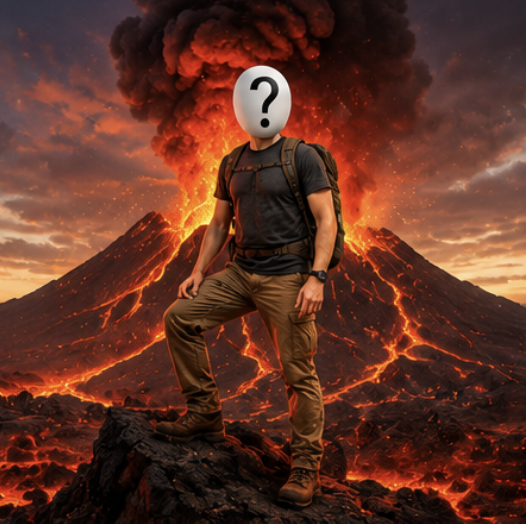
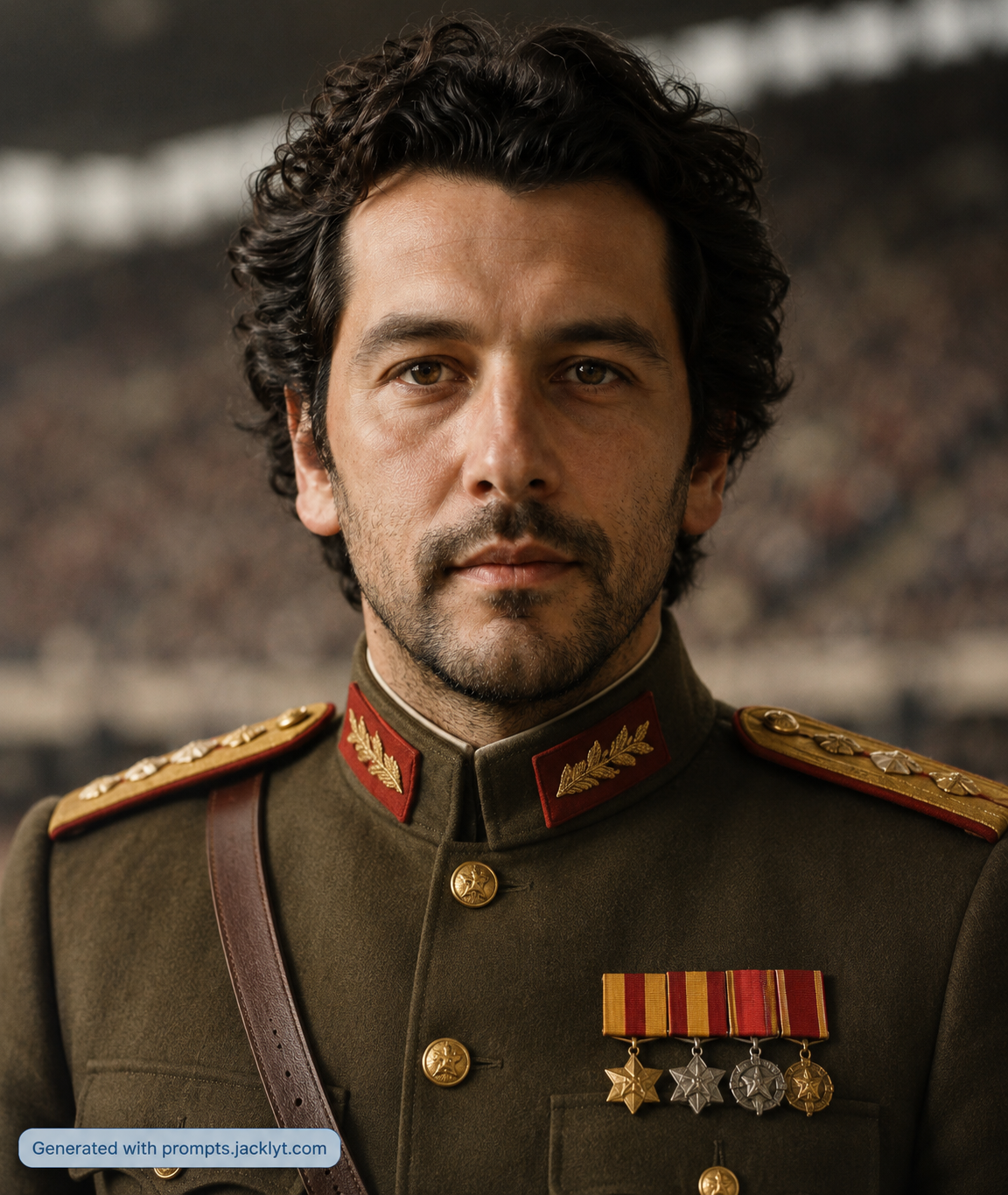
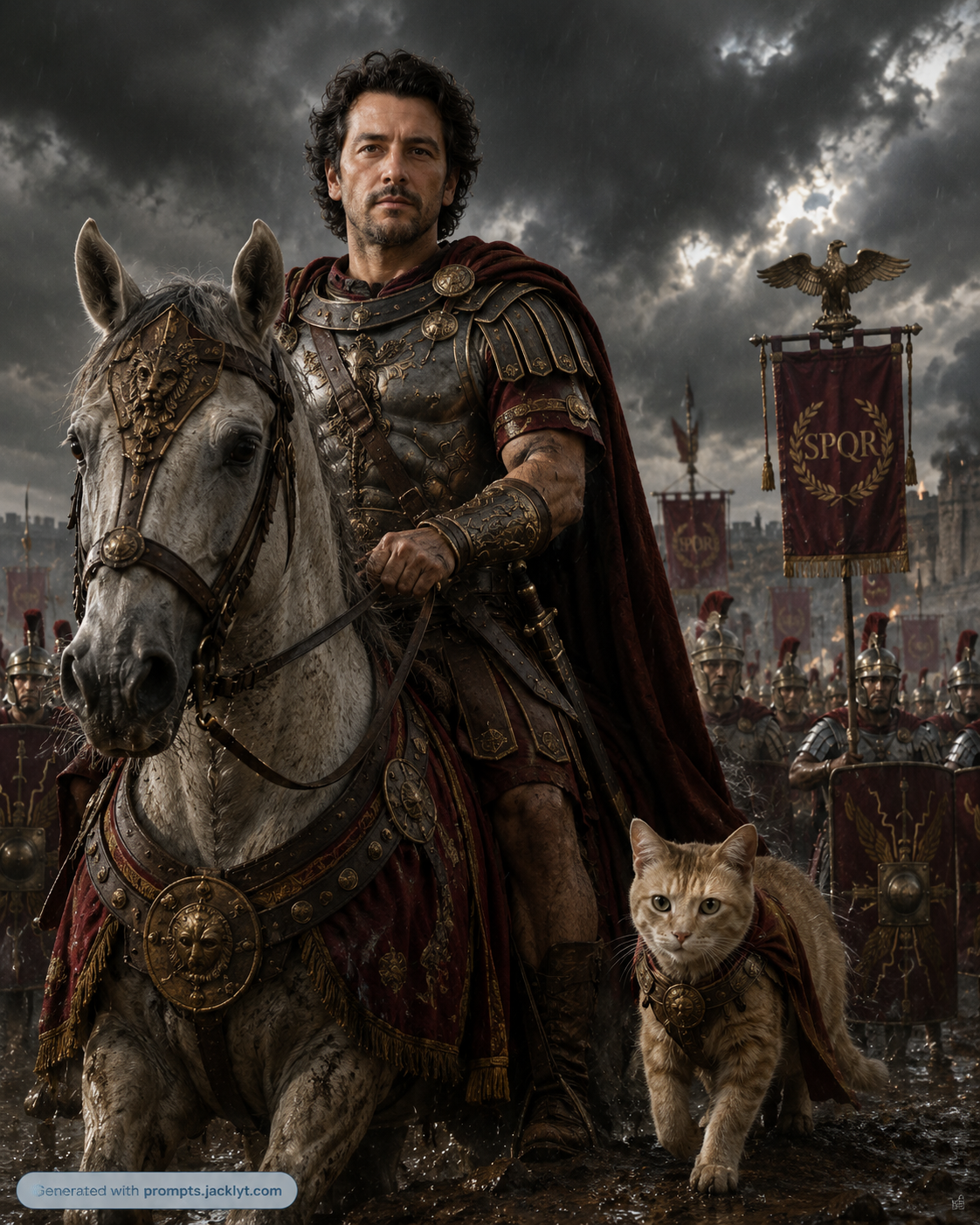
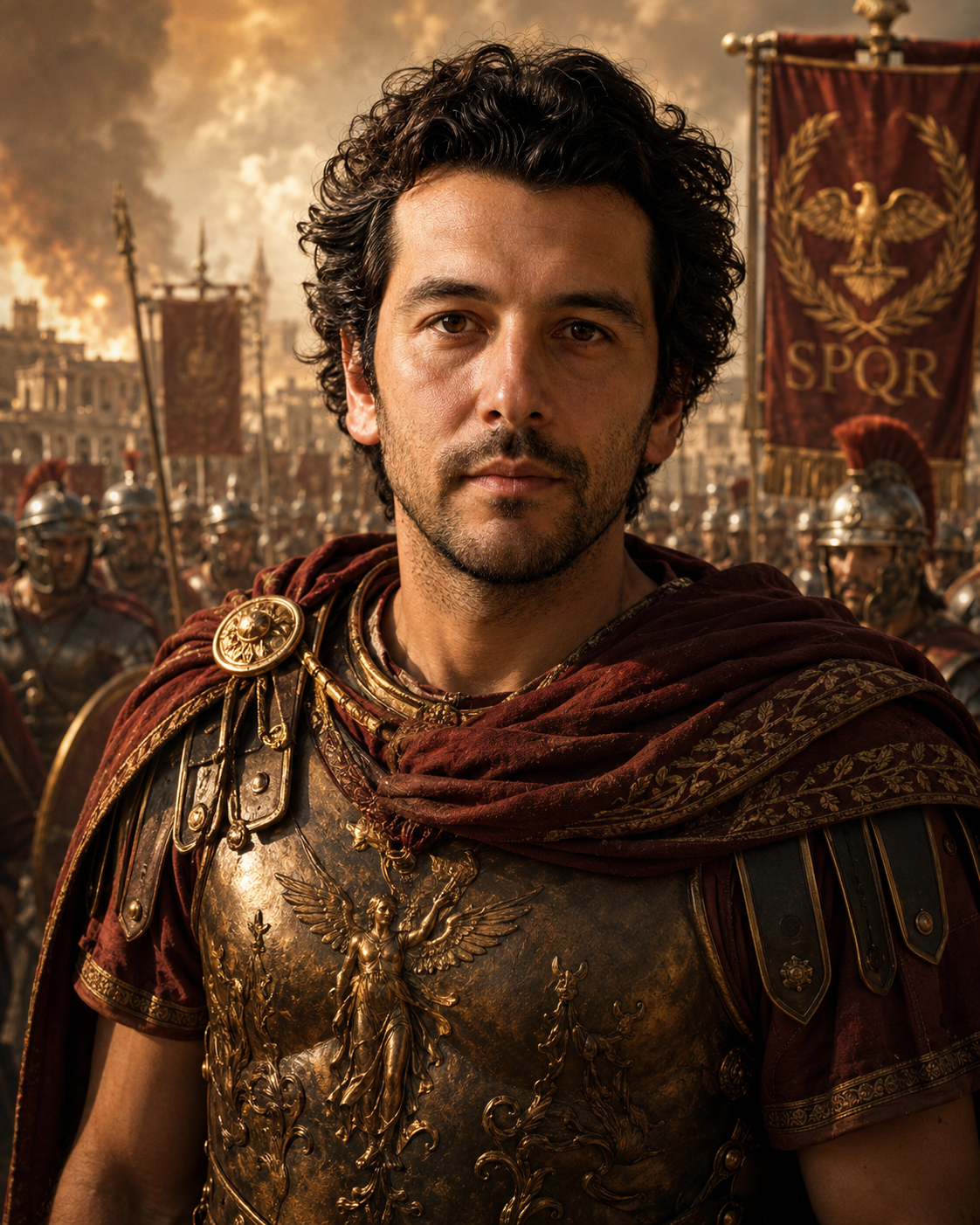
The Cinematic Human Adventure prompt is designed for users who want a polished AI image result without building a complex image prompt from scratch. It focuses on a blockbuster-style human adventure portrait in extreme environments such as volcanoes, jungles, pyramids, outer space, moon missions, or surf action scenes. The template is not a generic image enhancer. It gives the AI a clear creative direction, defines how the uploaded reference should be used, and includes strong visual rules so the final image feels intentional, high quality, and ready to share.
This prompt works by combining a portrait photo and a selected adventure scene with a structured set of composition, lighting, styling, identity-preservation, quality, and validation instructions. That structure matters because image-to-image tools often produce weak results when the request is too short. They may ignore the source image, change the subject, add clutter, distort important details, or create a result that looks disconnected from the intended use. Here, the template tells the model what must stay recognizable, what can be transformed, what mood the image should have, and what mistakes should be avoided.
The prompt is especially useful for profile upgrades, fantasy portraits, cinematic social posts, creator thumbnails, and dramatic personal visuals. It is also helpful for users who want consistent results across multiple generations because the creative direction is separated into clear rules instead of one vague paragraph. The available inputs, including portrait photo, adventure selector, style selector, and aspect ratio, make the template easy to customize while keeping the important visual safeguards intact.
Use this template when you want an image that feels more like a directed commercial, editorial, cinematic, or social-ready visual than a random AI experiment. It gives enough detail for premium output while still being simple for non-expert users: choose the required inputs, keep the prompt structure, and let the AI apply the transformation with a clear visual target.
How to use this prompt
- 1
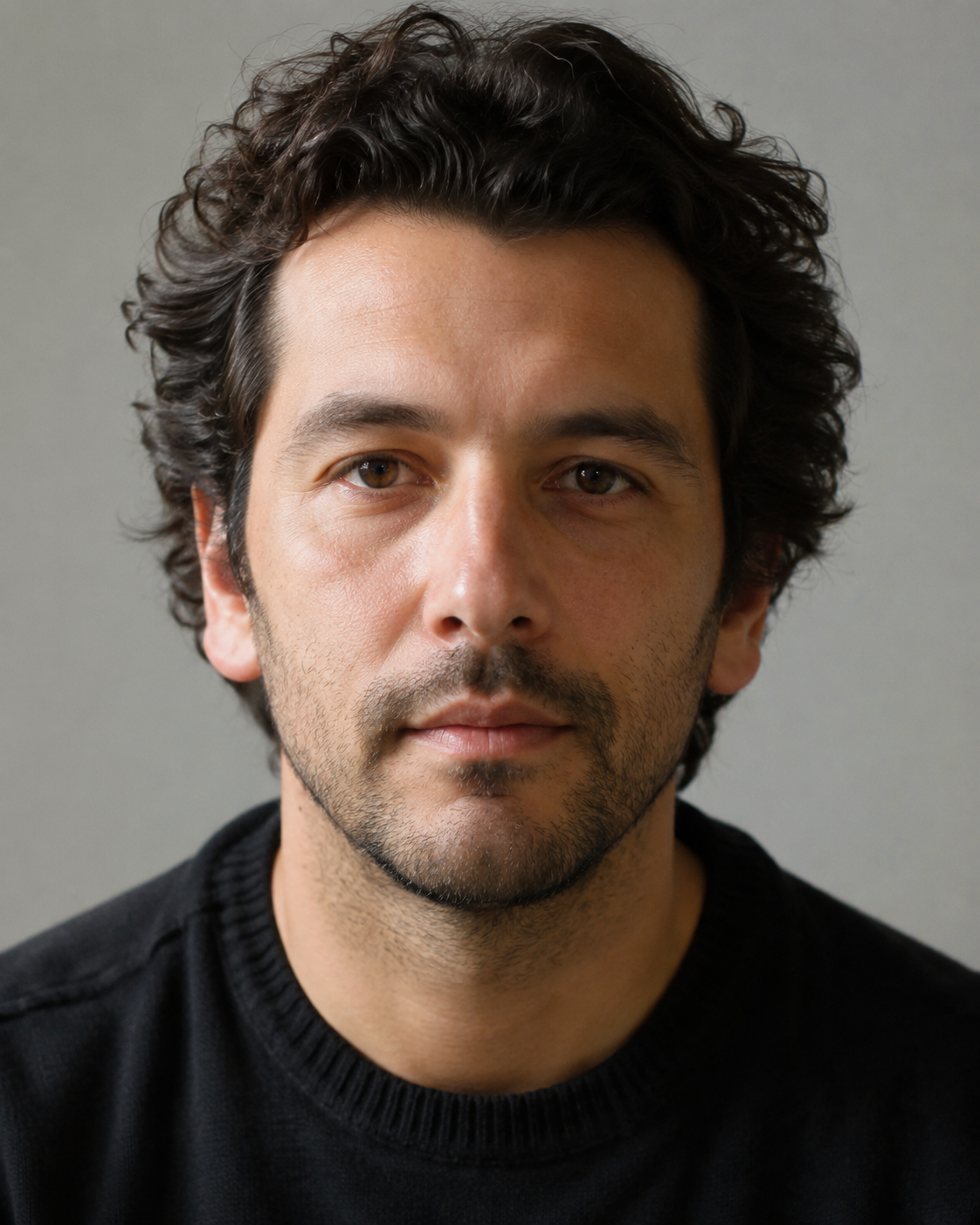
Start with a portrait photo and a selected adventure scene. Use a clean, well-lit reference because the uploaded image controls the most important visual details. If the source is blurry, cropped, or visually confusing, the AI has less information to preserve identity, texture, composition, and realism.
- 2
Adjust the available options for the page, especially portrait photo, adventure selector, style selector, and aspect ratio. These options change the creative direction while the base prompt protects the core result. Choose the option that matches your final use: social post, poster, profile image, campaign visual, or cinematic edit.
- 3
Copy the full generated prompt into your AI image tool together with the required image inputs. Keep the negative prompt, validation rules, identity rules, and composition instructions, because those sections reduce artifacts and keep the output aligned with the template.
Best use cases
Cinematic Human Adventure is ideal for profile upgrades, fantasy portraits, cinematic social posts, creator thumbnails, and dramatic personal visuals. It turns a simple upload into a more finished concept with a clear visual purpose, which saves time compared with writing and testing a long prompt manually.
Use it when you need a consistent style across several generations. Because the template contains specific rules for the subject, lighting, quality, and final composition, you can generate variations without losing the main idea.
It also works well for creative experiments where the image must look impressive but still controlled. The prompt gives the AI room to enhance the scene while limiting common mistakes such as clutter, weak identity preservation, poor typography, or unrealistic integration.
Tips for better results
Use a portrait with good facial clarity and avoid heavy filters. The prompt can transform the environment dramatically, but it needs the face and general identity to remain stable.
Keep the main prompt structure intact. The rules about composition, lighting, realism, negative elements, and validation are what make the result more reliable than a short one-line prompt.
If the first output is close but not perfect, regenerate before rewriting everything. Small changes to the source image, selected option, or aspect ratio often improve the final result while keeping the same creative direction.
Common mistakes to avoid
Using a weak reference image is the most common problem. A low-resolution, dark, cropped, or cluttered upload makes it harder for the model to preserve the subject and produce a premium final image.
Removing important prompt sections can reduce quality. The negative prompt and validation instructions may look strict, but they prevent extra objects, distorted anatomy, bad text, messy backgrounds, and outputs that miss the page concept.
Adding too many extra ideas at once can weaken the composition. This template already has a strong concept, so it is better to adjust one main option at a time instead of mixing incompatible styles, scenes, props, or text instructions.
Final recommendation
Use Cinematic Human Adventure when you want a blockbuster-style human adventure portrait in extreme environments such as volcanoes, jungles, pyramids, outer space, moon missions, or surf action scenes with less trial and error. The best results come from a portrait photo and a selected adventure scene, sensible option choices, and keeping the full structured prompt so the AI understands both the creative goal and the quality constraints.