Prompt editor
Build your editing prompt
- 1Configure
- 2Images
- 3Copy
Alien Person
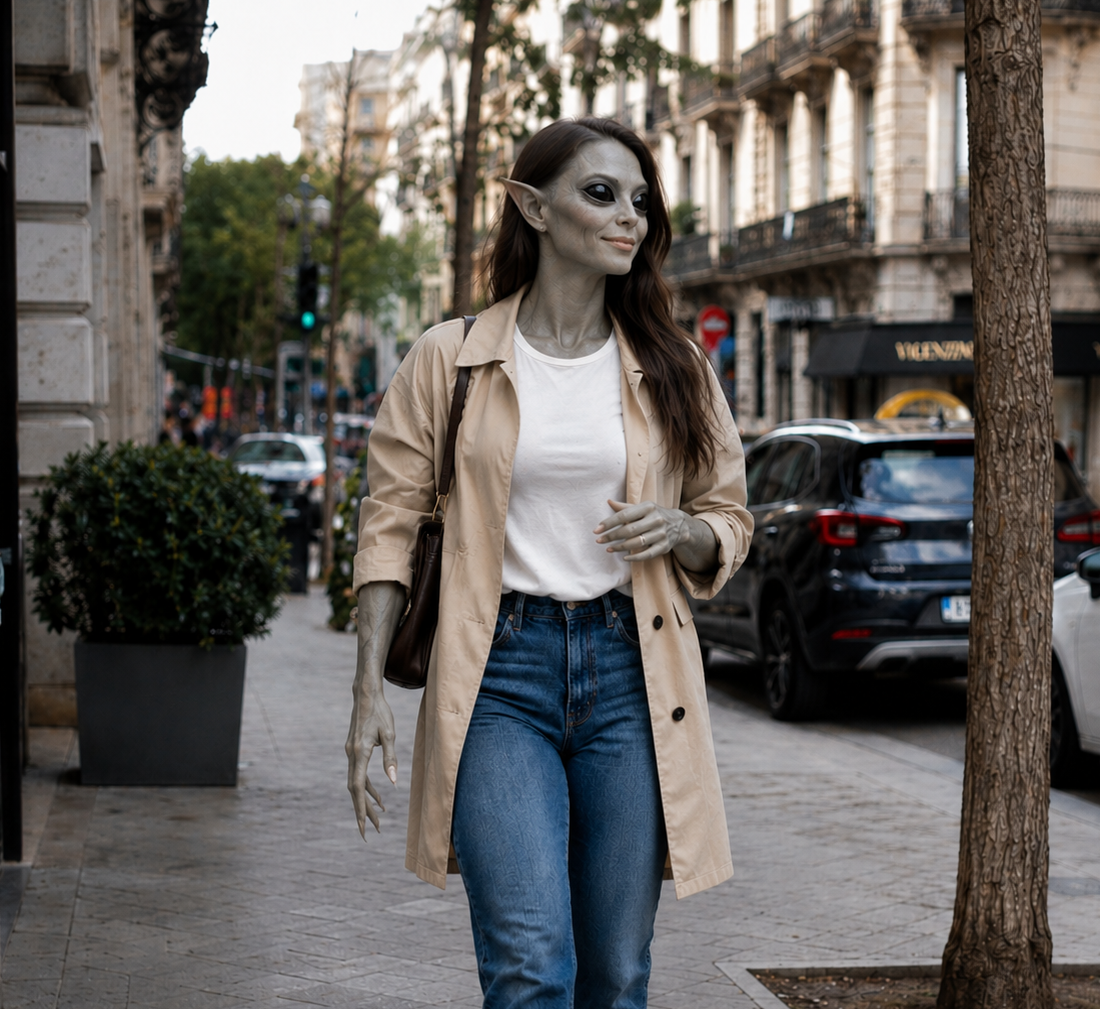
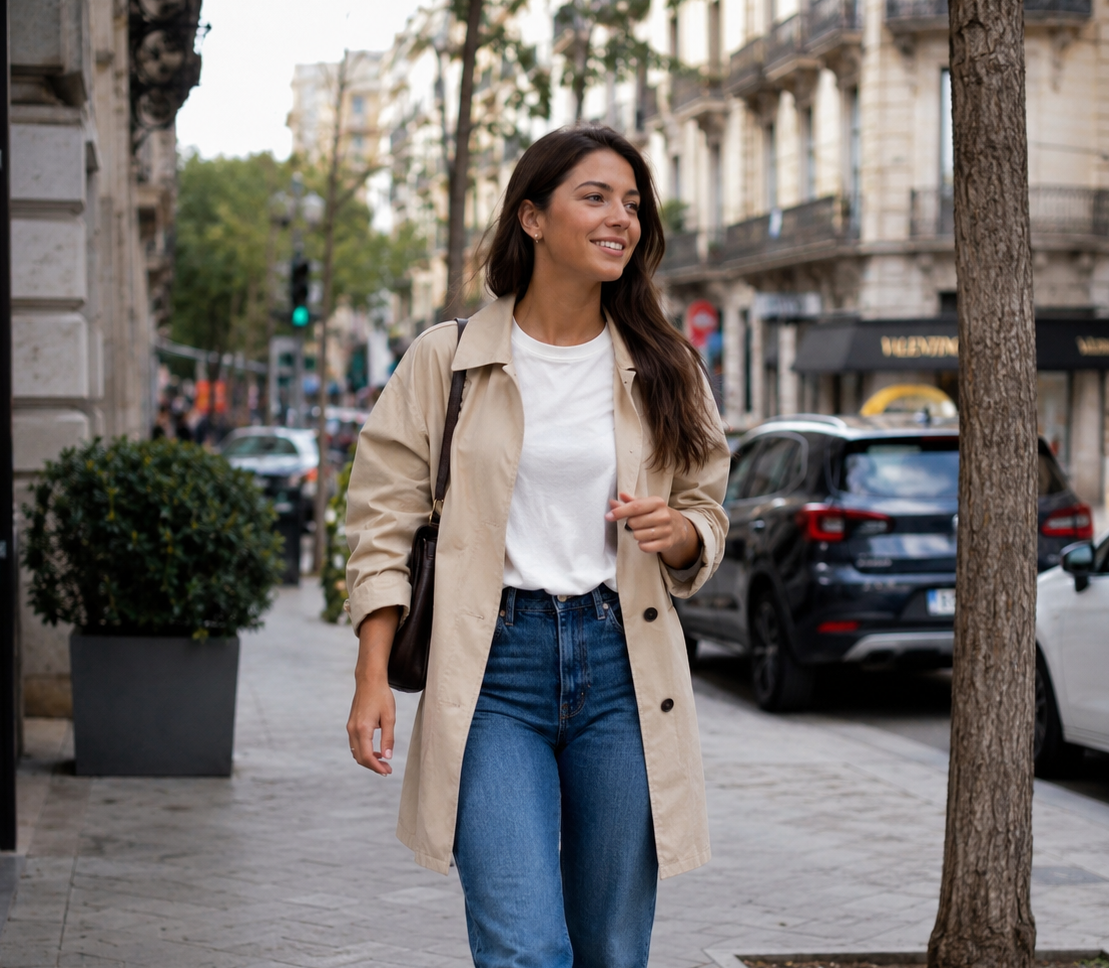
More ideas
Related Prompts
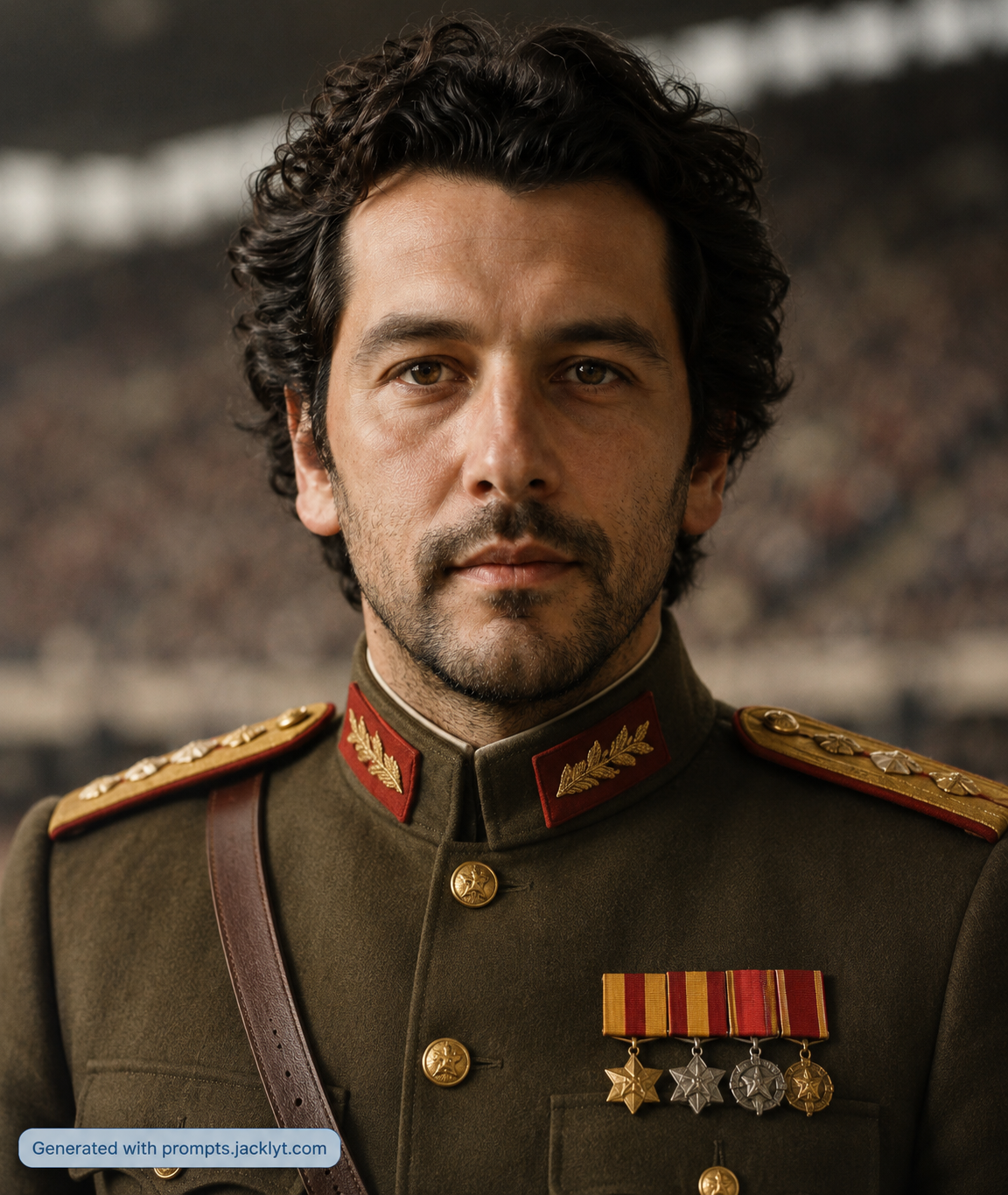
Explore similar prompt templates you might like.
FAQ
Frequently asked questions about AI prompt templates
What is an AI prompt?
An AI prompt is the instruction you give to an AI model. For image generation, it describes what the image should show, which style to use, what details to preserve, how the scene should be composed and what elements should be avoided.
How does Jacklyt work?
Jacklyt provides prompt templates with customizable fields. You choose a template, select the options you want, and the site builds a detailed final prompt that you can copy into a compatible AI chat or image-generation tool.
Do I need prompt-engineering skills?
No. The templates are designed so you can create advanced prompts by choosing simple options such as style, aspect ratio, subject type, scene direction or transformation type.
Which AI tools can I use?
You can use the copied prompts in AI tools that support text-to-image, image editing or image-to-image generation, such as ChatGPT image generation, Gemini or other compatible creative AI platforms.
Can I use my own images?
Yes. Many templates are designed for workflows that start from your own image. When a template requires an image, prepare it and upload it to the AI chat together with the copied prompt.
What is an image-to-image prompt?
An image-to-image prompt uses an uploaded image as a visual reference. The prompt tells the AI what to preserve from that image, what to transform and what kind of final style or composition to create.
How can I get better results?
Use sharp images, good lighting, visible subjects and the correct template for your goal. Read the template instructions carefully and attach all required images in the same AI message.
What mistakes should I avoid?
Avoid using low-resolution images, hidden faces, very dark photos, screenshots with clutter, wrong template categories or missing reference images. Also avoid changing too many options at once when you are trying to refine a result.
Are the prompts free?
You can browse and use the available prompt templates from the website. Some future features, premium templates or advanced tools may be offered separately if the platform adds paid plans.
Can I use the results commercially?
Commercial use depends on the AI tool you use, the rights to your input images and the rules of the platform that generates the final image. Always check the terms of the AI service before using outputs commercially.
Does Jacklyt generate the image itself?
Jacklyt helps you build and copy the prompt. The final generation happens in the AI tool you choose, so you should review that tool’s privacy policy and terms before uploading personal or sensitive images.
Will every AI tool produce the same result?
No. Different AI models can interpret the same prompt differently. The template gives the model a clearer direction, but output quality, realism, identity preservation and style accuracy can vary between tools and versions.